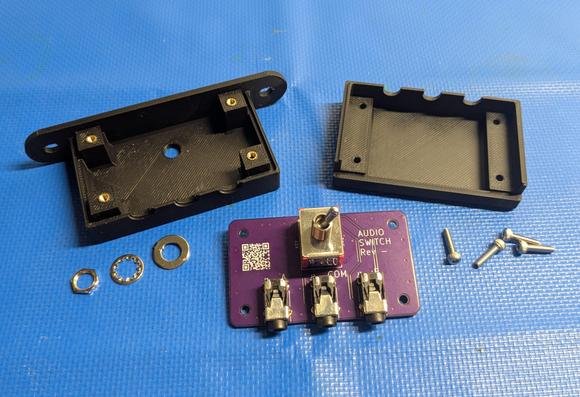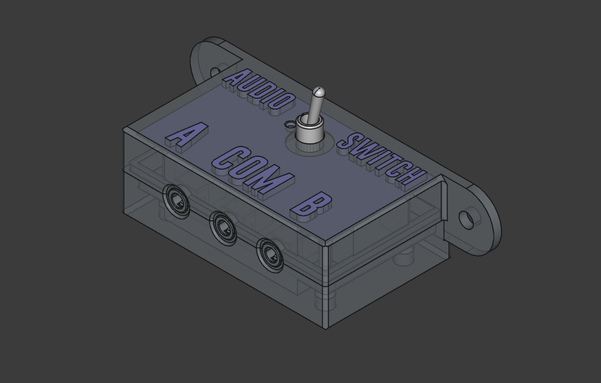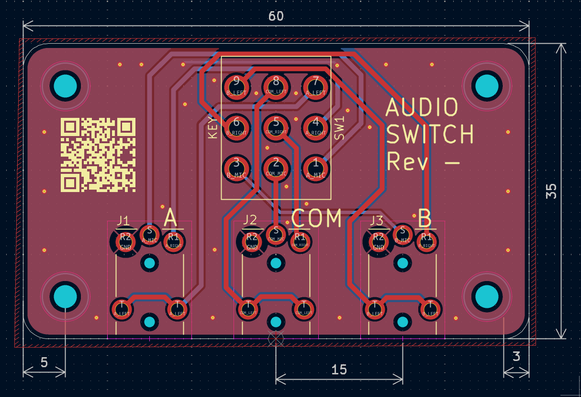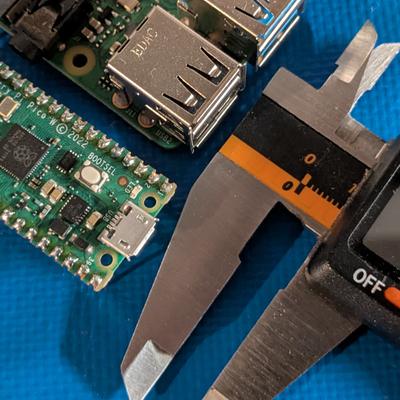
I got tired of fumbling around under my desk to switch my audio connection between a headset and a speaker bar so I created a simple 3.5mm TRRS audio switch with KiCad and FreeCAD.

If you would like to make one for yourself, I put the design files on GitHub (https://github.com/seaallen75/audio_switch_TRRS). I also put the case on MakerWorld for those with a Bambu 3D printer (https://makerworld.com/en/models/1996048-audio-switch-3-5mm-trrs#profileId-2148621).

#freecadfriday #FreeCAD #KiCad #DIY #maker #audio #3Dprinting #electronics #PCB
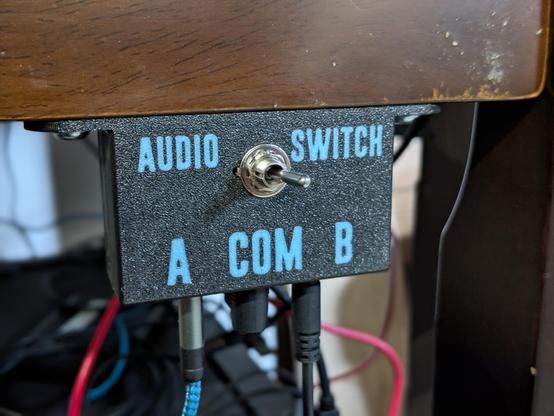
@SEA_Allen very cool and thanks for sharing! Those little goggles are so satisfying

Lol I meant toggles

@SEA_Allen Looks very nice! Where did you order the PCB (my bets are on OSH Park)? Did you use KiCadStepUp too?
https://www.kicad.org/external-tools/stepup/
KiCad StepUp

KiCad StepUp is a FreeCAD Workbench aimed at helping both KiCad and FreeCAD users in collaborating with electrical (ECAD) and mechanical (MCAD) design. Main features: Load kicad board and parts in FreeCAD and export it to STEP (or IGES) models Load kicad_mod footprint in FreeCAD to easy and precisely align the mechanical model to kicad footprint Pull a pcb edge from a kicad_pcb board, edit it in FreeCAD Sketcher and push it back to kicad

@M4x I did not. I had not heard of that tool before. I may have to try it. I typically design the PCB first and export the .step model of the circuit card assembly from KiCad. Then I import it into FreeCAD and design the case around it.
@SEA_Allen Please try it, I'm sure you're going to love it! The ability to use the Sketcher WB for the PCB shape and mounting holes and to be able to push these changes from FreeCAD to KiCad and vice versa alone is awesome!