
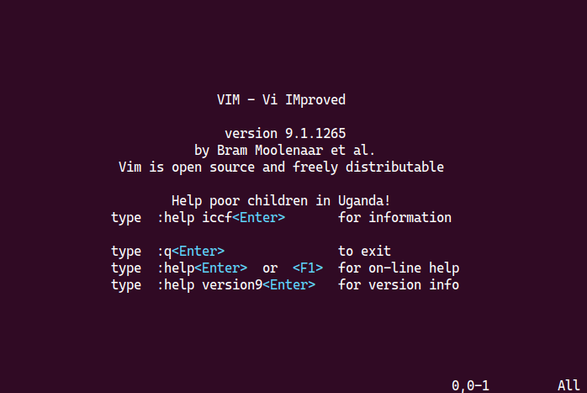
If you ever accidentally end up inside vi or vim or neovim by reading some tutorials online, you can quit it by pressing Escape, colon ( : ), q (q), bang (!) and pressing return. It is simple as that. Modern version of VIM even tells you that on welcome screen. No need to panic.
#UNIX #linux #macos #freebsd #vim

The only caveat here is that Vim won't show its welcome screen when you open an existing file or create a new one directly from the command line, like this:

sudo vim /etc/httpd/httpd.conf
vim new-file.txt

@nixCraft Vim has a welcome screen?!? 😳

@mff @nixCraft

@mff @nixCraft

'vim'

without any file name is all you need to type in your Bash to see the welcome screen of vim.
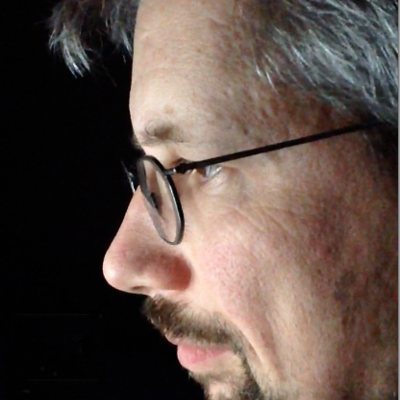
Bram Molenaar who created vim on the Commodore Amiga, even tells how you can support Children in Uganda, if you bother to read the help file in its initial headers. The information was updated, for as far as I know, until his departure of life.

I'm currently on mobile otherwise I would have put up in a screenshot

#vim #VimMasterRace #BramMolenaar #Amiga #C64 #bash #sh #zsh #ksh #csh #tsh #freeBSD  #100DaysOfCode #1000DaysOfCode #POSIX #Programming #Patch #RetroComputing #UNIX #History
