 Froyok
First of all, this is very framerate dependent when using a fixed blend value.
Secondly, you need to weight the previous a lot to make the flicker not visible/disturbing, favoring a lot of ghosting.
Right now it's a stupid blend, so I wonder if re-projection would help a lot now. 🤔
Previous frame reprojection seems to be doing the trick !
(Combined with color clamping to hide disocclusion.)
Here is a comparison with off (blend at 1) and on (blend at 0.1). Flickering is almost gone and no ghosting seems to be visible.
It's basically TAA but on a blurry and half-resolution buffer.
So preserving details doesn't really matter. I don't even bother with jittering.
Transparency/emissive surface not writing into the depth buffer don't seem to suffer either. That's really cool because I was afraid of that !
This week I continued with my fog stuff and added local volumes of analytical fog.
It's going to be quite useful to make moody effects in scenes.
So far I got Sphere and Box shape working, but I'm thinking about doing cones (for spotlights) and maybe cylinders (for dirty liquids container or holograms).
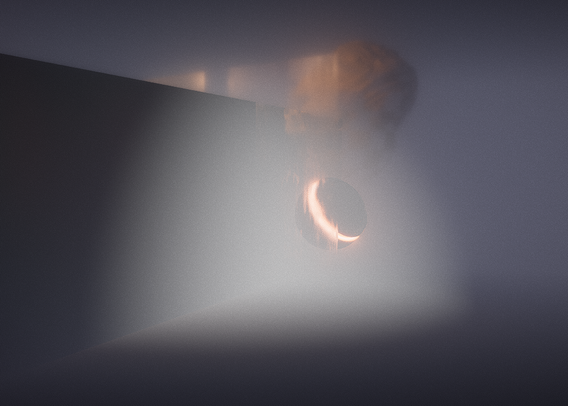
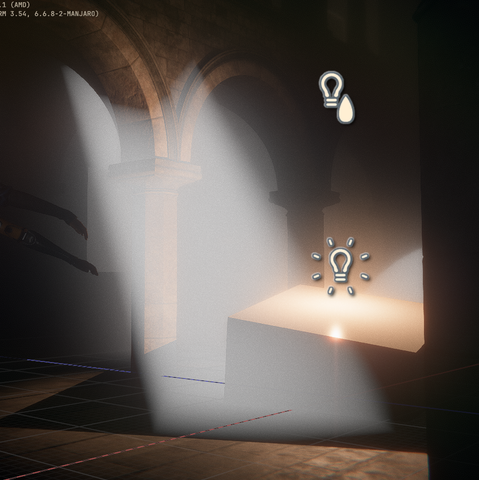
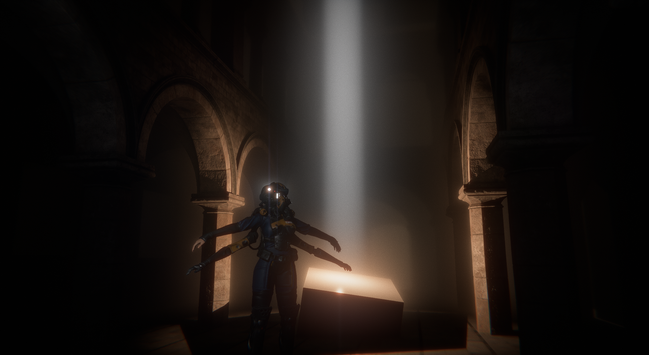
Combined with the screen space fog blur it can give some really neat results:
The past few days I have been looking into optimizing the bloom downsamples, see if I could merge down into one texture and do it in one pass.
Writing compute shader is hard, I made some progress but I haven't reached my goal yet.
I'm shelving the idea for now and will go back to it at some point.
Instead I decided to finally look into rendering cubemaps.
Currently I'm not writing any code much, I'm trying to evaluate all my needs to properly build the architecture.
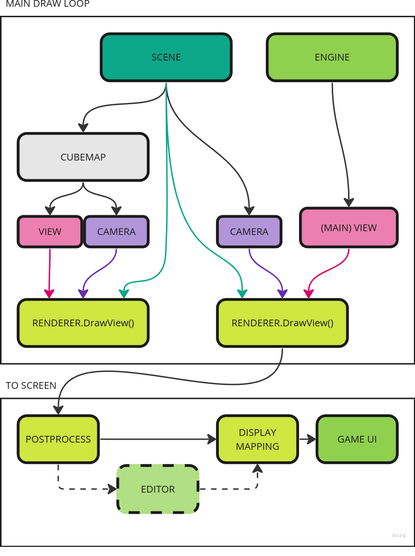
So far I only renderer a single point of view: the main camera. Cubemap introduce additional ones, and later I will have Portals too. So there are some rework needed in how I manage my rendering loop.
Quite a few days later and the refactoring is almost done. The engine is rendering again and this time in a more contained way, so I should be able to render cubemaps soon ! :D
I even made a neat image of my engine layout now:
With the post-process chain now working again, I thought I could try to add a depth of fieldpass as well, re-using some of the recent bokeh shader I used for my lens-flares.
It didn't go as planned, but it made some nice colors at least ! :D
I was able to get this far... using a separable filter (with Brisebois2011 method).
However I can't seem to find a good way to avoid foreground pixels to bleed into the background even when only computing the background blur.
So I decided to switch towards another method instead. That's really too bad because I really liked the simplicity of it.
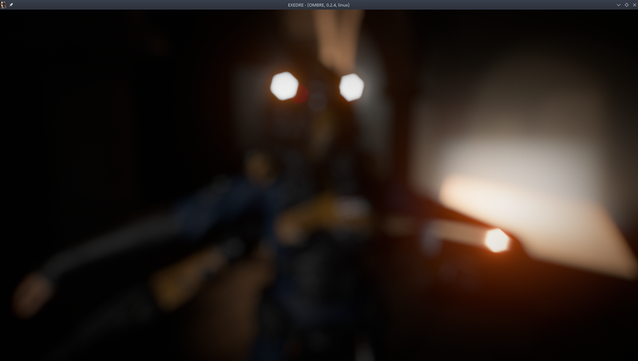
Here is an example of the bleeding. I used pre-multiplied CoC but it's not enough and any kind of pixel rejection breaks the separable nature of the blur.
Here the bright lights are visible behind the limit of the character silhouette, showing the bleed into the foreground.
I'm currently looking at the Scatter & Gather approach, but I wonder if anybody tried an hybrid method. Like using S&G for small bokeh and sprites for large bokeh ? Or maybe using S&G for far DOF and sprites for near DOF ?
I wonder at which points sprites could help performance, but because large ones cause overdraw. 🤔
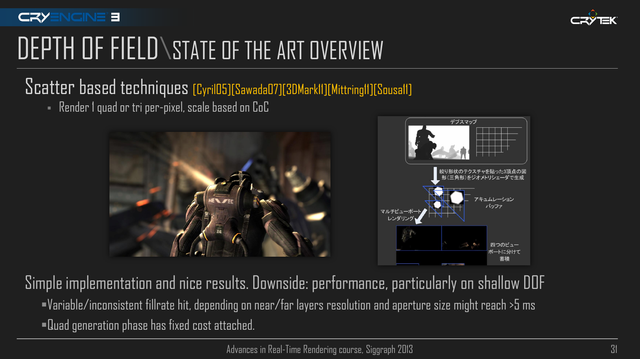
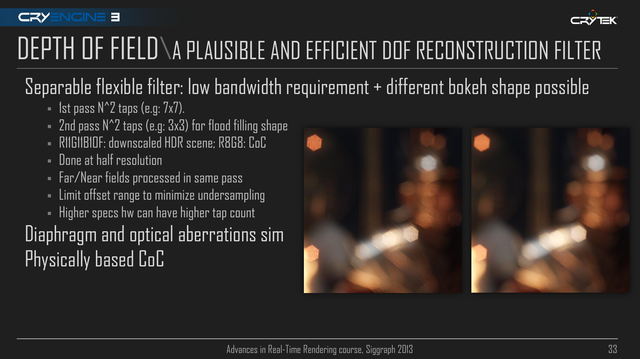
Progress !
Got Crytek kernel computation working, very fun to tweak on the fly ! (Generated CPU side then sent to the shader as a buffer of sampling positions.)
Focus range isn't yet working, that's the nest step.
My hexagonal bokeh works well and is relatively cheap. I even got some nice additional effects like chromatic aberration on the bokeh itself.
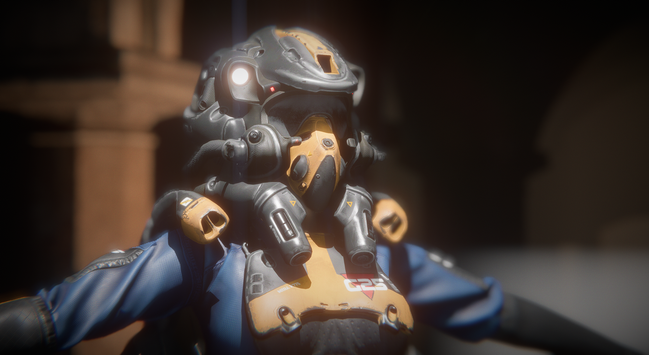
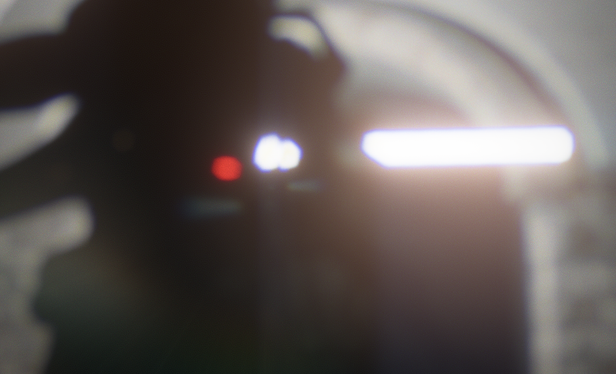
I have already something working, but it's not perfect yet:
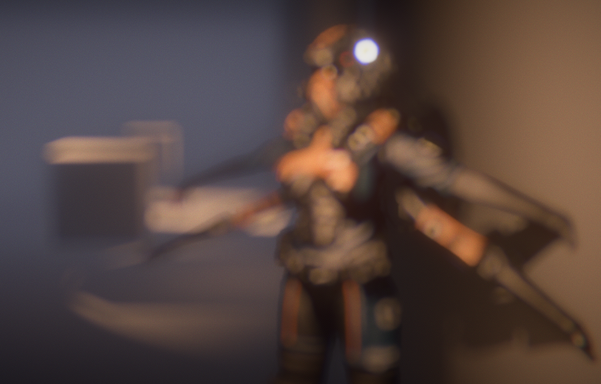
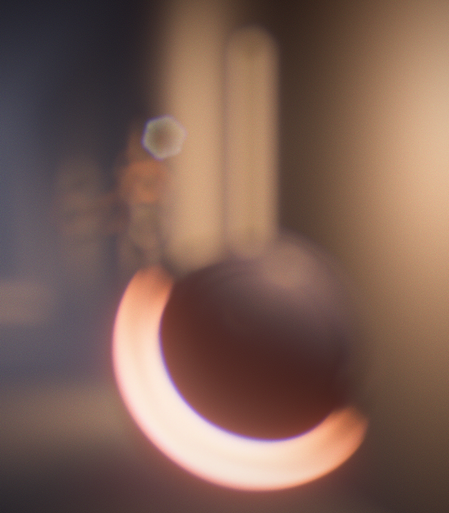
First results are quite funny, but not really useful. 😅
(I currently rethinking how I should distributes the sample to fill the shape.)
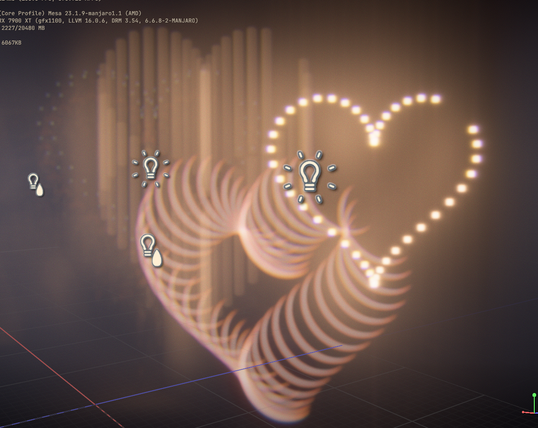
I didn't make a lot of progress the pas few days, thx to Helldivers 2.
I managed to try out some optimization tricks this week however to improve my shadow volumes. One worked, the other didn't.
I tried to use a custom projection matrix with different clip planes to constrain the rendering to the light volume.
I even went with masking the depth buffer by the light radius to help discarding triangles/fragments via the depth test.
It didn't improve performance, it even made things slower on my old laptop. 😩
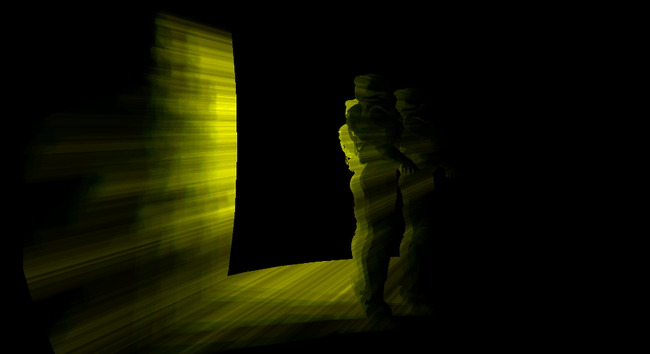
Like when I used the depth bounds extension at the time, this tricks had almost no impact and I presume the extra cost was coming from the depth buffer copy stuff.
So this is making me think that performance improvement will only come with smarter geometry setup.
I think I need to look in ways to subdivide the geometry but in a less taking way during the compute pass.
The optimization that actually worked meanwhile was the fact I was launching threads during my compute dispatch just to discard them afterward in the shader code.
Now instead I launch exactly the number I need and compute a better index for processing my geometry.
So just helping the GPU schedule things better gave me 0.04ms saving on around 140K meshes (went from 0.1ms to 0.065ms). That's on my beefy GPU, I presume on my old laptop this will be even better.
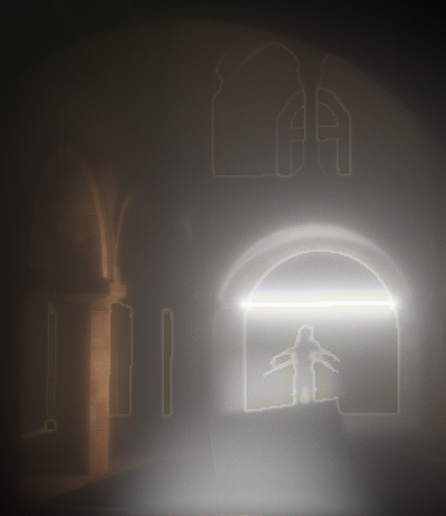
Ha, figured out the issue ! I was actually expanding the alpha radius during my fill pass, which created those gaps.
So it's mostly working okay now, trying to adjust how I tweak the focus range to make it easier to play with (I like the idea of a start/stop positions).
"Ho yeah, I will just use cmgen from Filament to prefilter my cubemap for Radiance"
This was me two days ago.
But cmgen only output either a single ktx file or all the individual mips of a cubemap as separate files.
So now the fun part is figuring out how to stitch everything together to get a working dds file.
The even funnier part: my framework cannot load dds cubemap file, only individual faces.
This means I need a tool allows me to write a dds with custom mips, so that I produce one file per face, with support for hdr files as input.
I found none. So I'm considering building something myself via my framework, but the best format I can see myself using is RG11B10.
Ideally I should use BC6h, but for that I need an encoder that allows custom mip and HDR files as input.
I have been banging my head quite a bit the past two days.
I know I'm in corner case, but I'm once again astonished at the lack of good tooling out there for writing in this kind of format.
I would really like avoid writing my own DDS encoder, because I feel it's one of those rabbit holes it will be difficult to get out of. But it's starting to feel like I won't have a lot of options.
Not the prettiest but it does the job for now. I don't have to deal with RGBM at least.
No that I only take care of radiance here. There is no IBL irradiance. I will see if I do something for it or not via cubemaps.
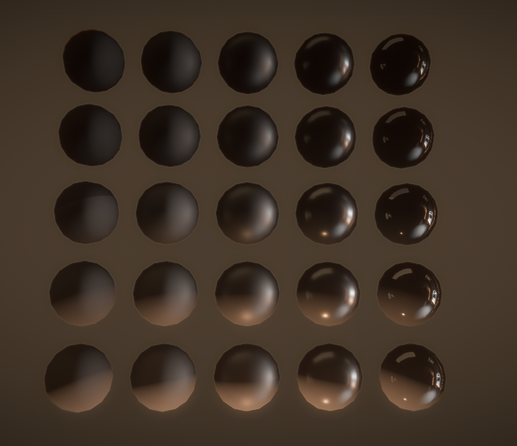
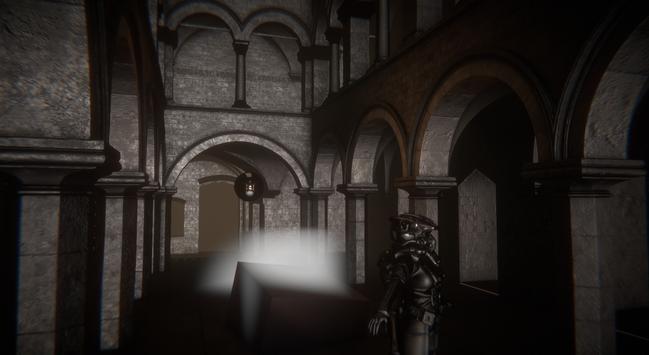
I need to rethink how I manage my lights (once again) because right now the light casting shadows are rendered as additive light, which means the IBL contributions is applied several times.
Until now I didn't have a notion of "ambient" lighting.
Working on my cubemap generation pipeline I was still puzzled on why the IBL would be so strong compared to the actual lights.
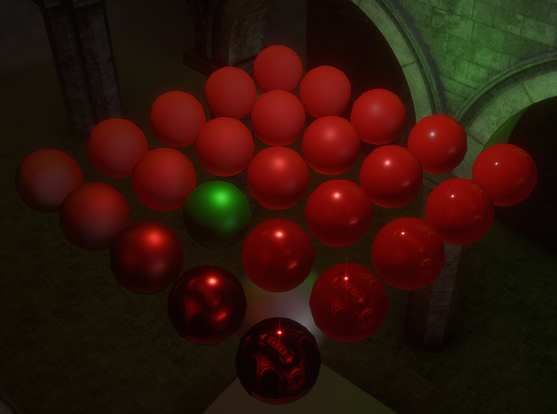
I decided to verify that my PBR wasn't broken by using red PBR balls this time and well...
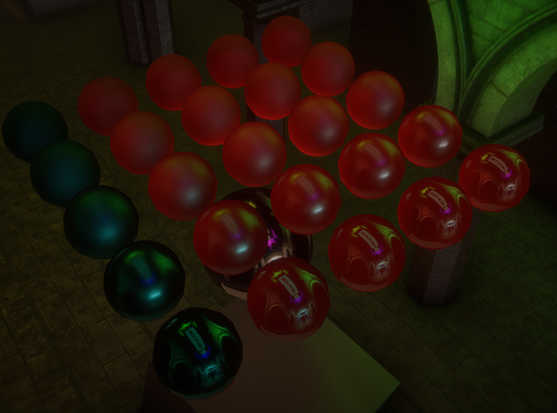
Took me a day to figure out what was happening.
After checking my code a few times I isolated it out on being related to the DFG LUT.
Inverting its value (one minus) was somehow fixing the shading and brightness issue. This was very confusing.
Then I extracted the LUT from Filament and compared it from Learn OpenGL and mine.
Here is what they look like in Designer:
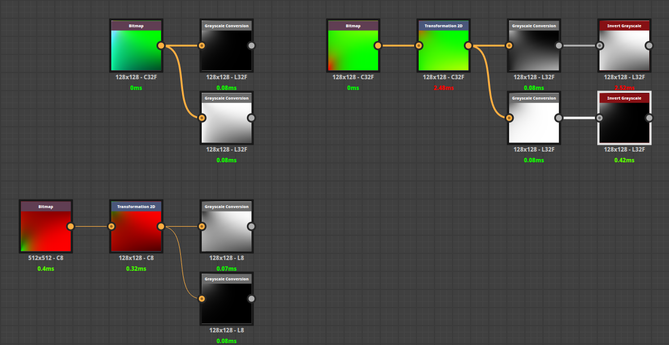
Notice what's wrong ?
Filament LUT use swapped Red and Green channels in its LUT.
My initial one minus trick was just a lucky fix. I'm glad I took the time to figure out what was happening.
In their doc, Filament doesn't mention that swap: https://google.github.io/filament/Filament.md.html#table_texturedfg
Anyway, once I figured this out, the fix was immediate and my shiny balls were now looking great:
 Romain Guy