Introducing Obscura 4

A camera app built for pros and designed for everyone.
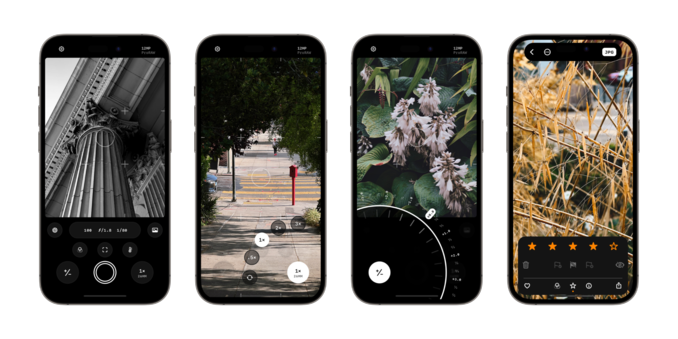
Obscura 4 has been redesigned and rebuilt to be faster, nicer, and easier to use than ever before.

Download it now: https://apps.apple.com/app/apple-store/id1579306989?pt=96658924&ct=Mastodon&mt=8
Obscura — Pro Camera App - App Store

Download Obscura — Pro Camera by Ben McCarthy on the App Store. See screenshots, ratings and reviews, user tips, and more apps like Obscura — Pro Camera.

App Store
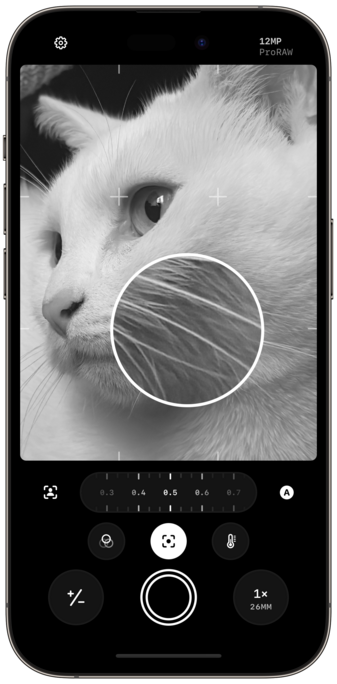
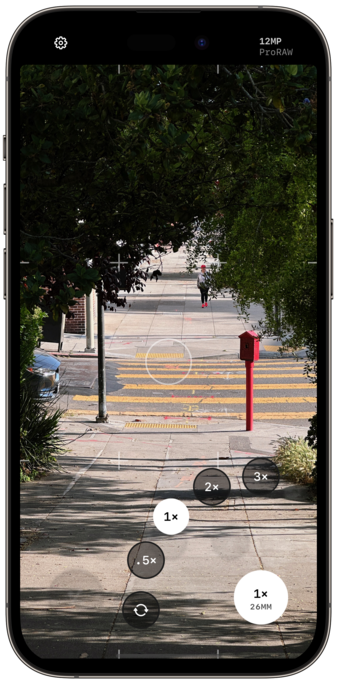
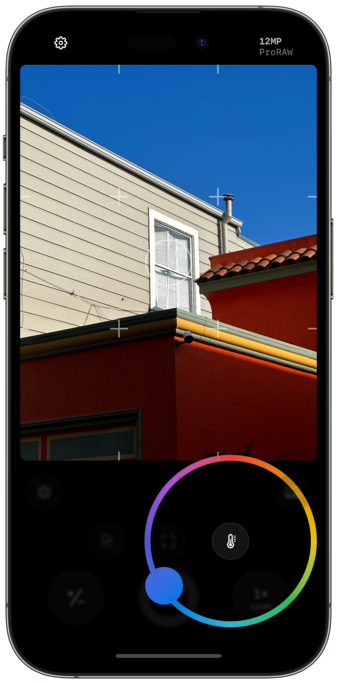
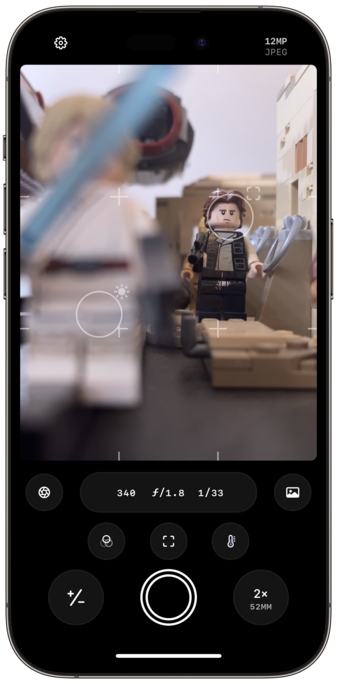
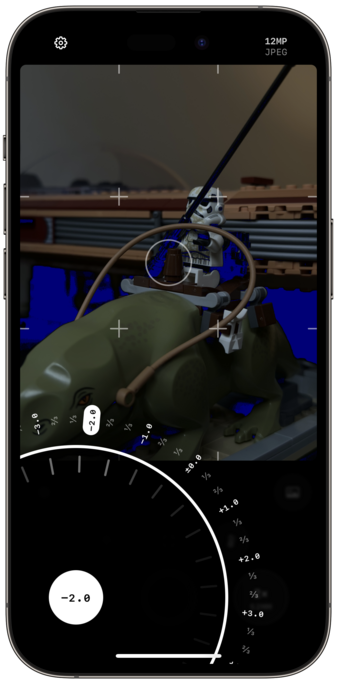
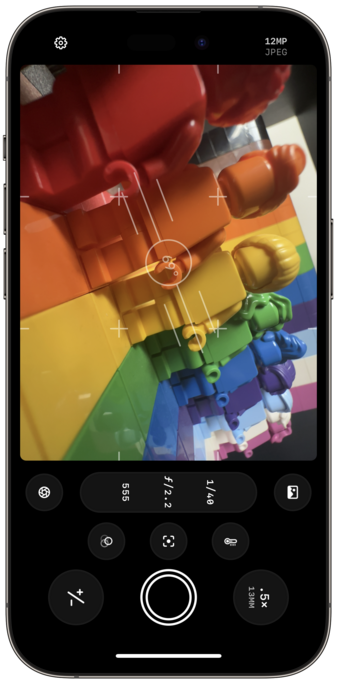
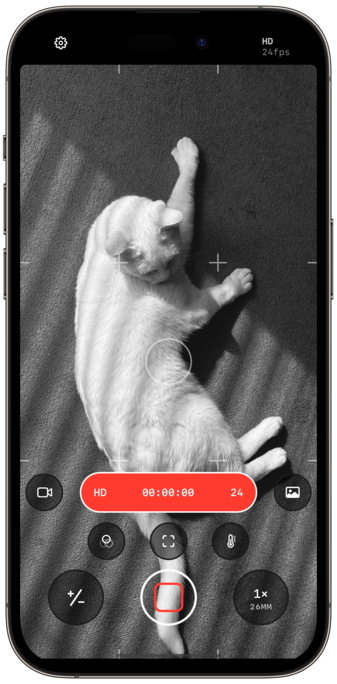
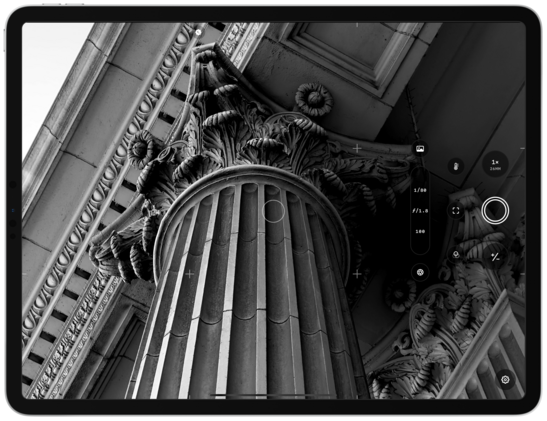
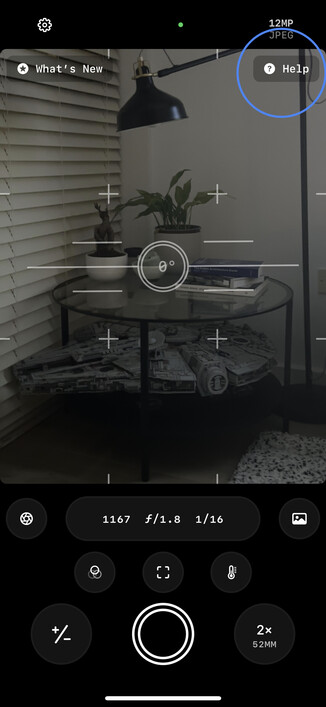
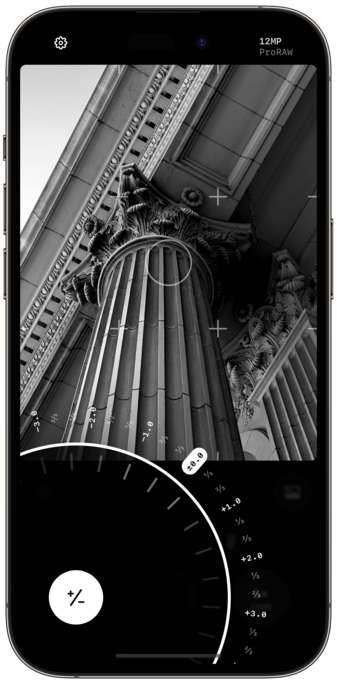
A lot of work went into refining each of the camera controls. And as gorgeous as they look, haptics make them feel even better in the hand.
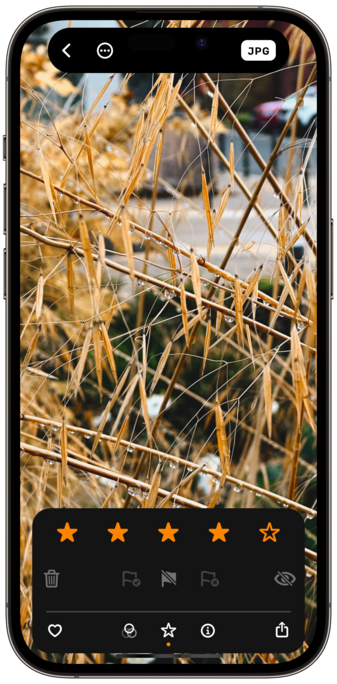
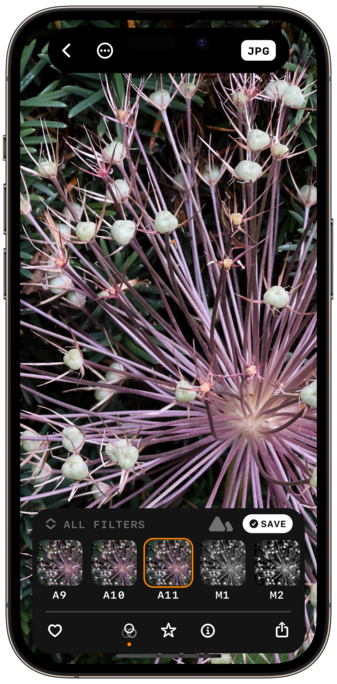
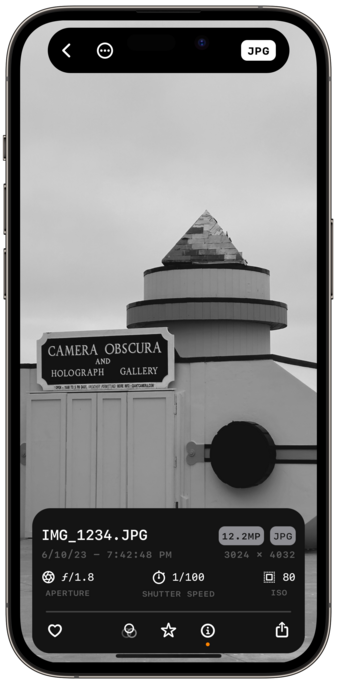
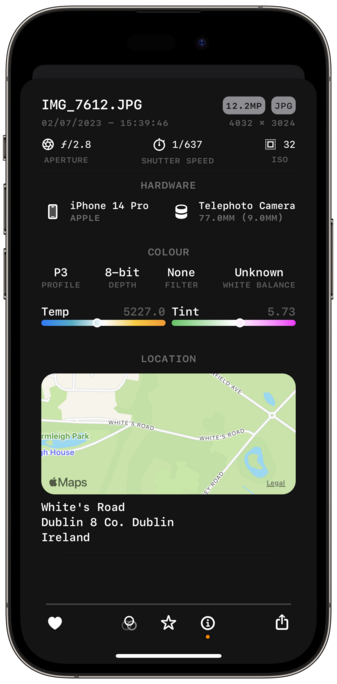
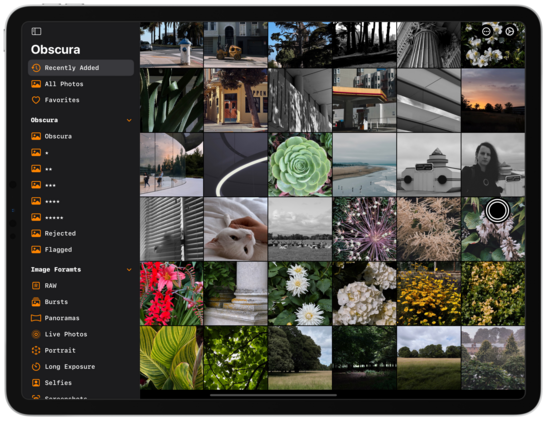
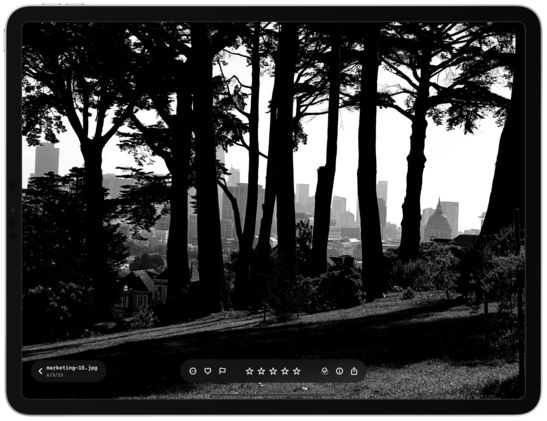
Obscura’s Photo Library interface has also been completely overhauled, with a simplified grid, dedicated album picker, and redesigned image controls that elegantly expand to show more detail when needed.

There so many delightful little touches and features throughout the app, but here are a few of my favorites:

- dual reticules for focus and exposure
- exposure clipping indicators
- improved spirit level
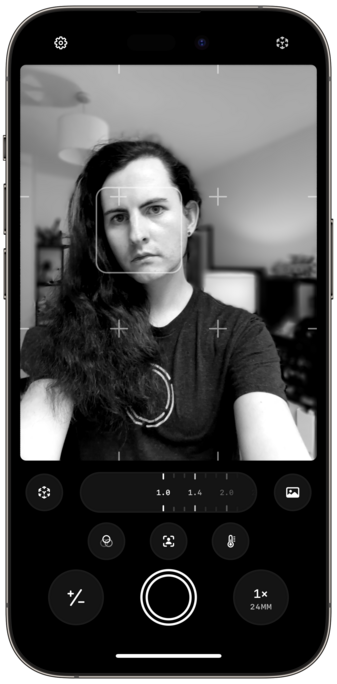
- bokeh control

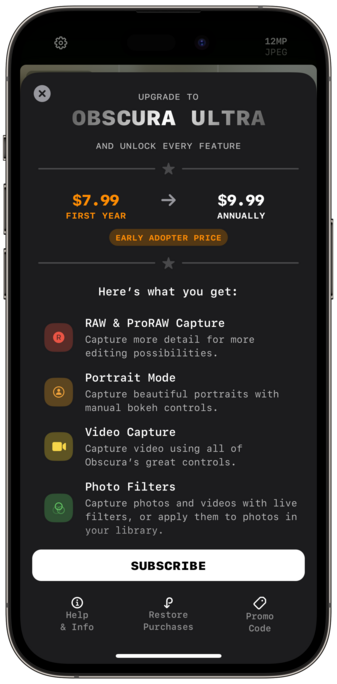
Obscura is no longer paid-up-front, and is now free to use, with a subscription for premium features, called Obscura Ultra.

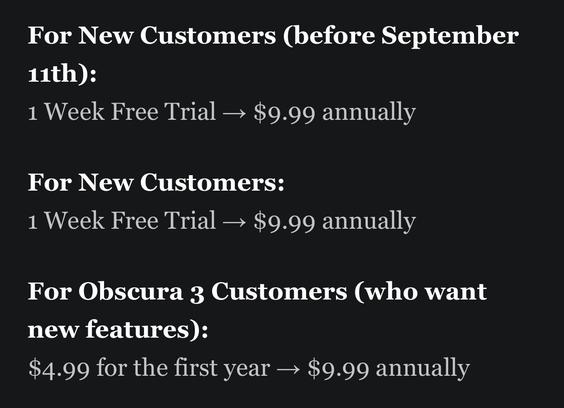
Ultra is $9.99 annually.
Early Adopters can get Ultra for $7.99 for the first year.
Obscura 3 users can get Ultra for $4.99 for the first year.

And Obscura 3 users will still have access to existing features without having to pay again. Naturally.

There are some more details on my site: https://www.benricemccarthy.com/obscura-4-announcement/

and a deeper dive into my favourite features here: https://www.benricemccarthy.com/obscura-4-highlights/

Obscura 4

Introducing Obscura 4, a premium camera app built for pros and designed for everyone. It’s been redesigned and rebuilt from the ground up to create a gorgeous, intuitive and delightful experience every time you take a photo. Obscura on the App Store Refined Design Obscura combines pro camera features

benricemccarthy
Obscura 4 Features A Refreshed Design, New Features, and A Different Business Model

Ben McCarthy’s career as a developer coincides almost exactly with mine as a writer. As a result, I’ve had the pleasure of watching Obscura evolve from little more than an idea to one of the best camera apps on the App Store. As with so many apps, what sets Obscura apart from others is Ben’s

TechCrunch is part of the Yahoo family of brands

Also shout outs to @harshil who helped me with a million little SwiftUI problems throughout, and to @caseyliss for just being the best, and to @lexfri for doing some tremendous voice over for the videos

And to @sal9000 and Goose for putting up with me, of course

Working on Obscura has been a hell of an experience. Almost every part of the app you interact with is now SwiftUI, and I think I’ve achieved some incredible things with a UI framework that some people are still afraid to touch 😅

Perhaps the best example of this is the image control bar, I took a standard system card, and using a little magic made it float above your photos, and it animates beautifully into a full size card when viewing metadata

Oh and did I mention it all runs on iPad now too

If you found that whole announcement as exhilarating and overwhelming as I did, here are some actionable next steps:

- download Obscura 4 (it’s free now, you have no excuse not to)
- take some photos
- play with the exposure dial
- admit that the haptics alone are worth like $30
- subscribe to Obscura Ultra
- leave a rating / review on the app store
- tell me I did a good job and deserve to rest now
- tell a friend about this cool new camera app you’ve recently become obsessed with

@BenRiceM Just downloaded and haven’t managed to dig into the features yet can I just say that the UI is a delight to use. Lovely touches and usage of the dynamic island. Plus the haptics are 🔥
@BenRiceM woa, that's a lot of work at this time of day
@BenRiceM you did a good job and deserve to rest now

@BenRiceM Sounds like a great app but…

“Free to Download with an annual subscription for premium features”

Is there a list or a page describing what the premium features actually are? I looked on the app page and the site but couldn’t see anything…

Congratulations on the app!

@BenRiceM so slick! Congrats on shipping 🔥
@BenRiceM OMG! Is the exposure UI in SwiftUI?! If so, what devilry is this? App looks great!

@tomcartwrightuk yeah all the camera controls are!

Basically just the foundations of the view hierarchy are UIKit, so I can control view orientation, and the photo grid and image viewer, which are hard to replicate in SwiftUI.

@BenRiceM seems more than fair, congrats on getting it all together
@BenRiceM Just to confirm, it seems Obscura 3 users don’t get all the features we had before? Like video recording? Wasn’t that an existing feature?
@kvenden that’s all still included. Right now the only new features that require Ultra are exposure clipping indicators and dual reticules
@BenRiceM Cool, thanks for clarifying :) Congrats on the release!
@kvenden I’ll try make that clearer in app
@BenRiceM wow !! There are so many little details in each delightful animation.

@BenRiceM thank you for the app.

I think I found a small bug. The link to your „other app“ Aether from settings app does not open the Aether AppStore page. For me it links to Obscura 4 app :)

‎Aether: Poke Type Guide

‎Aether is a Type Calculator that helps you quickly check type effectiveness. Aether is clean, simple, and easy to use. There are just three dials, used to set the attacking type, and one or two defending types. Aether has no tracking or analytics, no upsells or subscriptions. You just pay once to…

App Store

@BenRiceM

And on your webpage the price for „early adopter“ is wrong.

As I understood the price is 8,99€ for the Frist year.

https://www.benricemccarthy.com/obscura-4-announcement/

Obscura 4

Introducing Obscura 4, a premium camera app built for pros and designed for everyone. It’s been redesigned and rebuilt from the ground up to create a gorgeous, intuitive and delightful experience every time you take a photo. Obscura on the App Store Refined Design Obscura combines pro camera features

benricemccarthy

@bkrnk fixed, thank you!

I had wanted to offer both free trial and intro discount, but I realised last minute that the App Store only supports one or the other

@BenRiceM you are welcome. I will consider to subscribe. But atm I am struggle a bit.

Wish you a good night - (at least here in Germany it is short before midnight 🌚)

@BenRiceM

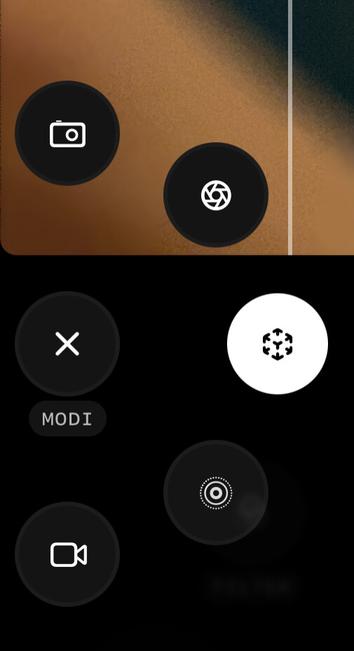
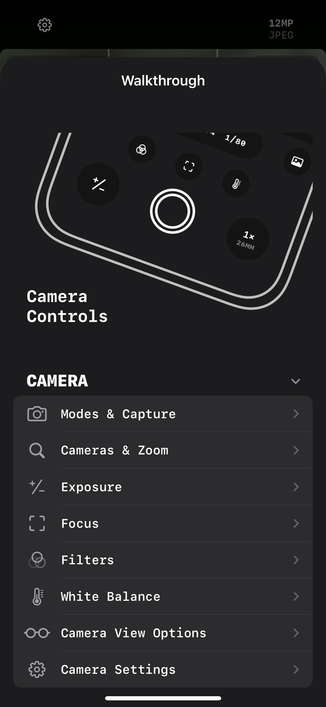
One question. I don’t understand the difference between the MODI. Could you explain the icons to me?

Wish you a good release (:

@bkrnk have a look at the walkthrough, and if you have any questions I’ll answer in the morning 😴

@BenRiceM thank you. I missed the help section. :)

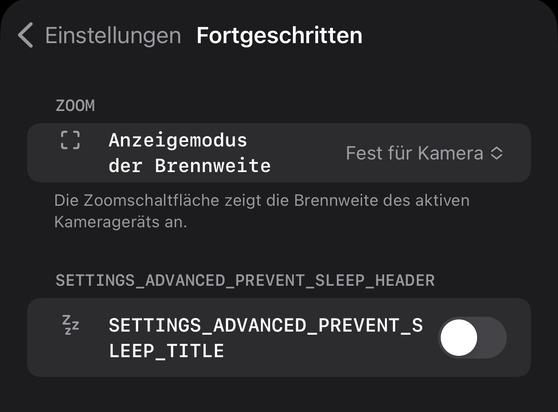
I Found a error in some string replacement.
Sleep well :)

@BenRiceM do you want that I write you „things“ I found here per mail or are you fine using Mastodon? :)
@BenRiceM The photo library interface is sincerely one of my favorite things about this app. It’s so handy!