Introducing Obscura 4

A camera app built for pros and designed for everyone.
Obscura 4 has been redesigned and rebuilt to be faster, nicer, and easier to use than ever before.

Download it now: https://apps.apple.com/app/apple-store/id1579306989?pt=96658924&ct=Mastodon&mt=8
Obscura — Pro Camera App - App Store

Download Obscura — Pro Camera by Ben McCarthy on the App Store. See screenshots, ratings and reviews, user tips, and more apps like Obscura — Pro Camera.

App Store
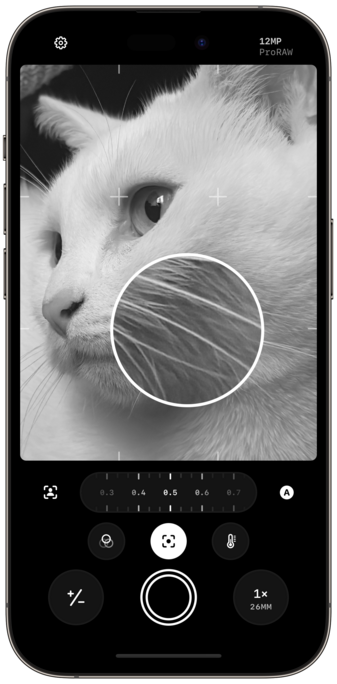
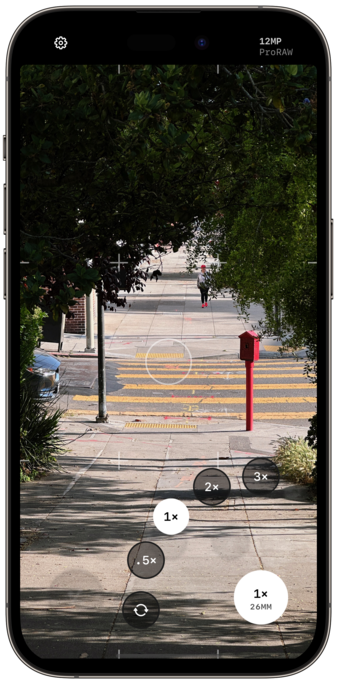
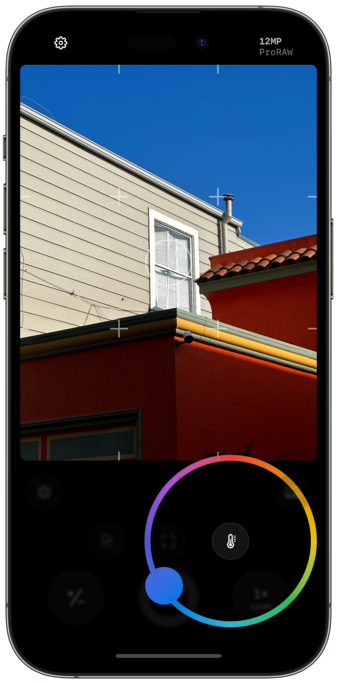
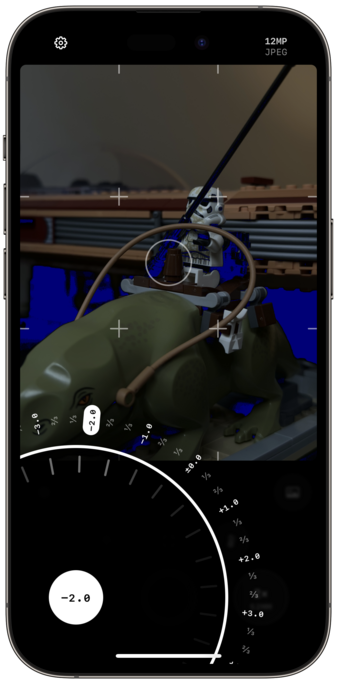
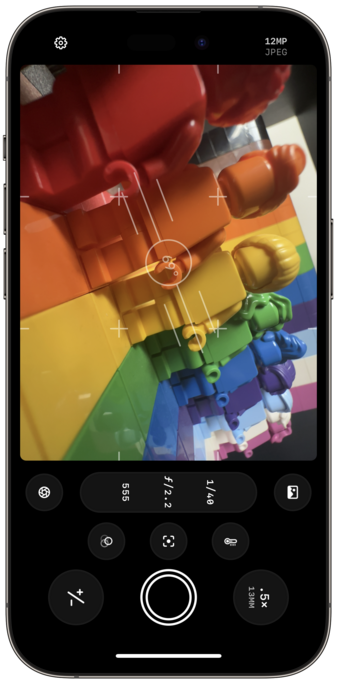
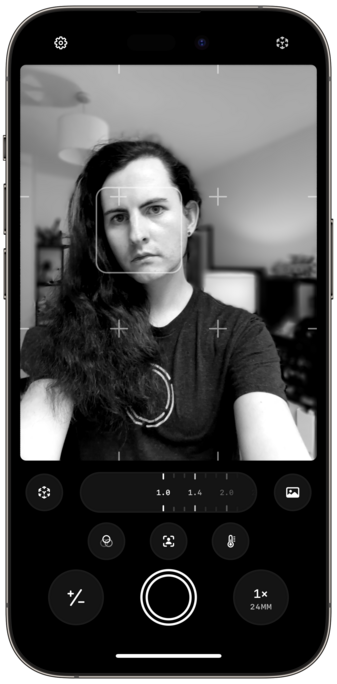
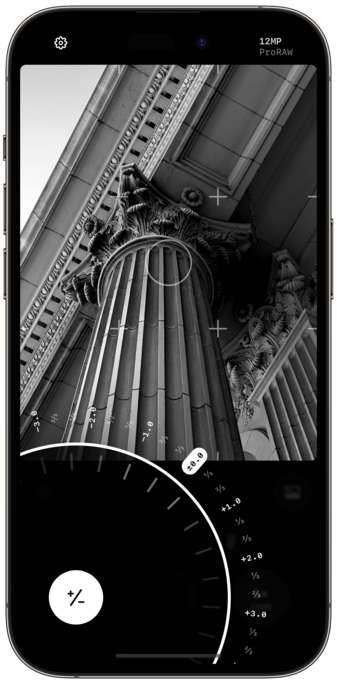
A lot of work went into refining each of the camera controls. And as gorgeous as they look, haptics make them feel even better in the hand.
Obscura’s Photo Library interface has also been completely overhauled, with a simplified grid, dedicated album picker, and redesigned image controls that elegantly expand to show more detail when needed.

There so many delightful little touches and features throughout the app, but here are a few of my favorites:

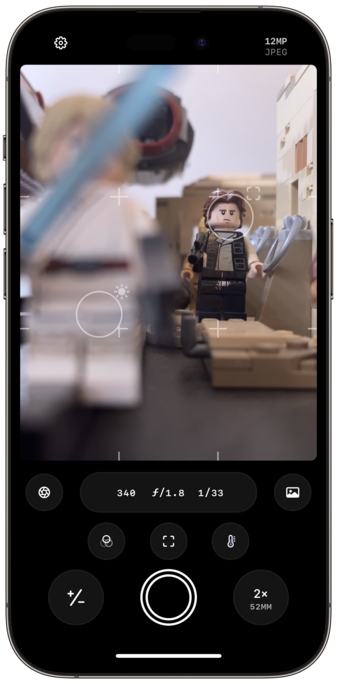
- dual reticules for focus and exposure
- exposure clipping indicators
- improved spirit level
- bokeh control

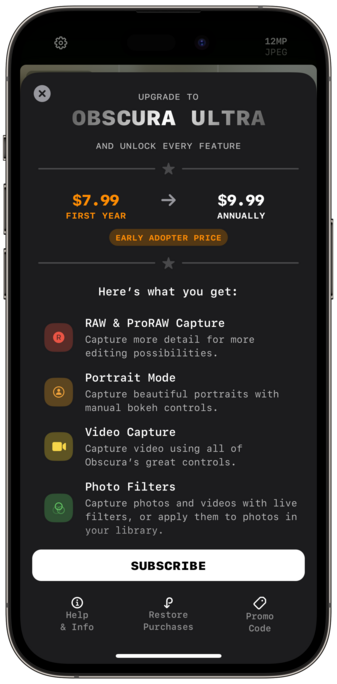
Obscura is no longer paid-up-front, and is now free to use, with a subscription for premium features, called Obscura Ultra.

Ultra is $9.99 annually.
Early Adopters can get Ultra for $7.99 for the first year.
Obscura 3 users can get Ultra for $4.99 for the first year.

And Obscura 3 users will still have access to existing features without having to pay again. Naturally.

@BenRiceM Just to confirm, it seems Obscura 3 users don’t get all the features we had before? Like video recording? Wasn’t that an existing feature?
@kvenden that’s all still included. Right now the only new features that require Ultra are exposure clipping indicators and dual reticules
@BenRiceM Cool, thanks for clarifying :) Congrats on the release!
@kvenden I’ll try make that clearer in app