Introducing Obscura 4

A camera app built for pros and designed for everyone.
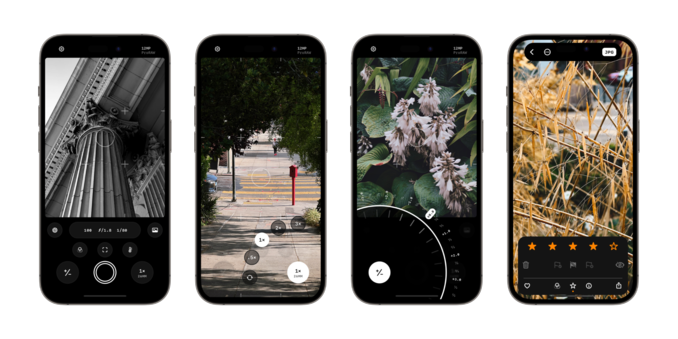
Obscura 4 has been redesigned and rebuilt to be faster, nicer, and easier to use than ever before.

Download it now: https://apps.apple.com/app/apple-store/id1579306989?pt=96658924&ct=Mastodon&mt=8
Obscura — Pro Camera App - App Store

Download Obscura — Pro Camera by Ben McCarthy on the App Store. See screenshots, ratings and reviews, user tips, and more apps like Obscura — Pro Camera.

App Store
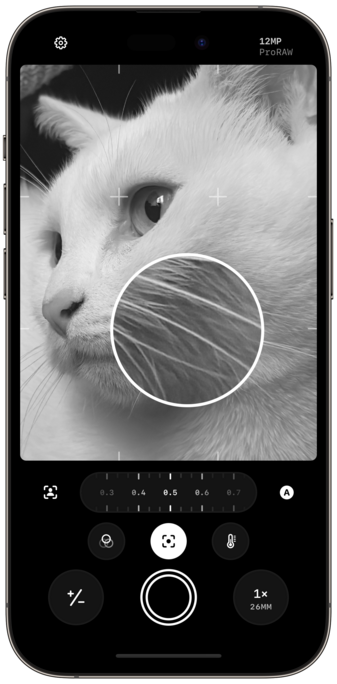
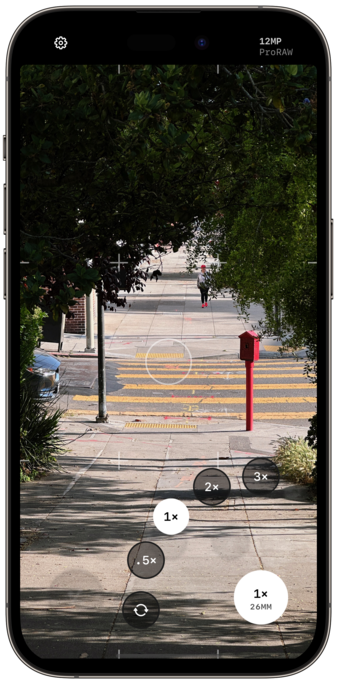
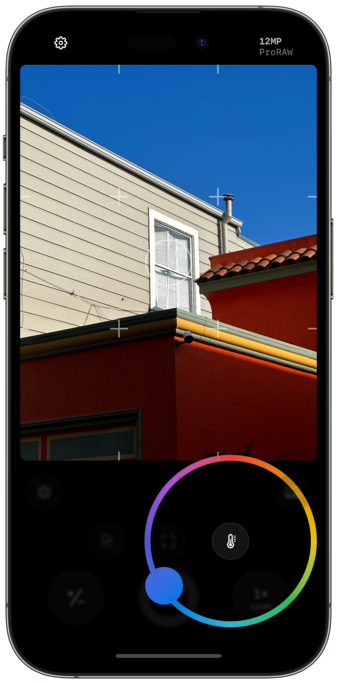
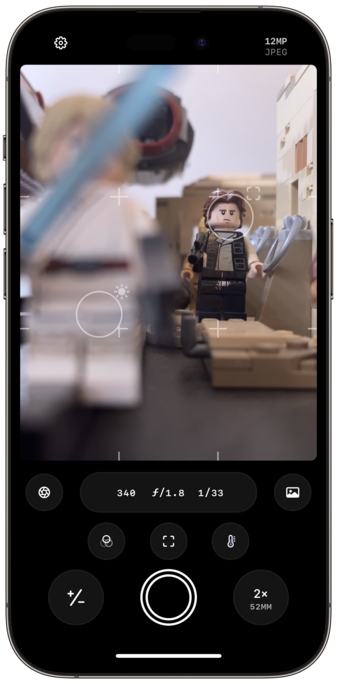
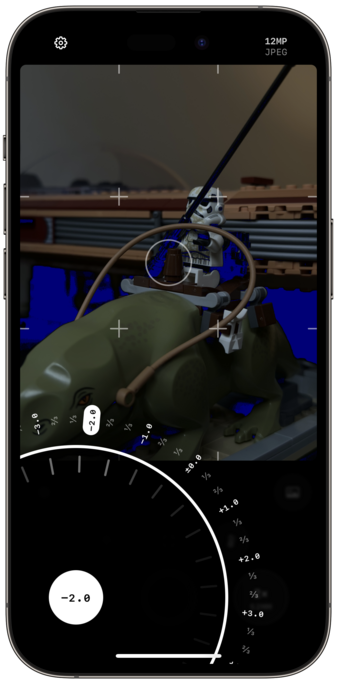
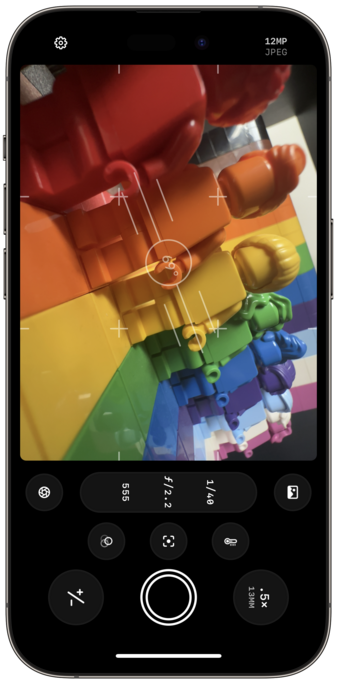
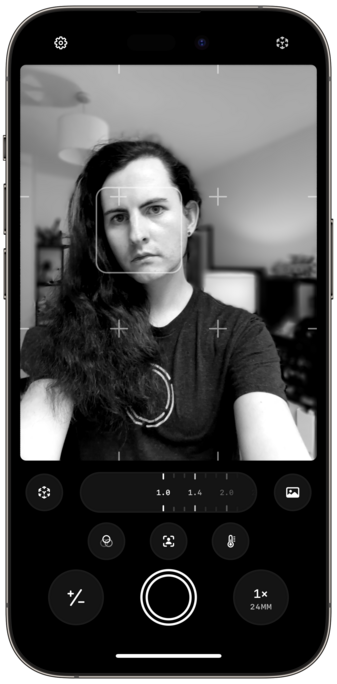
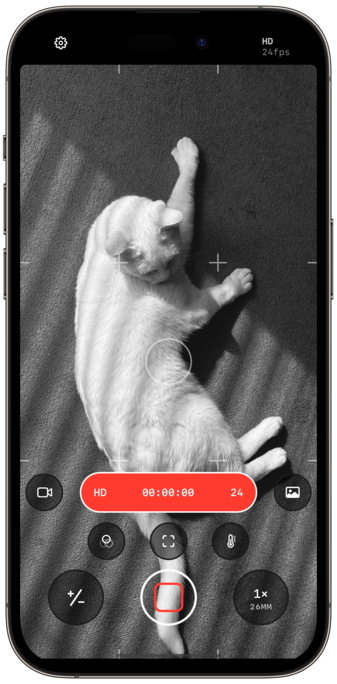
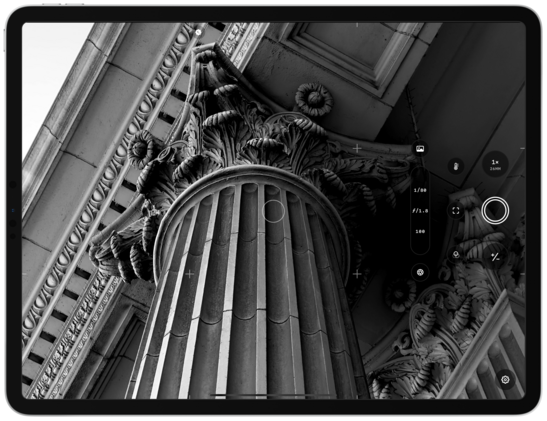
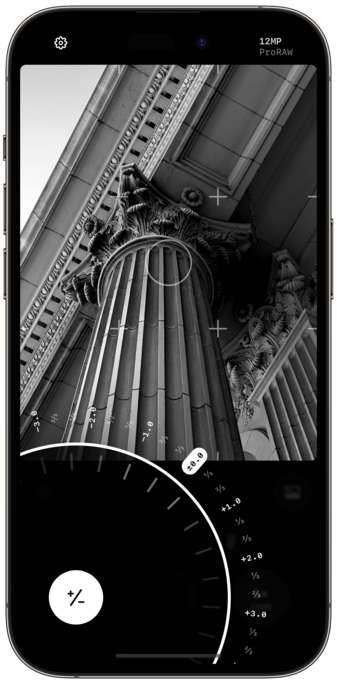
A lot of work went into refining each of the camera controls. And as gorgeous as they look, haptics make them feel even better in the hand.
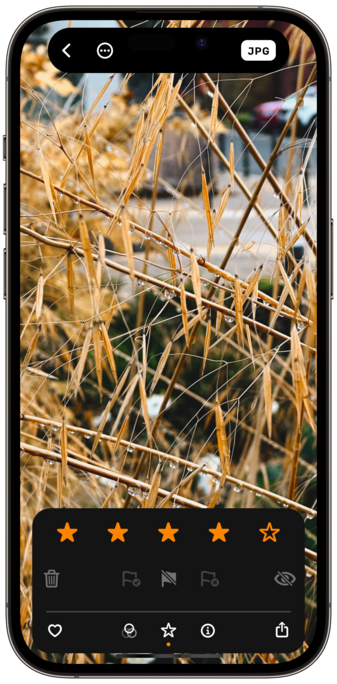
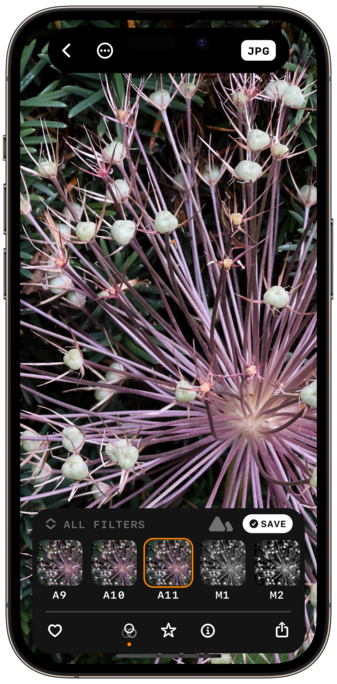
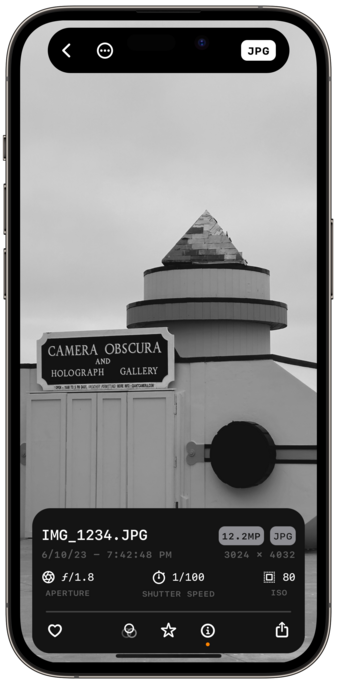
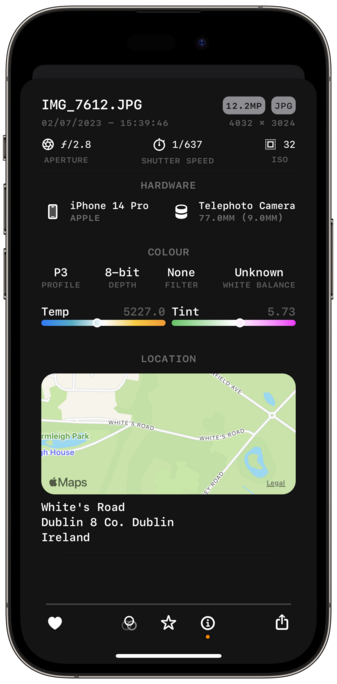
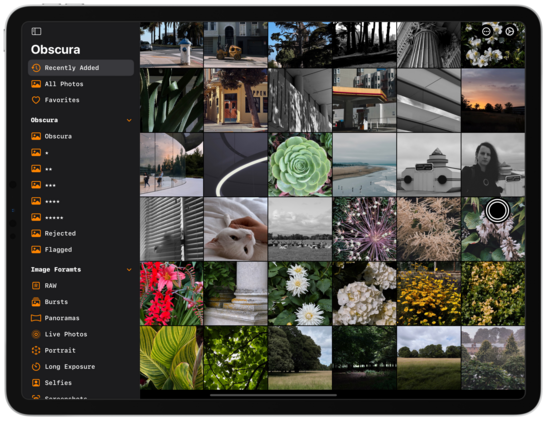
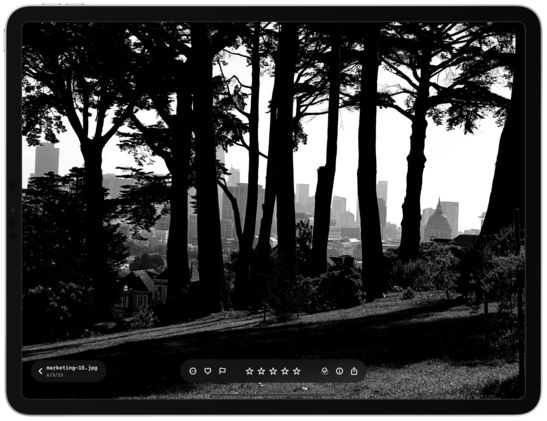
Obscura’s Photo Library interface has also been completely overhauled, with a simplified grid, dedicated album picker, and redesigned image controls that elegantly expand to show more detail when needed.

There so many delightful little touches and features throughout the app, but here are a few of my favorites:

- dual reticules for focus and exposure
- exposure clipping indicators
- improved spirit level
- bokeh control

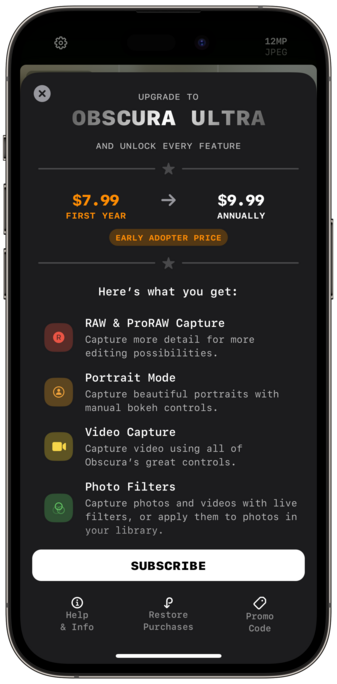
Obscura is no longer paid-up-front, and is now free to use, with a subscription for premium features, called Obscura Ultra.

Ultra is $9.99 annually.
Early Adopters can get Ultra for $7.99 for the first year.
Obscura 3 users can get Ultra for $4.99 for the first year.

And Obscura 3 users will still have access to existing features without having to pay again. Naturally.

There are some more details on my site: https://www.benricemccarthy.com/obscura-4-announcement/

and a deeper dive into my favourite features here: https://www.benricemccarthy.com/obscura-4-highlights/

Obscura 4

Introducing Obscura 4, a premium camera app built for pros and designed for everyone. It’s been redesigned and rebuilt from the ground up to create a gorgeous, intuitive and delightful experience every time you take a photo. Obscura on the App Store Refined Design Obscura combines pro camera features

benricemccarthy
Obscura 4 Features A Refreshed Design, New Features, and A Different Business Model

Ben McCarthy’s career as a developer coincides almost exactly with mine as a writer. As a result, I’ve had the pleasure of watching Obscura evolve from little more than an idea to one of the best camera apps on the App Store. As with so many apps, what sets Obscura apart from others is Ben’s

TechCrunch is part of the Yahoo family of brands

Also shout outs to @harshil who helped me with a million little SwiftUI problems throughout, and to @caseyliss for just being the best, and to @lexfri for doing some tremendous voice over for the videos

And to @sal9000 and Goose for putting up with me, of course

Working on Obscura has been a hell of an experience. Almost every part of the app you interact with is now SwiftUI, and I think I’ve achieved some incredible things with a UI framework that some people are still afraid to touch 😅

Perhaps the best example of this is the image control bar, I took a standard system card, and using a little magic made it float above your photos, and it animates beautifully into a full size card when viewing metadata

Oh and did I mention it all runs on iPad now too

If you found that whole announcement as exhilarating and overwhelming as I did, here are some actionable next steps:

- download Obscura 4 (it’s free now, you have no excuse not to)
- take some photos
- play with the exposure dial
- admit that the haptics alone are worth like $30
- subscribe to Obscura Ultra
- leave a rating / review on the app store
- tell me I did a good job and deserve to rest now
- tell a friend about this cool new camera app you’ve recently become obsessed with

@BenRiceM Just downloaded and haven’t managed to dig into the features yet can I just say that the UI is a delight to use. Lovely touches and usage of the dynamic island. Plus the haptics are 🔥