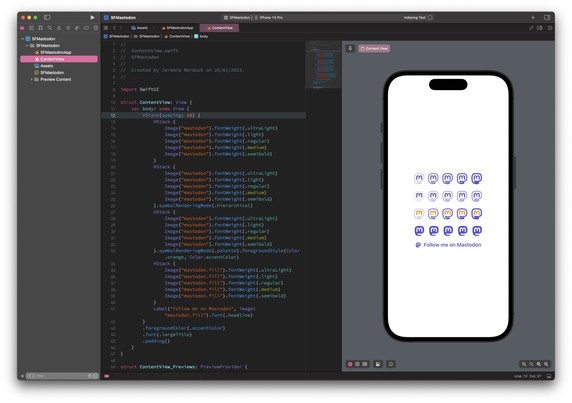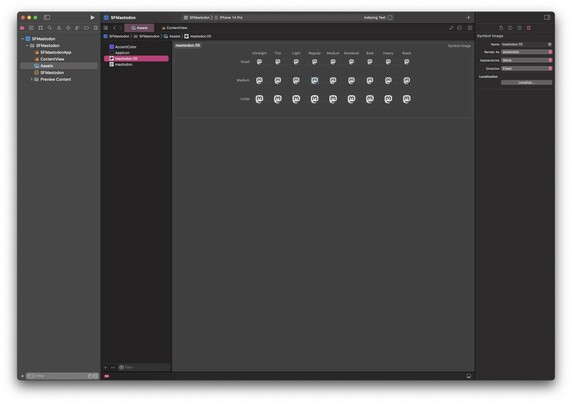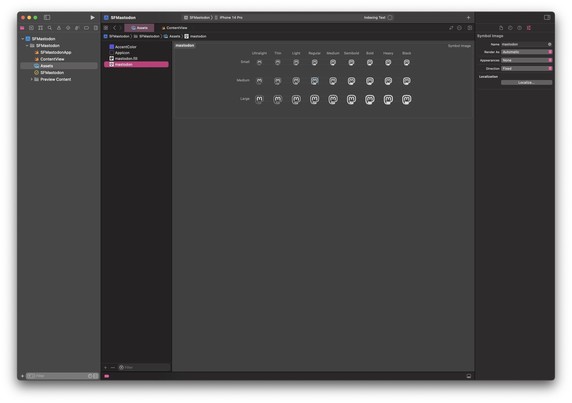
Currently porting the Mastodon logo as SF Symbol to be able to add it easily on my apps… The filled version is ready, currently doing the outlined one.

I will probably share the file on Github when it will be ready. ☺️
#mastodon #indiedev #indieapp #iosdev #sfsymbols #swiftui

Result is good enough I think… Just adjusted for supporting multicolors and hierarchical for the outlined version.
GitHub - jeremieb/social-symbols: Logos as SF Symbols

Logos as SF Symbols. Contribute to jeremieb/social-symbols development by creating an account on GitHub.

GitHub
@jeremie Thanks for sharing it, that can be quite useful
@jeremie @pilky whoa!!! I didn’t know you could add additional symbols! Thanks for sharing your work, and also spreading the knowledge!
@jeremie This is great! Now other iOS apps that want to add #Mastodon integration can easily use these assets. This should help with overall Mastodon adoption.
New addition this morning during the stream. ☺️
@jeremie wow that is very nice. Was actually looking for something like this for V2 of our website. Kudos.
@jeremie Let me know when you publish it and where. 👍
GitHub - jeremieb/social-symbols: Logos as SF Symbols

Logos as SF Symbols. Contribute to jeremieb/social-symbols development by creating an account on GitHub.

GitHub

@jeremie Looks great. Why are you creating all icon versions, not using variable template? Or you’re doing exactly that?

(I’m working on my SF Symbols too. And would like to find out “the correct way of doing it”)
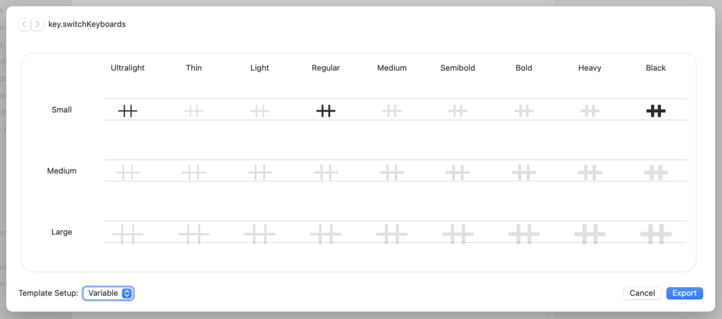
@bealex The filed version is the same for all, just the size is changing. For the outlined, I’m just adapting the border width from Ultra-light to Bold. Don’t know if there is a good or a bad way to work on this…
@jeremie I mean, are you using the “Variable Template”? It allows creating only 3 variants. Dealing with all 27 icons seems like lots of work. But maybe it is unavoidable in some cases?
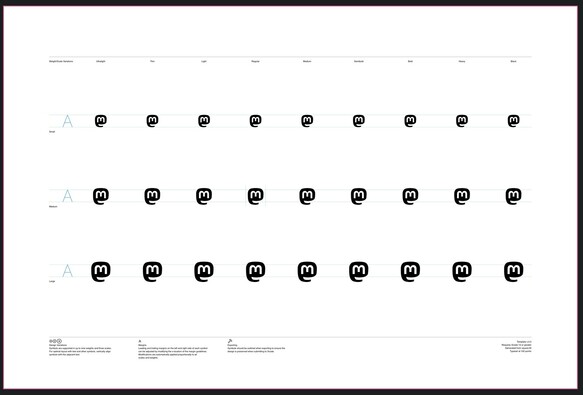
@bealex I have just exported a SF Symbol shape as template, then opened Sketch, then imported Mastodon’s logo. After yes, you need to do a lot of adjustments. Posting a screenshot in a minute…
@jeremie Oh I see. I’m doing the same thing with Figma, exporting as “Variable” (lower left corner on the screenshot)
@jeremie TIL it’s possible to add a Symbol Image Set in an assets catalog in Xcode.
Very cool, thanks !
@jeremie this is awesome, thanks for your hard work.
@jeremie Did you try the interpolated option, where you only define the Ultra-Light, Regular and Black small variants and iOS/Xcode interpolated the rest?
@brunoscheele just realized I didn’t reply to this. Borders on logos are tricky and I don’t trust Xcode for this. But I will give it a try for the next logo (probably the YouTube one).
@jeremie Should be relatively simple to spin up a PoC for this. If I have energy left this evening, I’ll give it a go.
@jeremie this is fantastic. Thank you!
@jeremie I didn’t even know you can make your own SF Symbols! This is fire!
@jeremie @mako one of the things I love about the Mastodon logo is it looks like a first bump from afar.