 Cheeseness
Second dev blog video with my lovely voice/silly face #gamedev #indiedev https://www.youtube.com/watch?v=rAiQff2-AJw

Bonesweeper Progress Update II
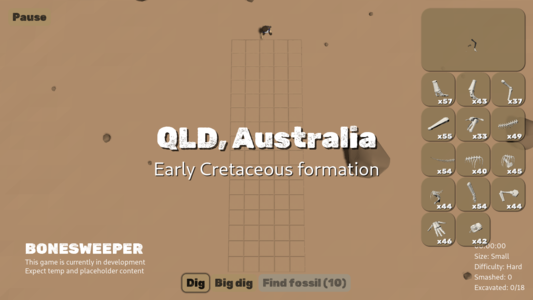
Dig sites now indicate what epoch the formations are from, and limits the possible species found there to ones that occurred during that epoch. With eight epochs and four test skeletons, the game now feels very empty :D
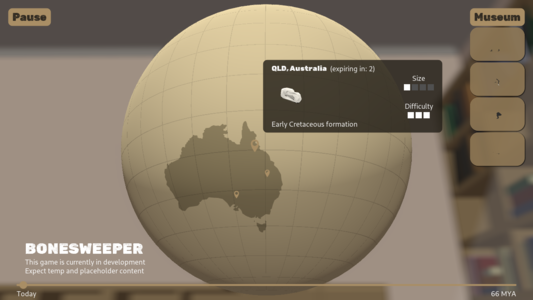
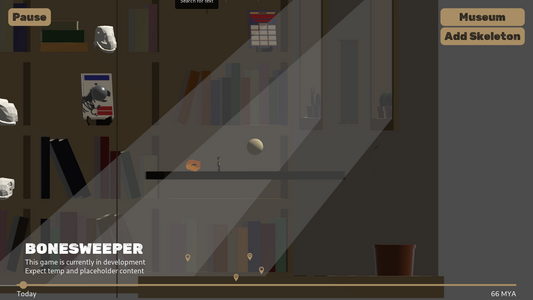
The map room's empty shelves and window sills now populates with skulls and cacti as you complete skeletons and finish digs. There aren't many models just yet (same for the book references), but it's probably the first bit of progression content that will stay into the full game.
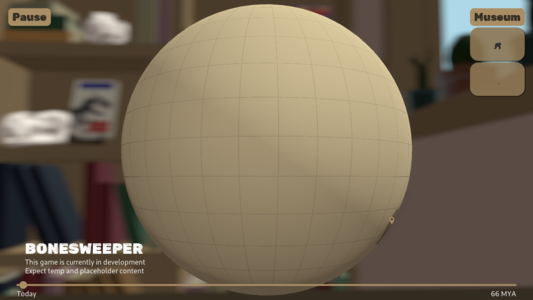
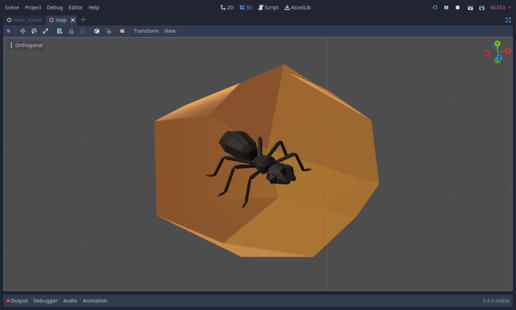
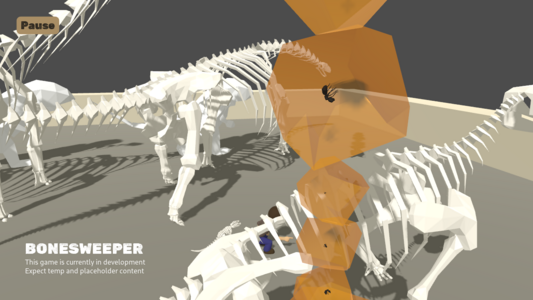
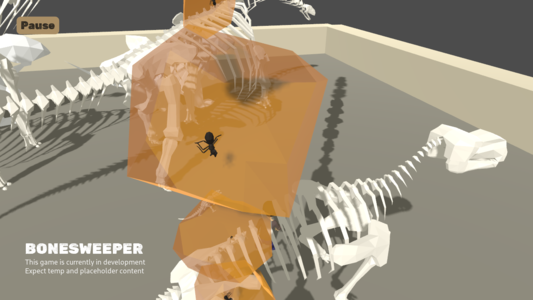
Made a piece of amber with an ant inclusion on stream today. Eventually these will show up as misc fossils in dig sites and during assembly. Need to write a shader so that I can have better control over how front faces are rendered vs back faces, but it's nice enough for now!
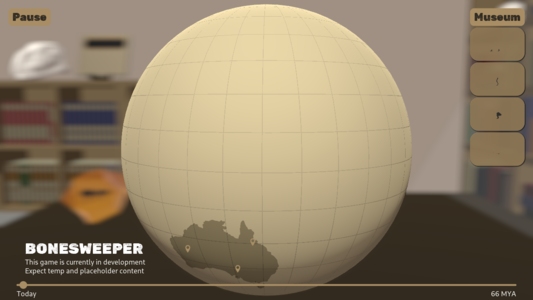
Working on generating a rad travel line. Started with ImmediateGeometry's line strip to get the position, etc. right, which looked good albeit 1px wide. Decided I could turn that into triangles and get width pretty easily, and whoops, that's not it :D
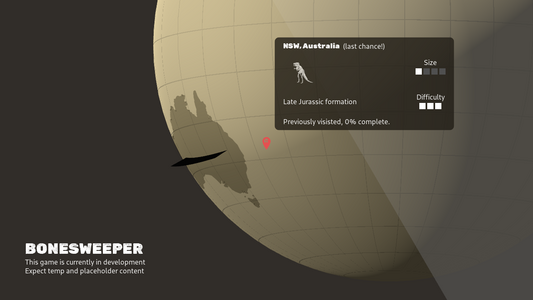
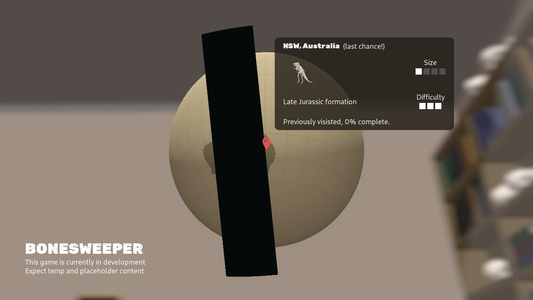
There we go \o/
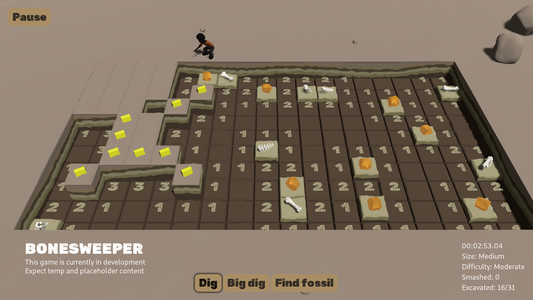
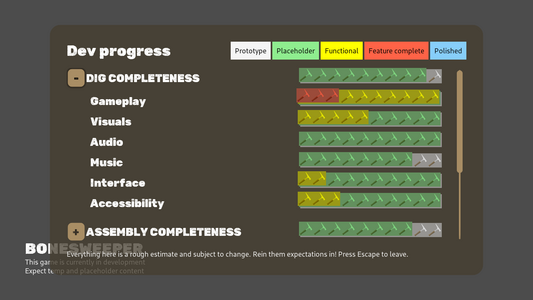
First pass on misc fossil sorting in assembly mode is in. Still only amber for now, but laying the mechanics down is the priority right now ^_^ #screenshotsaturday
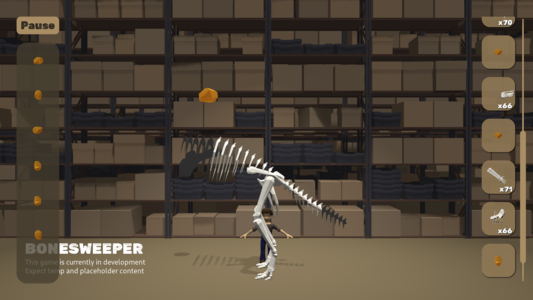
Misc fossils that have been sorted in the assembly phase now appear in the temp museum, and the temp ant-in-amber now has a bunch of different poses.
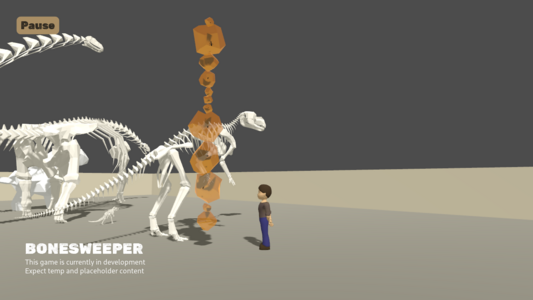
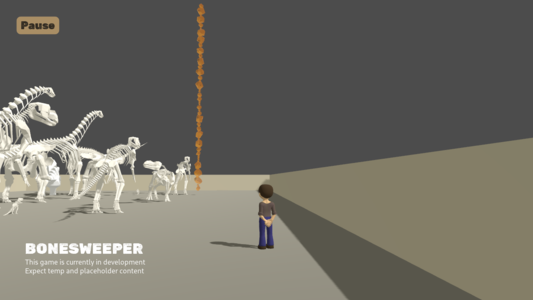
Got a new WIP dig music concept from @KestrelPi last night exploring a more sparse take on some previous iterations. I feel like we're narrowing in on the core musical identity for the dig phase, and that's super exciting for me! #screenshotsaturday #indiedev #gamedev
Finally moving onto roughing out some of the museum customisation gameplay \o/
August mid-month status update for #Bonesweeper
is up! Misc fossils have been the flavour of the month! https://patreon.com/posts/70595473
is up! Misc fossils have been the flavour of the month! https://patreon.com/posts/70595473
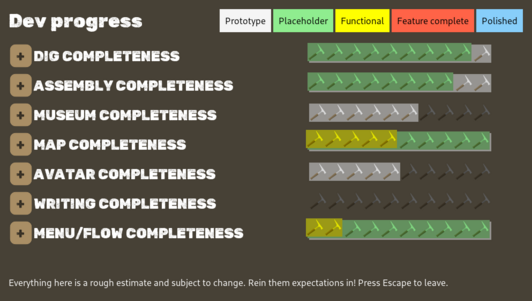
And to go along with that, here's the third dev blog video looking at the last month's worth of progress
https://www.youtube.com/watch?v=PN9D9Nbc9R0
https://www.youtube.com/watch?v=PN9D9Nbc9R0

Bonesweeper Progress Update III
Spent some time refactoring SFX loading so that new audio can be added to/removed from events without making new builds, which will hopefully ease iteration on SFX moving forward now that I've brought @[email protected] on board to help out. Super excited to be working with her again!
Walkies
Need to add some smarts in so that out of date/redundant destinations are ignored, and turns are a bit more smooth, but players avatars now walk around dig sites \o/
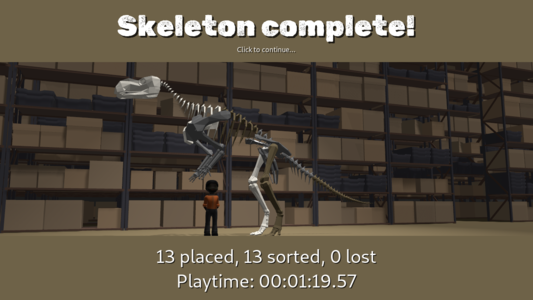
Players' avatars now wander around during the assembly phase too
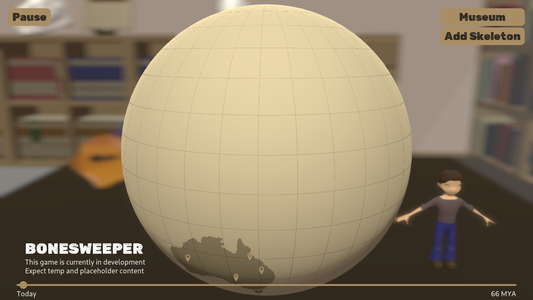
Thinking of adding the player avatar into the map phase background, and I'm just starting to realise that maybe past me took the shortcut of using exaggerated scale to control the DOF effect and FOV feel. Might need to make the avatar larger.
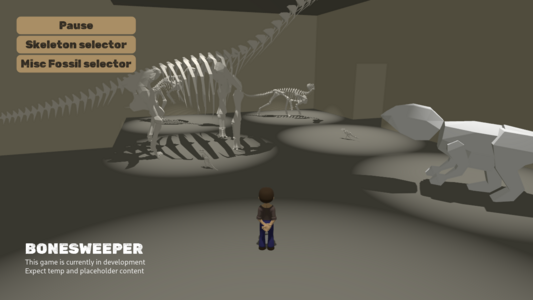
I wrote a little popup system that generates UI based on a few bits of data. For now, I'm only using it on first run to ask which Assembly phase mode should be used, but I'm expecting to use it for other notifications, questions, and maybe tutorials.
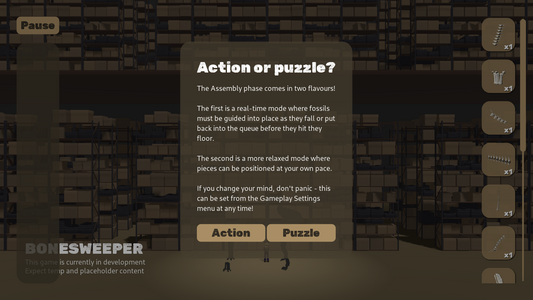
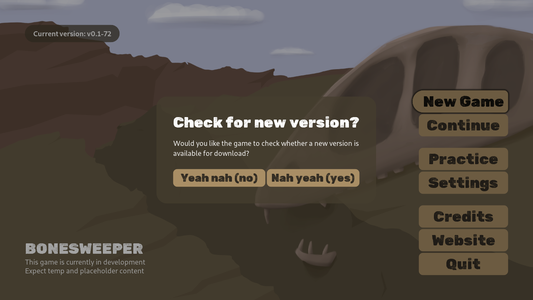
Placeholder text is how I keep myself sane during development (also got around to implementing an opt-in version check)
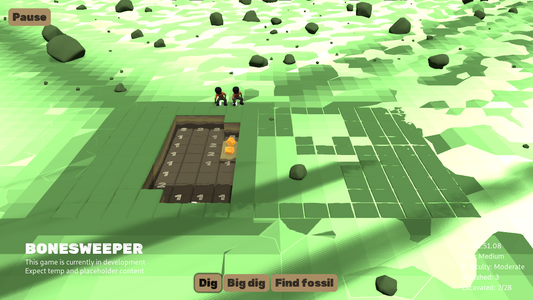
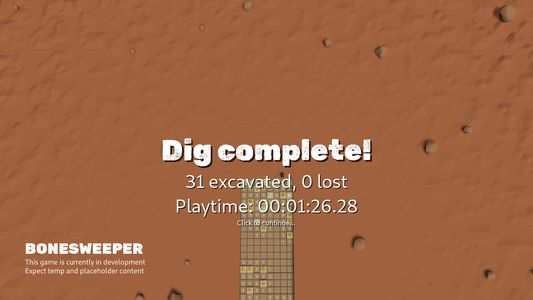
Dig end screen now has some dynamic camera movement
Here's the mid-month #Bonesweeper status update for September. Avatar walkies, a bunch of misc work, and bringing @[email protected] onto the project! https://www.patreon.com/posts/72011789
And here's the accompanying status update video covering major items from the past month or so's worth of development https://www.youtube.com/watch?v=oHfQCYo3cQc

Bonesweeper Progress Update IV
Finally starting to implement different fossil finishes/fossilisation types (3 placeholders on here for now).
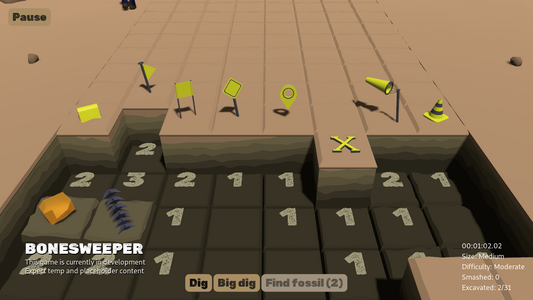
Made some new tile markers last Blendsday. Here's how they came out after a little tweaking
Been working on adding a little secondary travel line to act as a progress meter for loading dig sites (will be smoothed out eventually)
Spent half of today's dev stream wrestling with sine and cosine as I worked to add these dots to the end of my big travel lines. It's embarrassing, but still feels important to show/share that even with a teeny tiny maths brain like mine, it's still possible to muddle through
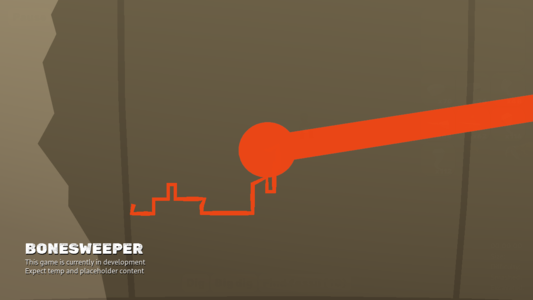
Here's the (very late) mid-month #Bonesweeper progress update for October. Misc tweaks and fixes from me for the most part, but more excitingly, new music from @KestrelPi and first audio from Jasmine
https://patreon.com/posts/73761319
https://patreon.com/posts/73761319
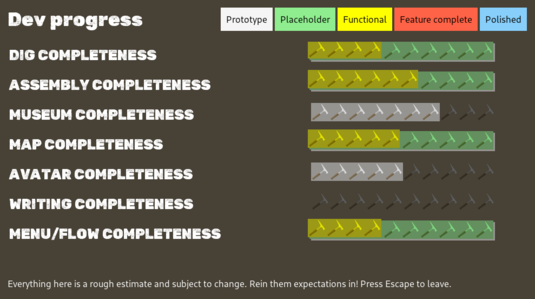
And here's the accompanying status update video covering major items from the last month or so. This video also includes @KestrelPi talking about his work on the game's soundtrack, and touches on the recent chat I had with Dr David Hocking, curator of vertebrate zoology and palaeontology at the Tasmanian Museum and Art Gallery https://www.youtube.com/watch?v=46l7fFTYPts

Bonesweeper Progress Update V
Just implemented a new feature for Bonesweeper's "layered music player." It allows us to have a track that starts before the looping parts start, and can have overlap if desired. Godot's OGG stream class has a loop_offset, which would be a good fit for less complex use-cases.
Made a start on "full specimen" dig sites (less-common sites that have one and only one of each of a skeleton's fossils) during this morning's stream.
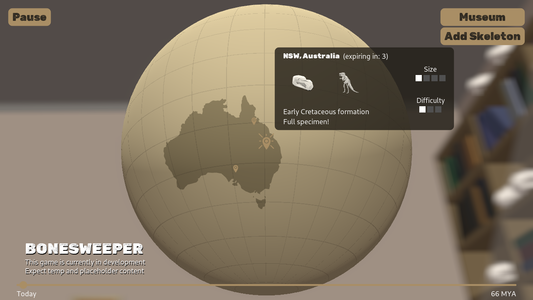
Added some unique materials for "full specimen" dig sites. Super temporary, but they already make these feel nice and special (eventually these will reflect rare forms of fossilisation like what happened to Eric here https://australian.museum/learn/australia-over-time/extinct-animals/omoonasaurus-demoscyllus/ ) #gamedev #indiedev #screenshotsaturday
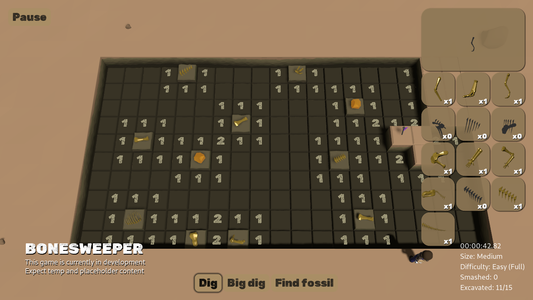
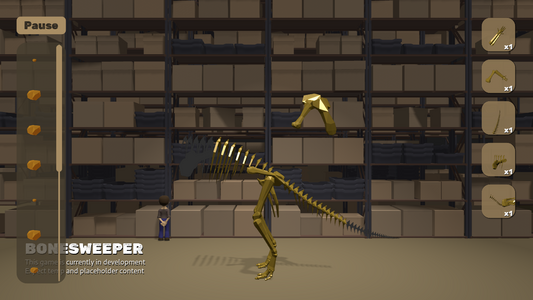
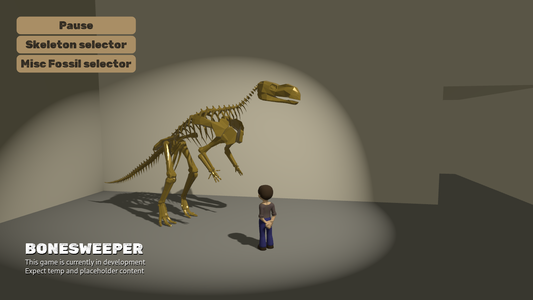

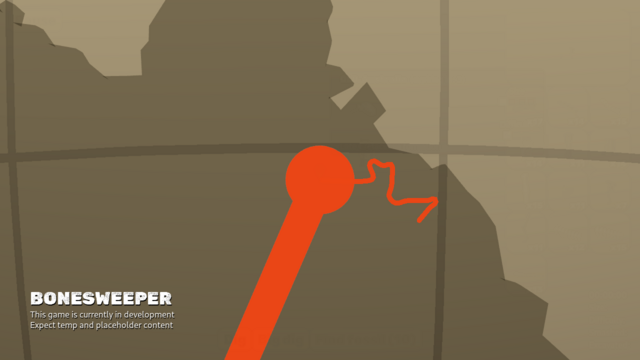
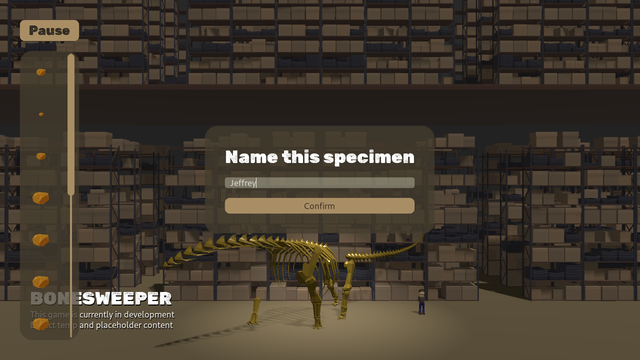
Very rough initial work on the museum map screen (will be used for placing new rooms and navigating between placed rooms when wandering around)
Here's the November mid-month status update post for #Bonesweeper. Been mostly giving attention to behind-the-scenes museum stuff, but the map phase has gotten some love too, and there's a new WIP music track from @KestrelPi in the game. https://www.patreon.com/posts/74803288
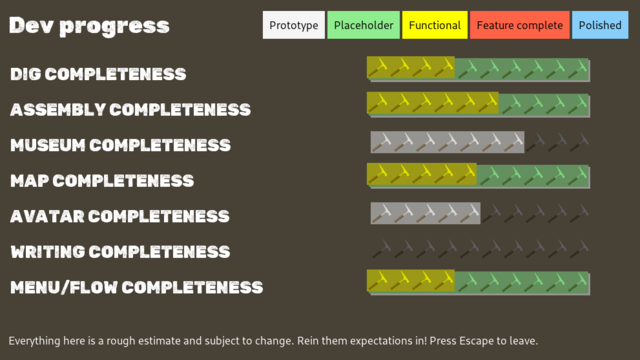
And here's the accompanying video, covering the past month or so's worth of development, touching on "full specimens" and how they frame some types of rarity in the game, fleshing out the museum, and making map travel lines look nicer https://www.youtube.com/watch?v=yrCne_BSznU
#IndieDev #GameDev #FossilFriday
#IndieDev #GameDev #FossilFriday
Bonesweeper Progress Update VI
Still very temporary, and new rooms will be unlocked via the research screen, but I've nearly got this functional enough to allow players to grow their museums to house any number of specimens (probably won't put an upper limit in).
Looking forward to being able to have an exhibit that's just headless sauropods.
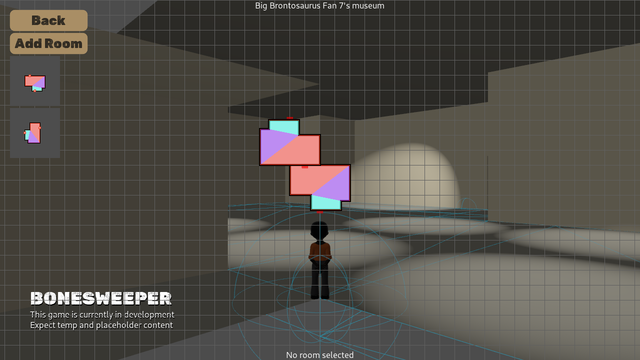
Can now add, remove, and traverse between rooms. Map works for fast travel, but you can just use a door to go to the next room as a more "immersive" option.
Still rudimentary (and made less exciting by only having one room shape in the game), but it's usable.
Added a few new room shapes - eventually I'll need to adjust them so that they follow respect some common length/width intervals to make piecing stuff together easier, but for now, it's fun to just have some variety
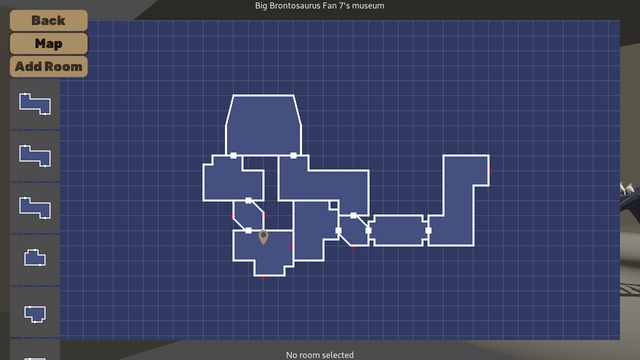
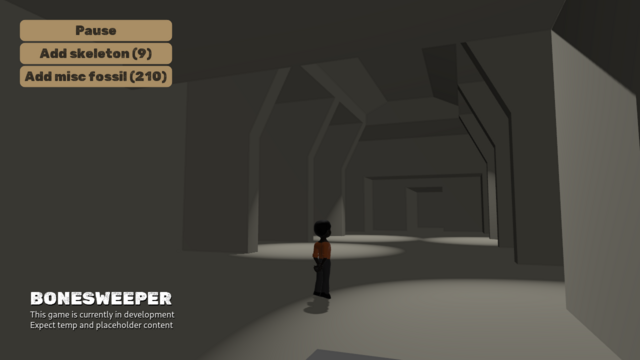
Mid-month status update for December is here. Since most of the past few weeks has gone to other projects, I've also included some reflections on the game's progress over its first year or so of production https://www.patreon.com/posts/76220967
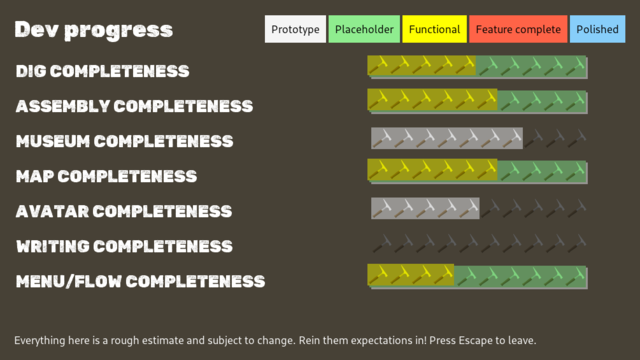
This month's progress update video has the same. I enjoyed digging up old recordings/checking out older versions of the source to make new ones #gamedev #indiedev #devlog
https://www.youtube.com/watch?v=iPBNdZIoEF8
https://www.youtube.com/watch?v=iPBNdZIoEF8

Bonesweeper Progress Update VII
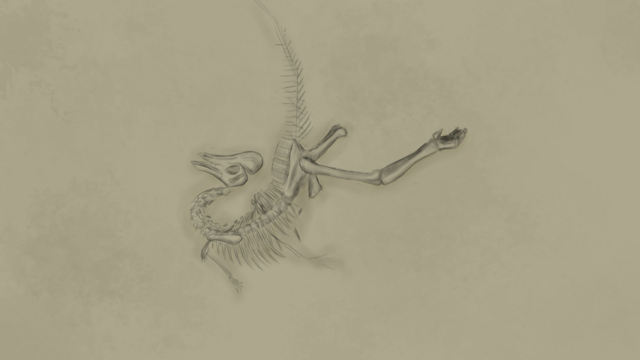
Here's a little concept I scribbled last night while waiting for a rough cut of the most recent progress update video to render.
I'm a little embarrassed to share it because it's not even remotely accurate, but a) it's important to overcome that (with a disclaimer, of course), and b) concept pieces are about communicating ideas/intent rather than being perfect ^_^
Made my own colour picker so that I could have something a bit more compact/focused than Godot's built in colour picker
#Bonesweeper is now #FossilSweeper! Here's a quick post about the name change https://www.patreon.com/posts/77254470
#gamedev #indiedev #fossil
#gamedev #indiedev #fossil
Made some headway on getting the musem map keyboard/gamepay friendly today, and added a placeholder cursor to make input/interaction states a little more readable
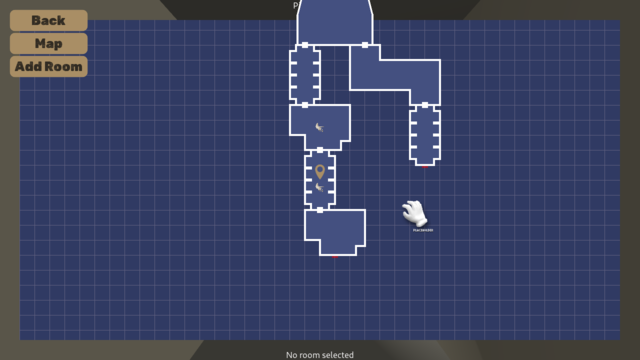
Wrapped up keyboard/gamepad support for the museum map this morning, and also added a setting to randomise the initial unlocks for a skeleton as a possible way of getting a little more interesting variation in that always-feet-first doesn't provide. Also added an interface setting for customising the "placement shadow" colour
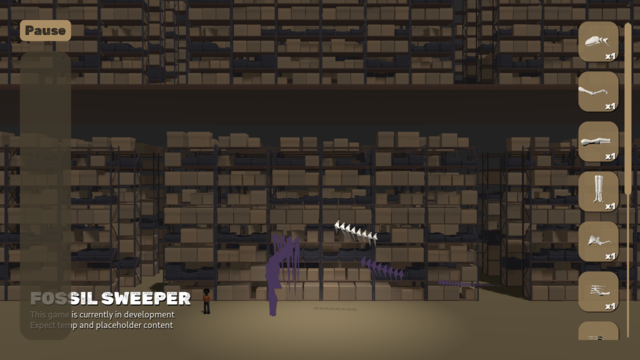
Very, very, very, very late Fossil Sweeper mid-month status update for January \o/ https://www.patreon.com/posts/77892519
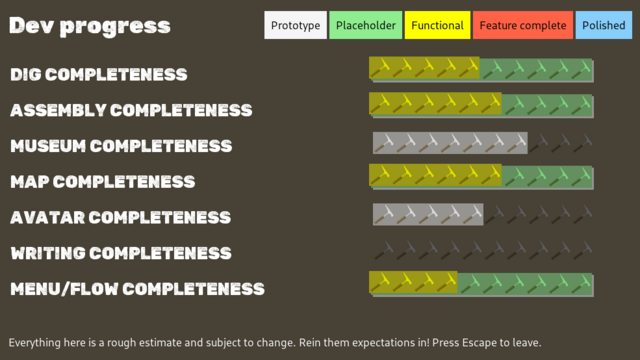
And the accompanying video! https://www.youtube.com/watch?v=Ygrs0JAkQG4

Fossil Sweeper Progress Update VIII
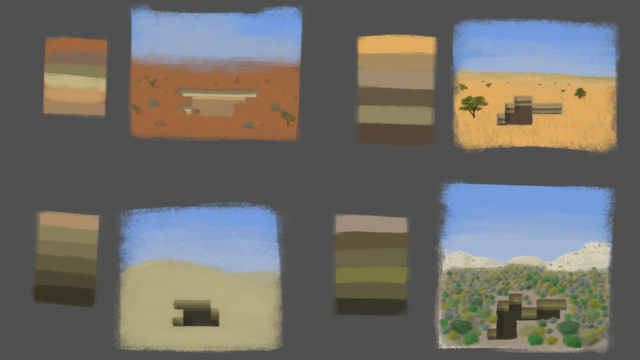
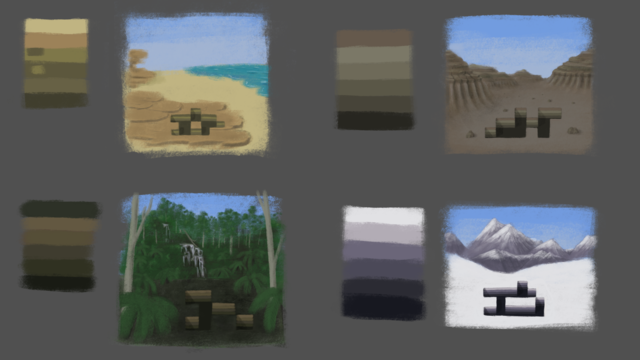
Been adding highlight outlines for nearby/hovered items in the museum to make interacting a little more intuitive.
#ScreenshotSaturday
#ScreenshotSaturday
Offscreen indicators so you're not lost when you're lost (will make these look nicer later)
Adding a first pass for informational displays ahead of implementing the research phase. Exciting times \o/
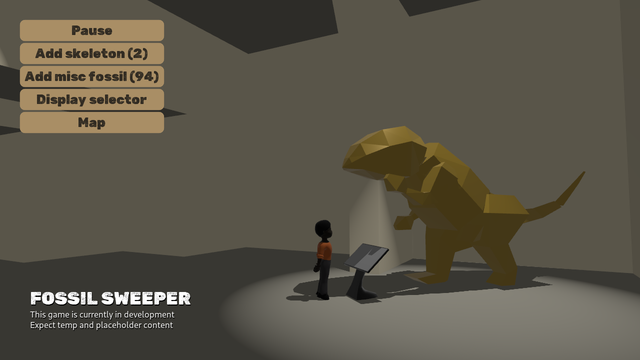
Dinosaur names are mostly Latin, so I may as well just make the informational displays Latin, right?
 Sslaxx
@Cheeseness Looking good right now!
@Sslaxx Ha ha, thank you.
@Cheeseness Remember how bare that gameplay mode used to look, good work!