 XCondE
 OSTechNix
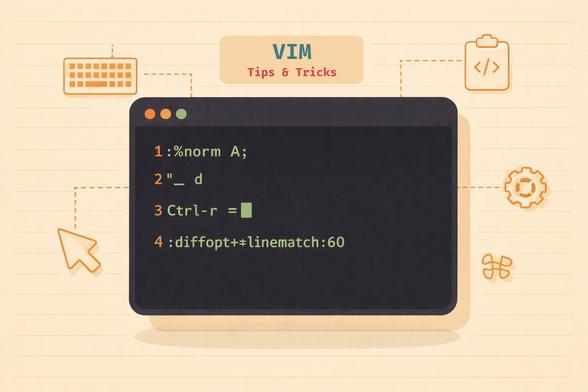
Stop editing at 10% of Vim's power. Master registers, :norm, fuzzy completion, linematch diff, and 16 more Vim tips and tricks. Tested on latest Vim 9.2.
Full guide here: https://ostechnix.com/vim-tricks/
Stop editing at 10% of Vim's power. Master registers, :norm, fuzzy completion, linematch diff, and 16 more Vim tips and tricks. Tested on latest Vim 9.2.
Full guide here: https://ostechnix.com/vim-tricks/
TIL about `<C-a>` and `<C-x>` in #vim for adding or subtracting.
(`:h ctrl-a` , `:h ctrl-x` )
Ctrl-a will add [count] to a number or alphabetic character at or after the cursor.
And Ctrl-x will do subtraction in the same way.
For example let's say I need to increment this 1 to be a 2.
```
replicas: 1
```
Normally I would type `f1` followed by `r2`
Or maybe even just `A` <backspace> `2`
But we can do better.
In this particular scenario I need only be on that line and do `<C-a>`
Since `<C-a>` will look ahead to find a digit on the current line and act upon it. Which means we can do this from the start of the line and it will turn into:
```
replicas: 2
```
And if I want to change it back to `1` I can use `<C-x>`
These two commands will even take a `[count]`. This means that if the current value is `replicas: 1` we can do `10<C-a>` and it will now say `replicas: 11`
📚 ¿Conoces las diferentes maneras de #guardar y #salir de #VIM? 🤔
¿Conoces alguna otra? ¡Déjala en los comentarios! 👇
✨ #VimTips #vim #editor #linux #Ciberseguridad #seguridad #informatica #hacking #etico #MisterWh1t3
 hyperreal
 Celfred
 sotolf
 N-gated Hacker News
 Lasko
Lasko dharmik
 MisterWh1t3