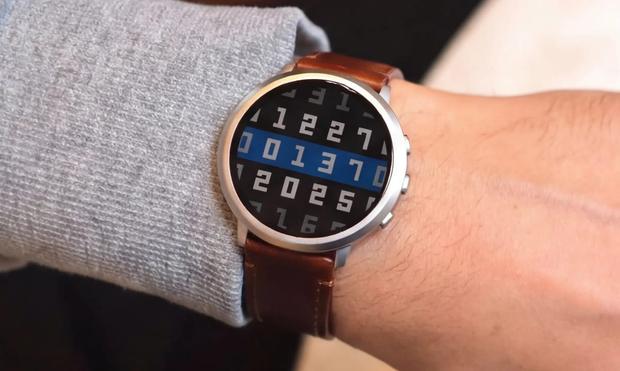
 JesseBot
Pebble Time 2 Review
So the new pebble battery life seems to be as I originally remembered it. I got mine and started using it on Tuesday (26th of May) and it was at 67% when I opened the package and put it on my wrist that evening. I haven't charged it once, and it's currently at 26% today on Sunday (31st of May).
I've kept the dynamic backlighting off, turned off the wake light on motion, and have the default light intensity set to high. I'm also really impressed again with how well it looks in the sunlight. When you're in a well lit room or in broad daylight, you don't need the backlight at all. Since the watchface I use already has all the info I really care about (date, time, temp, steps, battery life), I don't actually need to wake it very often. I think this contributes to the long battery life.
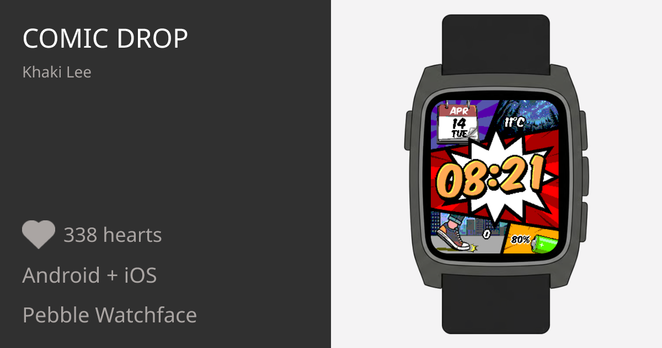
I have notifications from my phone, but I've tuned them to only go to my pebble when they're important. (so no notifications if someone edits a posts on fedi for instance). I use the comic drop watchface right now, and the apps I pull up the most are the default health app and calculator (I have that one mapped to long press on the down button because it's super useful).
I've kept it on during sleep, walks, and runs. So far, in it's default state, with minimal customization, it's exactly what I want in a smart watch:
- time and date
- long battery life
- counts my steps
- monitors my sleep
- gives me the temp
- has a basic calculator
- has a timer
- alarm clock
- controls for whatever music app is playing
- show me upcoming appointments
- bonus: allow me to add in common bar codes I use at supermarkets for discounts
- bonus: has a way to make new apps for it (though I haven't yet successfully made one, I am working on it)
Honestly, if it just keeps doing what it's doing right now, I could see myself buying a second one, just so that when this one breaks or no longer works in some way, I have a backup.
If you're curious, you can pick one up here:
https://repebble.com/watch
 Aires
Aires

 Henryk Plötz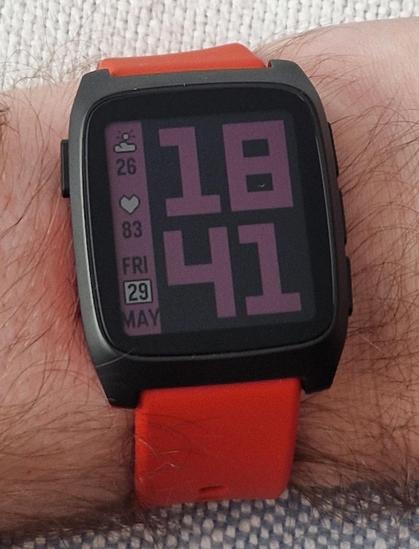
 Marco
Marco
 nebucatnetzer
 Fionn
Fionn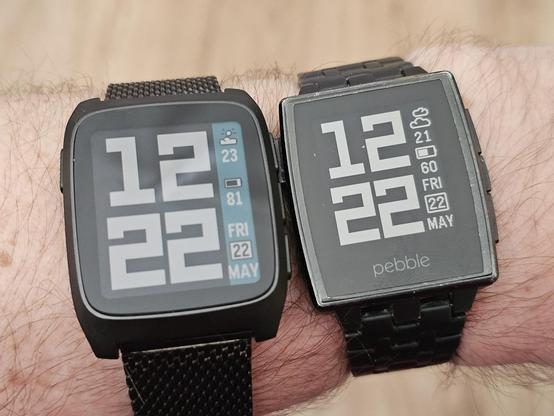
 M4x
M4x Eryck Gu⸸⸸eЯaL
 ⊥ᵒᵚ Cᵸᵎᶺᵋᶫ∸ᵒᵘ ☑️
 Anachron