 Lupo 🌻
CardputerZero pocket computer combines the brains of a Raspberry Pi Zero 2W with a tiny display, keyboard, and battery
#M5Stack
#CardputerZero
#RaspberryPi
#RaspberryPiZero
#RaspberryPiZero2W
#UMPC
#Crowdfunding
#Liliputing
CardputerZero pocket computer combines the brains of a Raspberry Pi Zero 2W with a tiny display, keyboard, and battery
#M5Stack
#CardputerZero
#RaspberryPi
#RaspberryPiZero
#RaspberryPiZero2W
#UMPC
#Crowdfunding
#Liliputing
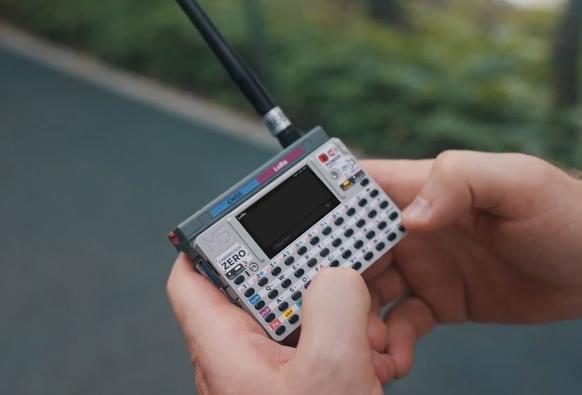
CardputerZero pocket computer combines the brains of a Raspberry Pi Zero 2W with a tiny display, keyboard, and battery
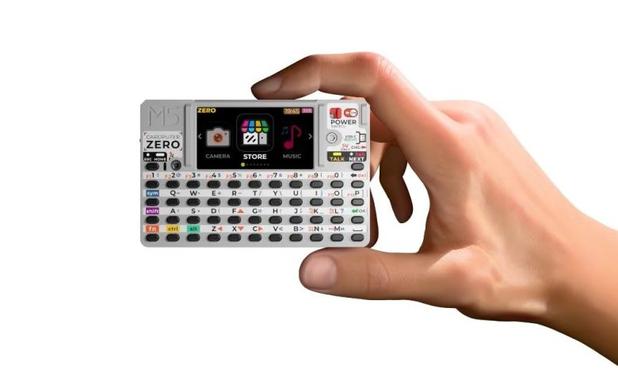
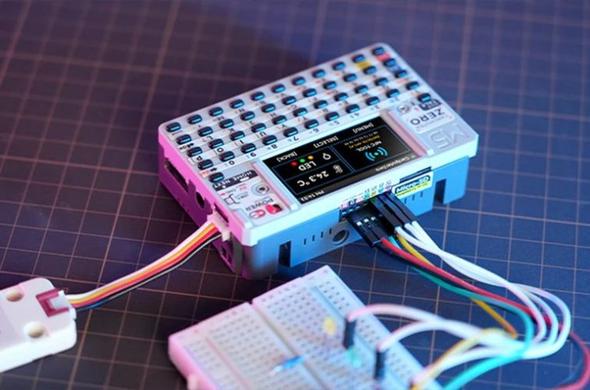
The M5Stack CardputerZero is a tiny, portable computer that’s about the size of a small stack of business cards. But despite its compact size, it’s a full-fledged PC with a display, keyboard, and support for Linux-based software.
M5Stack has been selling similar devices under the Cardputer brand for a few years, but up until now they’ve featured ESP32 microprocessors and far too little memory […]
#cardputer #cardputerZero #cardputerzero #crowdfunding #m5stack #pocketComputer #raspberryPiCm0 #raspberryPiZero2w Read more: https://liliputing.com/cardputerzero-pocket-computer-combines-the-brains-of-a-raspberry-pi-zero-2w-with-a-tiny-display-keyboard-and-battery/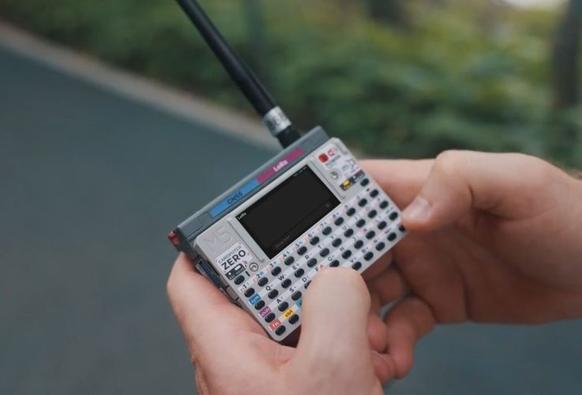
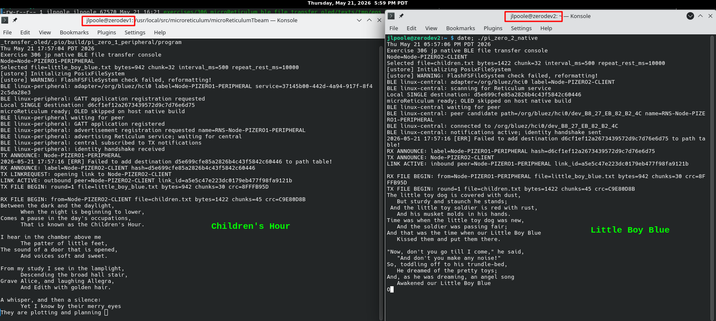
Skipping the #TBeamSupreme for this test: two bare #RaspberryPiZero2W boards running #microReticulum with my BLE interface, each sending poetry to the other over their built-in Bluetooth radios.
Two $17 SBCs, 8.8 MB builds, fully secure Reticulum link, and ambidextrous roles: start both, and they decide who is client/server.
Slim Gehäuse für den #raspberrypizero2w
https://raspithek.de/hardware/gehaeuse/raspberry-pi-zero-2w-slim-gehaeuse/
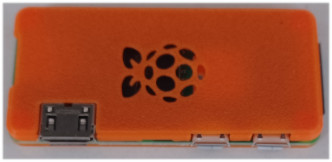
Mit dem Slim Case gibt es ein Gehäuse für den Raspberry Pi Zero 2W, das das Board schützt aber kaum verdickt. Slim Gehäuse Das Gehäuse wurde im 3D Drucker gedruckt und ist in acht Farbvariationen lieferbar. Ich habe mich für orange als Farbe entschieden. Das Case besteht aus zwei Teilen, dem Boden, der den Raspberry
We’re All Abuzz About the Bee Write Back Writerdeck
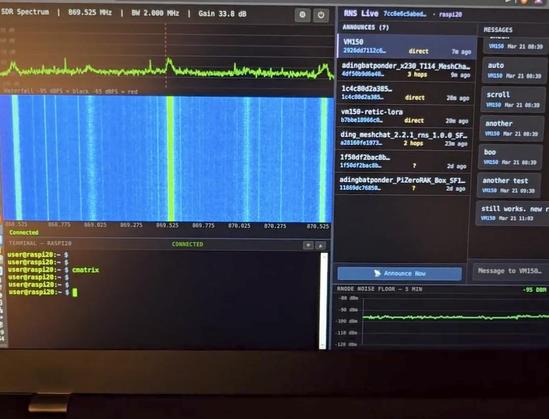
does there exist any beginner-intermediate friendly guides for getting composite/AV output from a raspberry pi zero 2w? did a fair bit of digging and all i'm seeing are one or two custom solder jobs- is it even possible to get composite out through the mini-hdmi port on this thing? (i of course have adapters in place). have tried toggling a few things back and forth in the retropie config file but no luck as of yet.

 Brad Linder
 John Poole
 Olli Graf🚟
 Hackaday [Unofficial]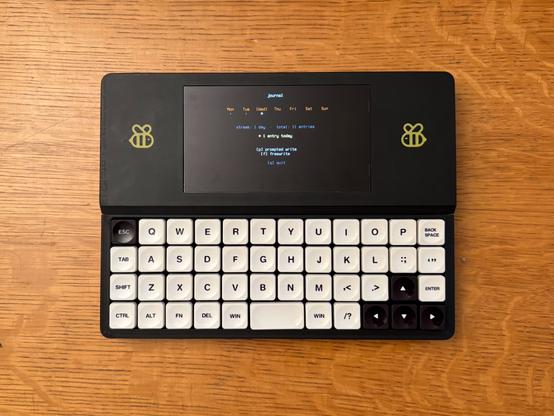
 adingbatponder
  👾
👾 queenconsort
 PixRetro