CardputerZero pocket computer combines the brains of a Raspberry Pi Zero 2W with a tiny display, keyboard, and battery

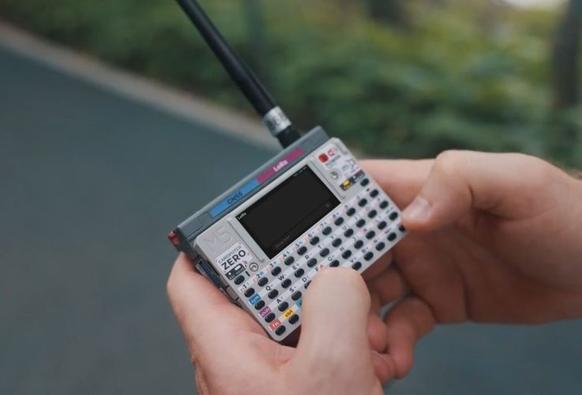
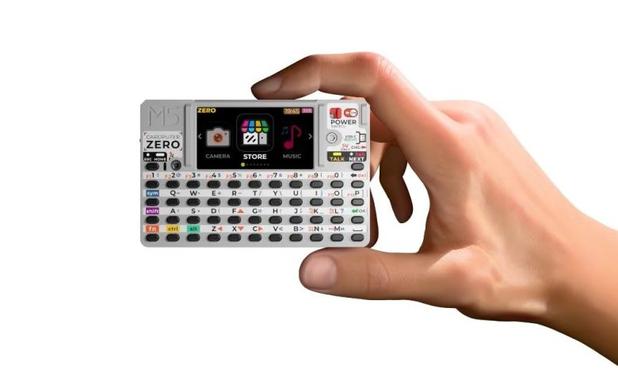
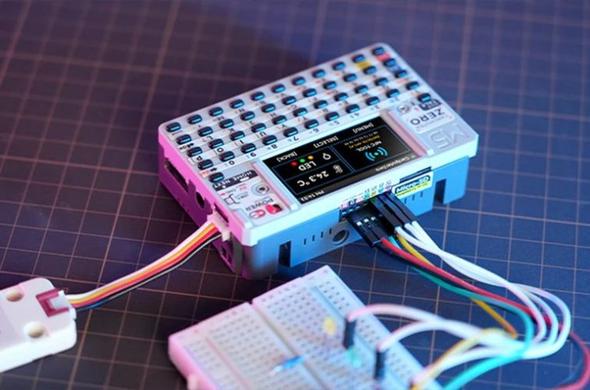
The M5Stack CardputerZero is a tiny, portable computer thatโ€™s about the size of a small stack of business cards. But despite its compact size, itโ€™s a full-fledged PC with a display, keyboard, and support for Linux-based software.

M5Stack has been selling similar devices under the Cardputer brand for a few years, but up until now theyโ€™ve featured ESP32 microprocessors and far too little memory [โ€ฆ]

#cardputer #cardputerZero #cardputerzero #crowdfunding #m5stack #pocketComputer #raspberryPiCm0 #raspberryPiZero2w Read more: https://liliputing.com/cardputerzero-pocket-computer-combines-the-brains-of-a-raspberry-pi-zero-2w-with-a-tiny-display-keyboard-and-battery/
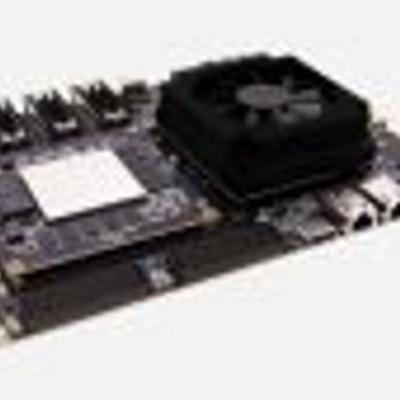
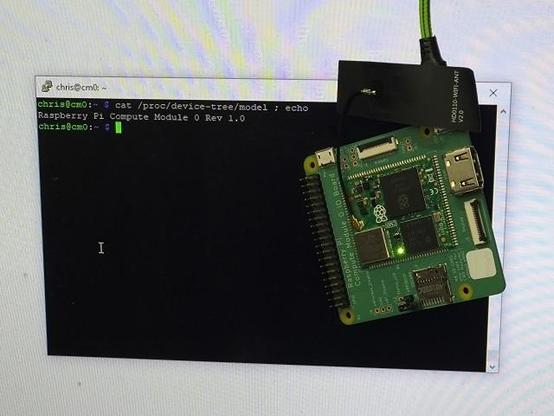
It took a while (thanks to UPS) but my "CM0 NANO Single-Board Computer" has arrived in the UK (from Digikey https://www.digikey.co.uk/en/product-highlight/e/edatec/cm0-nano-single-board-computer ).

#RaspberryPi #RaspberryPiCM0 #CM0

@rpimag I've been playing with the forbidden  .

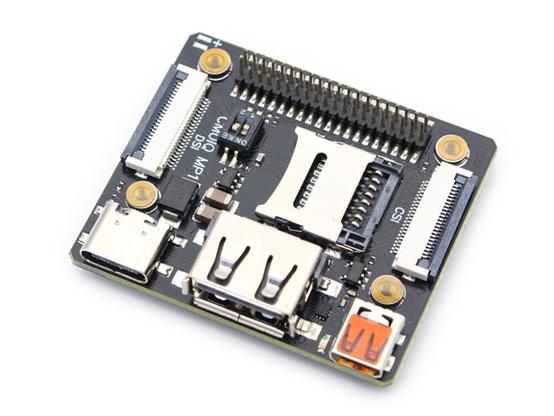
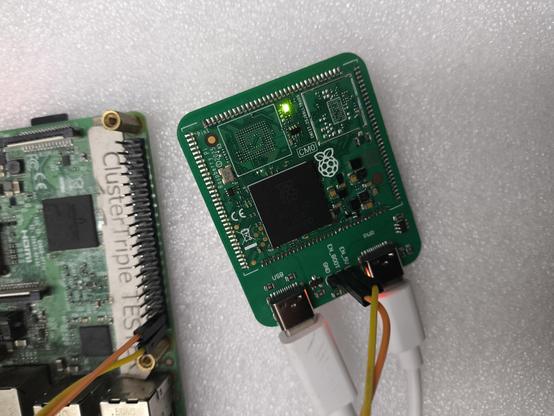
I populated my test CM0 carrier which only has USB-C for data/power and a couple of pins to control power/RPIBOOT. Using rpiboot it boots the kernel and mounts a root NFS filesystem over USB Gadget Ethernet just like the rest of the family ๐Ÿ˜ .

#RaspberryPi #CM0 #RaspberryPiCM0 #MakerMonday

I received another batch of 10 CM0 last week. Combining the results from all batches I'm seeing a 25% "failure to boot from eMMC" rate which is less than ideal ๐Ÿ˜ญ .

#CM0 #RaspberryPi #RaspberryPiCM0

The rpi-imager problem was a red herring, after switching to dd I still can't get a [non-mangled] CM0 dev board to boot.

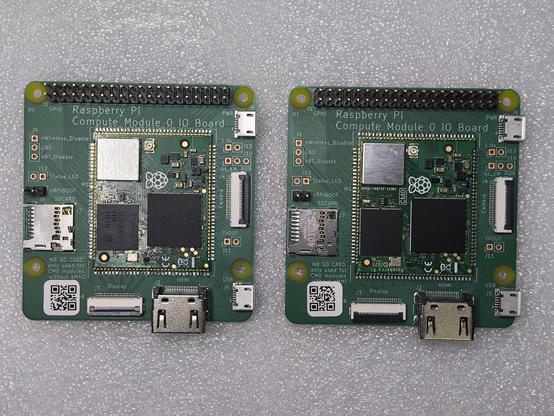
With the CM0 dev board on the left I can enable RPIBOOT, apply power, run rpiboot, write an image/sync, remove power, disable RPIBOOT, apply power, LED turns on after a couple of seconds and it boots from the eMMC.

But following the same steps on the other board when powering up after disabling RPIBOOT the LED never turns on (it was on whilst writing the image) and it doesn't boot. Even writing the image from the working CM0 doesn't boot (reading back after a failed boot still has the original sha256sum).

Anyone have any pointers?

#RaspberryPi #RaspberryPiCM0 #CM0

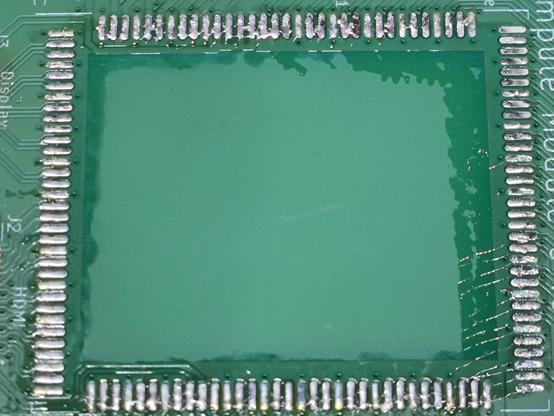
Continuing my CM0 fun from last night where I removed the module from the dev board, soldered it to my carrier, reflashed 64-bit Lite RPiOS and it didn't boot, no LED, nothing. Checked the schematic, PCB for shorts, voltages, etc. and couldn't find anything so took it off and put it back on the official dev board where it also no longer worked so I figured I'd killed it.

Another one arrived today and it looks like I've somehow got rpi-imager into a state where it writes, verifies and configures OK whilst shafting it enough not to boot ๐Ÿคฆ .

#RaspberryPi #ComputeModule #CM0 #RaspberryPiCM0

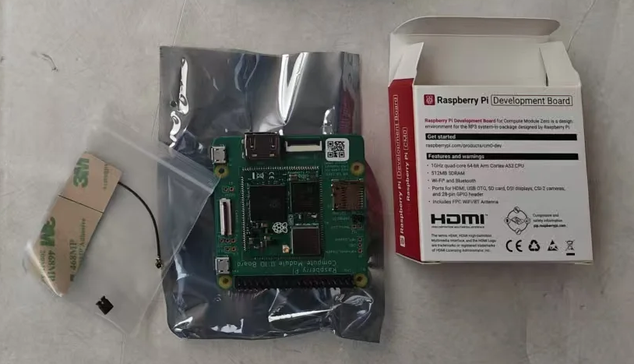
The "Chinese market" Raspberry Pi CM0 has made it to the UK ๐Ÿฅณ .

Still seems a strange product, even the URL on the box ( https://raspberrypi.com/products/cm0-dev ) doesn't work ๐Ÿ™„ .

#RaspberryPi #ComputeModule #CM0 #RaspberryPiCM0

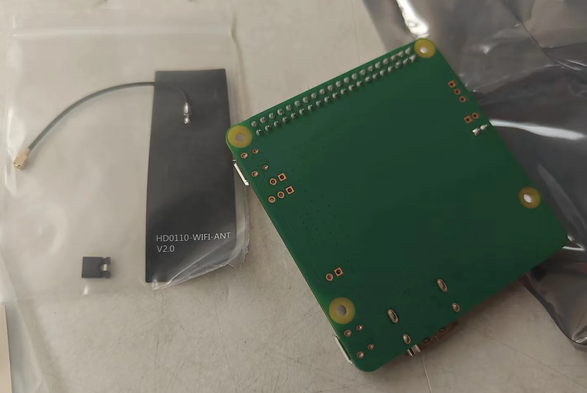
Soon you will be mine (pics from the shipping agent).

#RaspberryPi #CM0 #RaspberryPiCM0