Reading Time: 2 minutes
While playing with Nextcloud I saw that the raspberry pi was overheating so I played with a fan for people to cool the device. It worked well, except that when you’re holding a fan you’re stuck holding a fan. I looked at various Raspberry pi cases and decided to get a Joy-IT case with an integrated fan.
The case is simple. It consists of a base plate, a middle block, and a top plate. You put the pi, with the card inside. You then plug the fan to some of the GPIO pins and the fan starts to spin and cool the Raspberry pi beneath. The Raspberry pi went from 50-70°c to 38°c so it works, but it’s noisy. It seems paradoxical that something as small as a Raspberry Pi could end up with such a noisy fan. It’s as noisy as an old laptop or an old external hard drive.
This does not mean that I don’t like the case. I do. I think it’s great that it is so simple. You don’t need screws. You just put the card into the Pi’s card slot, put the pi on the base plate, put the middle sandwich part over the USB and ethernet adaptor, you then plug in the fan to the GPIO pins, and put the top on.
In my case I found that the fan seemed to be blocked so I improvised a solution to keep the fan from hitting the Pi and now it’s happilly spinning and cooling the Raspberry Pi. For 11-12 CHF you don’t expect it to be as silent as newer mac book pro.
As I write this post I’m playing with the time tracker app in Nextcloud. With the app you can provide project names, and then you can specify the task that you’re currently doing. I created an IT project, and a blogging project. Now I’m tracking the daily blog post time spent, and when the post is finished I can stop the timer, and see how I have spent the morning.
And Finally
I think the fan on this case is so noisy that it would fit right into an air conditioned server room, but it’s too noisy for a living room or bedroom. I need to place it where it won’t be so disruptive.
https://www.main-vision.com/richard/blog/the-noisy-raspberry-pi-case-fan/
#fan #fanNoise #joyItCase #raspberryPi
 NewsletterTF

 Marcus | Storage Expert 🇺🇸
 Boiling Steam
 N-gated Hacker News
 Jeff MOVED >
  Taffer 🇨🇦

 dukane
 Retro Markus 🇩🇰🇩🇪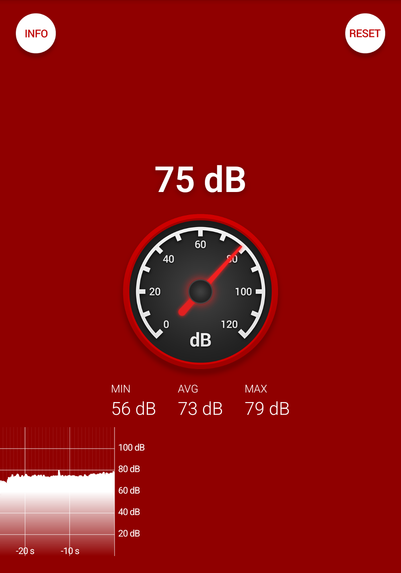
 richard