 caos
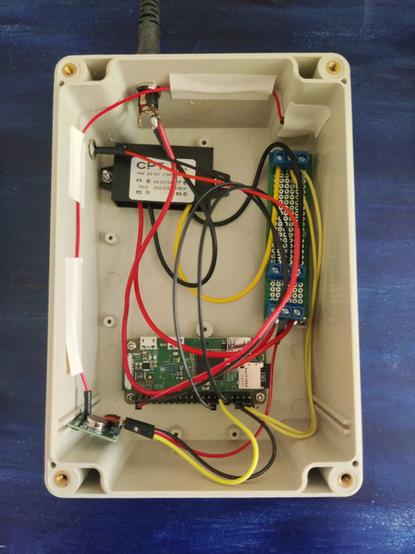
caosSchaltzentrale mit einem Raspberry Pi Zero W
 Tim ☑️ 🔭🌃📷🪨🚴🌳
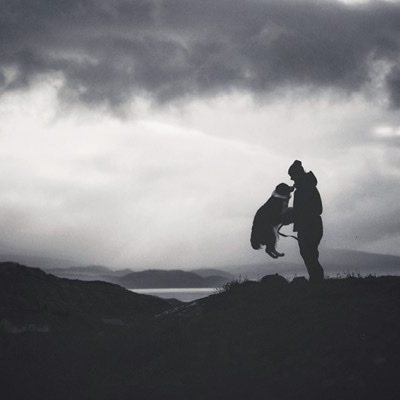
...and this is what it sounded like too :)
#earthquake #seismology #geology #nature #citizenscience #scotland #raspberrypi #raspberryshake #sonification
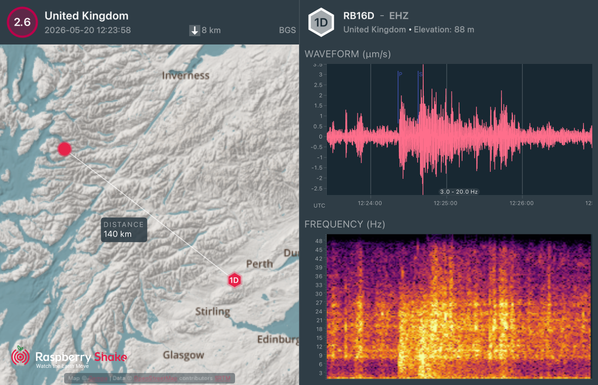
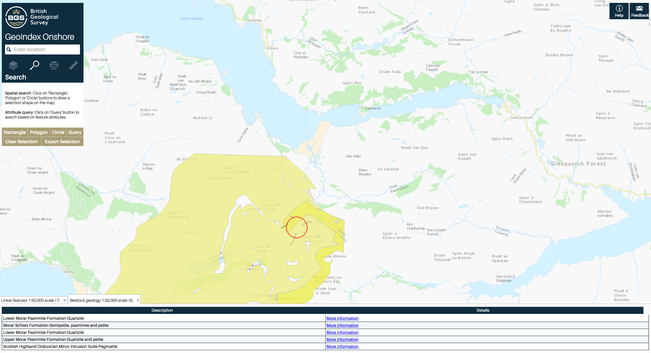
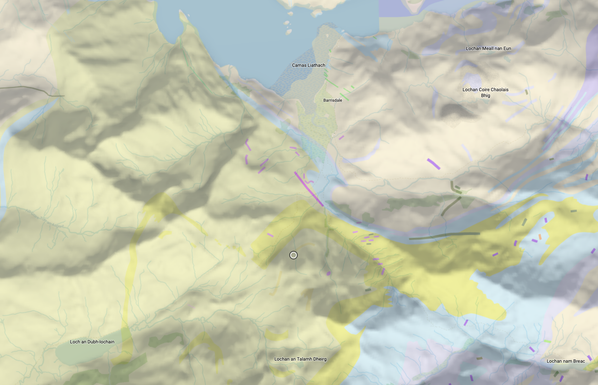
2026-05-20 12:23:58 M2.6 Barrisdale, Highland
#earthquake #seismology #geology #nature #citizenscience #scotland #raspberrypi #raspberryshake
 robrich
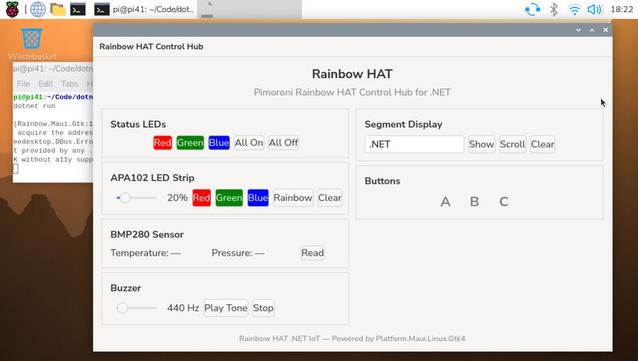
https://www.linkedin.com/posts/tobias-scholze_dotnet-dotnetmaui-maui-share-7447343741167771649-_wGl - #dotNET #MAUI now runs natively on #RaspberryPI. Nice post https://de.linkedin.com/in/tobias-scholze.
#dotnet #dotnetmaui #maui #gtk #linux #community | Tobias Scholze | 11 comments
We’ve learned from countless adventures that .NET is a lot of fun on a tiny Raspberry Pi, but the fact that MAUI apps now run natively on the Raspberry Pi is the next big thing! Thanks to Jonathan Dick, there are now GTK4 bindings for MAUI. Of course, I couldn’t resist and immediately wrote a small GUI (and for sure not the nicest one) for my .NET sample on how to interact with sensors, LEDs and matrix displays. https://lnkd.in/d85a555k #dotnet #dotnetmaui #maui #gtk #linux #community PS: Thanks you Gerald for bringing it into my news feeds! | 11 comments on LinkedIn
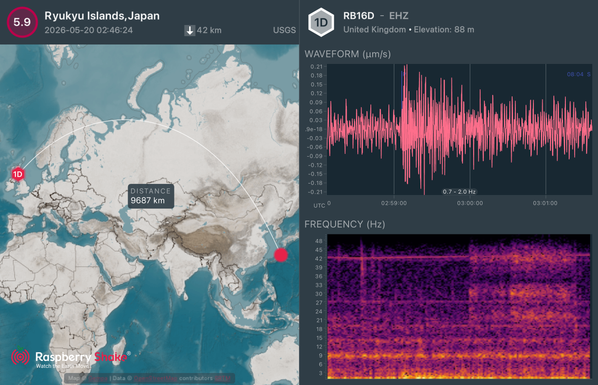
2026-05-20 02:46:24 M5.9 Ryukyu Islands, Japan
#earthquake #seismology #geology #nature #citizenscience #japan #raspberrypi #raspberryshake
 Rusty Invader | video-play.de
Vielleicht gerade zu der Zeit, wo viele #Spotify und Co verlassen - oder sich zumindest mit dem Gedanken tragen, kommt zumindest bei mir immer häufiger der Gedanke an ein solches Wohnzimmer-Accessoire auf 🥹
Geht's Dir vielleicht auch so?
Eigentlich dürfte es ja nicht so wild sein, sowas als replika aufzubauen - selbst ein #RaspberryPi sollte das locker können, nur wie macht man das mit der Eingabe der Tracknummer... weiß da jemand mehr?
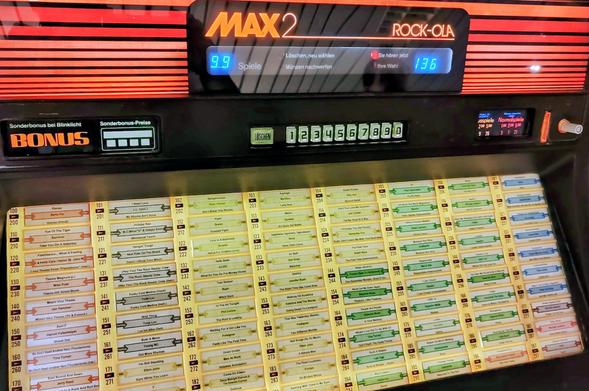
Bild: Musikbox im @ocm
Geht's Dir vielleicht auch so?
Eigentlich dürfte es ja nicht so wild sein, sowas als replika aufzubauen - selbst ein #RaspberryPi sollte das locker können, nur wie macht man das mit der Eingabe der Tracknummer... weiß da jemand mehr?
Bild: Musikbox im @ocm
 Lectronz
New on Lectronz: GP Pico Breakout Board https://lectronz.com/products/gp-pico-breakout-board by @agonzalez
#RaspberryPi #Gaming #Prototyping
#RaspberryPi #Gaming #Prototyping
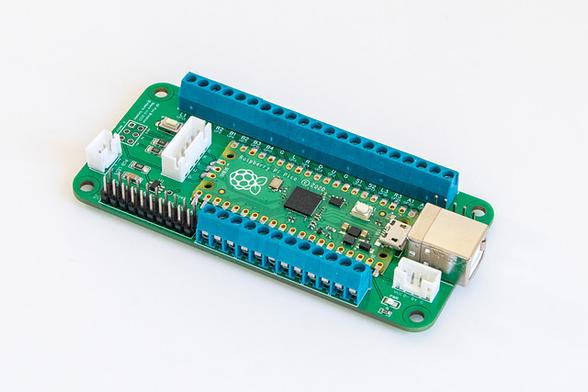
 FabScene(ファブシーン)| テクノロジーの「現場」を記録するメディア [Unofficial]
ラズパイ5用3Dプリント静音4ベイNASの3Dデータ頒布、LEDを前面に通す設計
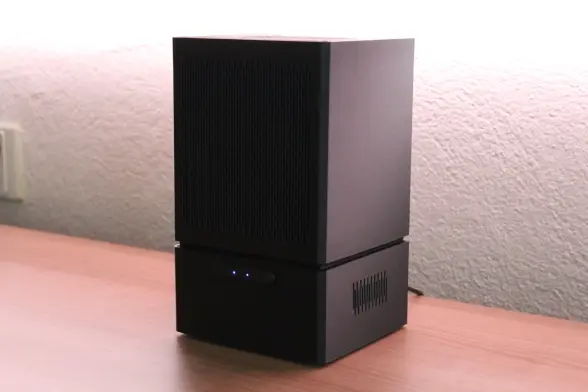
 🇷🇸🛰️ YT1GS – MihajloPi 🛰️🇷🇸
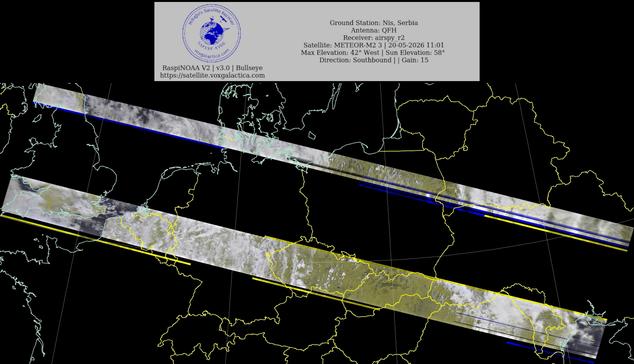
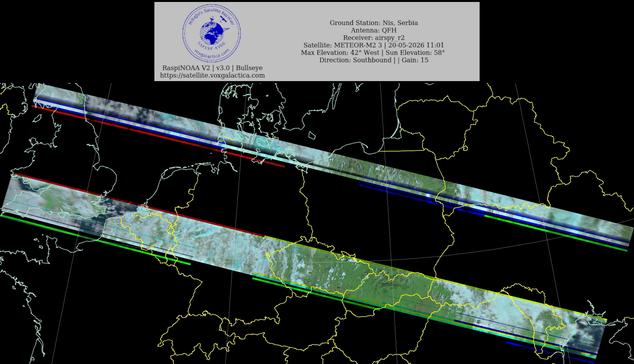
🇷🇸Ground Station: Nis, Serbia METEOR-M2 3 20-05-2026 10:46 CEST Max Elev: 42° W Sun Elevation: 58° Gain: 15 | Southbound
#NOAA #NOAA15 #NOAA18 #NOAA19 #MeteorM2_3 #MeteorM2_4 #weather #weathersats #APT #LRPT #wxtoimg #MeteorDemod #rtlsdr #gpredict #raspberrypi #RN2 #ISS
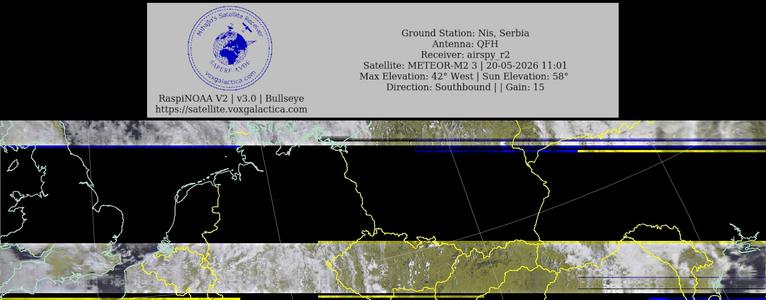
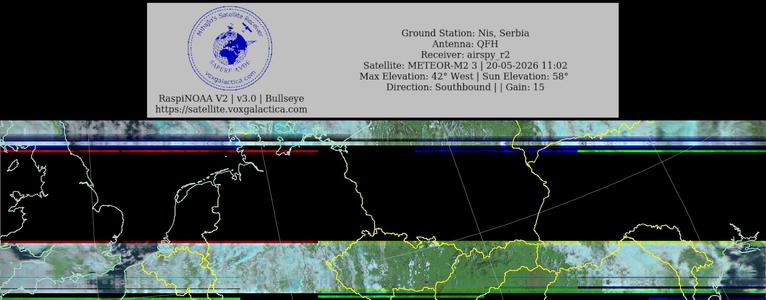
 decipher5345
MINERVA Fantasy Console
A custom retro console for Raspberry Pi 5: cartridge ROMs, sprite rendering, audio traps, and an IDE that allows comfortable game development.
No underlying OS like Linux required: The Raspberry Pi boots straight into the game!
MINERVA games can be played on the Raspberr PI, Linux or Windows.
UPDATE v1.1:
-Added demo game (Flappy Bird)
-Added C/C++ compiler
