 Life Japan
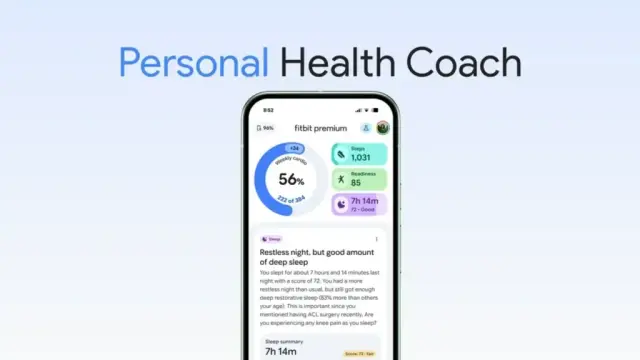
https://www.wacoca.com/life/366786/ Fitbit の「パーソナルヘルスコーチ」、新しい睡眠スコアの導入と精度改善などが海外で展開 | HelenTech #android #Chrome #Chromebase #Chromebook #Chromebox #ChromeOS #GoogleWorkspace #health #Kenkō #Pixel #クロームブック #スマートフォン #健康
For the first time in months, my father managed to trigger a "Your Windows PC has a virus, call this number" popup that took over his browser. He has a #ChromeBox, so it's never really infected, but the popup that takes over the whole screen (disabling the close button) is getting more invasive.
It used to be that I could Alt+Tab away from Chrome and then close the browser from the taskbar. No go this time, but hitting the Show Windows key (the rectangle-plus-two-vertical-lines key above the 6 key; F5 if you don't have a Chrome OS keyboard¹) did shrink the full-screen browser and let me access the taskbar.
[1] I specifically bought my father a #ChromeOS keyboard, so if some instructions say "hit the 🮲🮳key," where that odd character represents some Chrome OS key, it would be there for him, instead of him having to remember which function key it corresponded to. He's never used any of the special keys or learned what they do.


 bok
bok Games Japan
 Media Japan
 Japan Pop News
 matthew - retroedge.tech
 sorkus
 YAYAFA