Why Now Is The Time To Pull Up My ‘Big Boy’ Trousers’ About My Blog
Have you heard of the saying, ‘Don’t put off today what can be done tomorrow’? I should tell myself that more often because tomorrow becomes tomorrow, and that tomorrow becomes another tomorrow. Before you know it, weeks, months or even years have passed you by, and you still haven’t done what you were putting off until tomorrow.
Last week, after visiting some blogs, I asked myself, ‘Why haven’t I done what they have done yet?’ And the simple and truthful answer was ‘Because of me.’ But what am I referring to?
‘What if?’ moments. Do you ever have them?
A ‘What if’ moment is those moments in life when you believe something is holding you back from doing something you know needs to be done, but you have doubts about it. The problem is that it isn’t the doubts that are holding you back.
The ‘What if’ moment I’ve been having has lasted for the best part of two years.
‘What if changing the theme of my blog from Classic to Block causes problems?’
Given that thousands of other bloggers have done it, I know that, while problems may occur, they can be resolved!
When WordPress introduced the Block Editor, which now seems like many years ago, I disliked it and did everything I could to avoid giving it a chance. I fought myself, declaring I’ll never use it and that I hated the change. And there was my downfall – ‘change.’ I wasn’t willing to accept it.
Then another blogger said in one of her posts, ‘The Block Editor isn’t hard to use; it’s just different.’ That got me thinking, and it was not long before I realised that the reason I didn’t like the change was that I hadn’t set aside any time to read tutorials and watch them, and to give the Block editor a try.
It wasn’t long before I was telling myself that trying out the Block Editor was like switching up from black-and-white to colour television.
Why then has it taken me so long to begin the switch from a Classic to a Block theme? The answer to that question is ‘Me.’ What if something goes wrong? What if I break my blog? What if all my posts disappear? What if my blog disappears without a trace?’ Why if, what if, what if?
The problem with all those questions is that they are not problems. They are excuses. Excuses to stop myself from making changes. And I have found in life that change opens new doors and brings new opportunities. And that’s what switching to using the Block editor did.
But why fix what’s not broken?
I hear people say, ‘Why fix what’s not broken?’ But nobody is fixing anything. All websites have to keep up with technological changes; they would lose many paying customers if they didn’t adapt. It’s paying customers who keep companies alive by buying their products or services, allowing some users to use the site for free.
Now, replace the question ”Why fix what’s not broken?’ with, ‘Why update what is not broken?’ You now have your answer.
Not all WordPress users are lucky enough to have had a choice between a Classic and a Block editor. Many have never known anything but the Block Editor, and they all seem to be doing a great job. However, did you know that the Block editor includes a Classic block that allows users to use the Classic editor?
What’s about to happen on my blog?
Over the next few weeks, you may notice a few changes with my blog as I switch from a Classic to a Block theme. If you notice anything wrong, please let me know, so I can resolve it. There’s plenty of support available on WordPress when you take the time to find it. Part of the excitement for me is choosing a new theme, but another reason I am making the switch is that I gain access to many more blogging tools and options, many of which help users save time.
Finally, I’m pleased to say I’ve changed concerns into excitement. I’m no longer allowing change to stop me from moving ahead on my blogging journey. I want my blog to become part of today’s technology, rather than remain stuck in yesterday’s.
This is my final post using a Classic theme on my blog. Bear with me while I make the changes to a Block theme. Hopefully, it won’t be long before I see you on the other side.
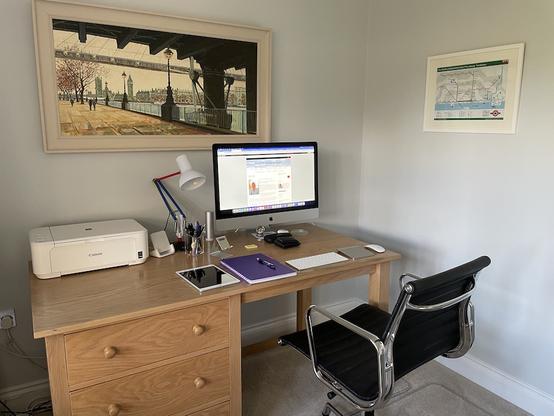
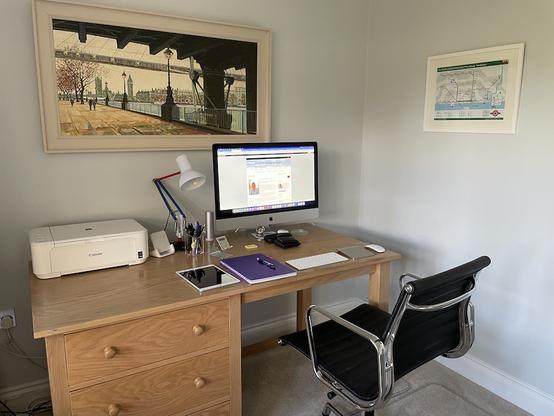
Where I blog from
Update – I did it! I made the change. Check my post How I Finally Switched My Blog to a Block Theme – Challenges, Wins, and Must-Know Tips for WordPress Bloggers for all the details.
Have you changed the theme of your WordPress blog from Classic to Block? Did you encounter any problems? What were they, and how did you resolve them?
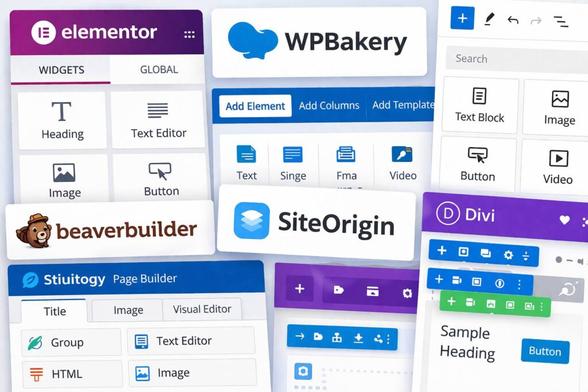
The featured image in this post was created using the WordPress image generator. AI was used to check for grammar and spelling mistakes and to help with the layout of the post.
You can follow me at the following sites.
Subscribe to receive further updates from Hugh
✓ Subscribed
Copyright @ 2026 hughsviewsandnews.com – All rights reserved.
#BlockEditor #BlockThemes #Blogging #BloggingHelp #BloggingJourney #ChangeManagement #ClassicThemes #DigitalTools #Technology #WordPress #WordPressThemes Donweb Media
 Hugh's Views & News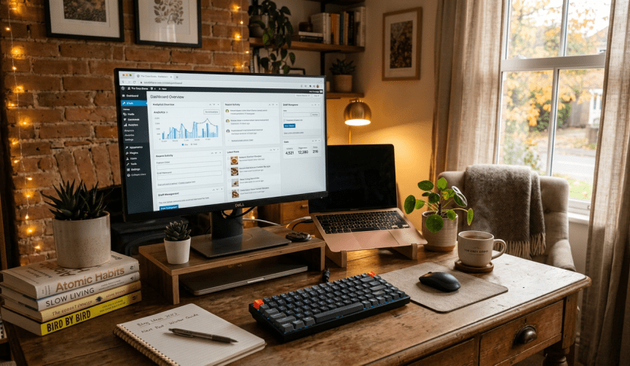

 hgg
hgg

 Birgit Pauli-Haack

 Hugh W. Roberts 🏳️🌈
 Annette Schwindt