 Enrique Barranco
Midnight Sculpting. #b3b
 Kiui Studio
The render results
#b3b #b3 #blenderender #blendercommunity #blender #ブレンダー #3dアート #3dアート #3dモデリング #3d #artist #game #render3d #rendering3d #gamingislife #3dwork #3dlearning #3dstudio #study3d #modeling #3dmodel #3dmodeling
The render results
#b3b #b3 #blenderender #blendercommunity #blender #ブレンダー #3dアート #3dアート #3dモデリング #3d #artist #game #render3d #rendering3d #gamingislife #3dwork #3dlearning #3dstudio #study3d #modeling #3dmodel #3dmodeling
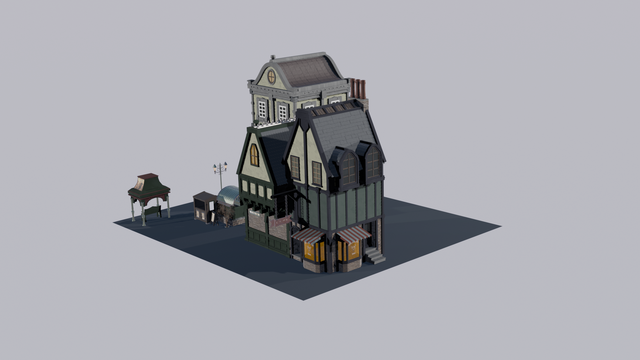
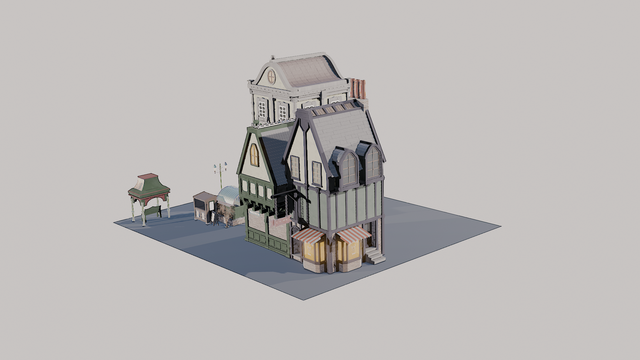
I wanted something to quickly get things from
@ambientcg into Blender and this add-on is really neat. Just need to find the material you want in the site, copy its id and it's a one click node setup from there, really handy!
#b3b #blender #materials #textures
https://extensions.blender.org/add-ons/ambientcg-material-importer
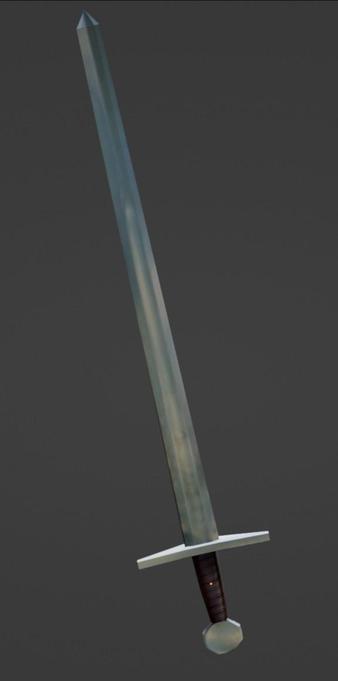
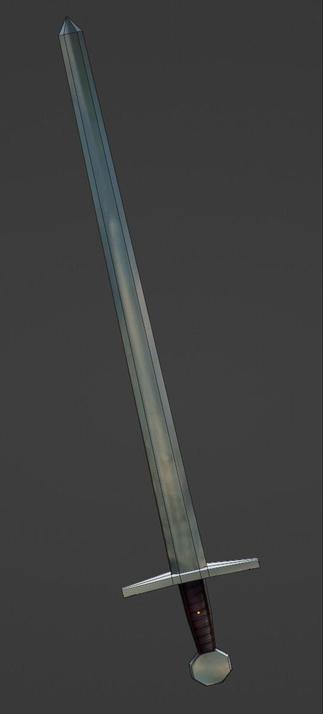
A very quick and dirty low poly sword I made the other day. Modelled roughly over the reference pic and then used it as a stencil texture to paint over. A handy technique that I learned from the free CG Boost tutorial https://www.cgboost.com/courses/free-blender-beginners-course
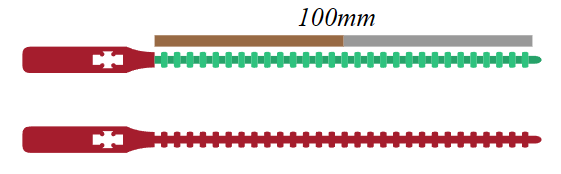
Cable-tie was created, first in inkscape, then in blender.

Hey #b3b #blender #blender3d if anybody is able to support a complete newb I would really appreciate it!!
I'm trying to build a .gltf file from a PLY point cloud.
I've imported my PLT as Vert using https://github.com/TombstoneTumbleweedArt/import-ply-as-verts. My import had no color attributes so I added those myself (image1).
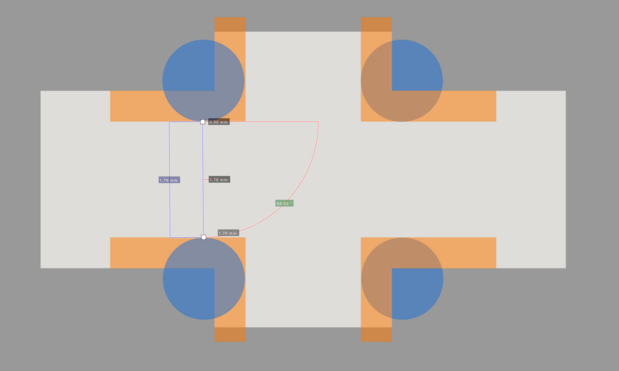
I've converted them to points objects using geo nodes, I can now see them as rendered objects (image2).
I set a material for this in my geonodes. In shading I set Attribute with my Data Colour Attribute, with an Emission node to the output. (image3/4)
I have followed most of this guide to do this: https://www.youtube.com/watch?v=kwpj7ZUtnac
From here I can see my model in cycles render.
I now wish to export this model to GLTF. This is where I'm struggling. When exporting to GLTF Embedded I get nothing :(.
Whenever I export, I only see the default cube and not the pointcloud


Blender Python PLY importer for point clouds and nonstandard models. - GitHub - TombstoneTumbleweedArt/import-ply-as-verts: Blender Python PLY importer for point clouds and nonstandard models.
Hi #b3b #blender #blender3d if anybody is able to support a complete newb I would really appreciate it!!
I'm trying to build a .gltf file from a PLY point cloud.
I've imported my PLT as Vert using https://github.com/TombstoneTumbleweedArt/import-ply-as-verts. My import had no color attributes so I added those myself (image1).
I've converted them to points objects using geo nodes, I can now see them as rendered objects (image2).
I set a material for this in my geonodes. In shading I set Attribute with my Data Colour Attribute, with an Emission node to the output. (image3/4)
I have followed most of this guide to do this: https://www.youtube.com/watch?v=kwpj7ZUtnac
From here I can see my model in cycles render.
I now wish to export this model to GLTF. This is where I'm struggling. When exporting to GLTF Embedded I get nothing :(.
I'm a complete b3d newb, would appreciate any assistance.


Blender Python PLY importer for point clouds and nonstandard models. - GitHub - TombstoneTumbleweedArt/import-ply-as-verts: Blender Python PLY importer for point clouds and nonstandard models.
Oh yeah, I should post this before I forget.
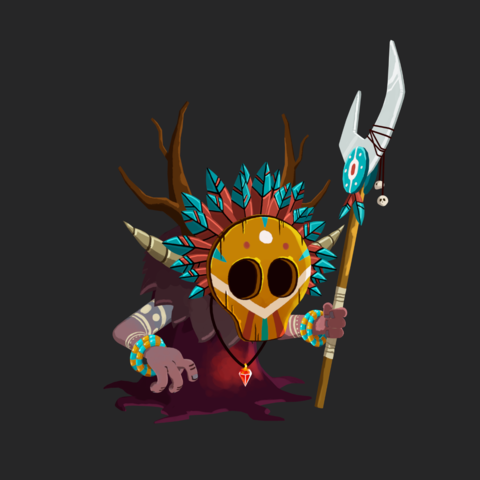
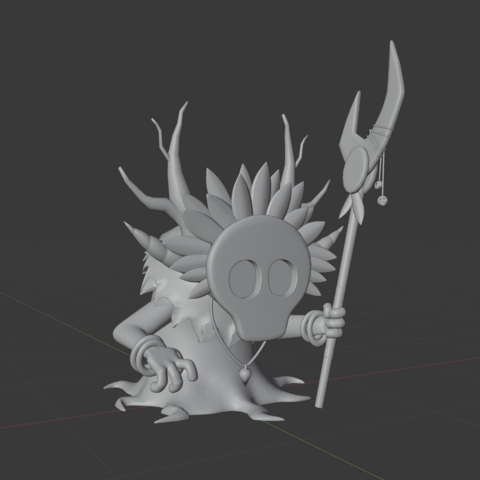
I'm currently working on a character sculpt, I'm still on the early stages of, well, everything, but just wanted to share this work in progress!
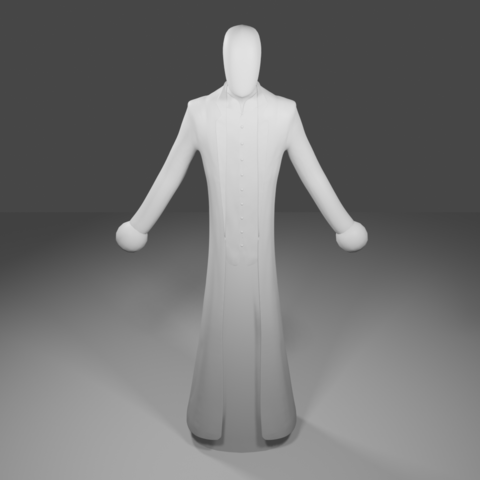
This is a Tiki Shaman, I made it by following video guides.
Character design was based on concept art by Jordi Villaverde.
 Kao
Kao

 DarekPages
 Ovi
Ovi Patata Magicachan
 Juicifer
 Pixel_Lime