(26/N)
3. Actively maintain your devices
1] Package managers are no longer the only source of software for systems. Look into a one-stop upgrading tool like Topgrade that takes care of this, and also handles, e.g., updates of #Flatpak applications.
2] Use unattended / automatic upgrades on #Linux distributions that have a non-rolling release model. Restrict them to security upgrades, only: You want your devices to stay secure, but reduce the risk of things breaking while you are not available for resolving any issues. @fedora has listed the pros and cons of unattended upgrades.
You can find helpful howtos on the web for many distros:
Debian, Fedora, Linux Mint, openSUSE, Ubuntu, …
If you can’t find one, as a last resort, look up the parent distribution of yours and continue your search there.
3] Finally, collect notes how you resolved maintenance issues. Include research results, like helpful links. Copy & paste the history of terminal commands used in the process. Integrate these into your regular note-taking system. Don’t lose the knowledge you have acquired.
Start of this thread:
https://mastodon.de/@tuxwise/113503228291818865
#ThreatModeling #4D #topgrade #UnattendedUpgrades
 Sandrão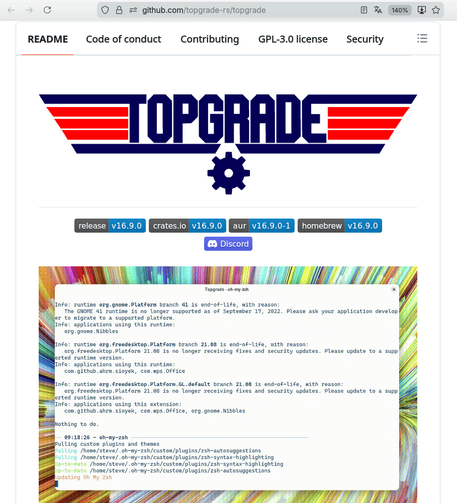
 Johannes Schnatterer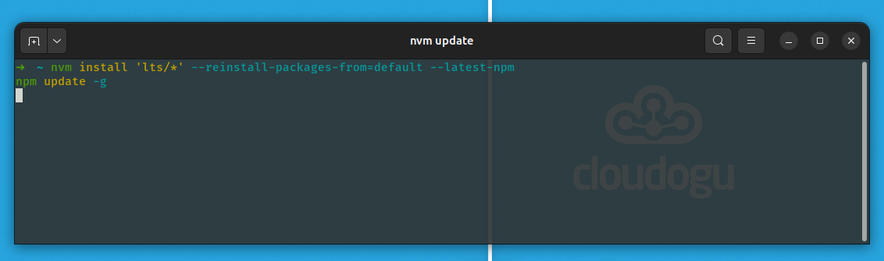
 Rain
Rain
 Axel Hahn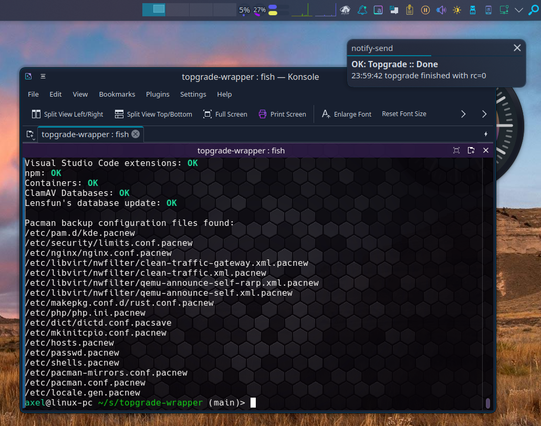
 Alejandro Baez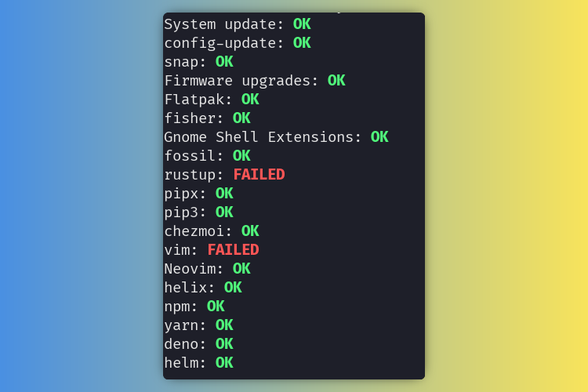
 Nick Yorke
 qkall (moved to friendica.world)
 Lou Lüeder
 tuxwise 🇺🇦
 aaron
aaron