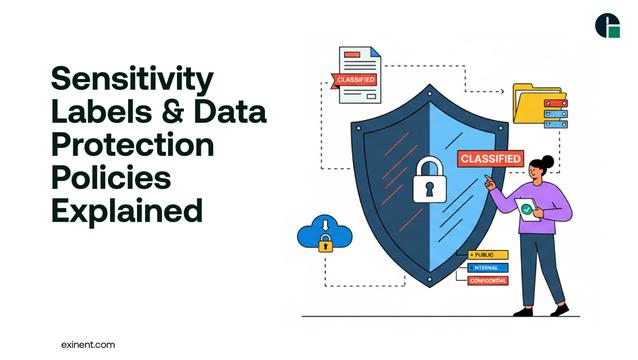
Read the full blog now : https://www.exinent.com/sensitivity-labels-data-protection-policies/
#Exinent #DataProtection #CyberSecurity #MicrosoftSecurity #InformationSecurity #Compliance #CloudSecurity #SensitivityLabels
Microsoft Copilot ignored sensitivity labels twice, and the DLP engine missed both incidents. The oversight reveals a hidden code-path vulnerability that could expose enterprise data. What does this mean for AI-driven security and how can we tighten safeguards? Dive into the details and learn what to watch for. #MicrosoftCopilot #SensitivityLabels #DLP #AISecurity
🔗 https://aidailypost.com/news/microsoft-copilot-ignored-sensitivity-labels-twice-dlp-missed-both
Ready to supercharge Copilot with compliance at its core? Effective sensitivity labels are your security passport, granting access only to those who truly need it while keeping your corporate secrets safe from prying eyes.
Read more 👉 https://lttr.ai/Ak0s4
Unlocking Copilot compliance isn’t just about toggling settings—it’s about weaving robust sensitivity labels into your digital DNA! Discover how these labels become the silent guardians of your data, ensuring AI-powered productivity never comes at the cost of security.
Read more 👉 https://lttr.ai/AjPI6
Unlocking Copilot Compliance through Effective Sensitivity Labels: https://lttr.ai/Aiodt
Is there a good guide for office #sensitivityLabels #microsoft
What are usable best practices not geting too conplicated on #iOS, #android, #macOS, #windows
Using PowerShell to Generate a Report About Sensitivity Label Settings
Absolutely necessary: Documentation of the many settings of sensitivity labels. https://practical365.com/sensitivity-label-settings-report/
You can manage sensitivity label settings through the Microsoft Purview compliance portal, but it's hard to see all the settings for labels in a consumable manner. This article describes how to use PowerShell to extract and report sensitivity label settings, including highlighting rights assignments that might be out of date. It's an example of just how useful PowerShell is to Microsoft 365 administrators.
Using Microsoft Translator with PowerShell for Automatic Translation of Sensitivity Labels
Create local translations using Microsoft Translator to update display names and tooltips for sensitivity labels: https://practical365.com/microsoft-translator-sensitivity-labels/
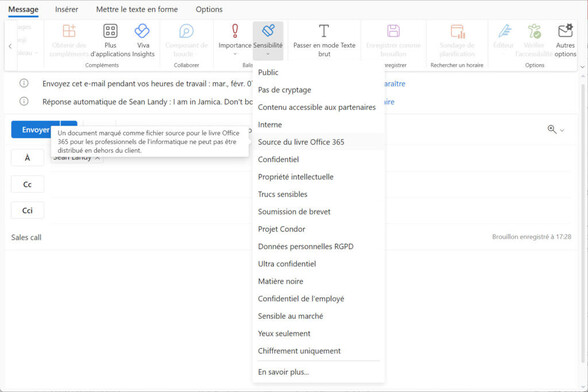
Sensitivity labels support local language values, meaning that you can translate the display name and tooltip for labels so that they appear in the language chosen by a user. Most people don't both because it's painfully slow to insert the translated strings for multiple languages. However, when you apply a mixture of PowerShell and the Microsoft Translator service, the task becomes so much easier.
I'm getting better at saying "top-level label" without tripping over my tongue. This is a victory.