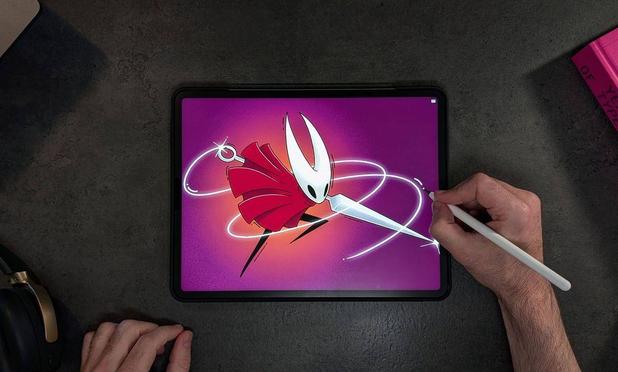
Ist es besser als das Nano-Texture Display 😅✌️?
#ipad #paperlike #nanotexture

I decided to film myself making a digital artist glove for a fraction of the cost of one I bought from Amazon.

Also, figured I’d try to do some multi-cam recording using a new angle, lighting and mics!

MajorCraft: Making a Digital Artist Glove on the cheap! – MajorLinux

https://majorlinux.com/majorcraft-making-a-digital-artist-glove-on-the-cheap/

#Apple #ApplePencilPro #Artist #Cameras #Canon #Digital #DJI #Gloves #iPad #iPhone #Paperlike #YouTube

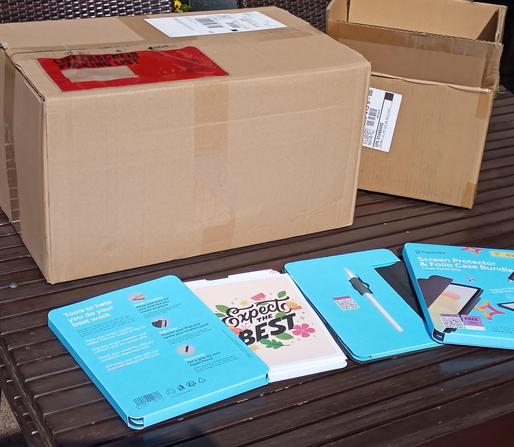
Paperlike spendet 50 Screen Protector & Folio Case Bundle + Pencil Grip für iPad Pro 11" und iPad Air 10,9" an Labdoo Germany. Vielen Dank.
Registrierte Labdoo Hubs und Projekte können sich bei Labdoo Germany melden und Sets innerhalb von Deutschland kostenlos abrufen.
https://paperlike.com/de/products/screen-protector-folio-bundle
#labdoo #paperlike #ipad #screenprotector #foliocase #pencilgrip #spende #danke #set

@NanoRaptor given that #eInk nowadays can do up to 7 colours and early #LCD|s were as slow as the fastest eInk screens these days, would you expect some "sunlight readable" or "Ergo" series #Apple Devices in a parallell universe?

Maybe an idea for your #next #PremiumShitpost...?

#IdeaInjection

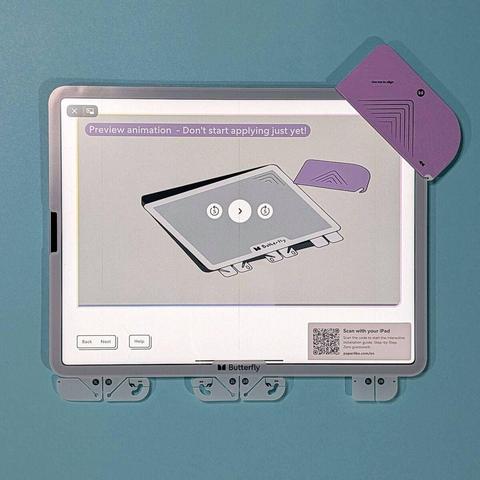
I found the iPad's glass too slick to comfortably use for drawing, so looked forward to a #Paperlike screen protector. I saw one on someone else's iPad; it had some air bubbles but the texture was nice. I just tried applying Paperlike to my iPad, but the bubbles were out of control. No amount of careful smoothing eliminated them. Lesson learned: if I ever get another #iPad I'll get the one with the nano-texture glass. Or maybe try the #PenMat or Bellemond magnetic screen protector. #tech

If you own a #Dasung #Paperlike Color monitor, there is one game that you absolutely have to play on it: #SlayThePrincess.

The cool thing about this game is that the monitor's dithering in the non-text modes actually _adds_ to the game's atmosphere.

#gaming #EInk

After using the #BooxMira #EInk monitor for a few days, I must say, the "Presentation Mode" is a killer feature - a feature that I miss a lot on the #Dasung #Paperlike Color.

While "Presentation Mode" makes the screen very slow, image quality is vastly improved, and for reading things I strongly prefer image quality over refresh speed.

I now have both, a #Boox #Mira (the small one), and a #Dasung #Paperlike Color (Revolutionary). I think I can do an initial comparison of both #EInk monitors:
Ghosting is better on the Dasung screen. I barely ever need to do a manual refresh on it, while I often need to do that on the Boox display.
The text rendering is good on both, but on the Dasung it needs some extra setup (like disabling Anti-Aliasing and sticking to the 8 supported colours).
Overall image quality is better on the Boox.
1/2
The manual for the #Dasung #Paperlike #EInk monitors mentions that the Dark Knight version has the option to switch to a lower resolution of 1600x900 by pressing the (C) and (-) buttons. I just tried this on the Paperlike Color (Revolutionary), but sadly it seems it does not support this feature.