 Lukas Kurz
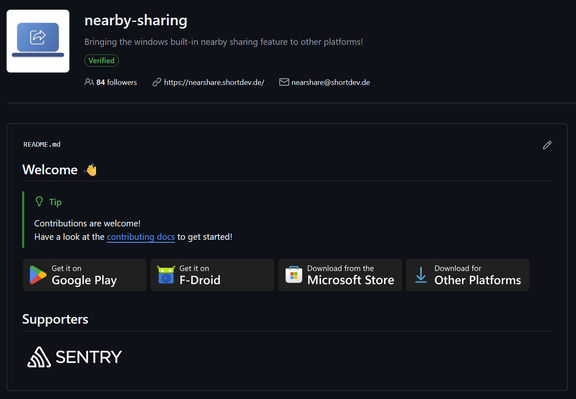
I added the download button to #GitHub 😁
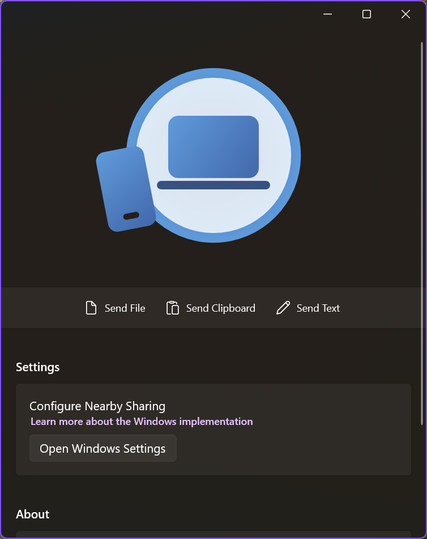
Even though this app directly uses the #nearshare implementation built into Windows, it allows discovering LAN devices, so you can finally transfer data to Windows devices without Bluetooth / WiFi or MacOS machines using the cli 🥳
The #nearshare app family is joined by a new utility app for #Windows. Besides the native share menu in Windows, you can now use this app to quickly share your clipboard, some plain text or arbitrary data via drag'n'drop!
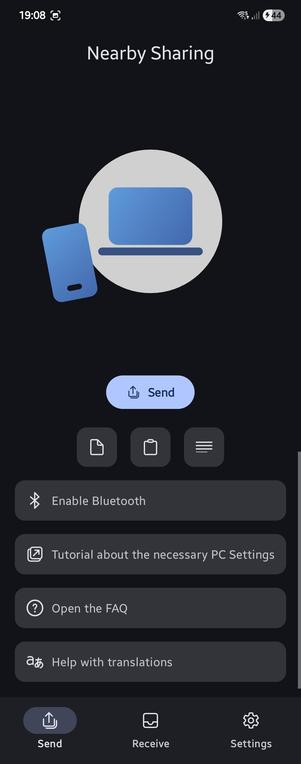
I just noticed that some well-known #windows #firewall rules were gone which caused some issues in local-network stuff including #nearshare.
Resetting the firewall rules did the trick for me.
This is now part of the #nearshare setup docs:
Working on a small util app for #nearshare on #Windows to simplify the usage of Nearby Sharing on Windows (e.g. send files from your clipboard, drag'n'drop, etc).
I just tried the `neverForLocation` #android permission flag for the `BLUETOOTH_SCAN` permission so I don't have to request location permissions anymore.
Sadly the documentation is not very clear on which beacons will be filtered out...
Fortunately the #nearshare beacon format is not on the default deny list!
Time to work on the UI of #nearshare again ✨
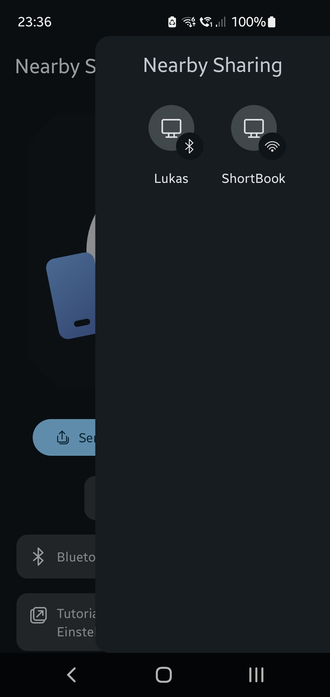
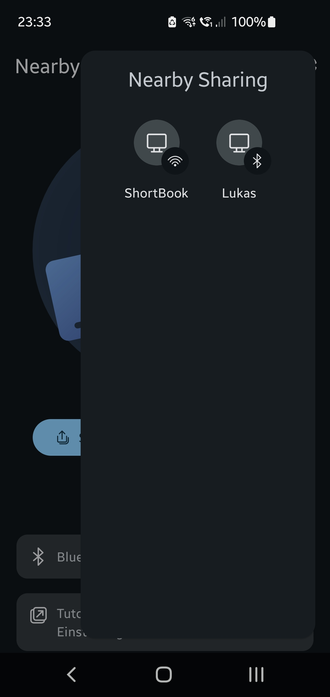
I'm thinking of replacing the `BottomSheet` with a `SideSheet`.
This would give more screen space but still be a modal dialog.
What do you think?
Do you like the (1) normal or (2) detached style more?