*me, staring at a 360KB floppy disk image for a MS-DOS program on archive.org* wtf do i do with this? run an emulator and try and mount it... then copy the file i want?

Wait A Sec...

*macOS* Just Opens and mounts the image in finder. Because of course, it's a FAT12, just like a USB thumb drive.

#FAT12

Thank you, @JennyFluff !

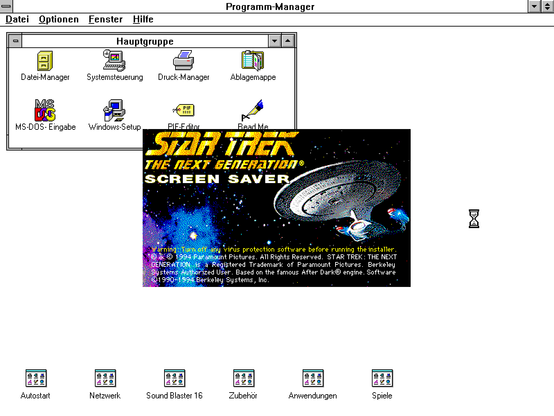
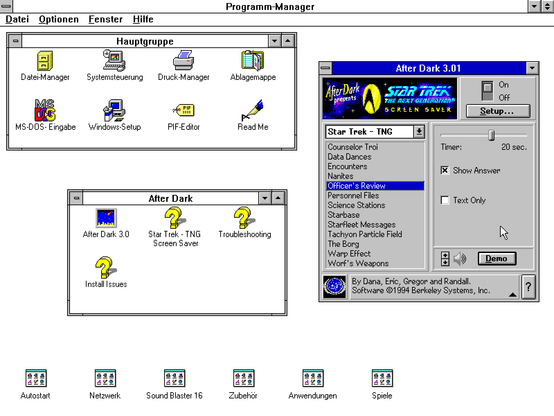
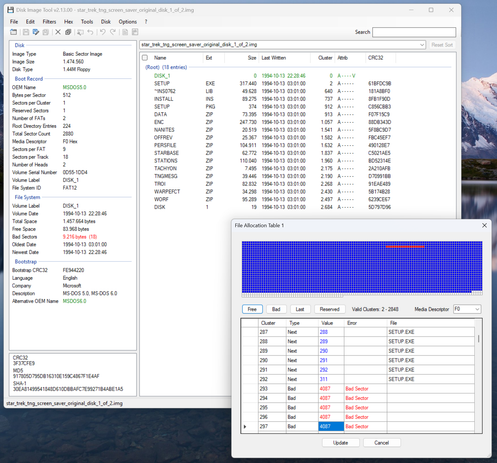
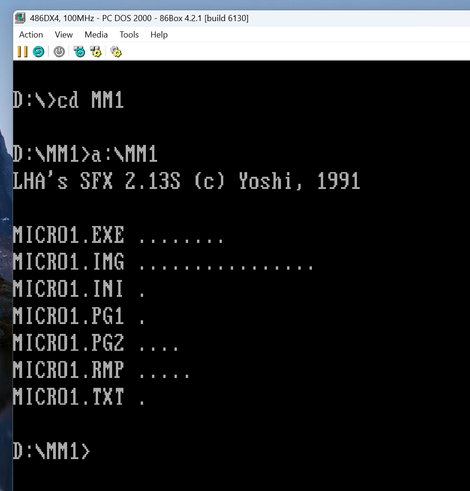
This is really cool! You did an amazing job preserving these disks! Everything installed flawlessly on my virtual WfW 3.11. Appears to be a special "Star Trek" version of AfterDark 3.01. However, there are a several bad sectors on one of the disks' FAT, but these do not interfere with the setup process.

#AfterDark #RetroComputing #86Box #Emulation #DiskImageTool #FAT12 #FloppyDisk

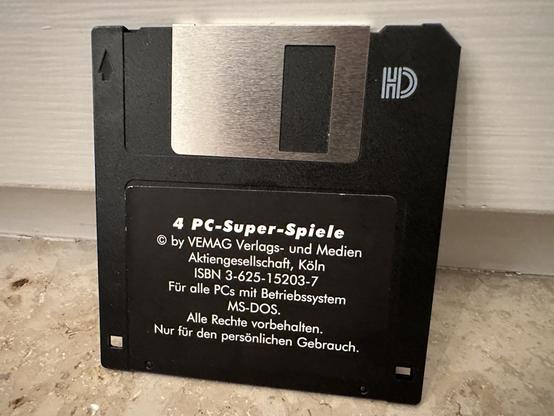
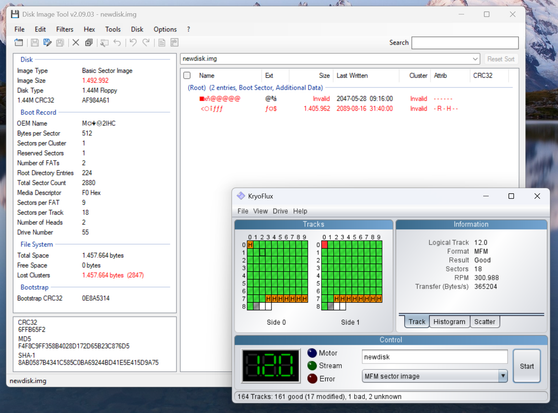
Another bad retro diskette! At first glance, this one seemed pretty much gone. None of my disk imaging tools were able to read it. Windows Explorer just crashed.

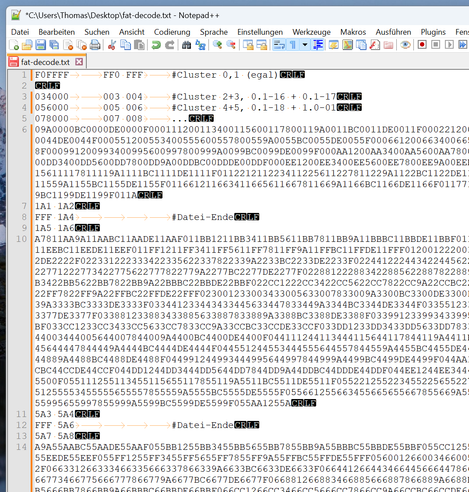
Only a low level KryoFlux dump managed to uncover the physical cause behind this: A corrupt root directory beyond any chance of repair. Luckily, both the file allocation tables as well as most of the data clusters were still in good shape. I used a hex editor to manually recover all the files from the valid tracks. It worked!

I guess these games are nothing special, but it still made me happy to pull usable data and working files from such a destroyed file system!

#RetroComputing #FloppyDisk #KryoFlux #DataRecovery #MSDOS #86Box #FAT12

#retro time: Reimplementing some #DOS stuff.

I completed my first successful file read attempts of a #FAT12 #floppy image with my BIOS/DOS-compatible disk tools.

I hope this step will bring me closer to a backup of the boot files of my saved 40 year old #Toshiba T300 model with its non standard 5.25 floppy disk formats.

It would be amazing if I could create an artificial standard boot disk with those special toshiba-DOS system files on it.

For anyone woundering "why do you use the latest @linux #Kernel release?"

Well, I want OS/1337 to be basically 'rolling release' in that I can't be bothered #backporting stuff and I just want to pull the #releases straight from said projects.

https://github.com/OS-1337/OS1337/blob/main/build/0.CORE/build/sources.list.tsv

* Okay, I've not listed #syslinux & #mkdosfs and #dd which I used in making the #Floppy image but those basically don't really change much at all. We all know how #FAT12 works...

#Linux #Embedded #OS1337 #Development #FLOSS #boot

OS1337/build/0.CORE/build/sources.list.tsv at main · OS-1337/OS1337

OS/1337 Project . Contribute to OS-1337/OS1337 development by creating an account on GitHub.

GitHub

For now I'm only focusing on making something that generates FEFS24 images (24-bit pointers). That covers 99.99% of #Psion Flash and ROM SSDs.

I've only ever seen a handful of very early (1989) Type I Flash SSDs using FEFS32, and they were made by Psion themselves for the #MC200 and #MC400.

Once I've nailed FEFS24, FEFS32 will be much easier.

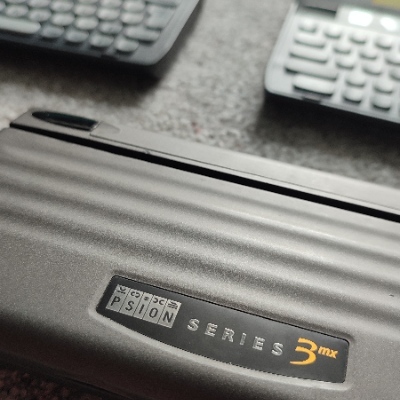
RAM SSDs use #FAT12, so that's a whole different ballgame. So far I've just used mtools to generate working FAT12 volumes.

#retrocomputing #Psion3