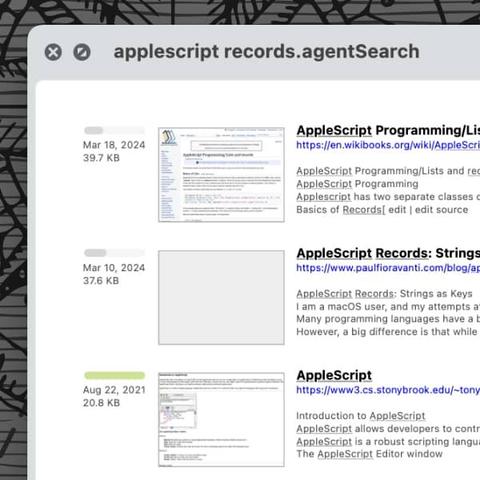
Tip of the day: In #DEVONagent Pro, you can archive search results or send them to #DEVONthink. But after closing the search, you no longer have access to those results. Of course, you can run the search again, but there is a more efficient way to return to them. #productivity #research #tipoftheday #websearch #workflow https://www.devontechnologies.com/blog/20240409-devonagent-save-results
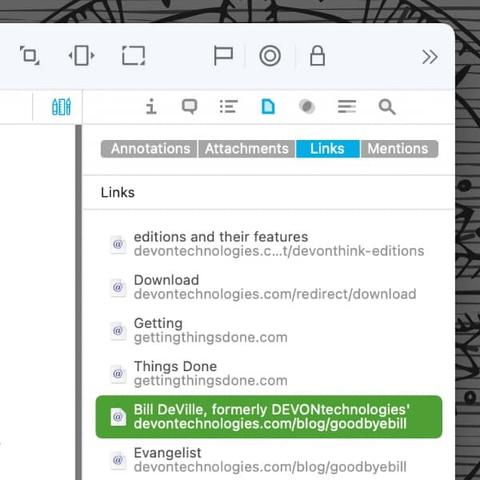
Tip of the day: Various types of documents can contain links, for example a saved web page, or a note with an URL or an email address. In #DEVONthink you don’t have to search your document by hand for them because there is an inspector just for this. Here is, how that works. #notetaking #pkm #productivity #tipoftheday https://www.devontechnologies.com/blog/20240625-links-inspector-devonthink
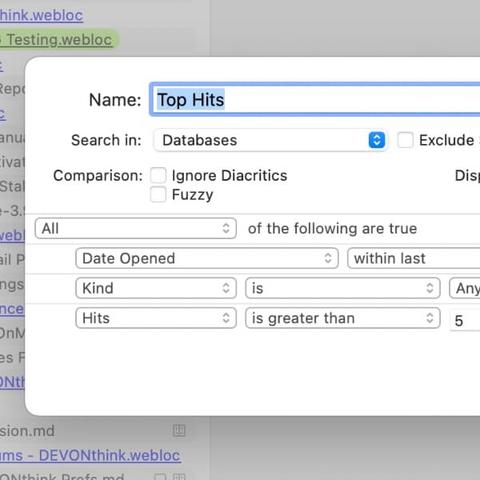
Tip of the day: Similar to the Finder’s saved searches, #DEVONthink’s smart groups display items that match criteria you define. Besides the possibility to build your own smart groups, there are also a few default ones in #DEVONthink. Here’s what they are. #automation #pkm #productivity #tipoftheday https://www.devontechnologies.com/blog/20230704-smart-groups
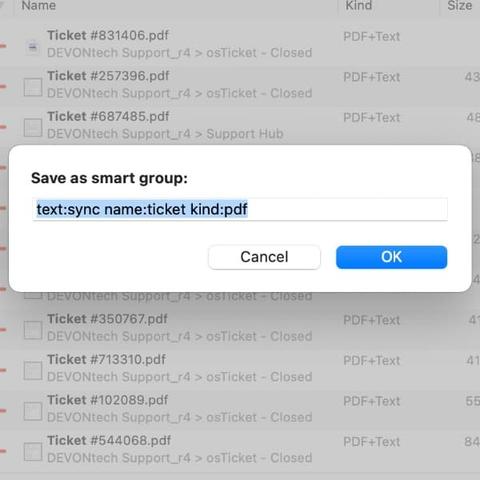
Tip of the day: Smart groups are a good way to view items matching specific criteria, like all the flagged #PDFs in your #DEVONthink database. While it’s easy enough to make a smart group, if you find yourself doing the same search over and over, you can use it to create a smart group in a few clicks. #pkm #productivity #tipoftheday #workflow https://www.devontechnologies.com/blog/20240102-reuse-search-devonthink-smartgroup
AI inside DEVONthink can be a powerful tool. But when it comes to AI, some users have security concerns, such as possible prompt injections. So, what exactly are they, and are they a risk in DEVONthink? #devonthink #devonthinktogo #ai #artificialintelligence #security #promptinjection https://www.devontechnologies.com/blog/20260317-devonthink-ai-security
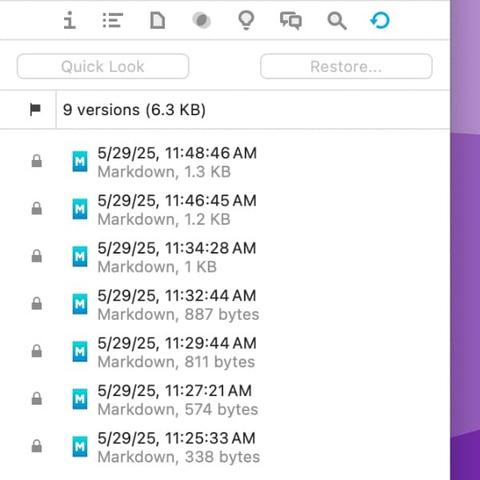
Tip of the day: At some point, you have probably worked on a text and created a duplicate to save its current state. For this purpose, #DEVONthink offers document versioning. This is a backup mechanism that automatically creates versions of your document when you make edits. Here is a quick introduction to this useful feature. #backups #notetaking #pkm #productivity #safety #tipoftheday https://www.devontechnologies.com/blog/20250603-versioning-in-devonthink
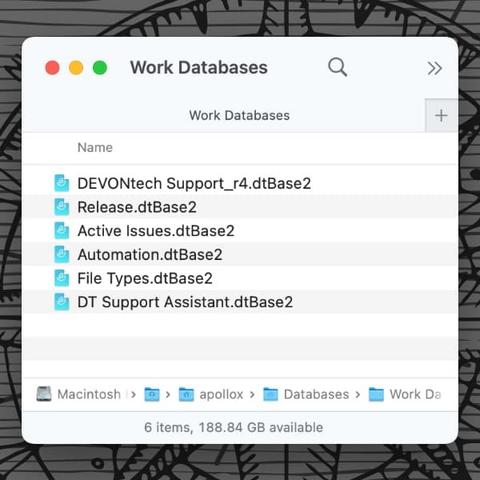
Tip of the day: When you create a #DEVONthink database, you need to save it to a specific location. In principle, there are many options here. Some are good, some others rather not. Here are the advocated options and things you need to know. #cloud #macos #pkm #productivity #safety #sync #tipoftheday https://www.devontechnologies.com/blog/20230912-where-store-databases
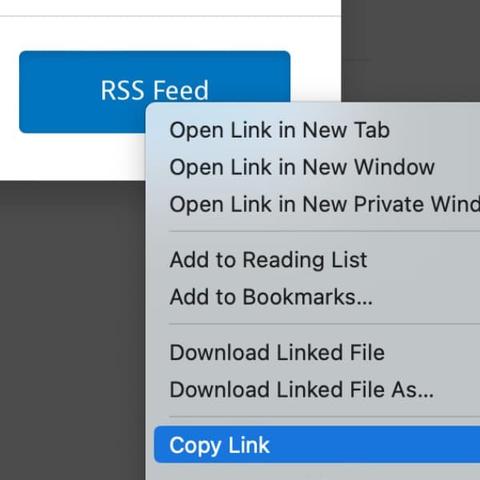
Tip of the day: If you are using Instapaper for gathering resources in an online archive, there isn’t a built-in #RSS feed available. If you’d like to have a feed adding these articles to your #DEVONthink database, here is a simple way to accomplish this. #pkm #productivity #tipoftheday #workflow https://www.devontechnologies.com/blog/20230718-instapaper-rss
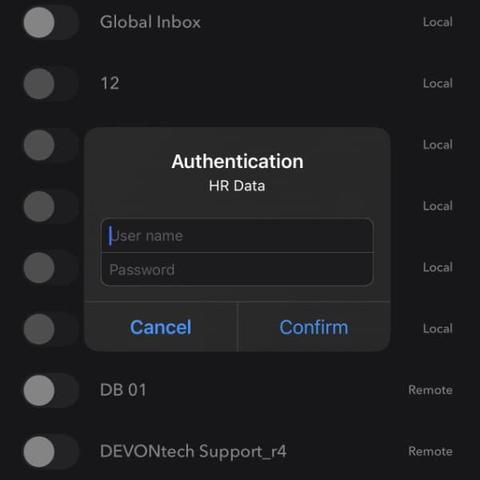
Tip of the day: In #DEVONthink and #DEVONthinkToGo, you’ll see fields for a username and password in the properties of a database. These are the database credentials. While it looks like they would lock a database from access, they don’t. Here is, what they are actually for. #collaboration #pkm #productivity #safety #sync #tipoftheday https://www.devontechnologies.com/blog/20240130-database-credentials
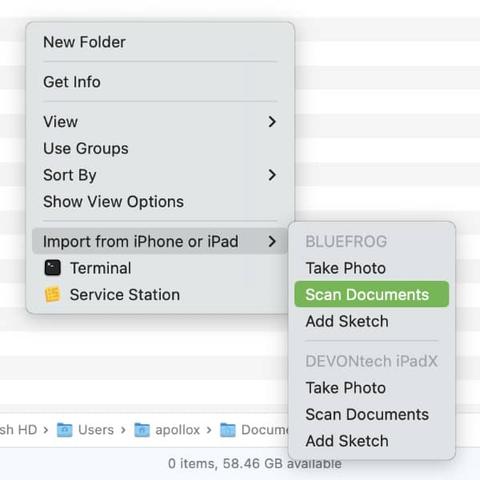
Tip of the day: Scanning documents is a much needed function for many people, but you might not have a scanner available. If you have an iPhone or iPad connected to the same Apple Account as your Mac, you can use it to scan directly into #DEVONthink’s Global Inbox. We show you how. #ios #paperless #pkm #productivity #tipoftheday https://www.devontechnologies.com/blog/20240716-iphone-ipad-mac-scanner