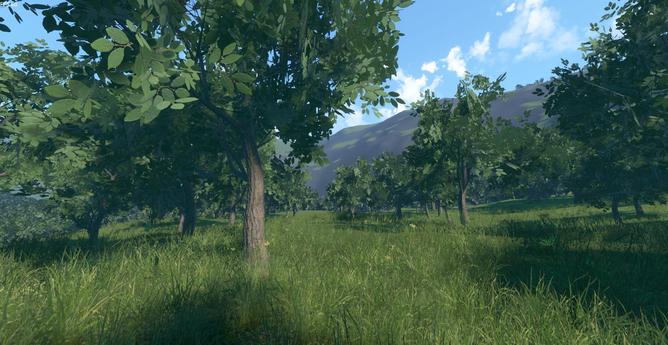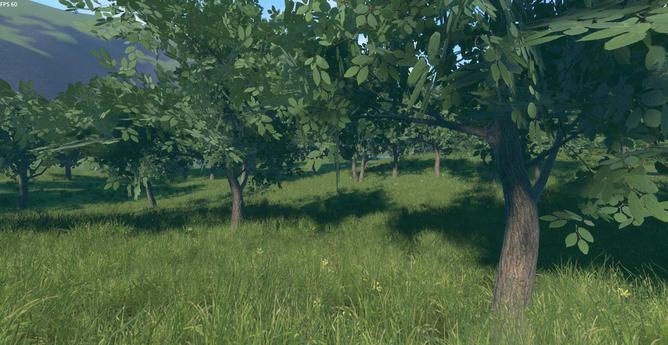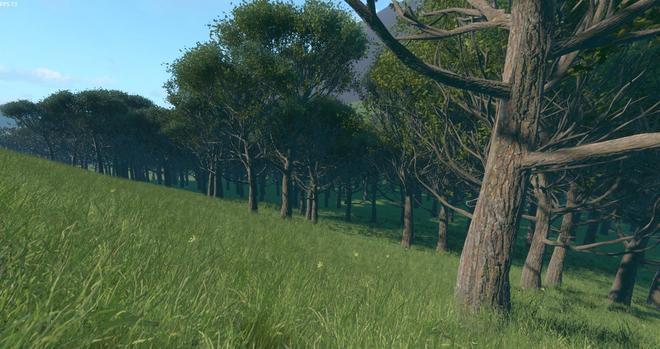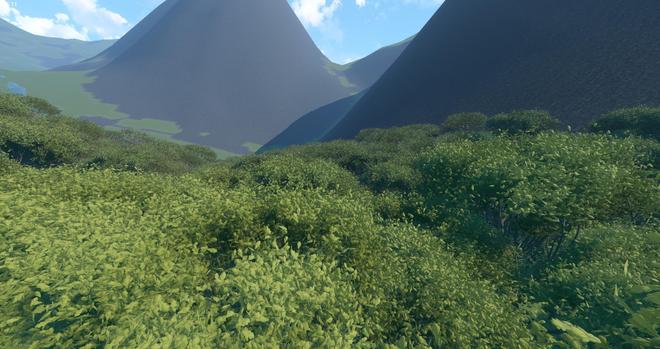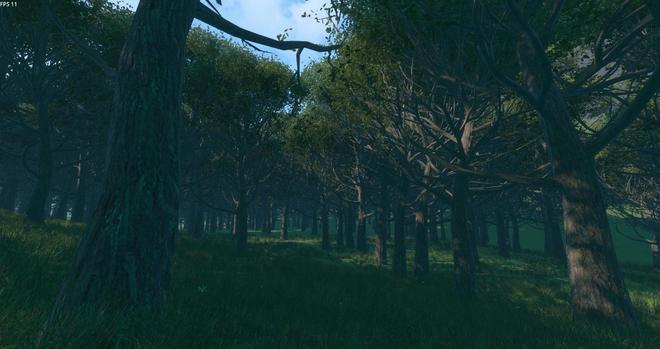
Still a few "details" to fix 😅

#GameDev #Godot

I hesitated posting this video because of the low framerate. Hope nobody will believe this has to do with Godot.

The main problem here, by far, is that the tree mesh I've found models each leave with multiple triangles (which is fine for some use cases, but not adapted for this). There are 170000 triangles per tree.

Once I manage to reduce the triangle count it should run at 60fps. And hopefully I will also be able to increase the tree density (and add variations and bushes etc.)
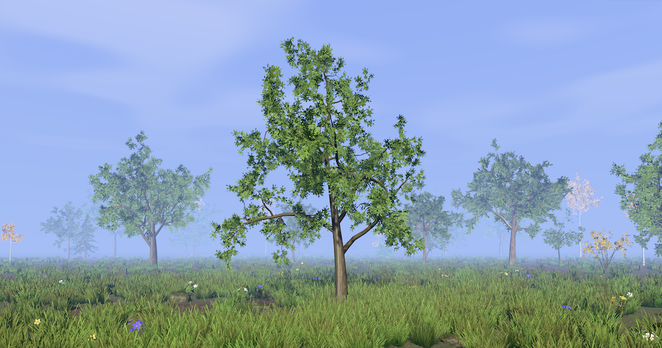
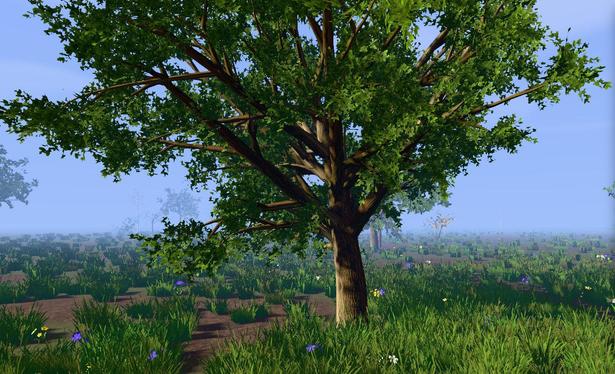
I wonder is there are good free (preferably open source) tools to generate trees.

I've quickly looked at https://www.eztree.dev/ which is really cool, but I think even with different material styles it's a bit too "cartoon" in the shape as well for what I have in mind.

EZ-Tree | Procedural Tree Generator

EZ-Tree is a procedural tree generator that allows you to create realistic 3D tree models with ease.

I think it would be better with a parameter to make the tree and/or branches zigzag. It's very straight and I haven't found a parameter to tweak that (it can be bended on one side, but not zigzag). Though, since it's open source, maybe I can actually add one 🤔

While I really like trees, I realize I have never studied them 🫣 I can only recognize and name a few, and don't know the english names.

Looking at photos, I see that sometimes a branch changes direction at the point where a smaller branch comes out. I think it's what can cause a zigzag look. Angle variations are smaller on the trunk, but thickness can have a brutal reduction at the point where a big branch comes out.

Also, sometimes the low branches are bent towards the ground.

Another thing is that the shape of the junction, when a branch comes out of the trunk, may need a bit more work to look better.

I need to be wary that photos online are often iconic trees that stand out. But I don't want to make a forest of very special trees, actually since I'll repeat a few model of trees everywhere, it will look better if they don't have particular features that attract the eye.

After some more thoughts about this, I wonder if it wouldn't make more sense to generate trees in #Blender, instead of using an external program.

A node-based approach would probably give more customization freedom, and instant feedback. Unless I'm idealizing it (never did that kind of thing in Blender).

I suppose this has already been done. Countless times. Actually the difficulty might be to pick one among the sea of available addons... Or start from scratch 😅

I'm making some experiments with the Modular Tree plugin for #Blender3D.

For now I only test in-game performances. There is still work to get a better visual quality.

What I did is that I make a branch (a very small tree actually) that I bake in a texture, and then use it as "leaf". I'm more or less back at 60fps, even when increasing trees view distance. I still need LODs and impostors for the farthest ones.

Trees already give a better sense of scale for the mountains 🙂

#GameDev #Godot

It's reasonably efficient, but visually the foliage doesn't really work 🫤

That's a lot of trees. But still not enough to look like a forest. Or maybe I just need bigger trees. So far I feel like I just made a big orchard. Also struggling to keep good performances. Nature is tough 😅

#GameDev #Godot

I'm surprised I can't find existing solutions to generate tree LODs in Blender. The decimate modifier does not work very well on foliage (starting with a quad for each leaf in my case, generated by the Modular Tree addon)

I'm considering to implement something based on ideas from a few papers I've read, but it feels odd since I would have thought this is a recurring task for any game with outdoor scenes 🤔

#GameDev #Blender #Blender3D

I think it's slowly taking shape and starting to look like a forest.

Now I have to find ways to simplify foliage geometry and reduce overdraw because 10fps is not enough 😅

#GameDev

I've been working on a python script in #Blender to decimate foliage while keeping the best quality as possible.

This is based on ideas presented in this paper: https://www.mdpi.com/1099-4300/20/4/213

I make renders of the tree from several view points, to serve as reference. Then I hide one leaf, render again, and compare with the reference. I do this for all leaves (a single one is hidden each time). I choose the leaf that has the least influence, and actually remove it.

Then repeat the whole process.

In this example, the tree has initially 800 "leaves" (actually, they are already groups of leaves baked in a texture).

Both decimated trees in the video have 400 leaves remaining, so half of the initial amount of leaves. The "Random decimation" tree looks like it has less leaves, but it's just because they have been randomly chosen, it actually has exactly the same number of leaves as the "Viewpoint-dependent decimation" tree.

There are remaining possibilities to improve results, in particular I'll need to continue removing more leaves for more distant LODs. At some point it will become visible, but I can scale remaining leaves bigger, and/or use different textures to make the tree appear similar, until the simplest model that would be a single rectangle with a texture of the whole tree (usually called "impostor").
I must say that I'm not especially impressed by the Blender python API and its documentation, this has been tedious 😅 But, well, it works. Blender is a great tool of course, but holds up to its reputation of being difficult to learn. Apparently this also applies to scripting (at least that's my feeling so far)
It's still a bit clunky, for example, it appears it's not possible to read a rendered image without saving it to disk and loading again 🫣 On my computer the thing can make 14 renders per second, I have 9 view points and 800 leaves, so it takes about 10min to compute initial influences of each leaf, at which point I can... remove one leaf
Since it's quite slow, I speed up next leaves removal: I pick the next least influence leaf (using the influences I computed for the first step), and only re-render for that leaf, to double check if its influence changed. If I get a similar influence, then I just remove the leaf. If however the leaf influence is much higher (maybe it's the last leaf of a stack), I update the stored influence but don't remove the leaf, I pick another instead, and so on. The total time is about 30min.

I have an idea to speed it up: render the tree with a different color for each leaf (with 24bits this can handle 16 million leaves). Then I can count how many pixels are visible for each leaf. I could also use a channel to accumulate the number of superposed leaves on that pixel. This would give an influence for each leaf (more leaf pixels visible mean the leaf has more influence, and even more if no other leaf is behind). With a single render per viewpoint.

Easier said than done though.