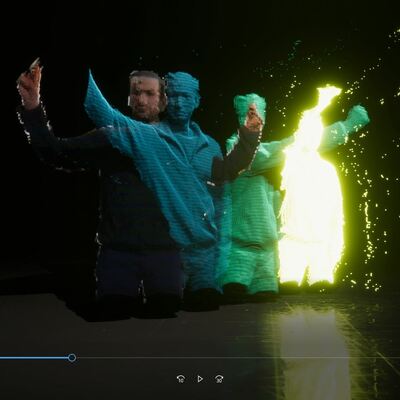
https://youtu.be/z1MmEtqLcRo

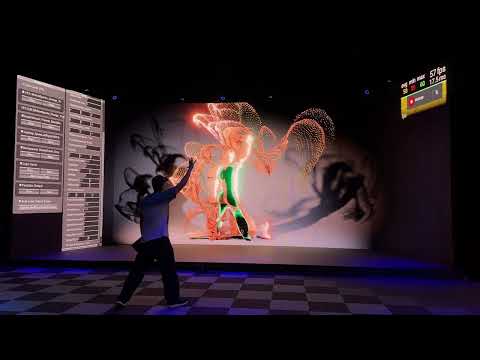
E583: "Kinetic Sand? (Live VFX Edit Menu)"
🎵 Leo NXT - Step Up
Finally got round to extending the in-game/in-build debug menu to include most parameters on the VFX systems.

#creativecoding #madewithunity #realtime #realtimegraphics #realtimerendering #realtimevfx #procedural #generative #interactive #audioreactive #audioreactivevisuals
E583: "Kinetic Sand? (Live VFX Edit Menu)"

YouTube
This way I can tweak and float, vec2, vec3, vec4, int or bool parameters while in the game/build - which is super-handy for reducing the iteration time (as previously had to take notes during/after each test run, go back to laptop running Unity Editor, makes changes, make build, copy build over, test again - fairly slow iteration loop).
The best iteration time is live-edit, for instant feedback!
(Of course, I could install Unity Editor on this machine, copy entire project on and dev directly - but that can get messy, uses up license keys, and is lower perf (FPS) than testing a build. So I prefer to test builds only)
So this "Kinetic Sand" (yeah, I suck at coming up with names for things) VFX is the "Motion Sparks" VFX, but with min spawn speed reduced right down, randomised LOD/size turned off, fluid sim and curl noise force zeroed out - so it spawns lots of small particles with only user motion (on primary spawn, and secondary afterwards) for velocity and all shape comes from that (and the linear drag which stops particle motion), with motion boosted whenever audio level kicks.