You can just do stuff, now. It's wild.
I'm not yet sure what the end goal is here, but I'm making a lot of progress regardless
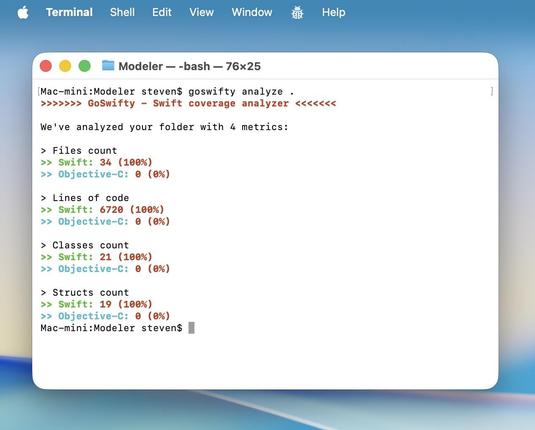
Y'all know I'm using UIKit/Catalyst, right?
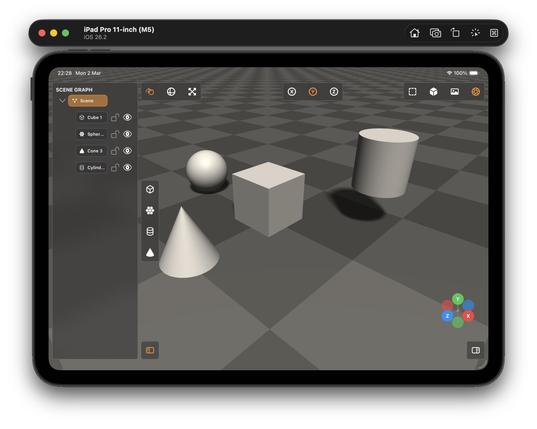
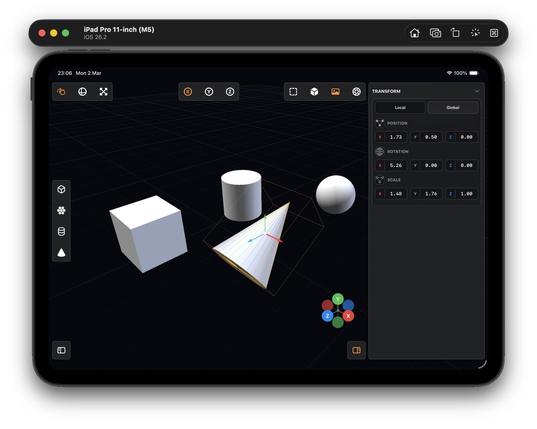
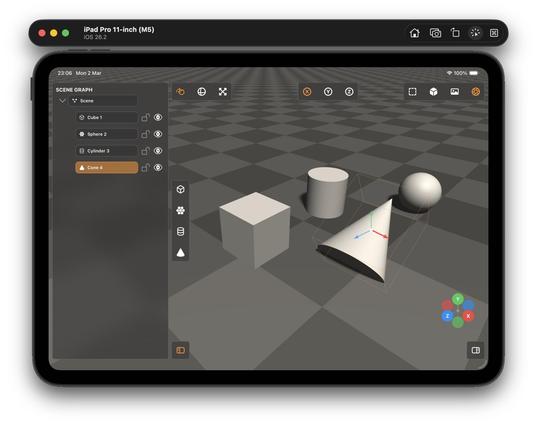
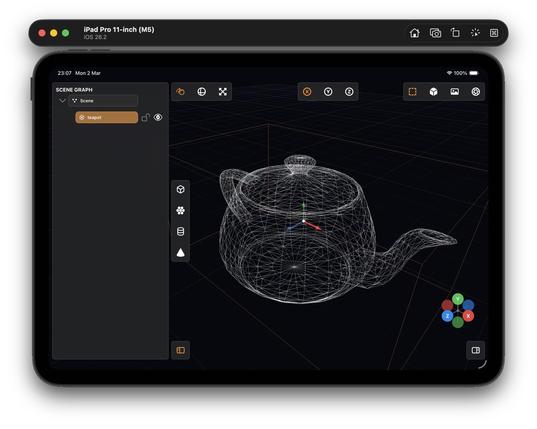
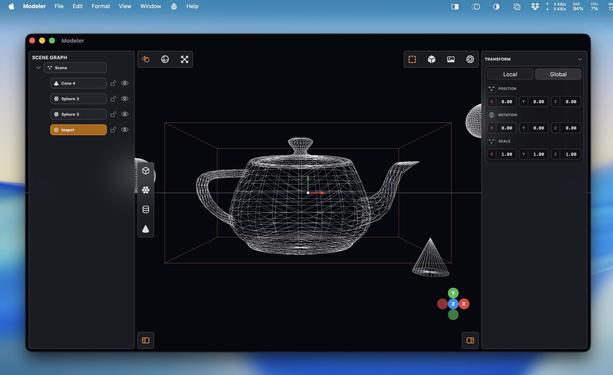
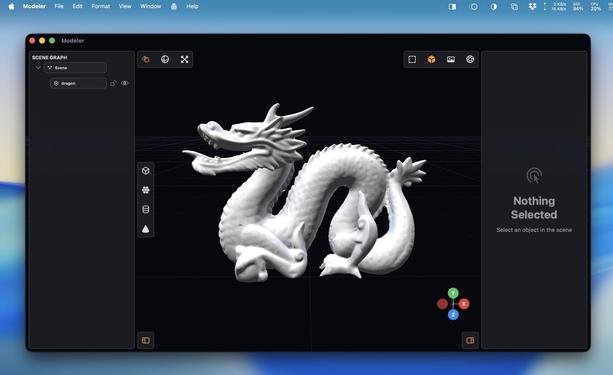
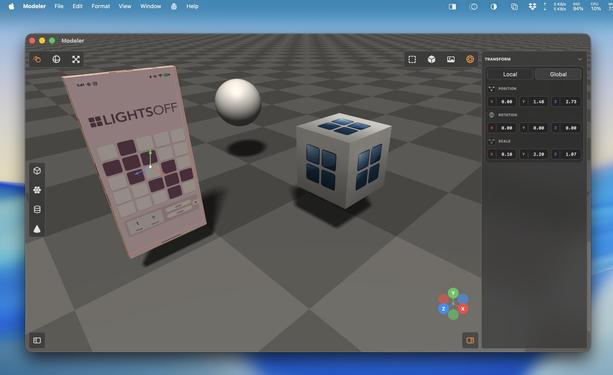
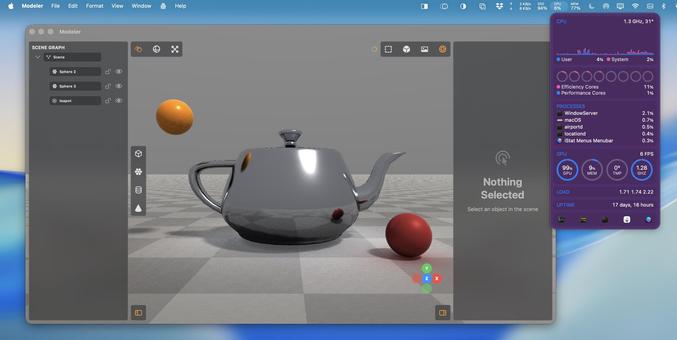
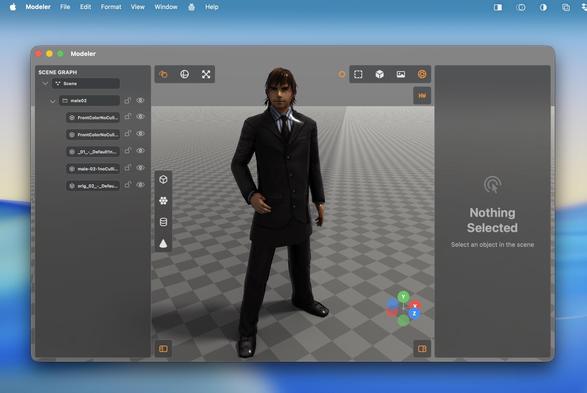
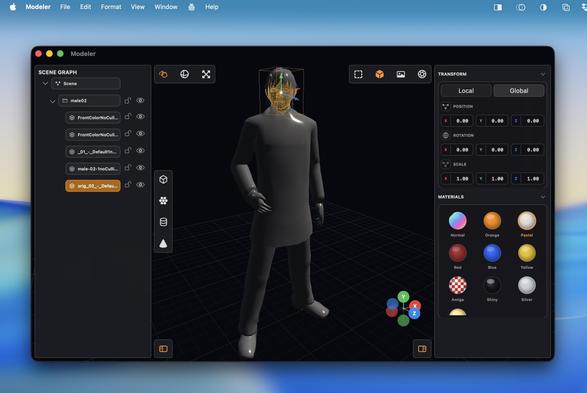
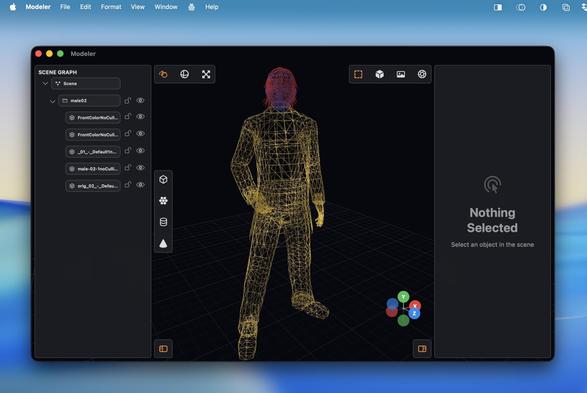
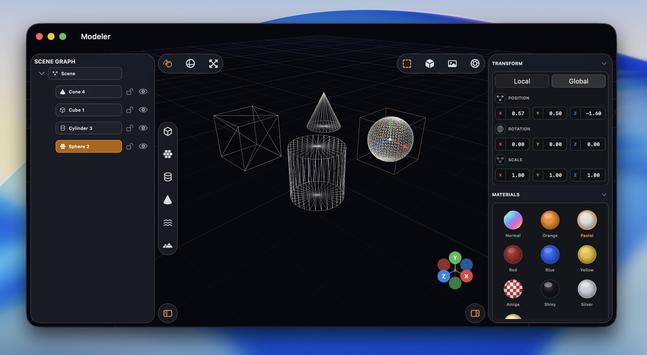
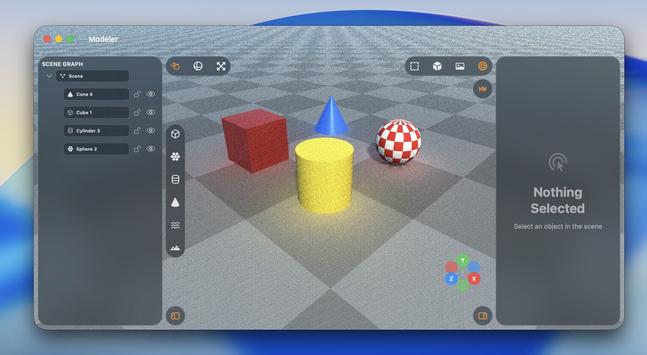
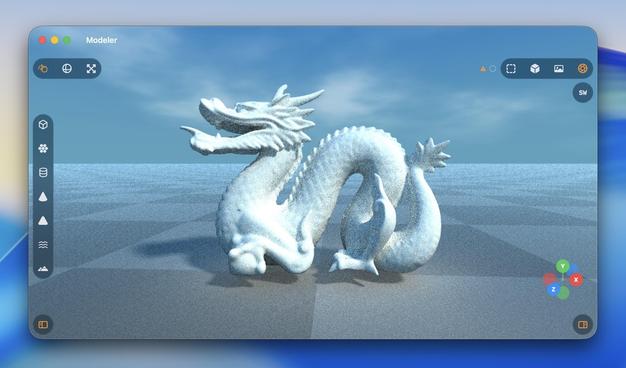
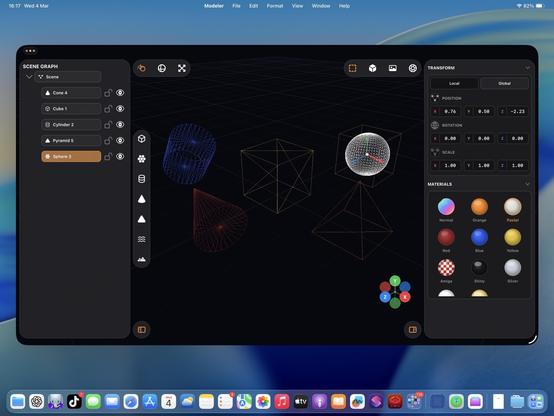
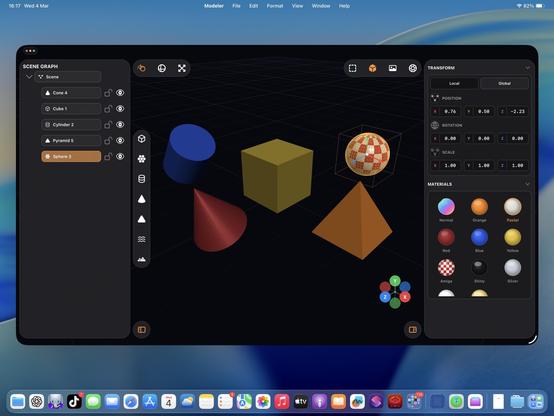
I started with a blank project template 5 hours ago. Now I've got a little 3D scene graph editor with gizmos, wireframe and shaded view modes, texturing, drag and drop OBJ file importing, and tile-based raytraced rendering, that runs on Mac and iPad.
Thanks Codex!
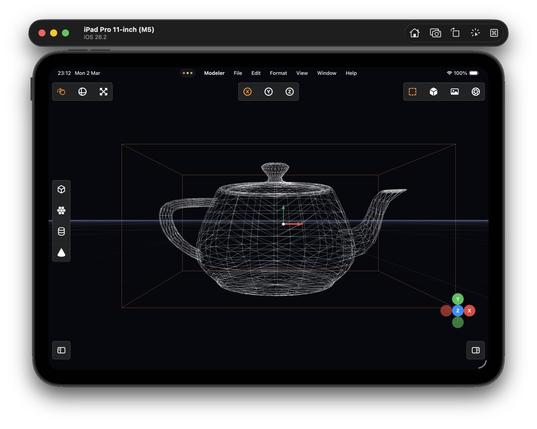
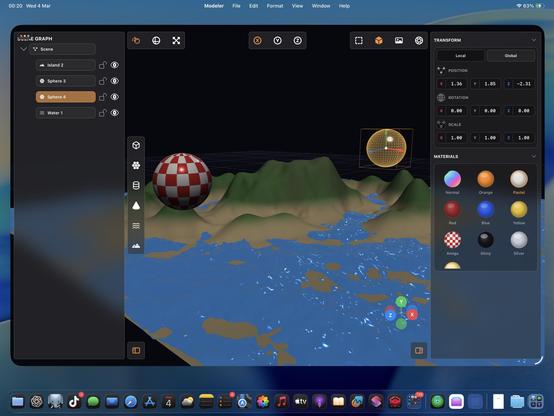
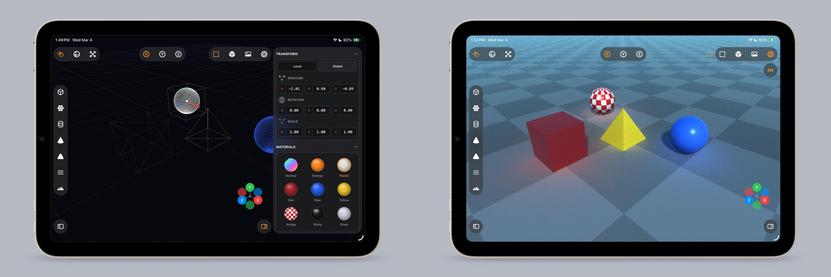
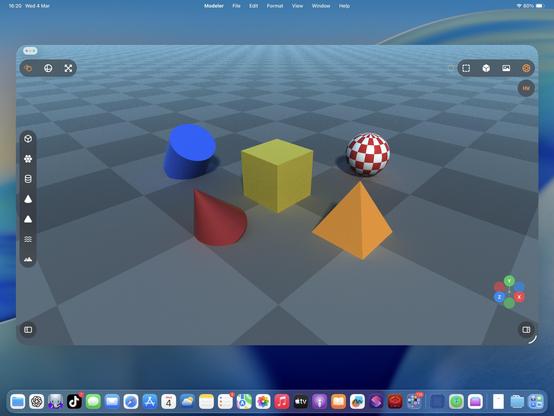
Some more glamour shots of this 3D app in the iPad Simulator
Multi-select and grouping
You know what I really could use at WWDC?
Teach a generative model to build high-quality vector SF Symbols so we can make custom ones, like say a full set for 3D modeling suites or PencilKit drawing apps, on demand 👀
…asking for a friend…
@stern
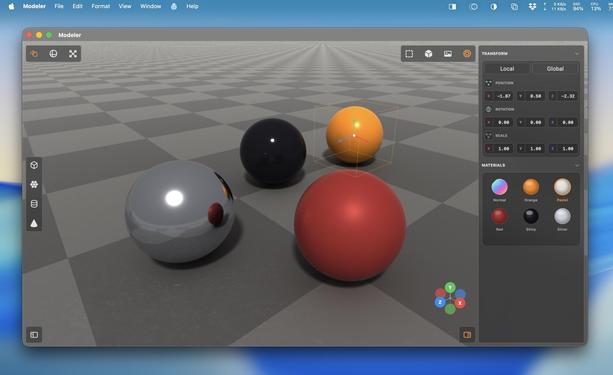
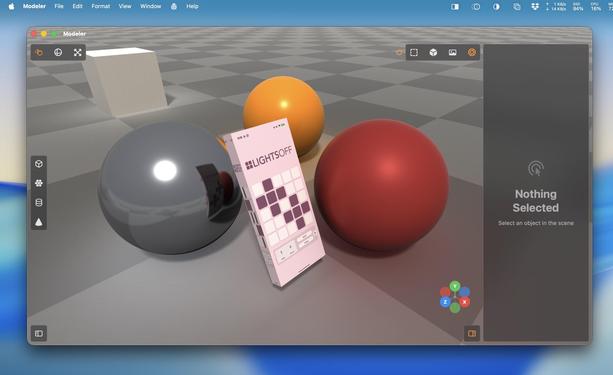
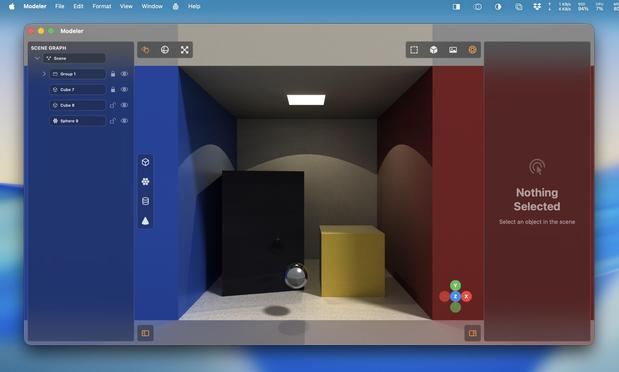
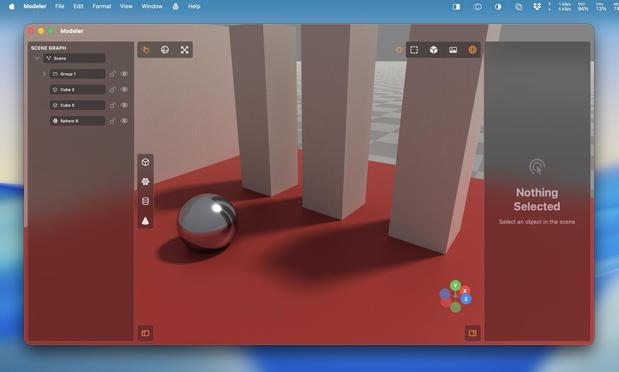
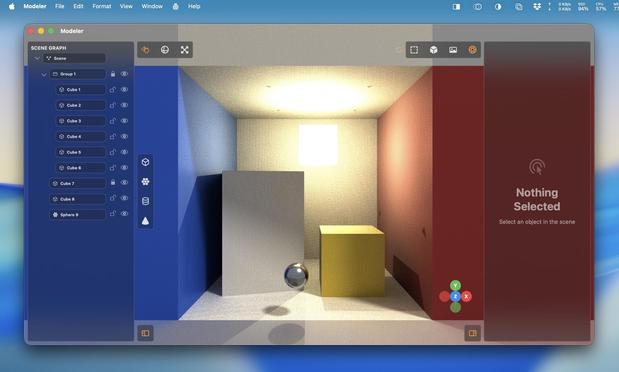
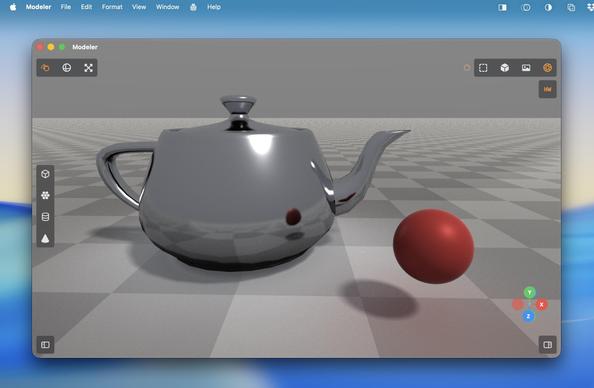
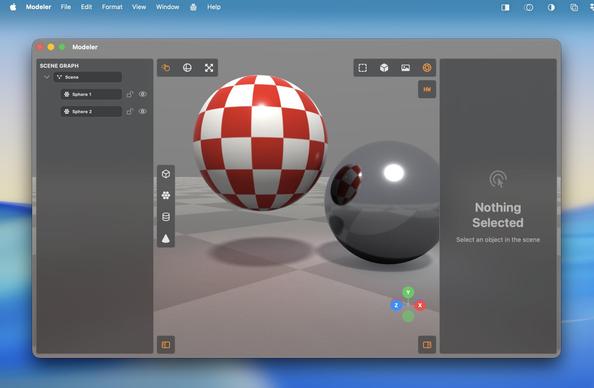
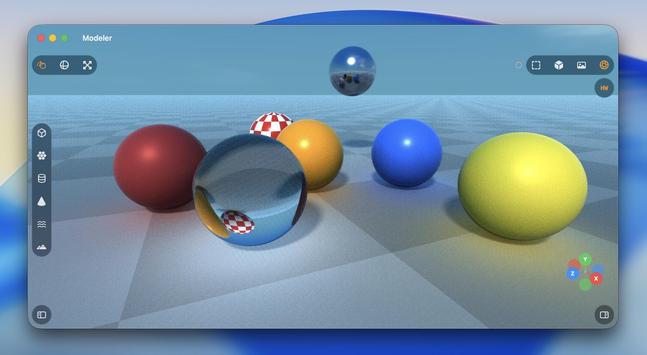
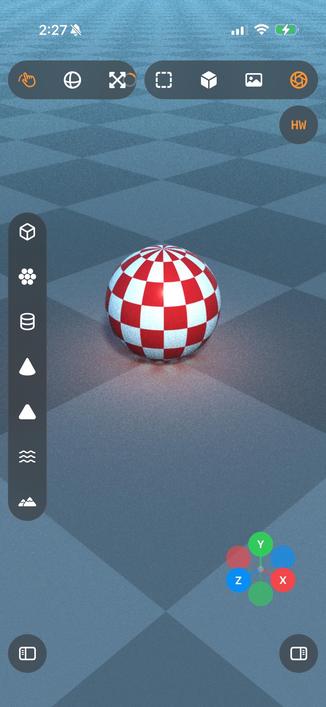
Upgraded my raytraced renderer with bounce lighting and true reflections. Now it looks pretty legit!
The floor also needed some bounce lighting
'Could somebody with no programming experience recreate Photoshop with an LLM?'
I have absolutely zero Metal and near-zero 3D modeling experience. I know the basics of how to use a scene editor, and the names of rendering terms.
And I effectively vibecoded all of this in less than half a day with Codex 5.3 Medium, based on screenshots of a cool-looking app I've never used (Valence3D) and just a general sense of what a 3D app should do
Raytracing uses every last ounce of my poor M1 Mac mini's GPU. It has never seen such a workout
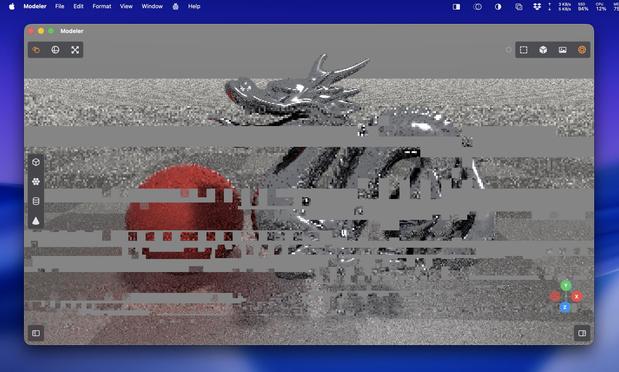
Since I am doing this on the GPU, not CPU, finding a way to render complex meshes without blowing the budget is a headache. There's a hard cap on how much work you can do before the Metal driver crashes
I think I should probably add a denoiser to this…
Added some targeted calls to the hardware raytracing APIs, and a toggle switch so I can flip between non-accelerated RT and accelerated RT. There are plenty of bottlenecks in my renderer to stop it taking /full/ advantage of acceleration, but holy heck it’s much faster regardless. This is on the M5 iPad Pro
Turns out the M1 supports enough of the hardware accelerated raytracing APIs that I get a massive speedup here, too?
Trying to parse Apple's Metal feature support tables is hurting my brain, so I'll just accept it and move on
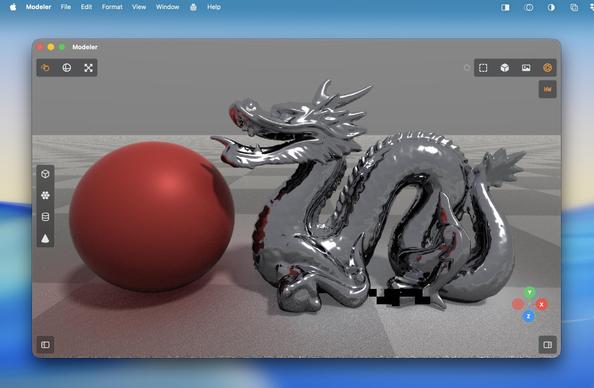
I can almost render this dragon mesh now before the GPU gives up 🐉
Submeshes and MTL texture loading
I think I'm just making Bryce now? That's a thing
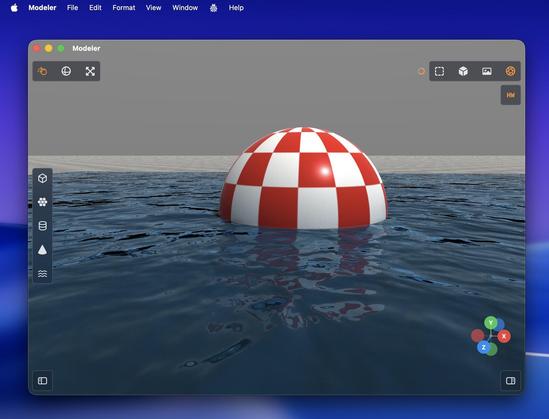
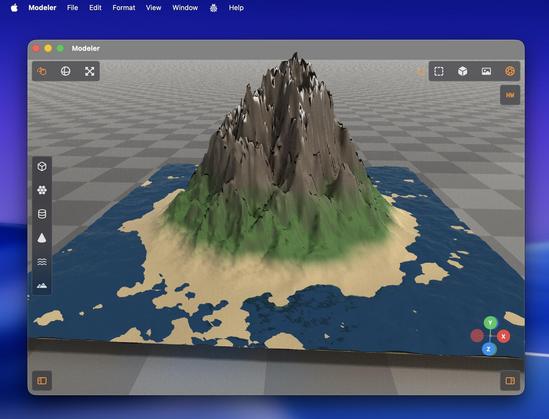
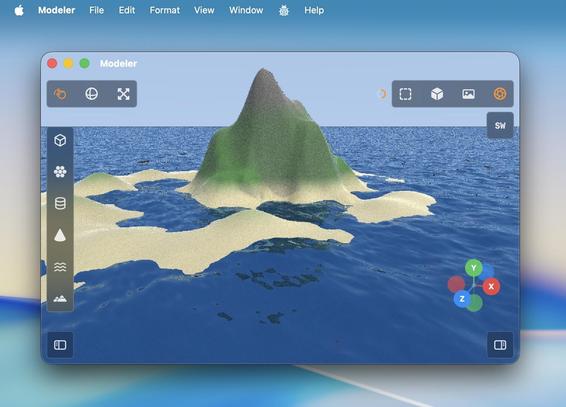
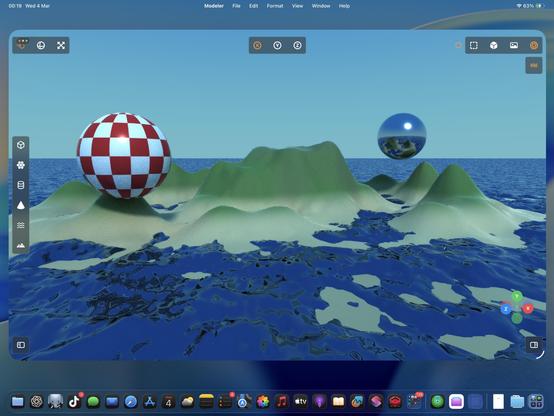
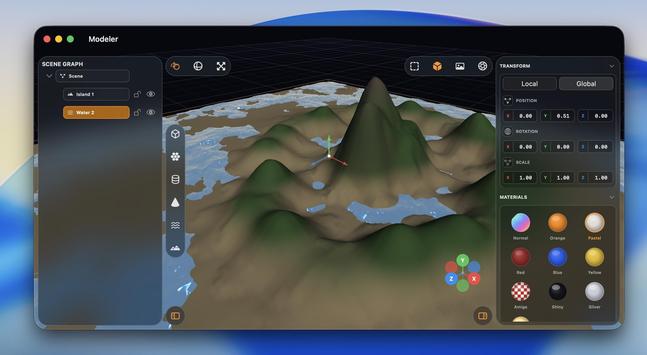
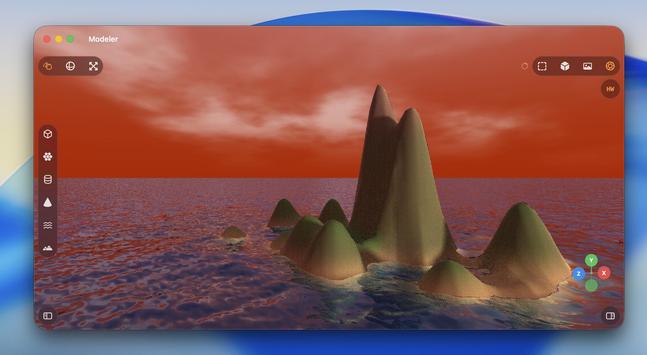
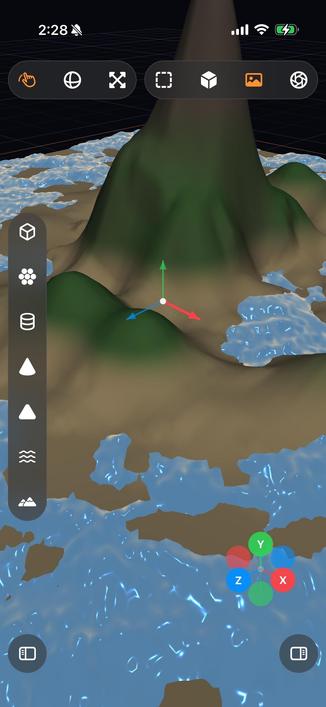
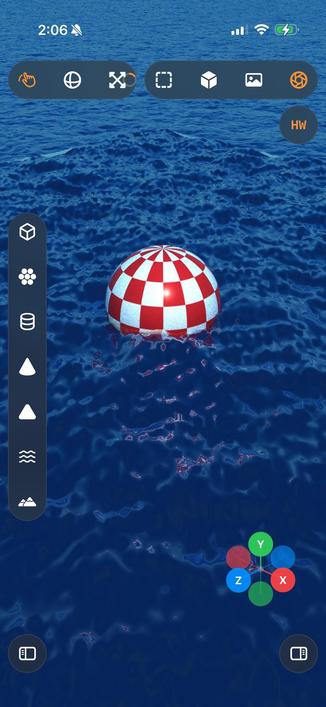
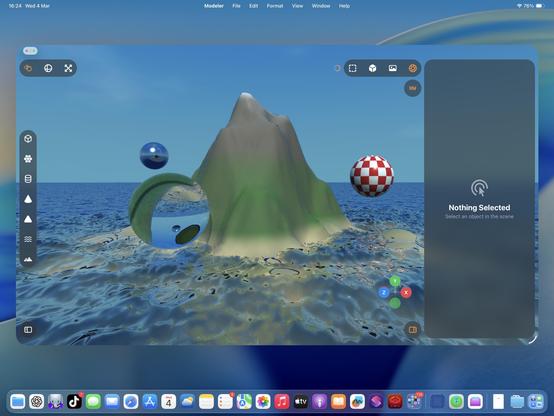
Procedural water to the horizon, sky, island generation
Not me offloading raytracing workloads to my iPad because it's so much faster than my Mac…
I spent untold hours in Bryce3D as a kid making silly scenes just like this. It did this stuff with machines a thousand times less powerful than my Mac mini. Certainly puts things into perspective…
It's real nice having a complex app like this on iPad, that's for sure. This is by far the most complex and impressive thing I've vibecoded with Codex 5.3. I haven't seen or touched a single line of code, I didn't have a detailed plan to work from — this isn't at all like the structured ports I detailed previously
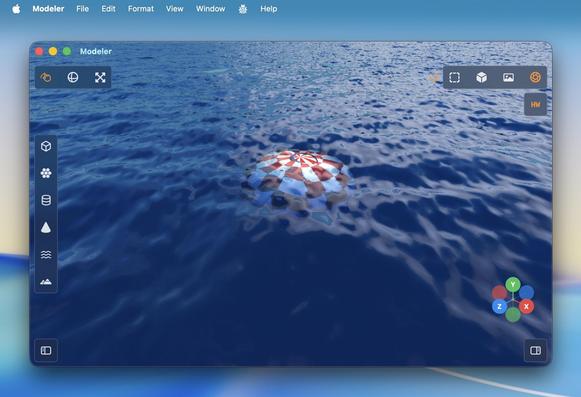
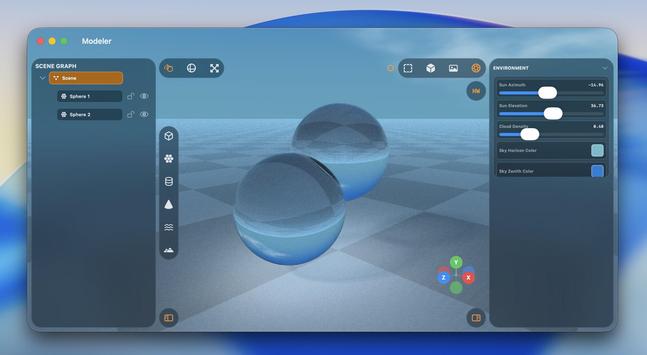
I thought my water should have some translucency and falloff, so I can put things underneath it
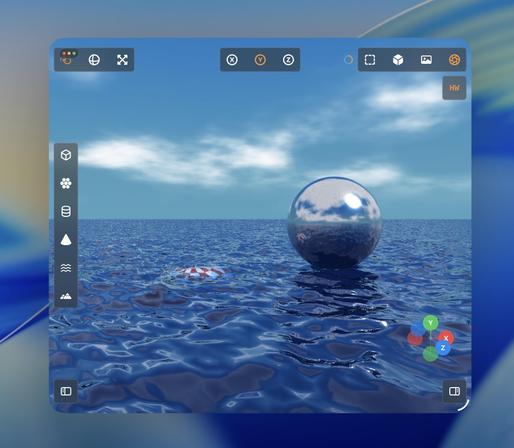
Procedural clouds seemed like a good idea
Recap: I vibecoded (code unseen, no plan) a 3D editor/renderer that has a scene graph, editing controls, primitives and gizmos, materials, procedural terrain and water, and hardware-accelerated Metal raytracing with soft shadows, clouds and bounce lighting, that runs on Mac and iPad.
Tool: Codex 5.3 Medium
Time: About a day's worth of work has gone into it
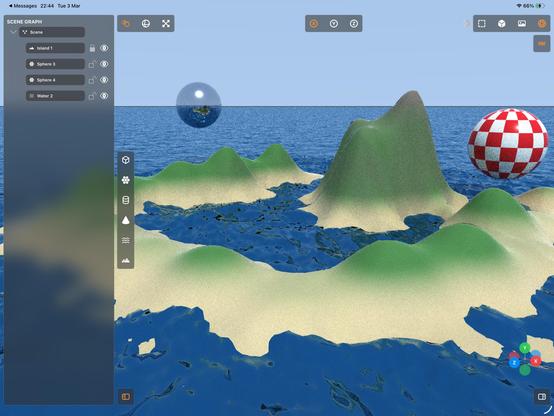
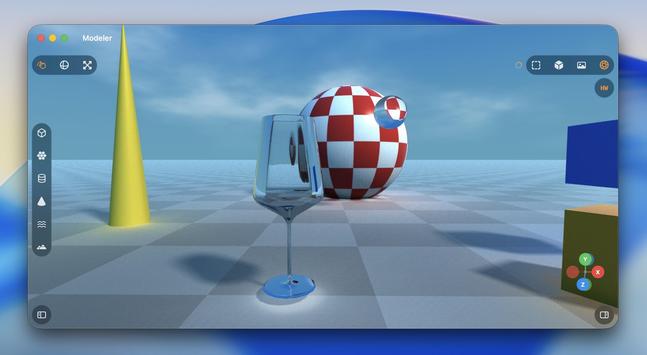
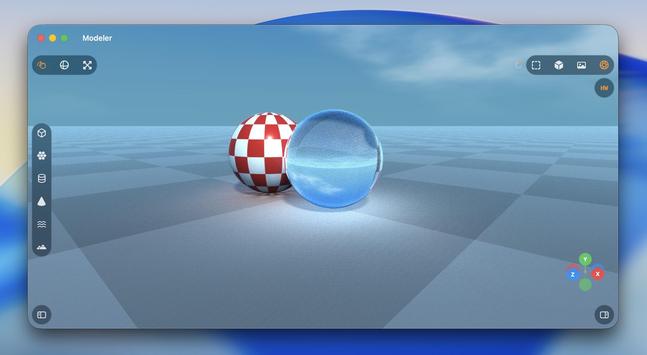
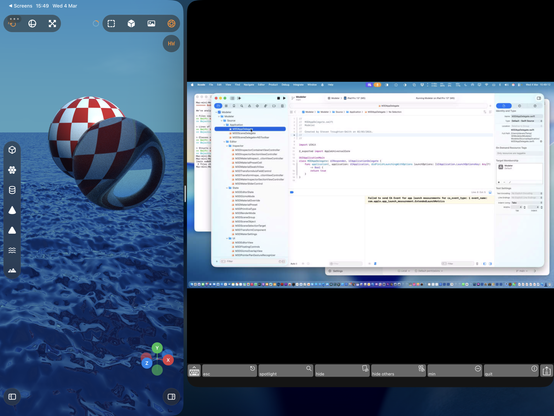
I figured I needed some kind of glass shader
The thing about material shaders is I don't quite know the right questions to ask — the unknown unknowns. Am I taking into account the right refraction, internal reflection, attenuated shadows, etc. Why is this too bright, why is this too dark. You can tell from these examples where things are obviously wrong, and it takes quite a bit of iteration
'Attenuated shadows'
A little better
Maybe I should have bought a faster Mac before trying to write a raytracer…
Trying not to fry my GPU with caustics, but Metal isn't happy
I was sitting through hour-long renders (!) on my iPad yesterday, so I did an optimization pass on the hardware acceleration and it's much, much improved for simpler scenes, even on an M1
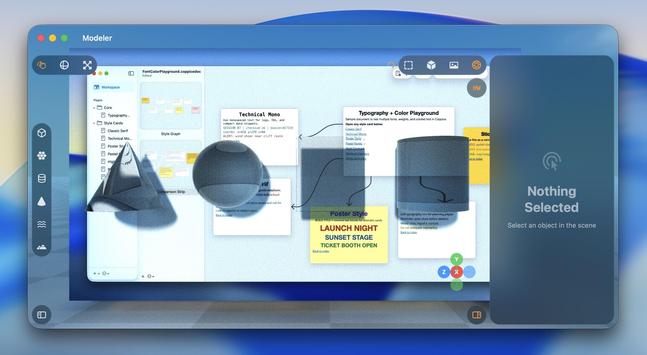
While this raytracer may never become a finished app, there are certainly elements from it I intend to yoink for future projects — like the really neat toolbars that go around all the screen edges, they would fit into a complex pro app very nicely
Just casually building and raytracing a scene on an iPad mini 6, nbd
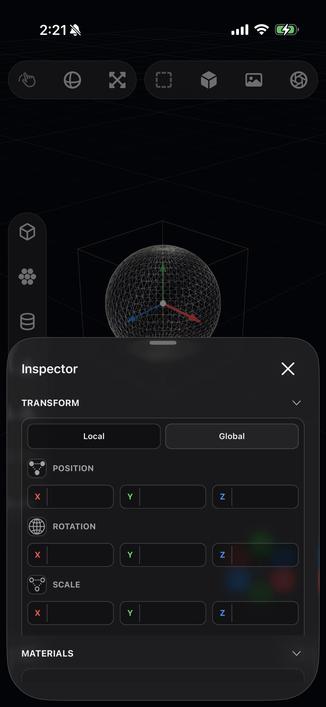
Of course it runs on iPhone, what do you take me for?
So, like, what do I even do with this app?
@stroughtonsmith at the start I thought you were going for something like a desktop Tinkercad or Shapr 3D, I would use that 😊
 Steve Troughton-Smith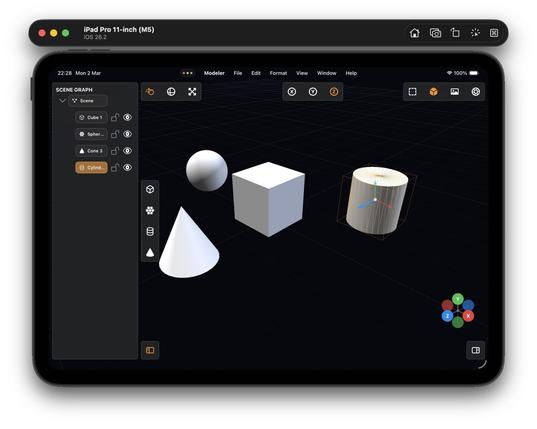
 Kirk Reynolds