 Marco Arment
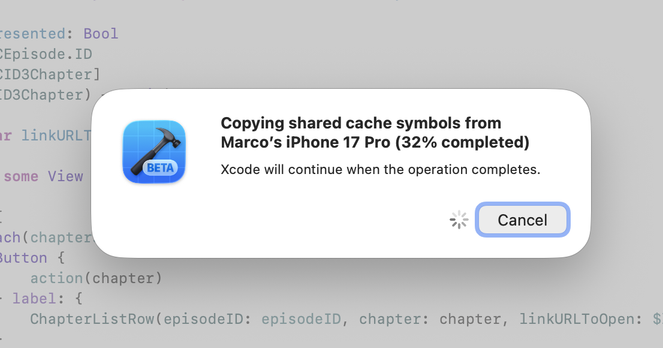
Can someone at Apple vibe-code their way into this not being an app-modal window that prevents me from doing any work until it completes?
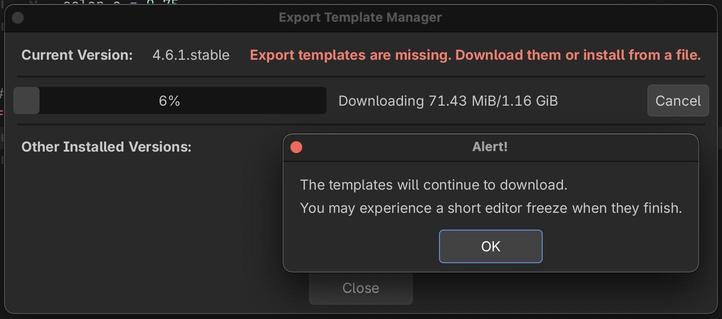
@stroughtonsmith @marcoarment Late to this, but I was just playing around with Godot (open-source game engine) and ran into a similar situation. Look how much better Godot handles it (I’ve just clicked Close, which is offered in addition to Cancel).
This is not a difficult UI problem to solve.
 Miguel de Icaza ᯅ🍉
 Steve Troughton-Smith
 GK
GK J. Blake
 Tim Schmitz
 Dylan Banks
 Dan Wineman
 Yuto
Yuto Scott
Scott gok
gok Chancerubbage
 Nathan King
 Brandon Butler