 Steve Troughton-Smith
The new subscription-based iWork apps are a whole new Universal Purchase SKU on the Mac App Store, ditching the old Mac-only records. The old standalone apps still exist (for now), but if you search the store you'll find two completely different versions each of Pages, Numbers and Keynote
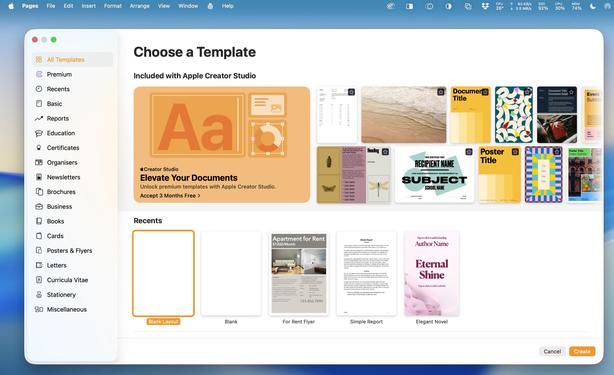
There's no hiding from the subscription upsell! It's right there in the template chooser

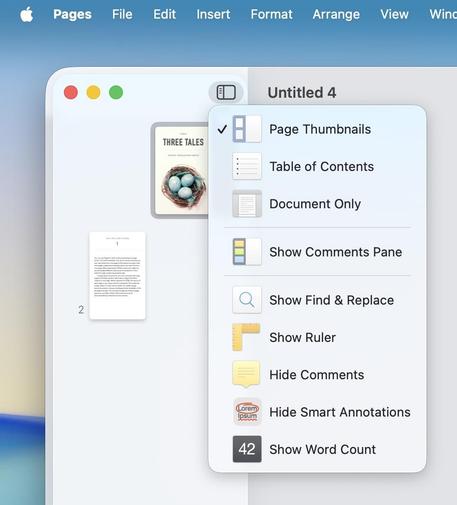
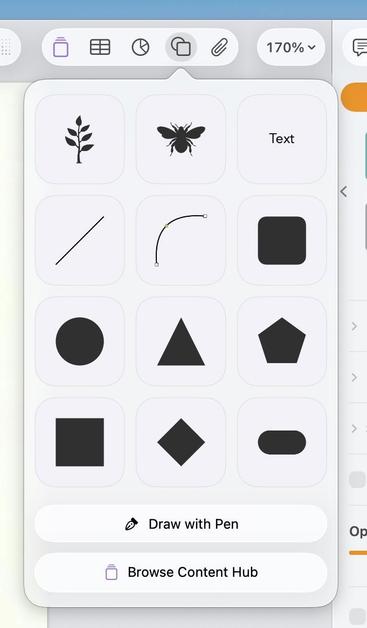
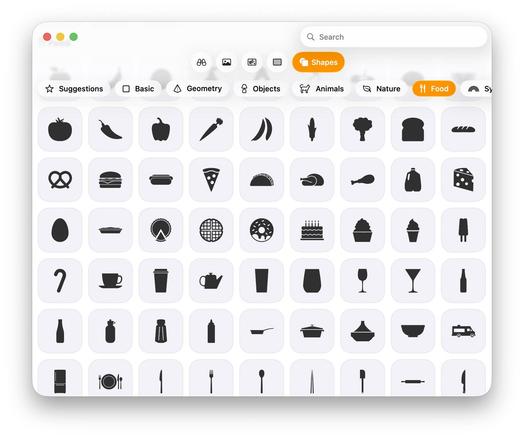
This appears to be your Content Hub in iWork. It can be shown from a toolbar item, and also has a button at the bottom of the shapes panel of all places
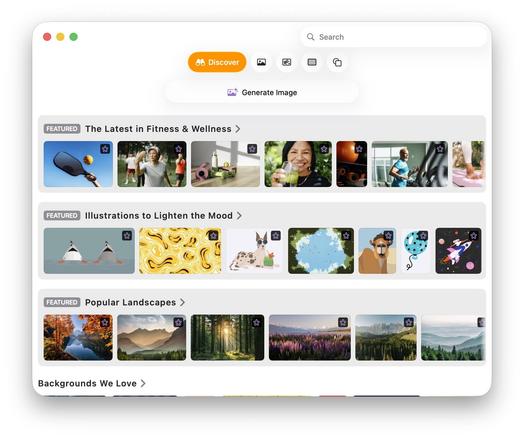
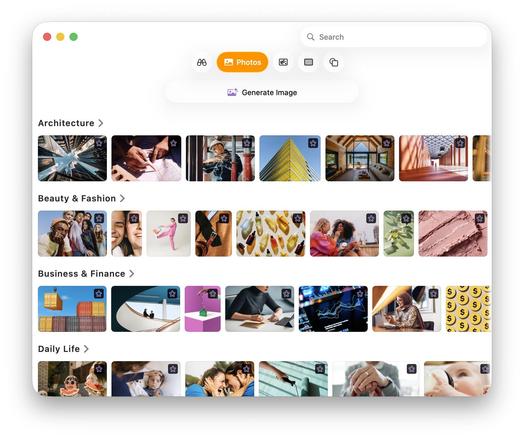
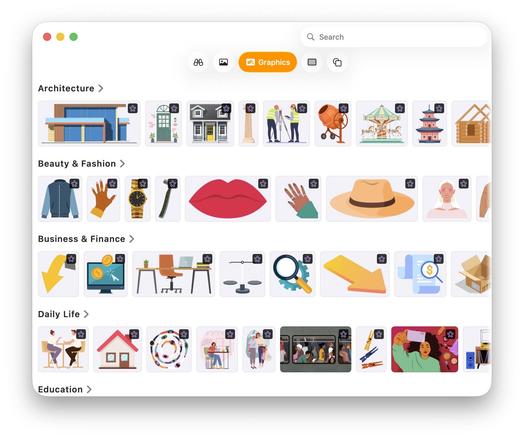
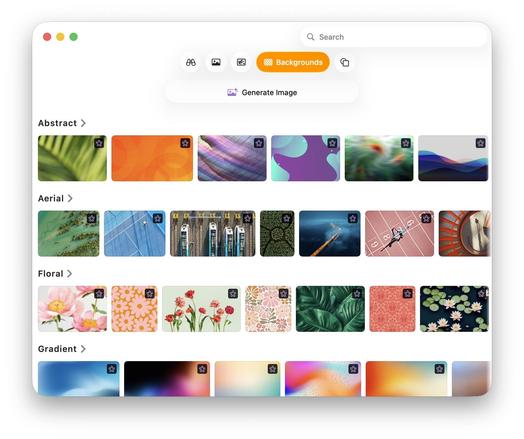
There does not appear to be any paywalled 'shapes' thus far, but there is a huge library of them in the Content Hub (which is otherwise filled with paywalled items)
All of the Creator Studio apps are now Universal Purchase SKUs, retiring the old Mac versions and doubling down on the iOS app records instead. That goes for Final Cut and Logic, too. This means a unified store page showing the different platforms, and new Adam IDs for the apps if you previously linked to the versions on the Mac App Store anywhere in your apps, sites, docs or books
The iWork apps do feel a bit like they've been shoehorned into Liquid Glass, with partially-finished or untouched UI elements in various places.
(I guess the Content Hub was more important, huh?)

'Generate Image' is paywalled, 'Image Playground' (Apple's other AI image generator, and calls out to ChatGPT) is not. Strange that both are offered side by side
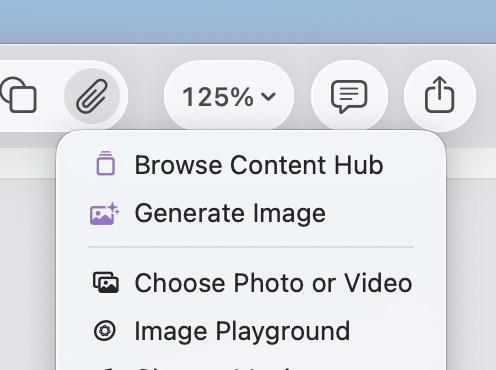
They must have run out of SF Symbols for their menu items, this icon has gloss and a shadow

While Apple's iWork apps all have a free mode, all the pro apps (including Pixelmator) have a splash screen to force you to subscribe at launch, with no way to play around without agreeing to the 3 month subscription trial. No real surprises there. And naturally, only Pixelmator Pro has been updated with Liquid Glass, as we already knew
Lovely purple and green sidebar item, that's how you know it's premium. Premium apps, premium design

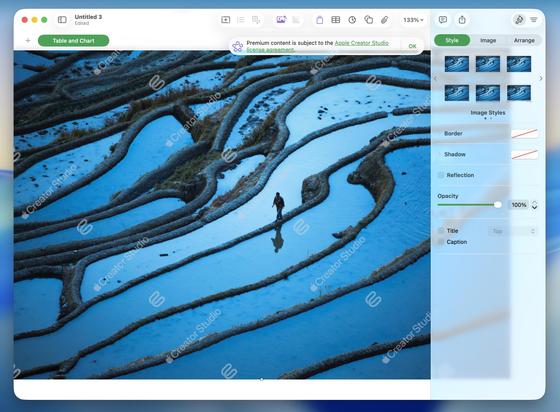
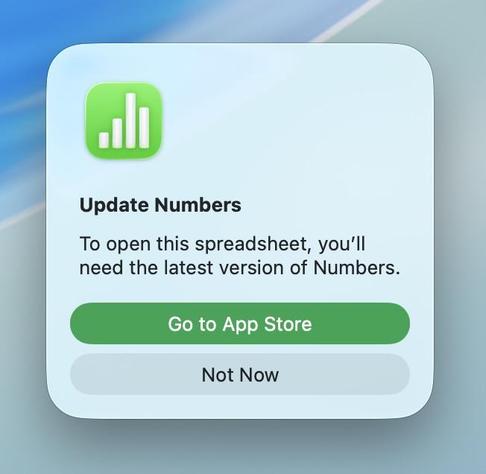
Weirdly you can still insert items from the Content Browser into your iWork documents without subscribing — they get prominent watermarks thrown over them. You can no longer open such a document in the non-subscription version of the app, but the Finder QuickLook preview shows the image without any watermarking so I feel like this content would be trivial to rip and redistribute
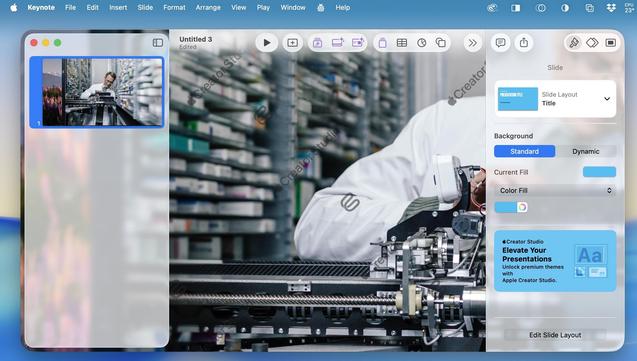
Keynote has more upsell than the other iWork apps — it also has the most AI integration, to be fair. Still, there's no missing it in this UI.
Also warms my heart to see the iWork teams *struggling* with the Liquid Glass sidebar like we all have
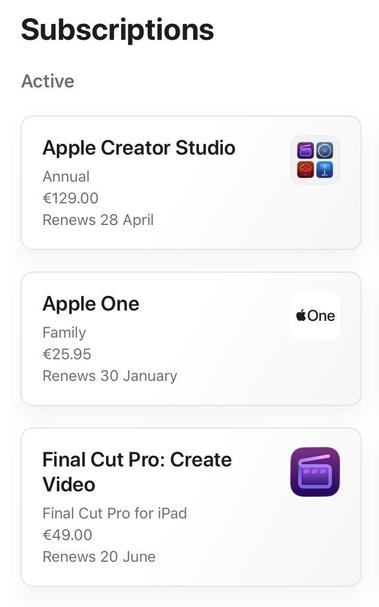
There is no sign so far that signing up to Apple Creator Studio will automatically cancel or credit you for your existing Final Cut Pro for iPad or Logic Pro for iPad subscriptions, and I haven't heard anybody else talk about it, so be aware in case you get double-charged
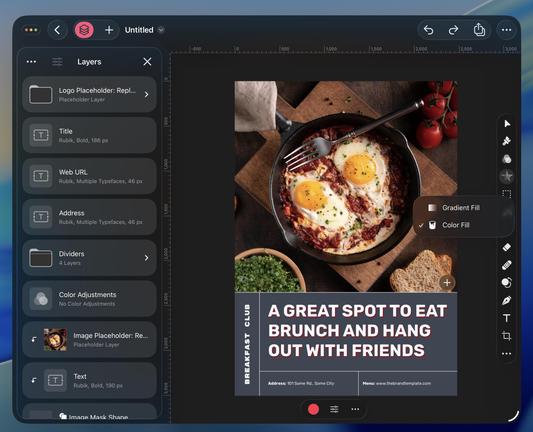
Of all the apps in Creator Studio, it's Pixelmator Pro I was most interested in. I've never used Pixelmator before, it's also Apple's first and only pro app using Liquid Glass (Xcode doesn't count), and it's the first time it's been ported to iPad (pictured). I've been using Photoshop for nearly 30 years, and don't have an alternative. And from my casual testing so far, this team put an incredible amount of effort into doing this properly

What's most striking about Pixelmator Pro for iPad is it seems almost completely intact. Nearly every bit of UI corresponds to the Mac version, all of the menus and their options are the same. It doesn't feel nerfed or simplified in any meaningful way — aside from not having support for multiple windows at a time, which is a curious omission.
Here's hoping iPadOS 27 finally brings tabbed windowing to the SDK…
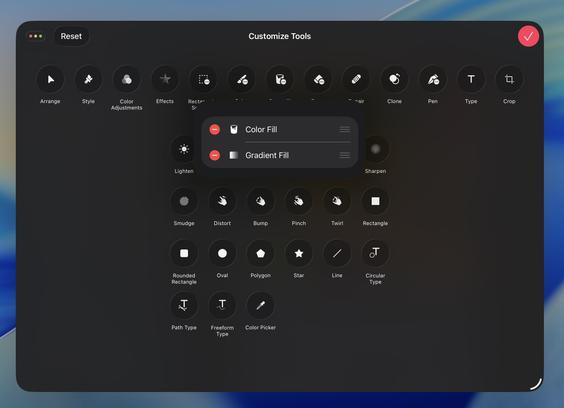
The floating tool palette in Pixelmator Pro on iPad can be completely customized, even combining multiple options into a single combo button. The app even has an alternate compact layout indicating it could someday come to smaller devices like iPhone, as cramped as that might be
Final Cut Pro finally supports window resizing on iPad, so you can actually make use of external displays now
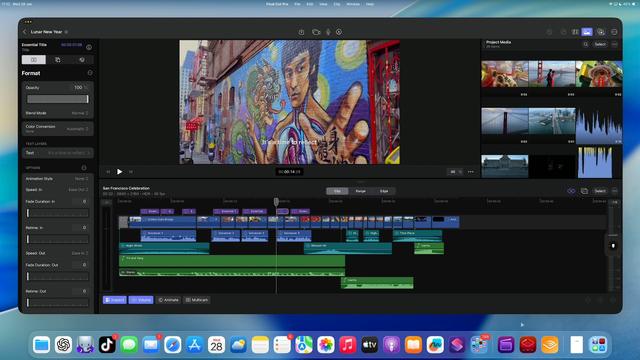
Final Cut Pro on iPad doesn't appear to support Pixelmator Pro files. You have to export them as Photoshop files first, before you can drag them into your timeline or assets browser.
This is, of course, a real silly oversight
Went back to check out some of the new paywalled AI features in iWork. The AI image generator is just a duplicate of the existing Image Playground with less fancy UI and more refinement options 😅 Calls out to OpenAI just the same…
Subscription money well spent.
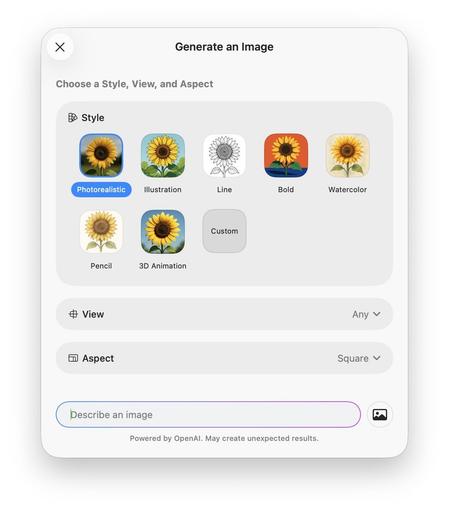
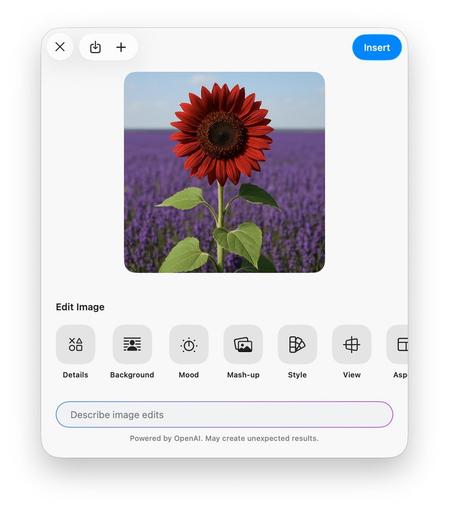
The iWork apps on macOS might be a bit of a mess, but I think the iPad versions fare much better. iPad users continue to eat well this cycle, even if we didn't get ports of Motion and Compressor like were rumored 😢 The new iWork apps, FCP, Logic and Pixelmator all push iPad forward
 Joe Lion
@stroughtonsmith “less fancy” —> more usable, maybe? I find the Image Playgrounds UI inscrutable. I don’t understand why there are floating word blobs everywhere, and I don’t know what the workflow is supposed to be
 Jaanus Kase
@stroughtonsmith Pixelmator has been on iPhone for quite a while already
I have gotten some basic image editing done with it when I really needed to, and only had my phone
@jaanus that's the old app, which is discontinued
 Stephen Robles
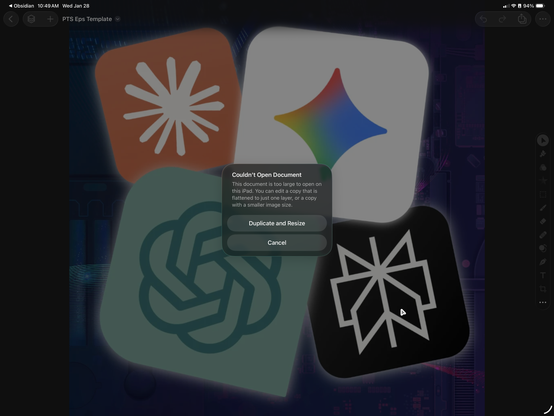
@stroughtonsmith Just wish I could open my Pixelmator Pro files on iPad that are over 3000px in size:
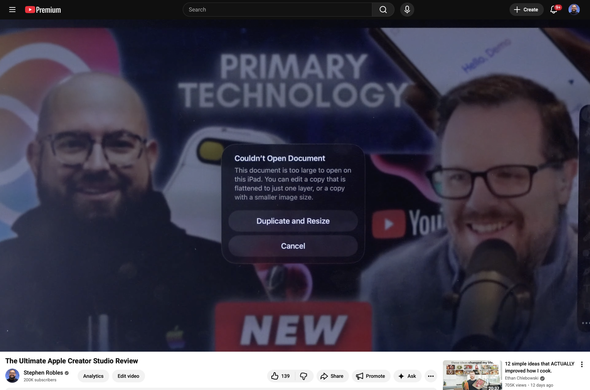
@stephenrobles I think I need more context on that one to see what you’re seeing?
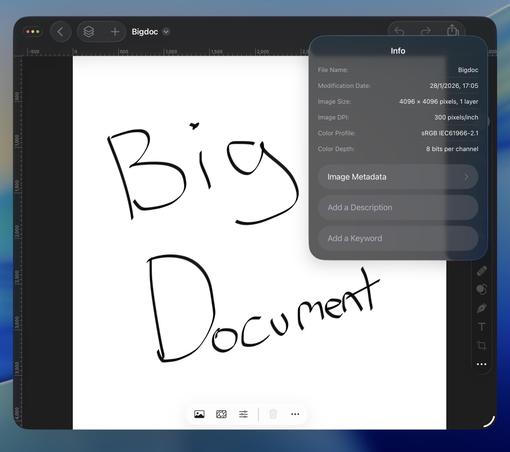
@stroughtonsmith I have a couple Pixelmator Pro files I use on my Mac for thumbnails. A bunch of layers, over 3,000 pixels, and I get that error when I try to open that file in Pixelmator Pro on iPad.
If I choose "Duplicate and Resize" it will keep all my layers, but make the file 2,500 pixels or less
 Shakeeb
@stephenrobles @stroughtonsmith I hate this push towards new app. And see the premium bundle ads every time I open iWork apps.
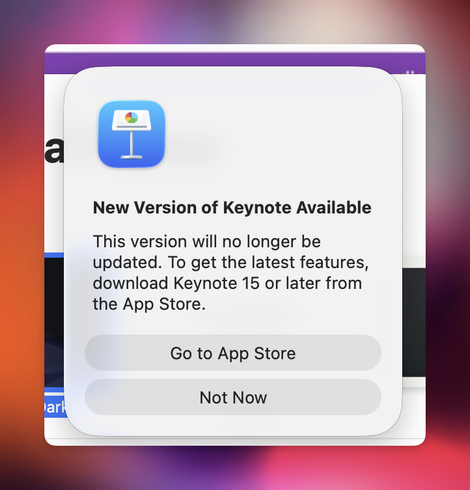
@RealShakeeb Yeah it's not good
 Christopher Lawley
@stroughtonsmith I was told it has feature parody with the Mac and that was a goal from the start.
@ChrisLawley @stroughtonsmith So am I the only one that gets this error when trying to open a Pixelmator Pro file on iPad?
@stephenrobles Weird. I’m able to open a .pxd file that was made last year on the iPad no problem.
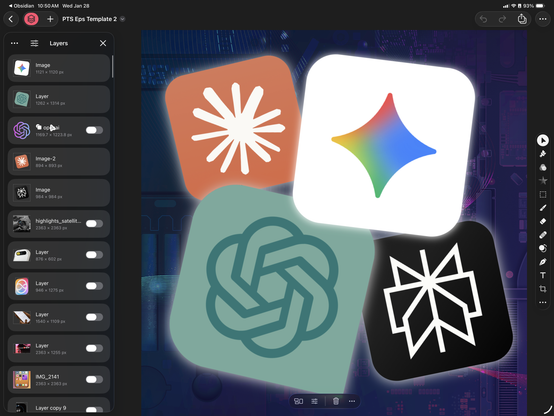
@ChrisLawley Curious if you can open this one: https://www.dropbox.com/scl/fi/no7liui50szgv10r9lzmu/PTS-Eps-Template.pxd?rlkey=3vnzc8p0sxp3ebkc5rkm4cvh6&st=l001c4xl&dl=0

@stephenrobles Yup works for me, sort of. It says it’s too big (half a gig file 🥴) and has me duplicate and resize it. After running that it’s fine. It converts it to a 462mb file.

 MacBalance
@stroughtonsmith I’ve been pretty happy with Pixelmator for a few years as my “go to” for low-medium level editing. I have Affinity Photo 2 and do use it for a few things, but Pixelmator was pretty sturdy, I’m worried the new version will get cluttered up soon.
 Oliver Busch
@stroughtonsmith Day one user of both PS (no longer in use) and Pixelmator (OG and Pro).
What really set Pixelmator Team apart was the incredible support ethic. I reported dozens of issues and feature requests over the years, many fixed/implemented in the next point release.
Gone.
What really set Pixelmator Team apart was the incredible support ethic. I reported dozens of issues and feature requests over the years, many fixed/implemented in the next point release.
Gone.
 Gui Rambo
 Radu Dutzan
@stroughtonsmith I know they did. Having worked with @jayrobinson (who worked on this), I can’t imagine it happening any other way.
 Rich Aesthetic
@stroughtonsmith @_inside I absolutely love the new look!
 Davey Craney
@stroughtonsmith in case you’re still wondering how they plan to deal with this… they don’t. My request to have a pro rata refund on my Final Cut Pro subscription I only renenwed in November has been denied by Apple. So I’m £50 out and dual subscribed for best part of a year. Has really soured the experience for me…
 amonduin
@stroughtonsmith Liquid glass general design is, and always was, dumb. It was never properly conceived of as a UI for apps that aren't just photo viewers. If you actually need to use an app as a tool then liquid glass starts falling on its face almost immediately.
 Jacob Sam-La Rose
@amonduin @stroughtonsmith I know a lot has been said about this, but I just don't get how anyone responsible thought Liquid Glass was okay to release. I'm no designer, but it feels so icky in so many places. This is the longest I've gone without installing the current OS on my daily use devices since... ever?
 koios
koios
 Toph Allen
@stroughtonsmith It’s so sad & gross
@stroughtonsmith Gosh, this liquid glass is so bad
 John Appleseed
@stroughtonsmith God I hope the first thing to go is the inset floating sidebar. It breaks so many UI’s
 Alex Padilla
 Christian Blaicher 🇪🇺
@stroughtonsmith They also enable sharing analytics data by default without consent. It needs to be turned off manually for each application in the system settings.
 Enrico
@stroughtonsmith isn’t that against the App Store rules? Not that they would apply to Apple…
 BenRiceM
@stroughtonsmith oh that’s rough
 Jason Snell
@stroughtonsmith My favorite bit is how you can set an image as a fill in Numbers, but only from the filesystem, not from Content Hub. Whoops
 Rick Baumhauer
@jsnell @stroughtonsmith The Mac App Store is really handling things strangely - there was a brief period when the pre-Creator Studio iWork apps were listed as “[App] 14.5” (installed versions were 14.4), but only Keynote would allow an update.
A few minutes later, those versions were gone, and the Creator Studio versions appear in searches, but after the MS Office apps, Garage Band, iMovie, and others. Those versions all have Get buttons with In-App Purchase labels - no update.
@jsnell @stroughtonsmith So it looks like there will only be one version going forward, but with IAP to unlock the Creator Studio features.
@jsnell @stroughtonsmith And now the 14.5 versions are back - I assume this is what Jason was referring to with his post about "updates that tell you to download other updates”. The 14.5 updates claim to have the usual "bug fixes and performance improvements”, but are they really just there to push the “switch to v15" message and link, since those don't show up as updates to the existing apps?
 Taylor Hadden
@stroughtonsmith Woof, that’s rough…
 Ahnaf Mahmud
@stroughtonsmith You would think they would have come up with a way to merge those legacy listings into a universal purchase
 Nico Reese
@stroughtonsmith Seems like that causes issues. The new iWork versions appear as purchased for me, but I cannot download them.
Edit: Well, the button has enabled itself after downloading another Creator Studio app. App Store being weird as usual.

 Thomas Vander Wal
@stroughtonsmith If you created custom shapes in Keynote (and Pages) do those still show? Is it still possible?
The use of Noun Project SVGs to add needed Shapes has been a great capability / feature.
@stroughtonsmith I looked in the Keynote CS and my themes are there and my custom shapes. Custom shape creation from external SVG (like Noun Project) still works (but it still only available in the app it was created in).
 PJ Holden
@stroughtonsmith christ, this destroyed itunes for me (and apple tv) just let me have the thing I USE!
 Steev Bishop
@stroughtonsmith Oh that's sad.