 Steve Troughton-Smith
I was out today, so didn't get much work done — but I refactored @takeoneapp’s data model to let me create and save to folders. Part of that involved wiring up the templates store so I can create/edit/delete templates too
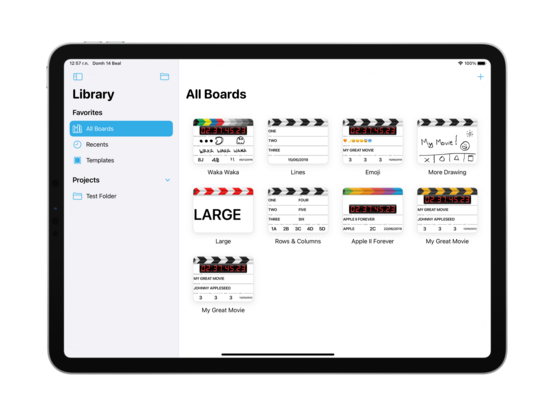
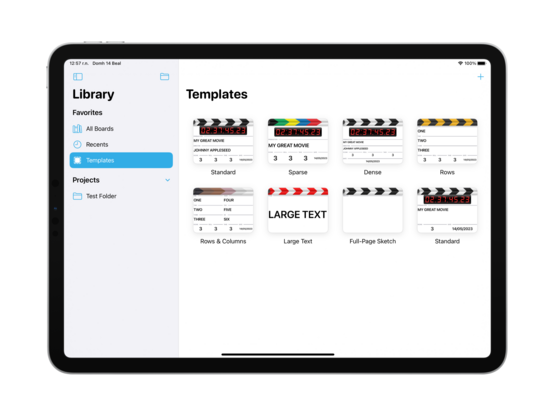
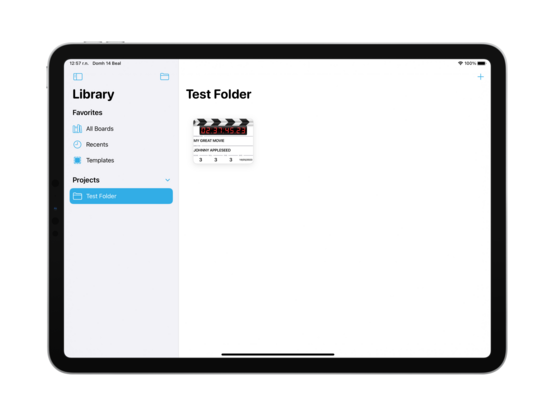
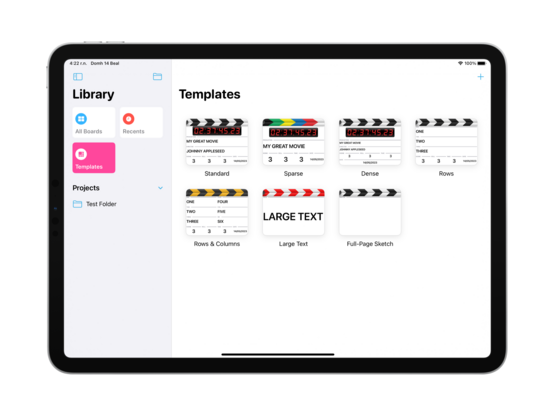
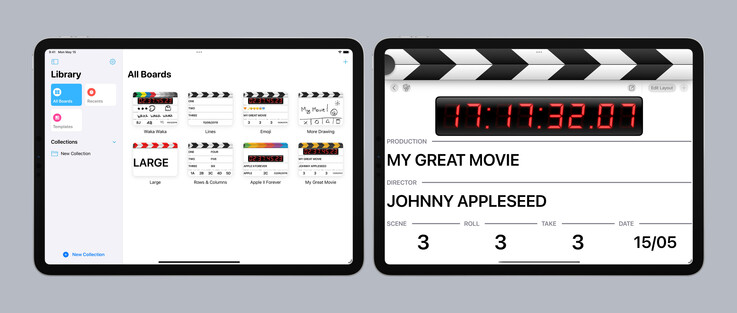
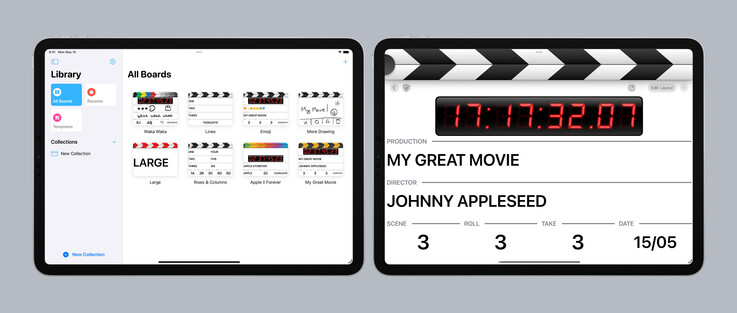
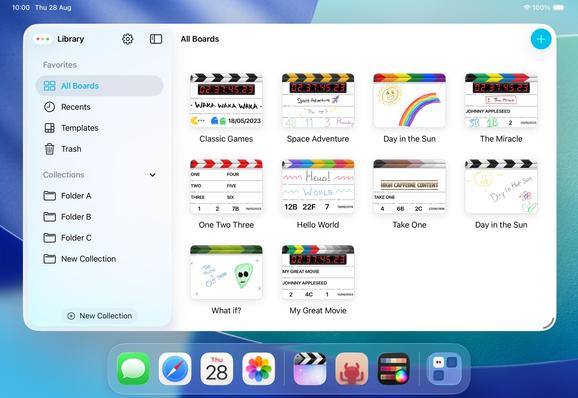
Unifying a little bit of the design language with Pastel, I’m going to use the same Reminders-style sidebar on iPad for @takeoneapp. Also injects a splash of color into a very black & white out-of-the-box experience
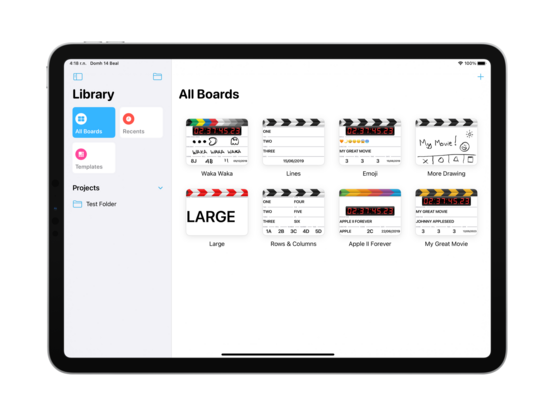
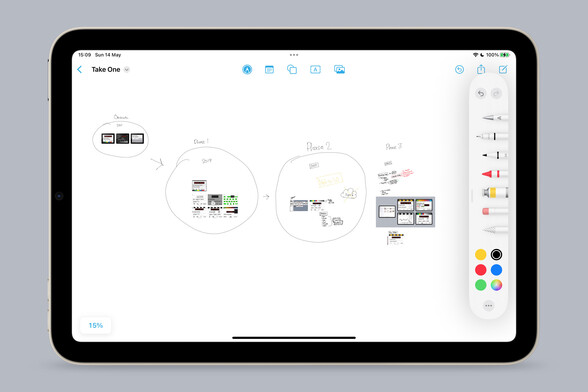
I don’t have complex development notes for this app, but I am enjoying Freeform as an infinite canvas to dump images onto so I can annotate and do a basic bit of mind mapping. It really makes me yearn for an iPad mini Pro with an M-series chip and ProMotion, though — what a fun desktop companion that would be
It’s always nice that the iPhone version picks up everything I’ve been working on for iPad without me thinking about it. Universal development is my jam
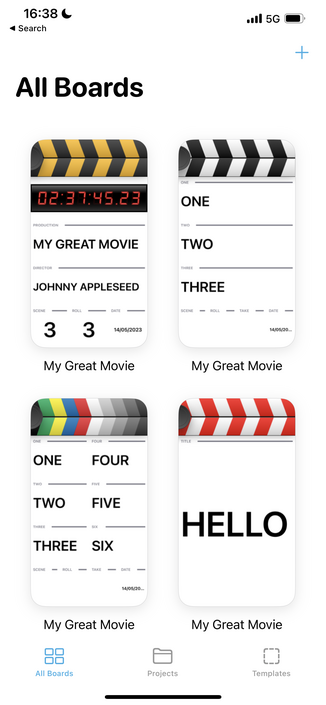
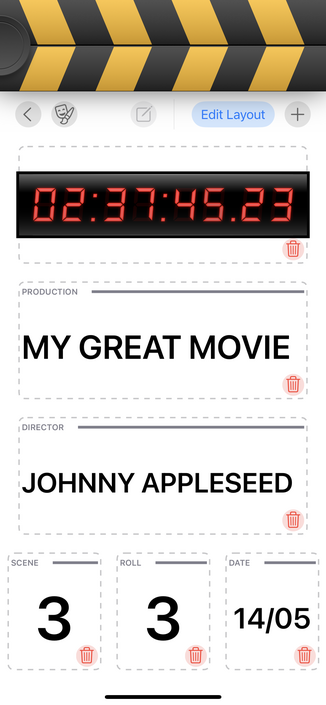
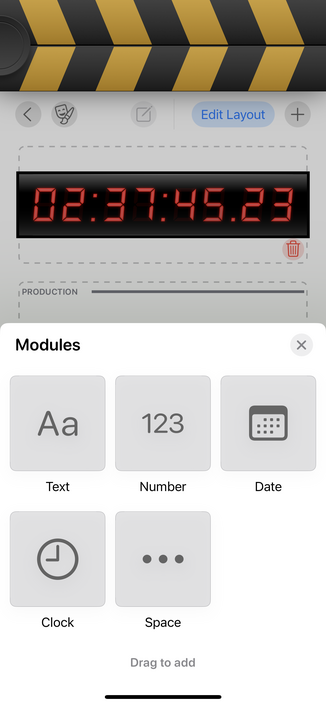
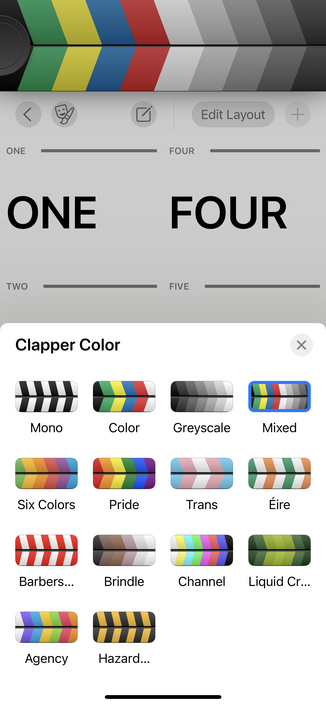
Got some odds and ends done today; worked on keyboard focus, styled the 'new folder' button as per @pastelapp, and do a bit more lazy thumbnail generation. It is looking increasingly likely that I actually finish this app this time, which has me extra motivated to work on it 🤓
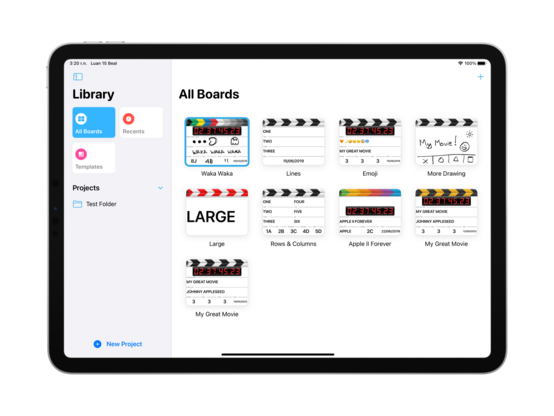
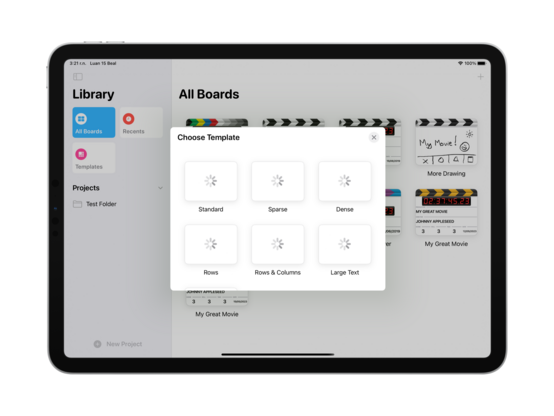
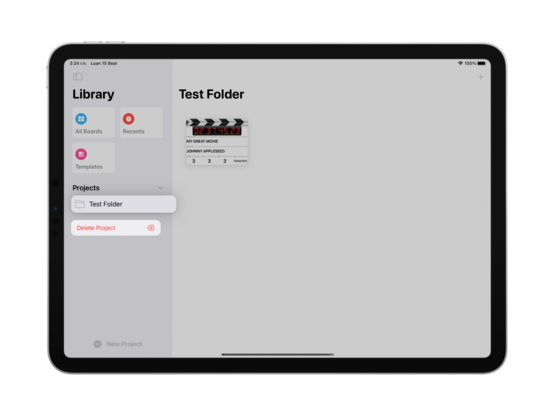
Also pretty confident in the post-launch roadmap, too, since I know I'll need to ship iPhone+Mac, iPad splitscreen, and sync, and most of that work has already been done
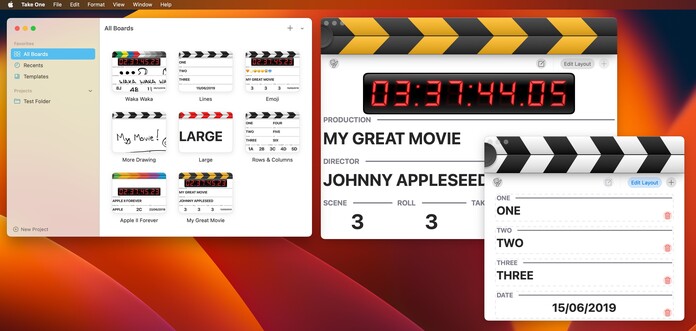
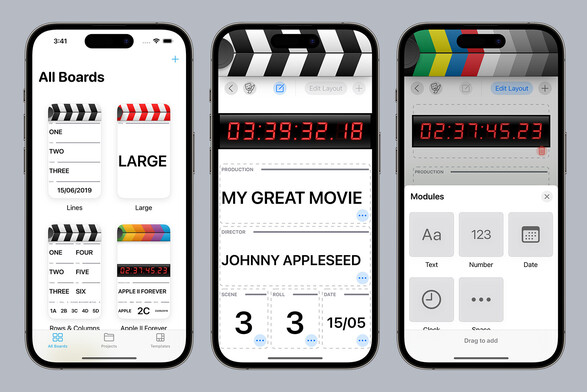
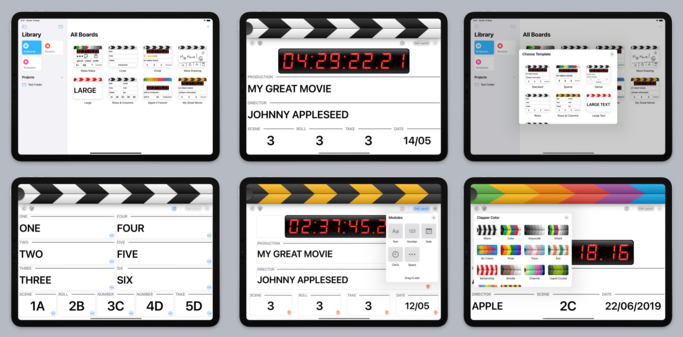
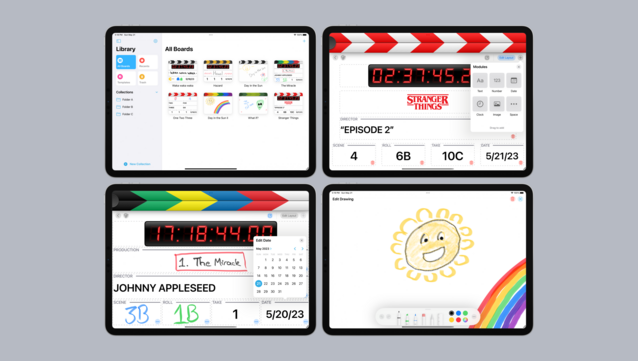
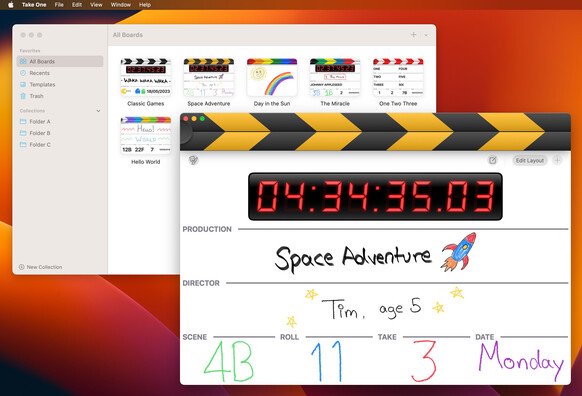
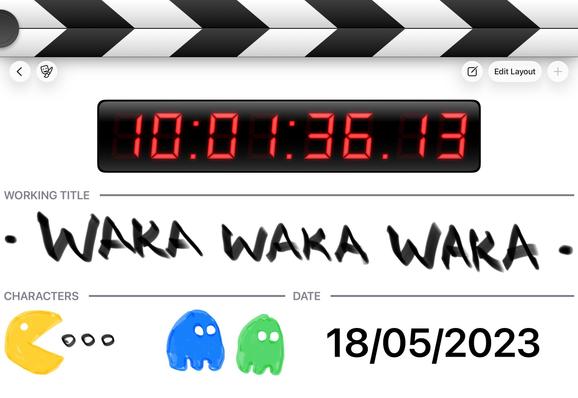
I'm pretty happy with the two basic screens of @takeoneapp; it looks modern and fresh, without entirely sacrificing the skeuomorphic elements that made the original so pleasant. The splash of color in the clappers and sidebar makes all the difference. I think I have the balance right?
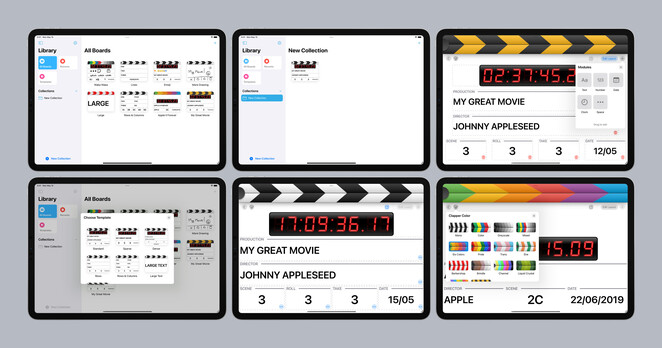
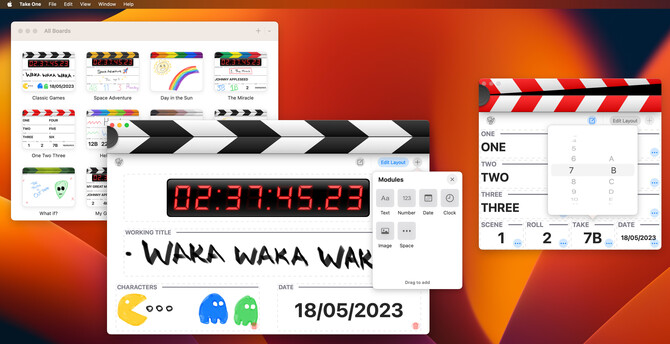
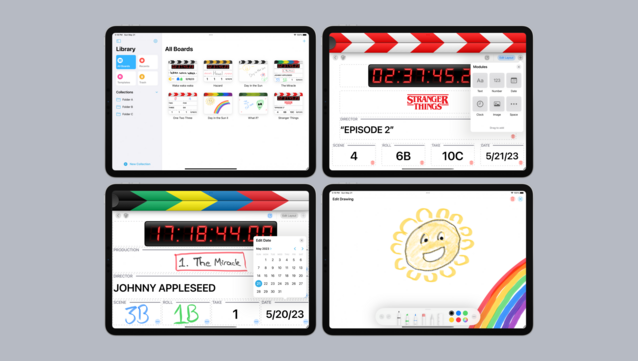
…and here's the current state of all the auxiliary screens and modes. I still have to design editors for the various module types (numbers, date, etc), so I'll work on that this week
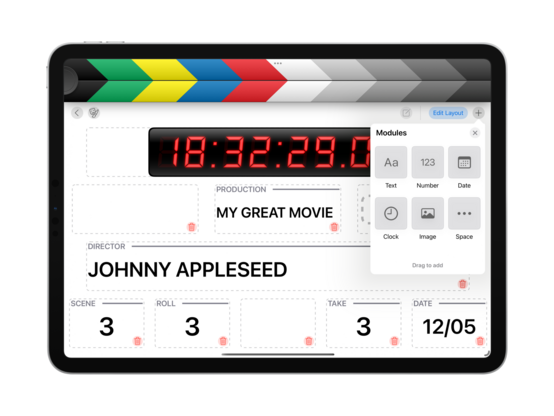
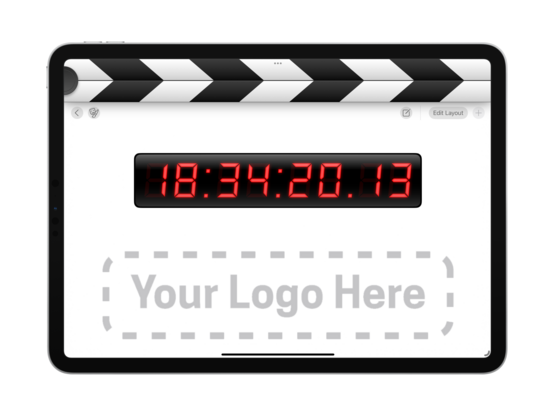
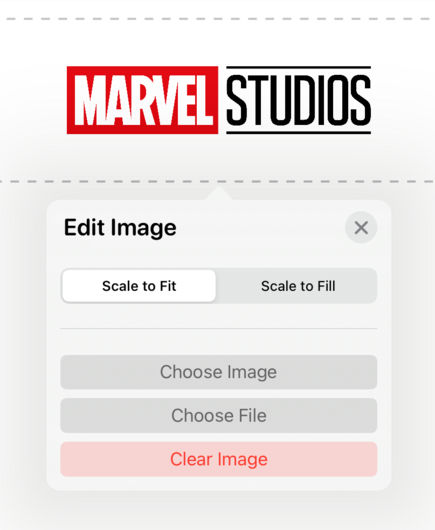
New module type — image! Somewhere you can put your production logo, perhaps? I have working spacers now too
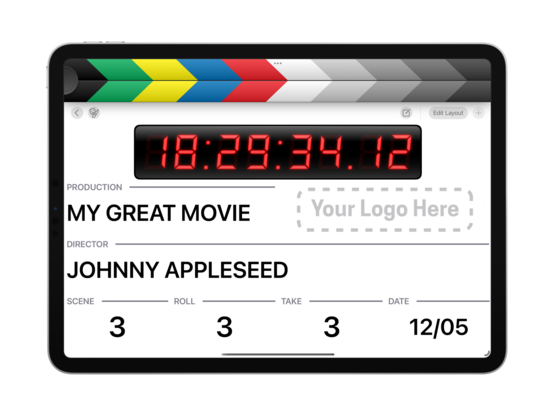
I added a little wiggle animation (thanks ChatGPT!) for when you're tapping one of the modules without edit mode being on. I might add color to make it less subtle, but the wiggle is great! Communicates what I intended
Spent some time today getting the field editors functional and styling them up a little. And I added double and triple tap gestures to increment/decrement the number counters. Powering through the todo list!
Some fun examples of how one might use the image module on a board 😎
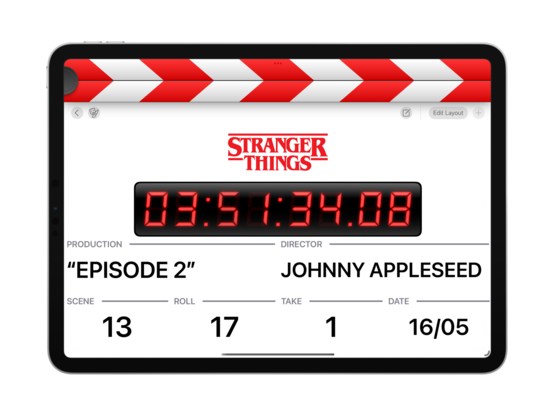
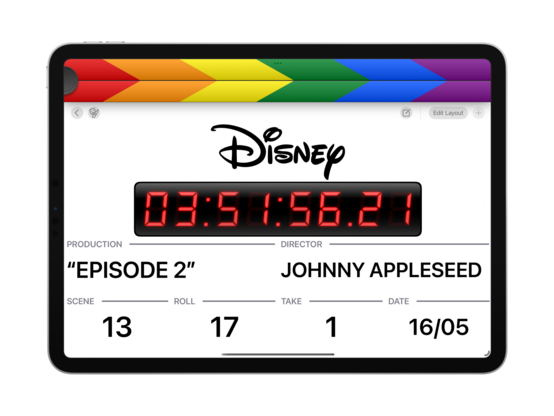
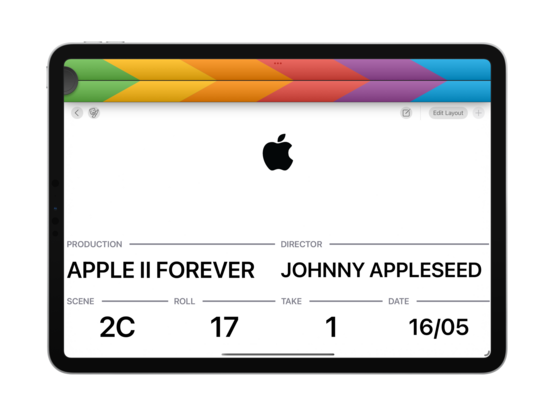
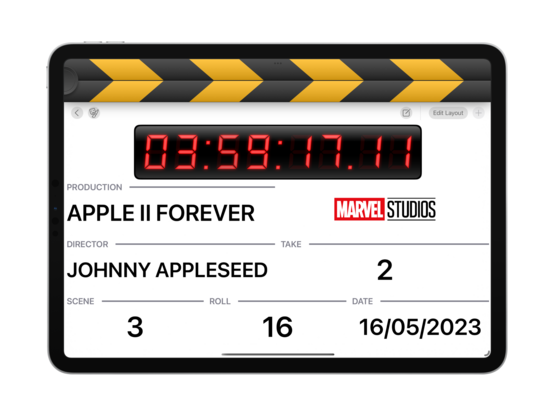
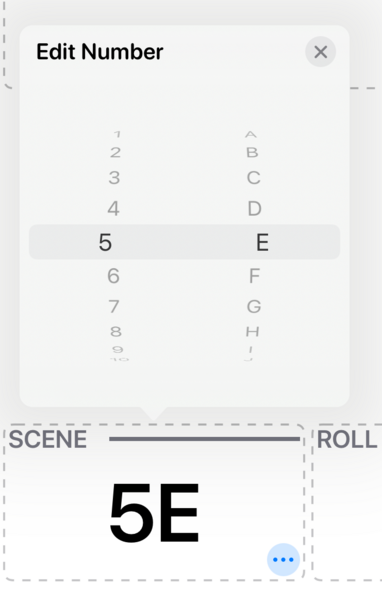
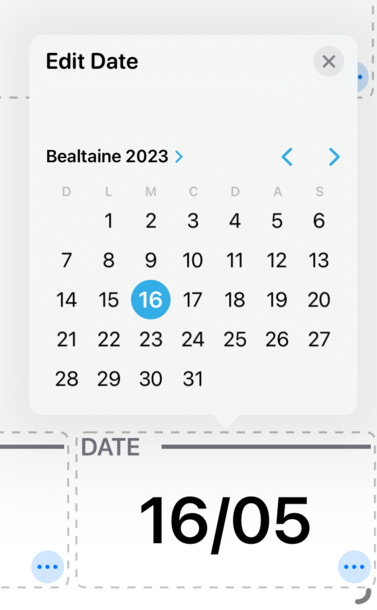
Very simple field editors for v1.0, but they do the trick. They're going to need a rework for the Mac version, as Mac-Idiom Catalyst does not allow for spinny picker controls, but that's a ‘later’ problem
Shocked to find that iOS just doesn't have an API to tell whether the mute switch is on or not 😅 You've gotta jump through hoops playing silent audio clips and checking how long they actually took to play — so I've done that, and now have a mute indicator in @takeoneapp
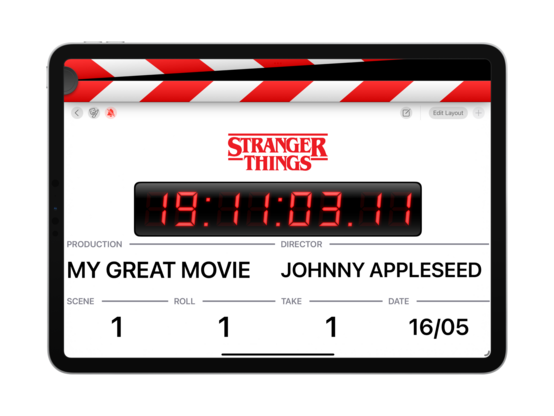
I did a quick test and, aside from an SF Symbol or two I can backport, there's nothing in @takeoneapp that would prevent it from running on iOS 15. I may then take that as the baseline, once I charge up my testing iPads and give it a full run through. Everything seems to work as intended on iPhone, though
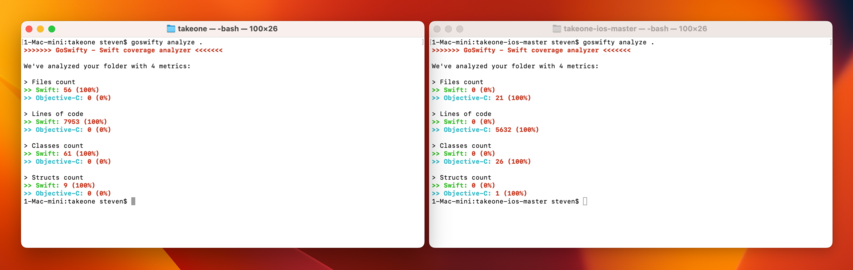
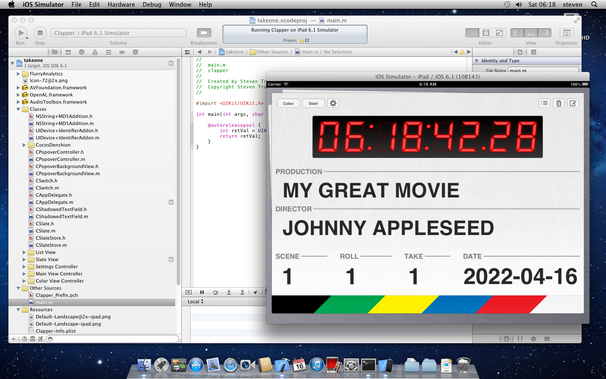
I pulled the original version of @takeoneapp (2011) from GitHub to run it side by side with the new app. Amazingly, it came right up with only a single line of code changed. Fun to see an iOS 5 app beside an iOS 16 one
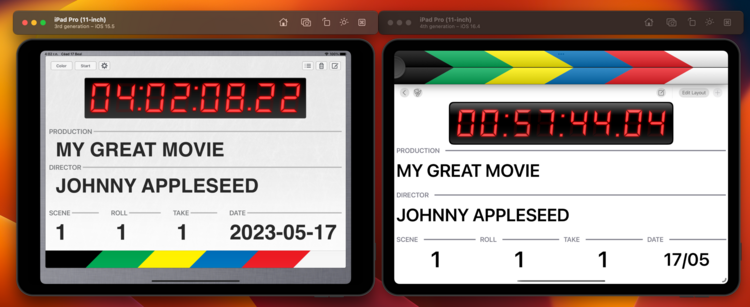
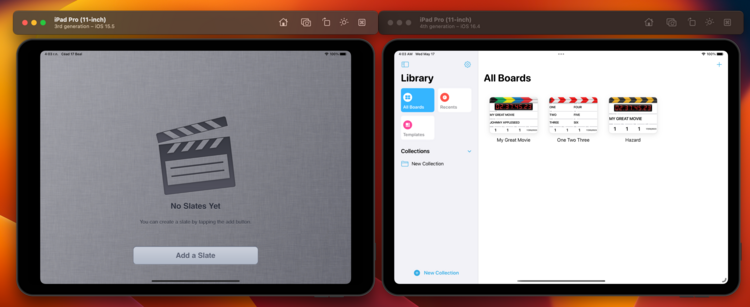
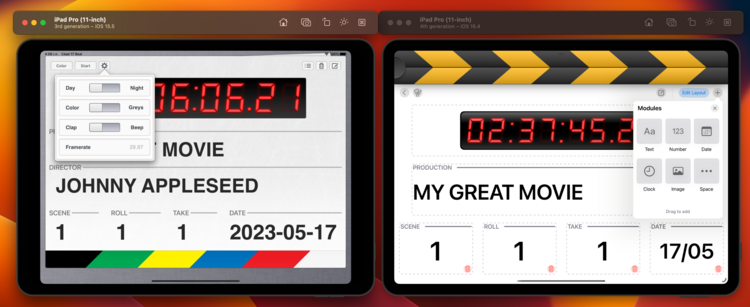
New @takeoneapp is nearly 8 kloc now, with double the classes of the original. Though not a line of it survives, as I started afresh
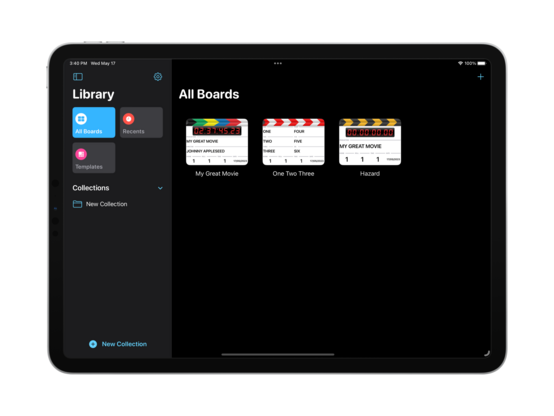
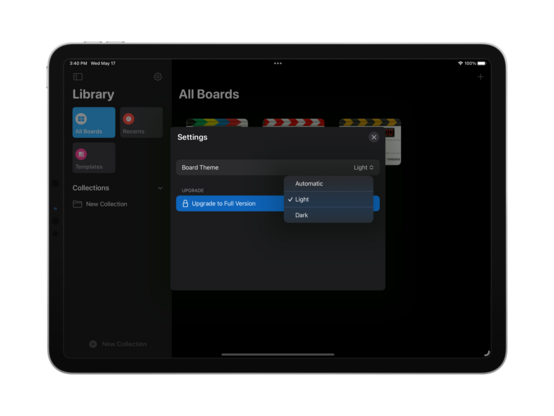
It was a feature I wanted for myself, so there's now a setting to always have white boards in dark mode (or vice versa). It is quite nice how easy UIKit makes this
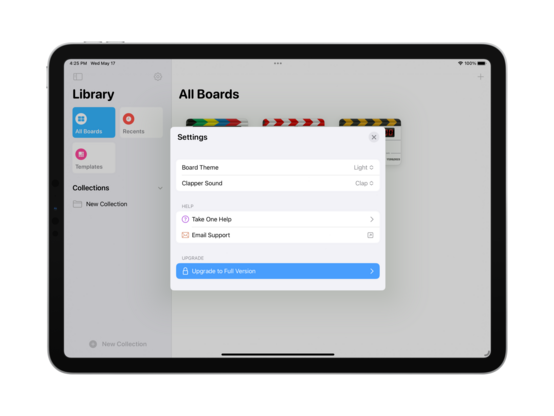
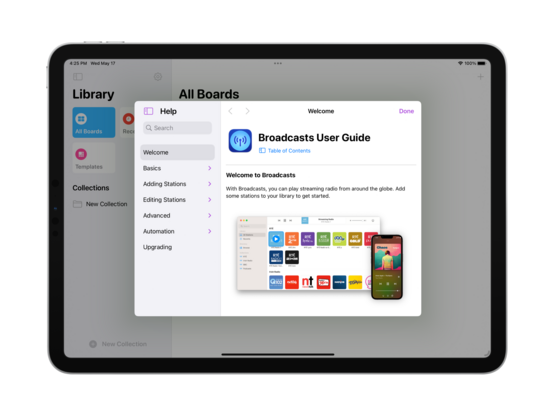
Since I did go ahead and build a whole library for this, I might as well integrate a Help bundle into @takeoneapp. I'll see how quickly I can put together worthwhile documentation if I get a chance before 1.0
⭐️ I am opening up an initial @takeoneapp TestFlight for iPad users! There are still missing features, but I have a good-enough chunk of the app ready that I want to start getting your thoughts. It would be really great to get this 1.0 over the line by early next week, alongside Final Cut Pro for iPad https://testflight.apple.com/join/qSyBk0i6

I'm getting precariously close to the point where I’m just going to avoid using PencilKit directly in my apps — genuinely not sure how I'm going to salvage this. I think I need to present the drawing surface as a separate modal view, and just render it to an image to show in the board fields. Using PKCanvasView directly as a resizable subview does not seem like the way to go at all
OK. Doing it modally has so many benefits.
Downside:
• You can't ‘just draw’ directly on a module
Upside:
• You get a full canvas to draw on, pinch and zoom
• Drawing is thus available to finger users and not just Pencil
• You have an undo stack
• You can lasso-select and move things around
• Showing the tool picker lets you use different colors and tools
• Scaling just works — it's just an image, so it aspect fits any size
I think my mind is made up on this one
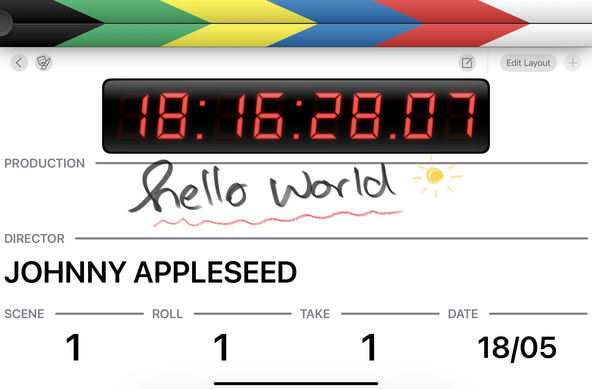
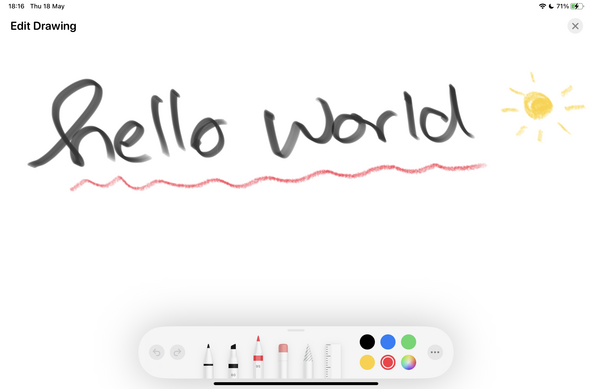
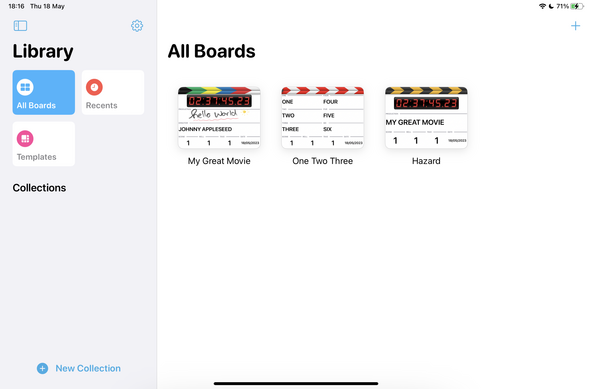
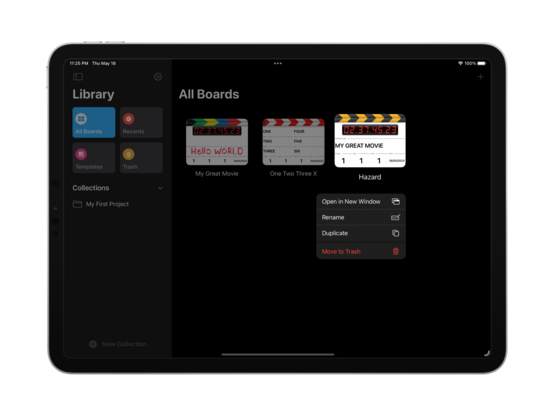
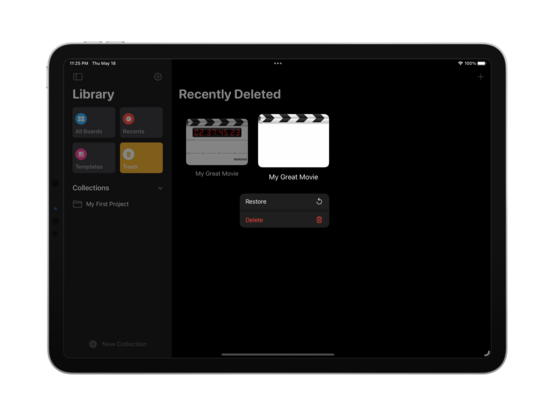
Working on a whole grab-bag of features and improvements for @takeoneapp today after making my mind up on the pencil drawing issue (the new drawing UI is live on TestFlight, btw!). Now deleted boards go to a 'recently deleted' section, so they can be undeleted or permanently removed at will. I have nearly hit my target for 'feature complete’, which is exciting 😄
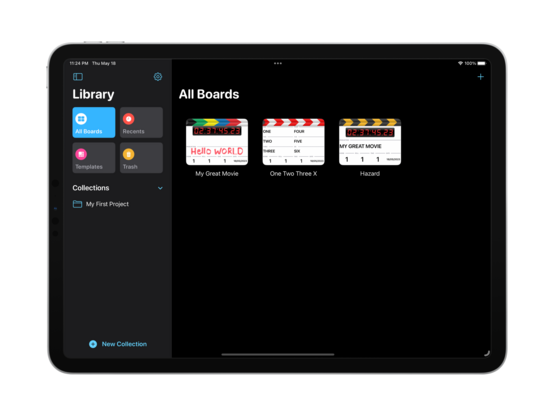
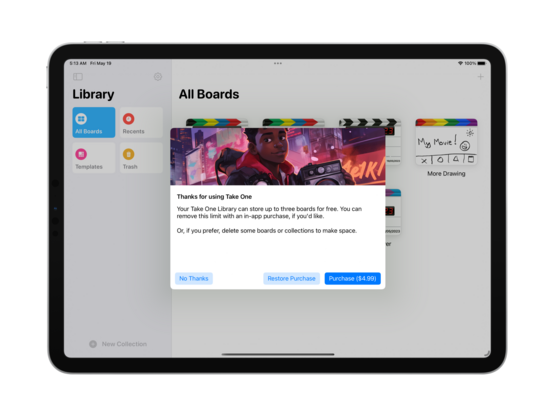
Since I'm getting closer to finalizing v1.0 of @takeoneapp, it's time to work on features like in-app purchase. I spent some time engineering a decent prompt for Midjourney that has produced a variety of header images I'm happy with, and this is my favorite so far — a young filmmaker or student for which this kind of app would be ideal
I was slightly ahead of where I'd planned to be on @takeoneapp, so putting that extra time into getting iCloud sync and iPhone support in ship shape 😎
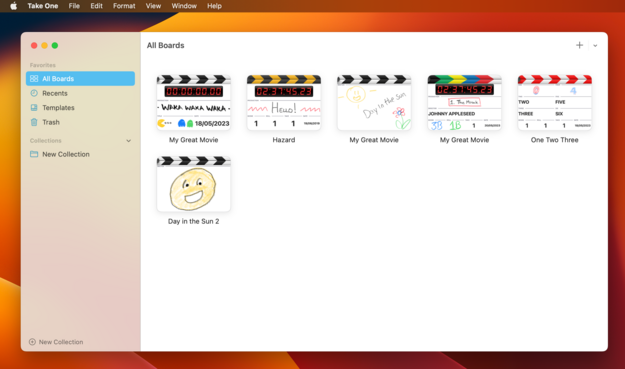
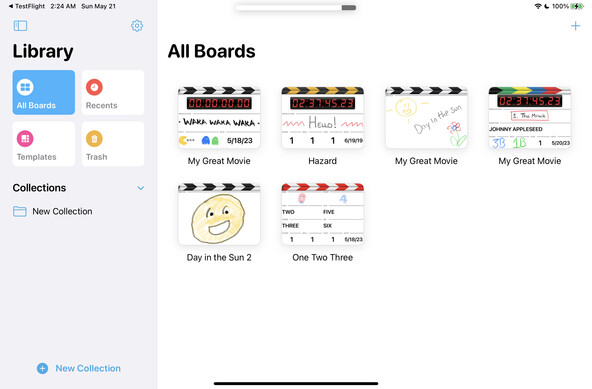
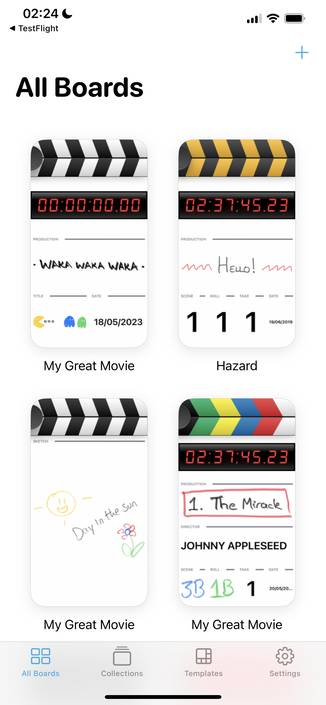
I am so glad I moved to a fullscreen PencilKit canvas in @takeoneapp, it made everything so much easier, and now boards look fun and creative. Very happy with how it's turned out
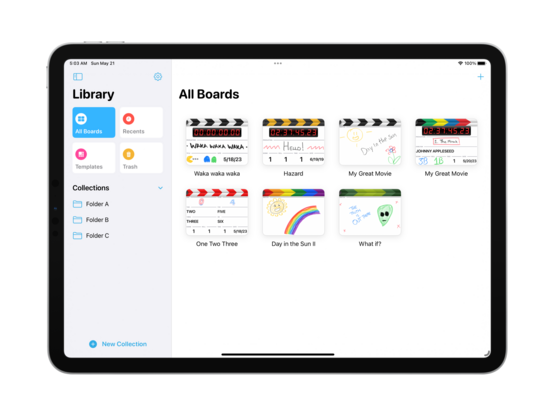
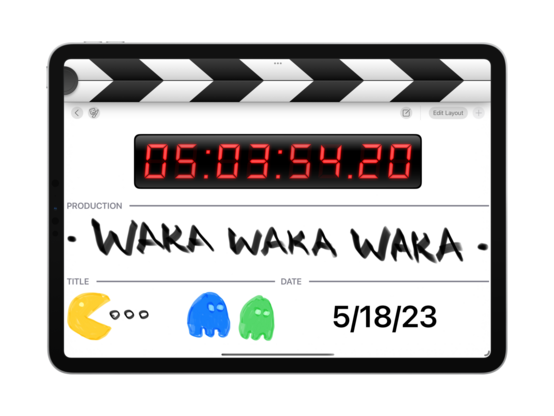
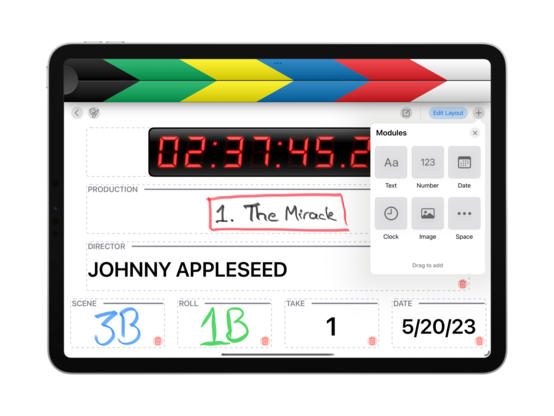
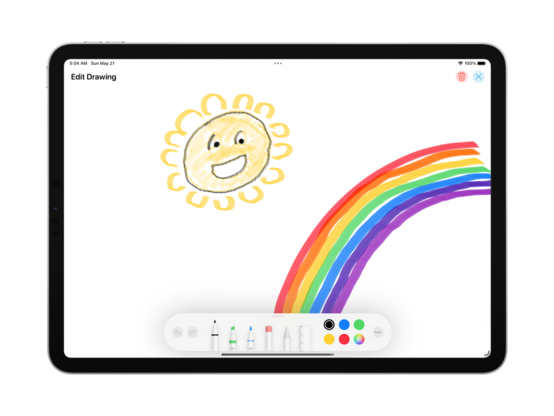
Tomorrow’s tasks are sync and performance improvements, plus a few bug fixes and UI tweaks. After that, I think it’s going to be time to craft all my marketing screenshots and submit to App Review 😄 The plan now is to have iPhone + iPad at launch, with iCloud sync. I think I have a compelling 1.0, with room to grow, and a Mac version 80% done
Today is the day I hit v1.0 🤞 There will be a few more builds sent to TestFlight as I check off the remaining tasks, but @takeoneapp is ready to go out into the wider world. I'll schedule a launch after App Review has had their say, but hopefully it will be early in the week
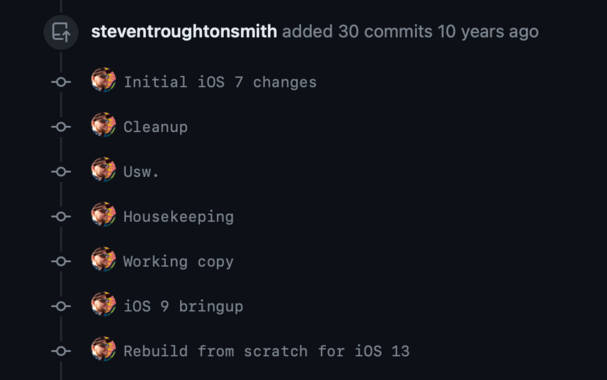
The pull request for the @takeoneapp rebuild is wild. I created this branch for iOS 7, ten years ago, and it's only just coming to fruition now 😧
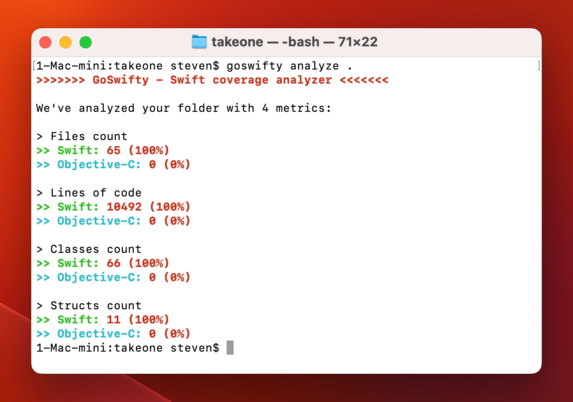
…and if you're curious where the codebase landed, as I cut the first release candidate build we're at 10,492 lines of code, all Swift
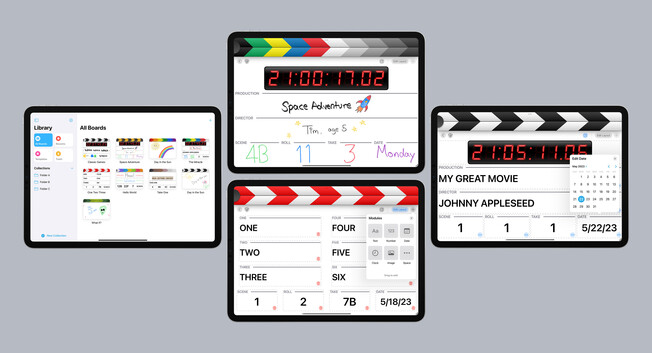
🥳 I made it through! Take One, my modular clapperboard app, is available from the App Store for iPhone & iPad. There's so much more I want to do, but you gotta ship sometime. I just think it's neat, and after four years of sitting on my shelf it's finally time to share with y'all https://apps.apple.com/us/app/take-one/id1586051943

Take One
Whether you're a student, an amateur enthusiast, or a budding filmmaker, Take One has got you covered. EASY TO USE Get ready to shoot with ease in a stunning and user-friendly interface. Take One allows you to effortlessly create, type, and clap your way into action. Simply double- or triple-tap nu…
Seeing all the custom UI in Apple's Pro Apps reminded me that I spent some time earlier this year making a whole modular, flexible keyboard system that sure would be of benefit to my editor panels in @takeoneapp 👀 I think I may just do that
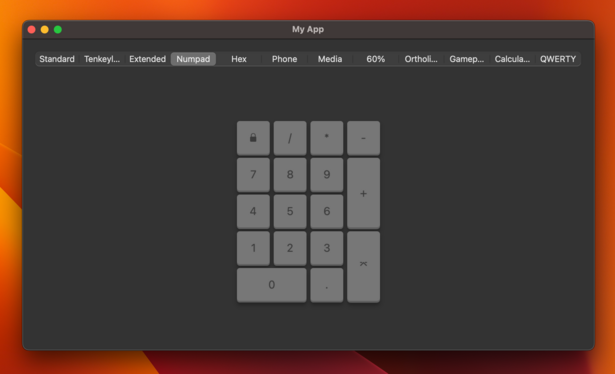
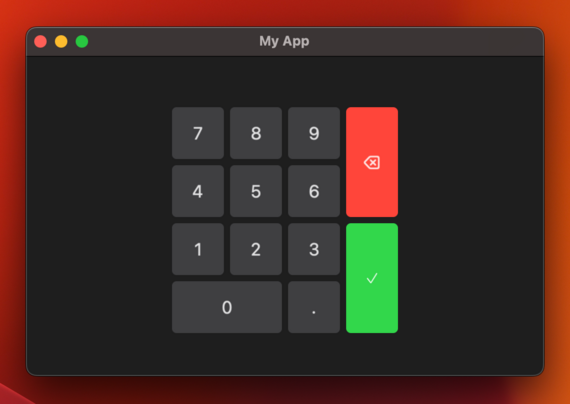
Easy numpad. I'll transplant this in a future update and see how it goes
Speaking of old iOS SDKs, here's what @takeoneapp development looked like ten+ years ago 😄
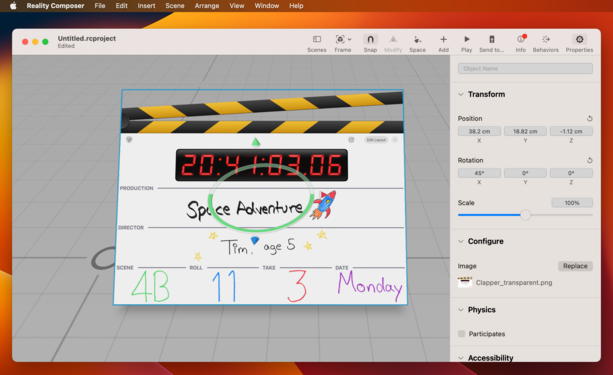
Do you know what might work particularly well in AR? A skeuomorphic clapperboard app…
'Just in case', I've gone and added debug code to let me layout the app such that the clapper sticks break out of the parent view bounds, and rendered out a snapshot I can play with in AR in lieu of an actual UI framework
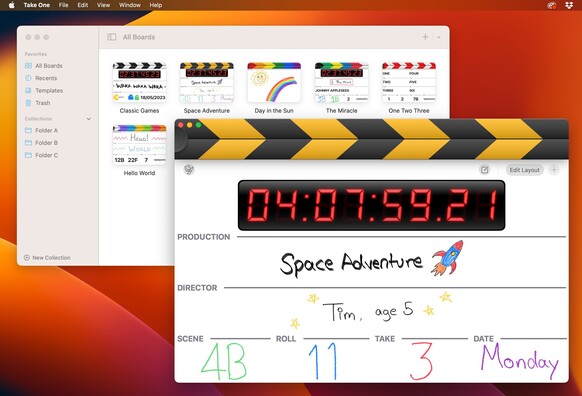
Starting to make the changes necessary to get @takeoneapp fully-functional on macOS. It is, of course, not the kind of app that needs to adhere strictly to the Mac idiom, so I'm going to try to avoid writing alternate desktop-specific UI for components I've already built. Some elements are unavoidable, though, like the PencilKit drawing toolbar which needs to be created from scratch on macOS (😒)
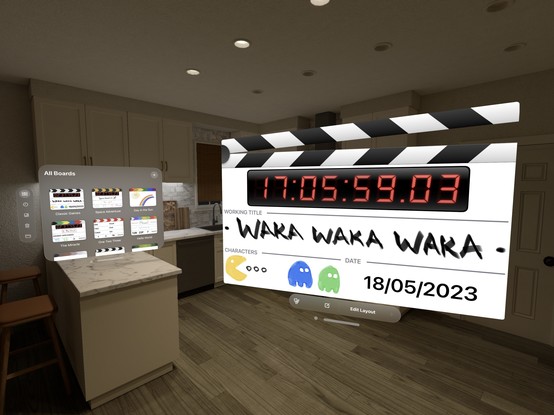
Bringup of @takeoneapp on visionOS was rather painless, but I'm currently battling UIToolbar which is determined to draw a visual punch-through effect no matter what I tell it to do. On the plus side, the work I put in to make the clapper sticks break out of the window bounds works out of the box on visionOS, which is fun 😄
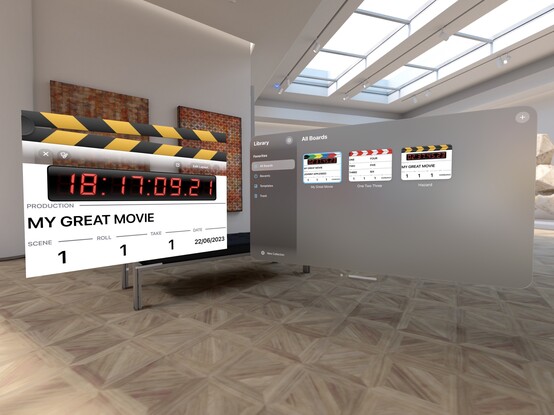
I am honestly surprised at how straight a port this was. I opt-in to the Mac behavior of spawning new windows, break out of the window bounds, and now I have a little hand-held clapboard I can take with me around the room on visionOS
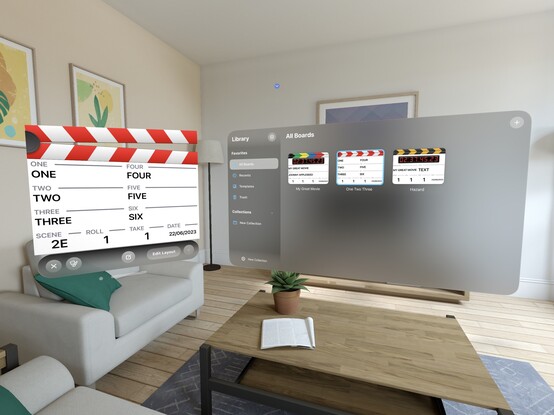
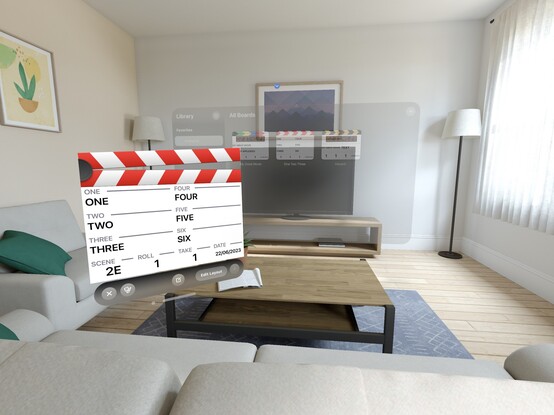
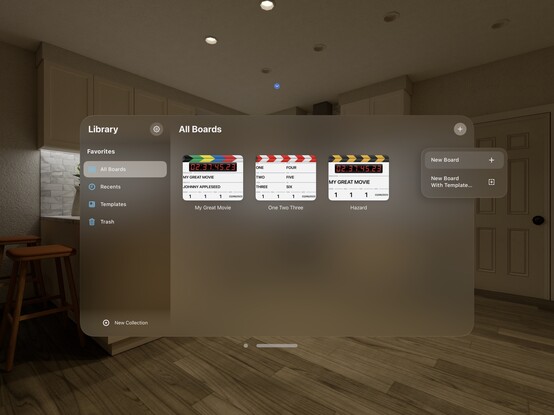
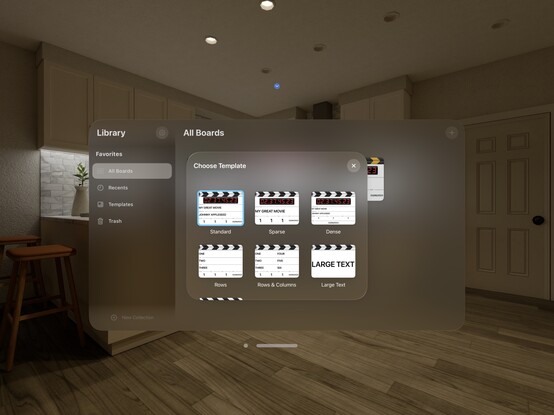
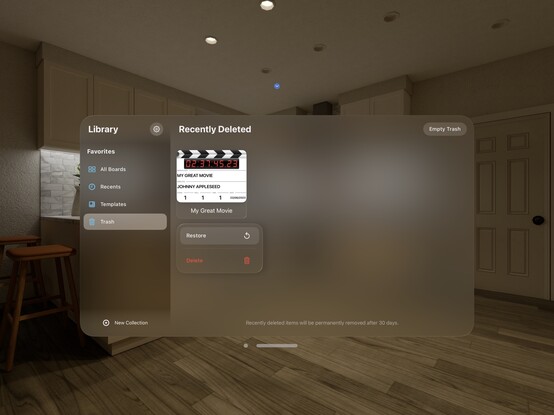
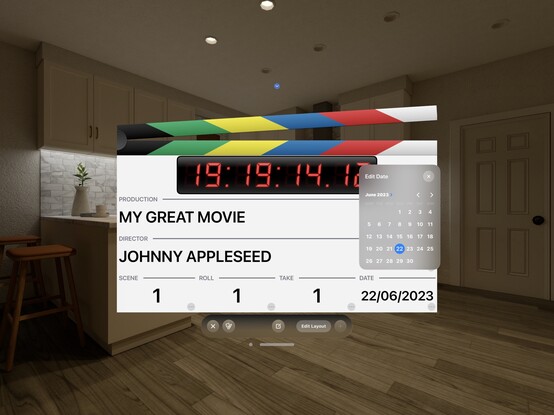
Now that the core app works, I can play around a little with the structure on visionOS to see what feels right
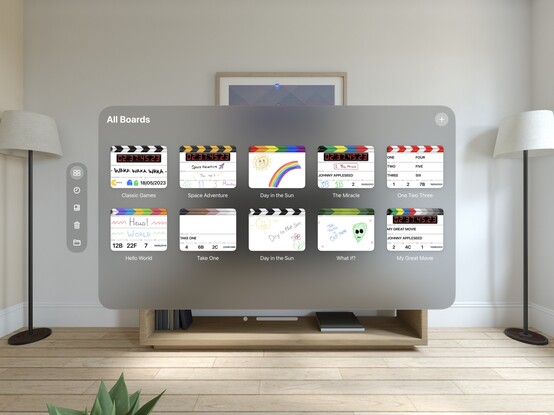
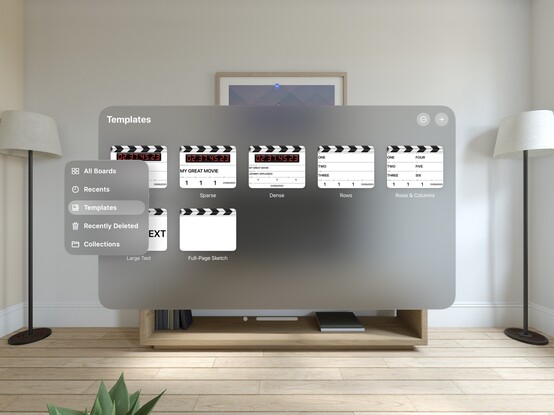
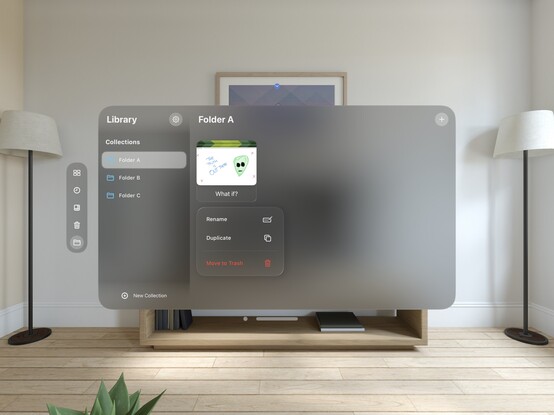
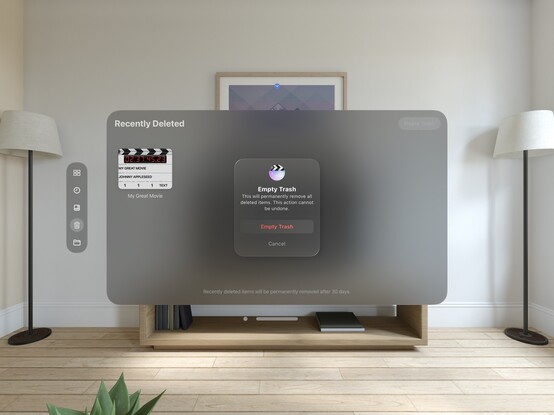
This bottom toolbar is specifically against the HIG, buuuut I'm not convinced that removing the button shapes would make it better
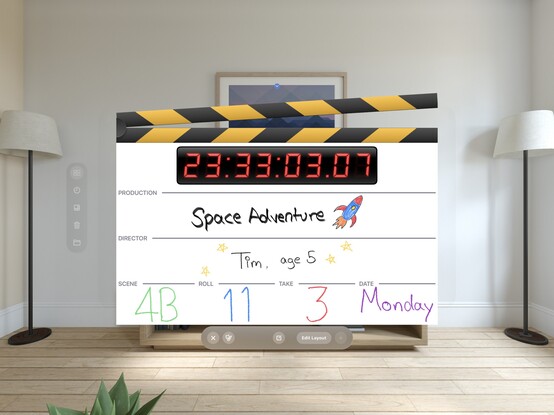
Crossed the last few hurdles blocking me from finishing off @takeoneapp for macOS, so looks like that's gonna be my first major post-WWDC release 😄 Still have some interaction aspects to clean up, but should be easy from here
To say @takeoneapp had a tepid soft-launch would be an understatement 🥲 The audience for this app, if it exists, does not intersect with my Mastodon followers, so I’ll have to put some effort into getting visibility. This is why I haven’t prioritized shipping the Mac counterpart, though I think a Mac App Store editorial feature would be a lot easier to work towards than on iOS, and would bump both OSes. It's something I need to just get done before the end of the year
Quick pass on @takeoneapp to make some progress on visionOS. This one will definitely have to wait until I get time with a device; I hadn't really thought much about it earlier, because it seemed like the concept was silly on the platform — until I saw just how much POV footage has become a thing with Vision Pro 😂 So maybe the app in XR is more of a fun novelty than outright ridiculous
Another TestFlight over the line (after 3 days in the review queue): @takeoneapp is also pretty much ready for iPadOS 26 and Liquid Glass, so I'm reopening public tester slots here too! There is also an initial macOS build, something I never shipped the first time round
 John Appleseed
@stroughtonsmith Once I find a rugged enough iPad case to feel comfortable bringing it on every set, I will absolutely be using this
 Jason Petersen (he)
@stroughtonsmith I’ve seen you talk about this app a lot on here but for some reason today’s the first time my brain read it as lyrics to that A-Ha song, and now I can’t I hear it.
 Harlan Haskins
@stroughtonsmith it might be slightly nicer with reduced padding
 Khaos Tian
@harlan Is there an API on the SwiftUI side that can hide the glass material of a view? I tried ".glassBackgroundEffect(displayMode: .never)" but it doesn’t do anything... On UIKit side I can get the material to go away fine.
 Migrated to @
@stroughtonsmith maybe add a 3d/in-world/whatever that’s called trash can in there?