 Steve Troughton-Smith
Since I started this project in 2019, the design language I use in my apps has shifted a bit — and that of iPadOS, too. Restructuring it is kinda fun
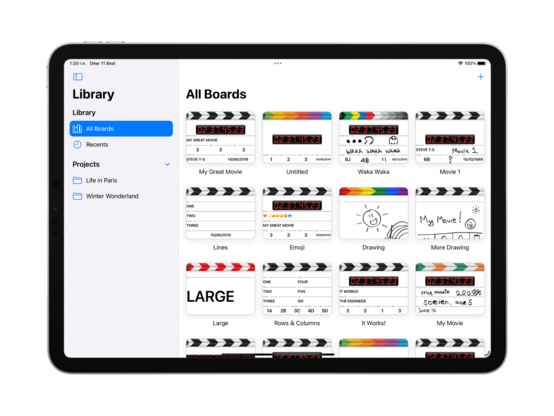
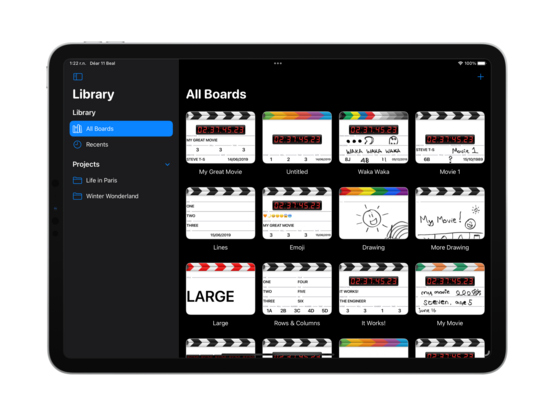
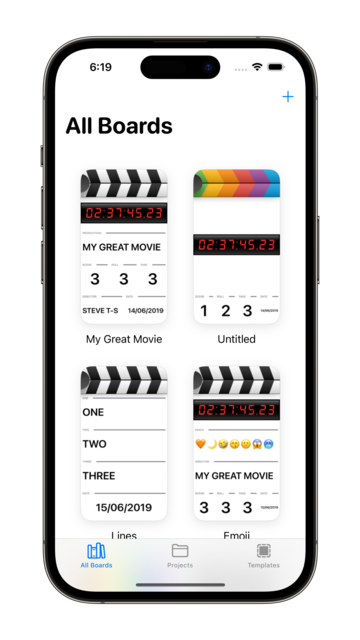
If I'm to cut features to get to a ship target, it’ll primarily be by not including iPhone & Mac support at launch. Even so, I'll be progressing all three platforms at the same time as I go, as iPad still needs multiple resizable windows and compact/regular size class switching.
No platforms means I don't have to have a sync strategy out of the gate, too… 👀
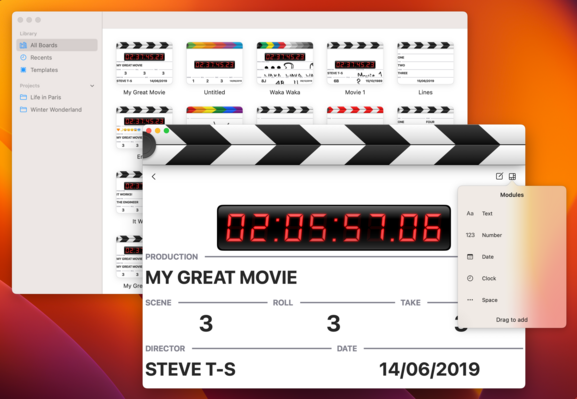
Working a little on my editing modes and interactions, reducing the gesture overload I had in earlier versions and splitting them out into distinct states (rearranging vs text/field editing, etc)
Fewer mystery meat gestures and weird animations, more buttons
Finding the right SF Symbols for my use case is impossible, so I think I'm going to use this form instead
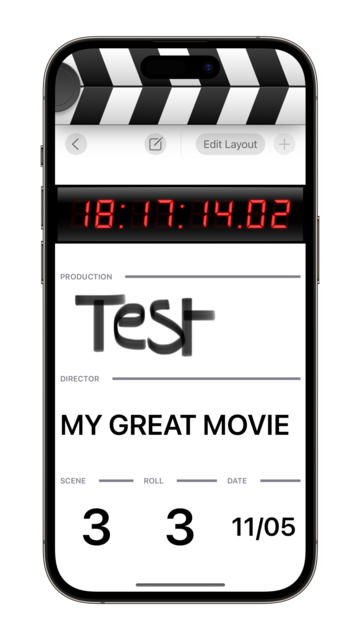
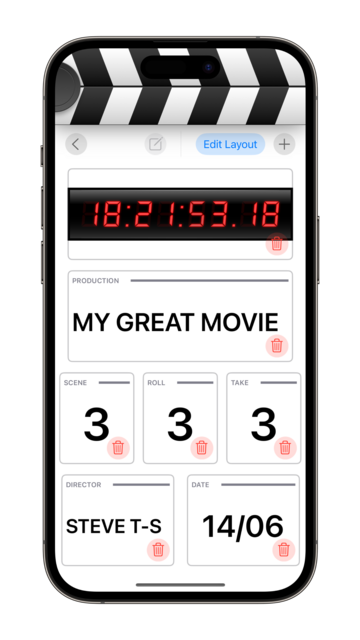
My module library was a UITableView, of all things. Well that had to go
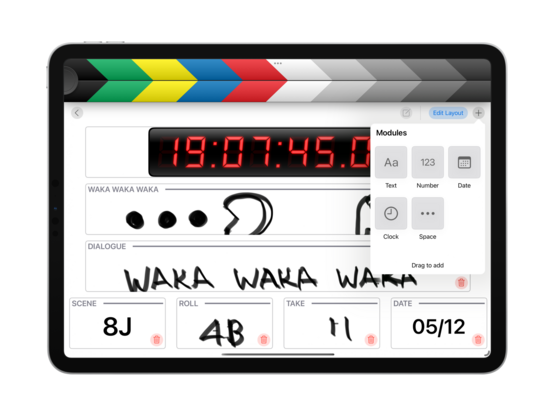
As I flesh out the rest of the UI, I'm starting to see ways for this to make sense on macOS, even if the use cases are very different to iPhone or iPad — I didn't get that impression from the last two development sprints I did on this (in 2019, and 2020)
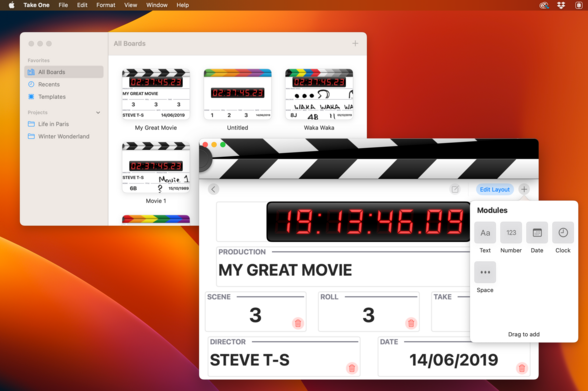
Quick UI roundup; I can see a path towards completing and shipping this app before WWDC, on iPad. I don't know that I'll be able to hit that target before distraction comes knocking, but it's worth a try. I've made quite a bit of progress in the past day, and it's starting to look good
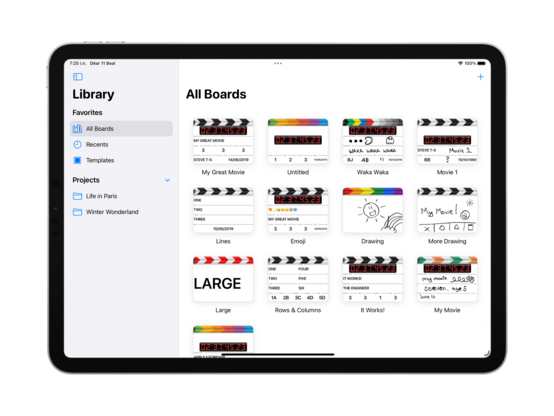
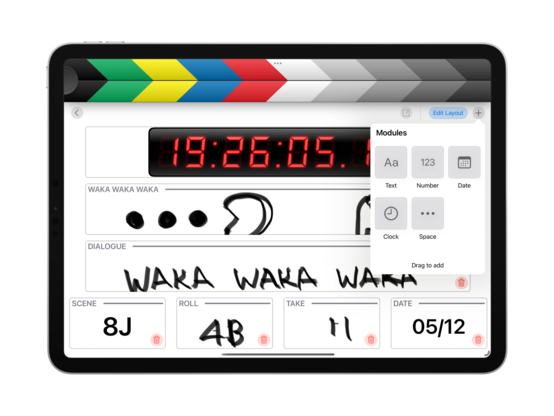
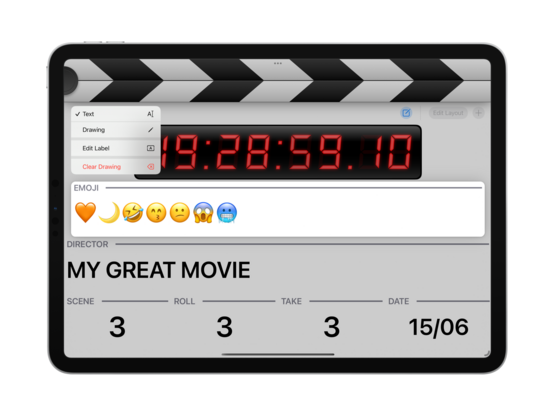
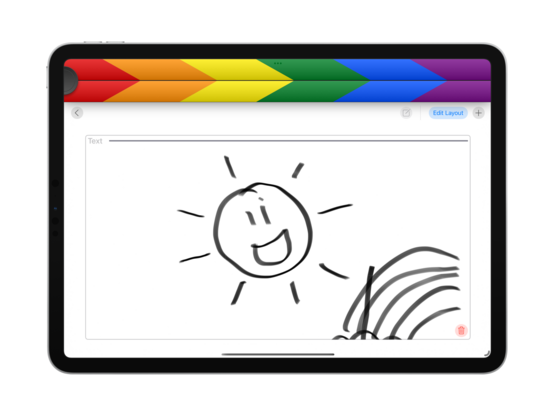
Doing away with the context menus frees up some confusion with Pencil usage. Trying out a dashed line pattern too, though it might still need some tweaking. I also cleaned up the @takeoneapp Mastodon profile a tad
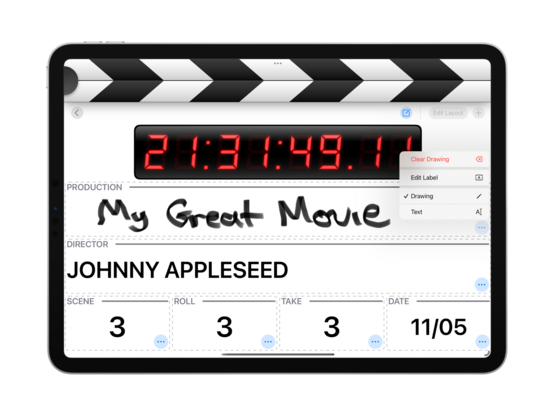
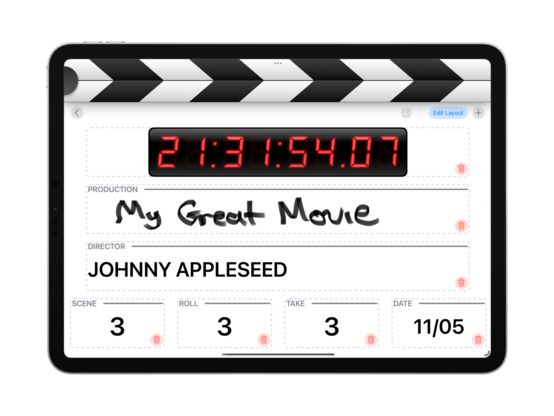
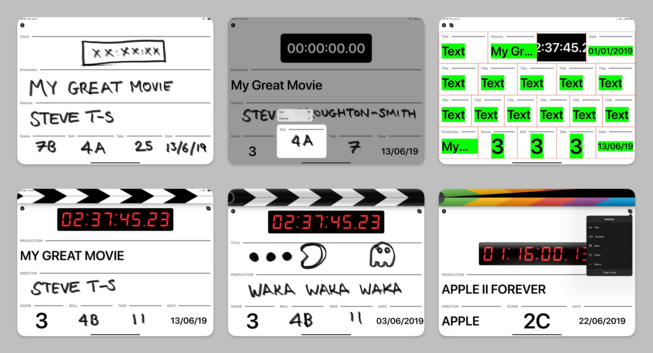
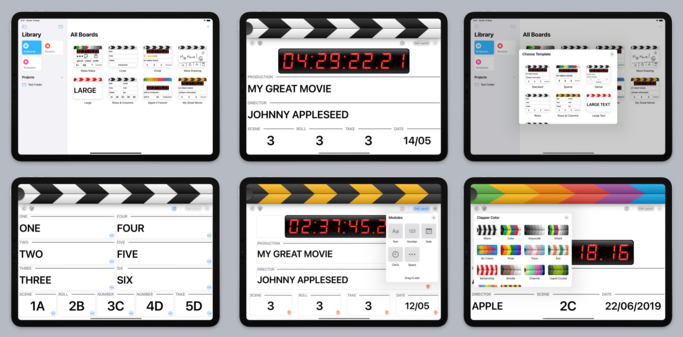
Here's a bunch of screenshots from the early development of @takeoneapp, in June 2019, since I haven't posted them over here. That’s before I'd started work on Broadcasts or Pastel, in a very different era of iPad app development. In hindsight, the improvements to the iPad SDK vis a vis UIKit & Mac Catalyst have been tremendous in the past 4 years. All of that effort is going to pay off for an AR headset built around the iPadOS app platform, if the rumors are true
Reimplemented the stripes color picker as a collection view, works nicely 👌
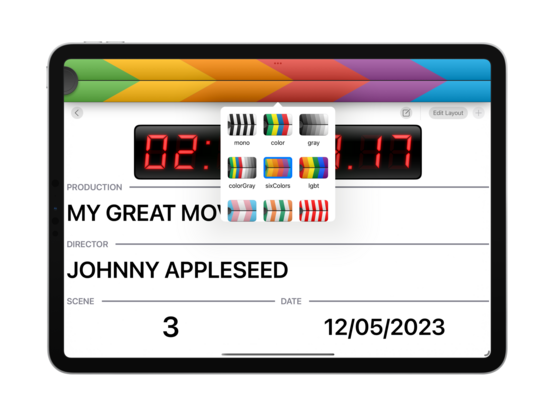
Those popovers adapt to my favorite sheet style on iPhone, custom title and close button included 😄
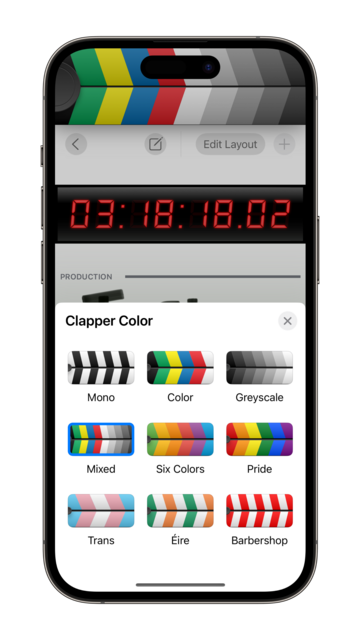
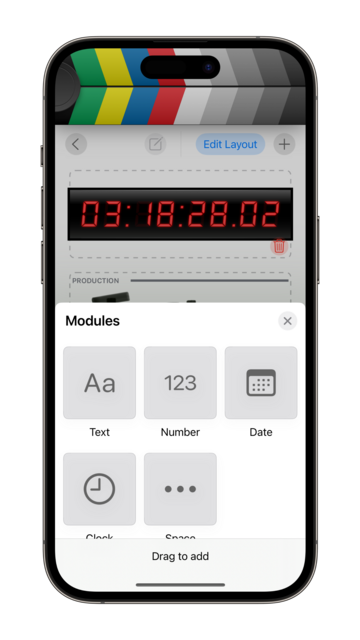
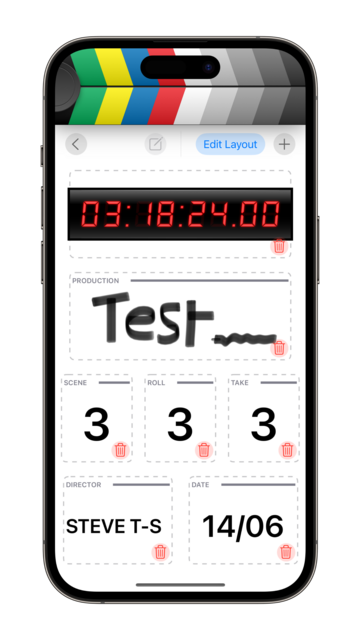
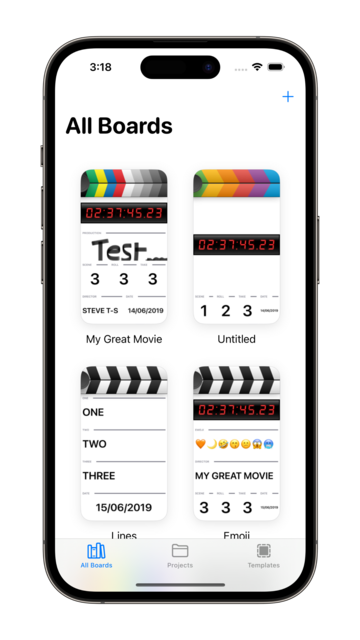
Very easy to add new palettes too — I can copy paste them into the codebase directly from @pastelapp 😄
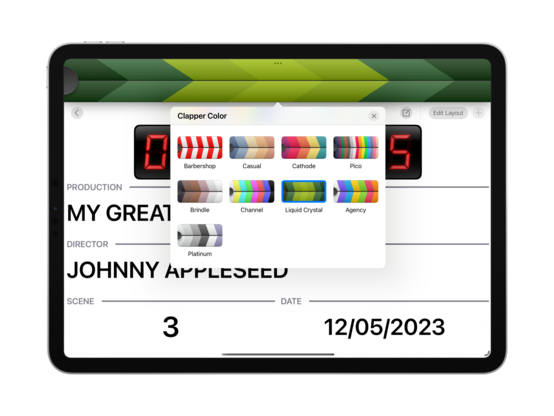
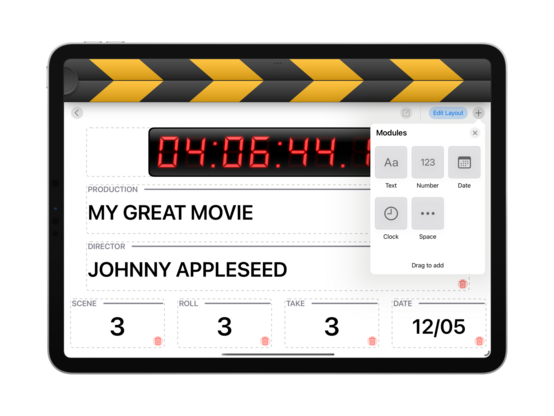
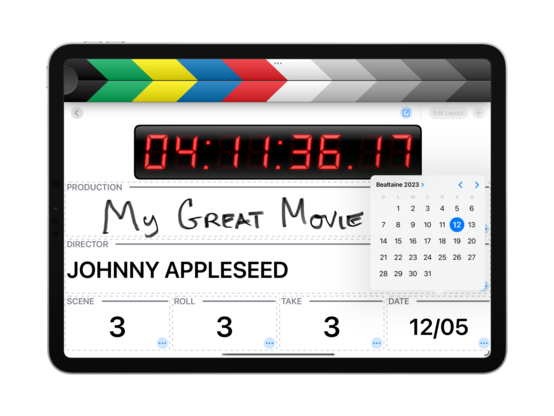
End of day 2! @takeoneapp is starting to look so good that if I don't ship this at the end of this sprint, I will be so mad at myself. Apart from the major areas I have yet to implement, I think the UI is nearly at a production-ready level — you'd easily mistake it for a shipping app. I maaay do a TestFlight run of this before release, but no promises. I expect pricing to be very similar to Broadcasts and Pastel, so free to try + $5 ish IAP to make more than one board (or something like that)
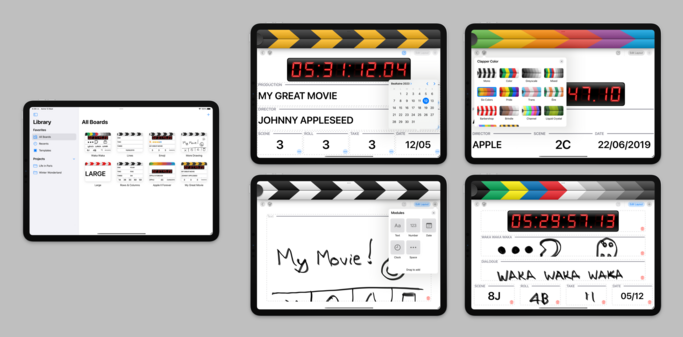
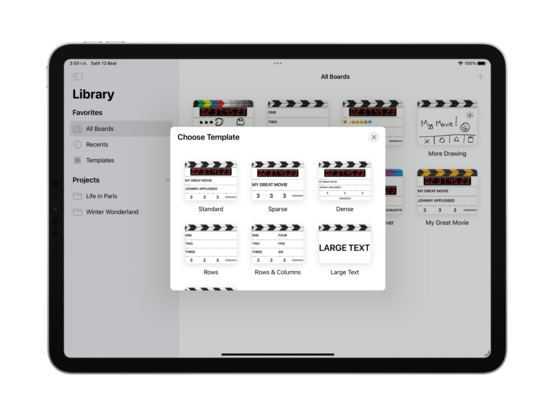
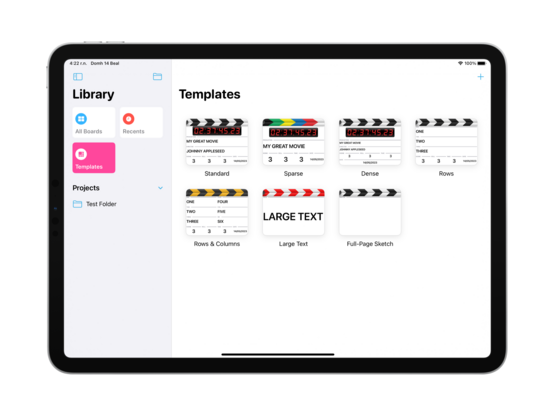
Instead of struggling with PencilKit for the rest of the day, I went ahead and built a template picker instead. Another item checked off the todo list ✅
One way for me to punt the PencilKit scaling issue down the road a bit is to ship with UIRequiresFullScreen=YES 🤔 It would mean explicitly opting out of splitscreen and Stage Manager resizing for the time being, but that actually might be OK in this case? It's a very fullscreen-centric app, and that changes a release blocker to minor user annoyance. May just be the way to go
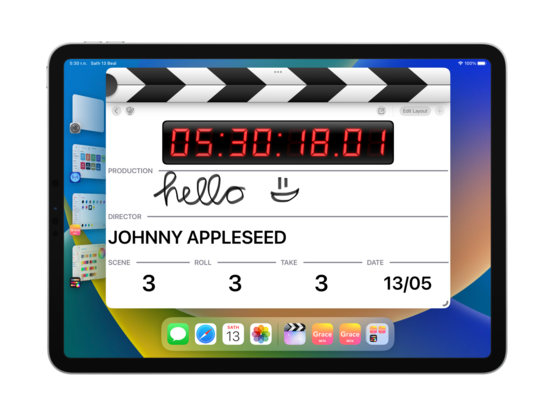
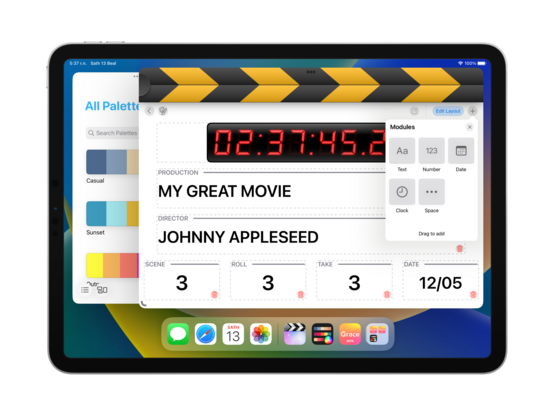
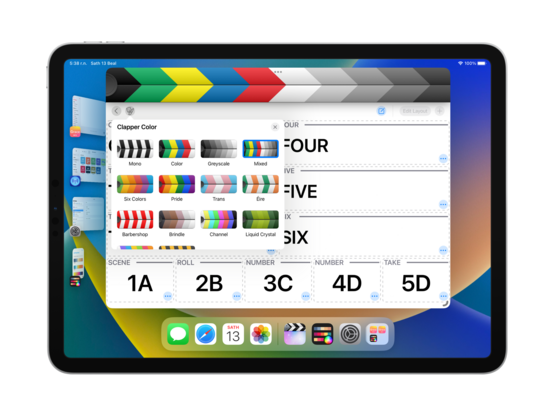
Just because the individual windows need fullscreen doesn't mean I can't still do multiwindowing — it actually works quite nicely in Stage Manager
I was out today, so didn't get much work done — but I refactored @takeoneapp’s data model to let me create and save to folders. Part of that involved wiring up the templates store so I can create/edit/delete templates too
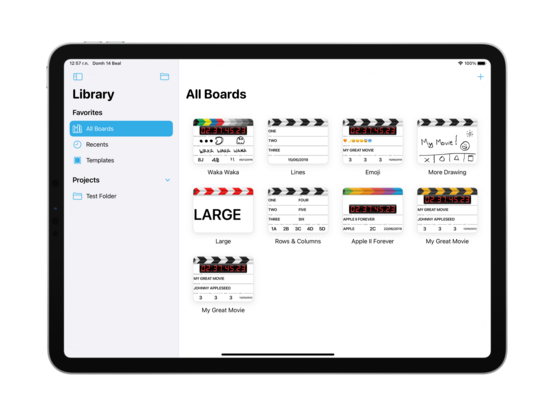
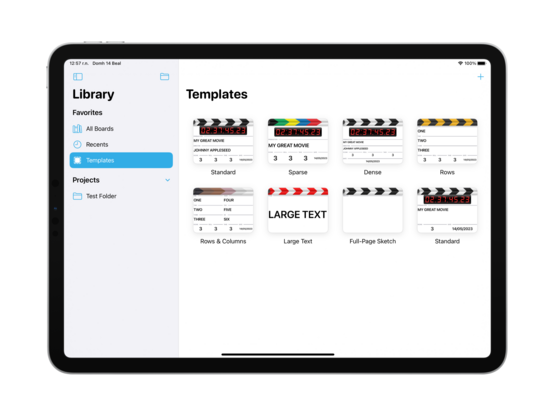
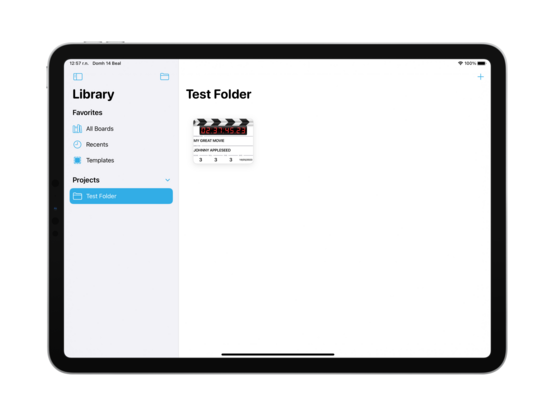
Unifying a little bit of the design language with Pastel, I’m going to use the same Reminders-style sidebar on iPad for @takeoneapp. Also injects a splash of color into a very black & white out-of-the-box experience
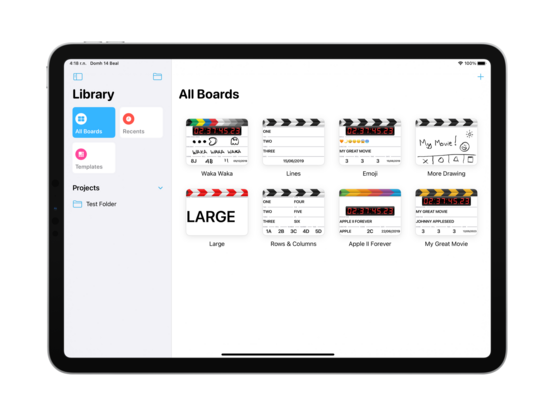
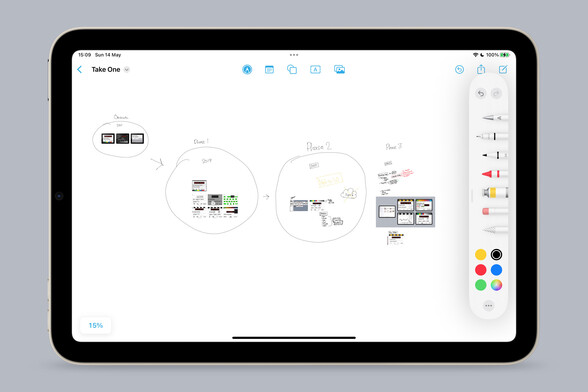
I don’t have complex development notes for this app, but I am enjoying Freeform as an infinite canvas to dump images onto so I can annotate and do a basic bit of mind mapping. It really makes me yearn for an iPad mini Pro with an M-series chip and ProMotion, though — what a fun desktop companion that would be
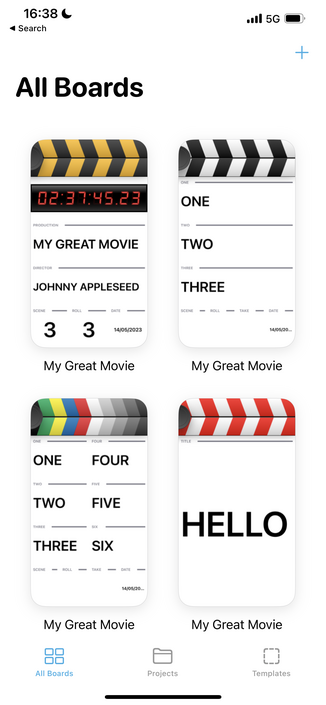
It’s always nice that the iPhone version picks up everything I’ve been working on for iPad without me thinking about it. Universal development is my jam
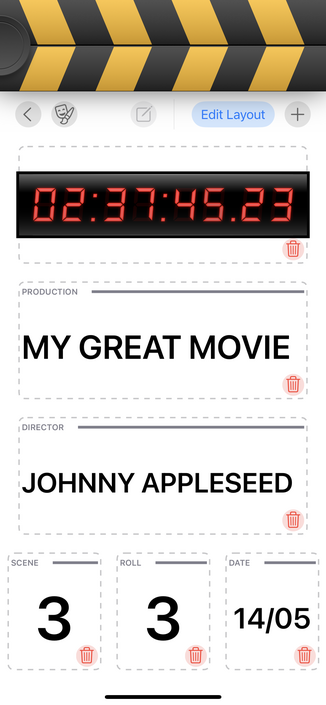
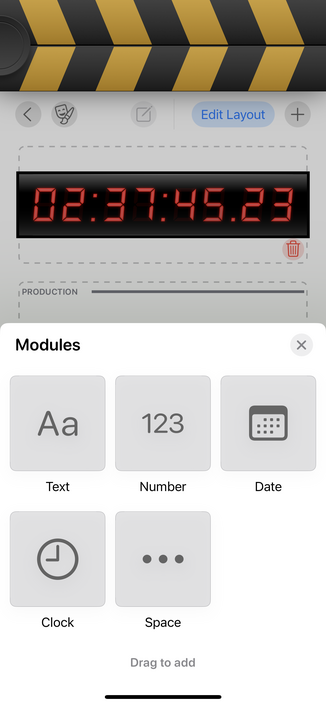
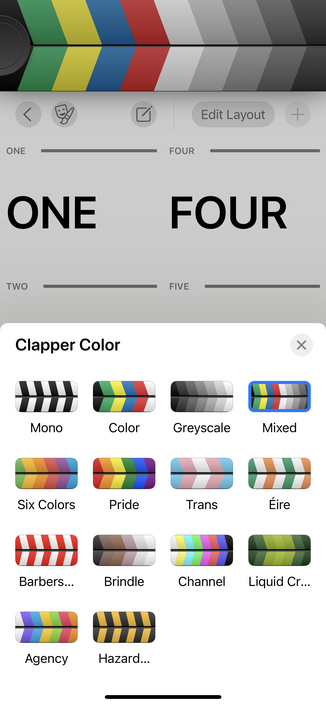
Got some odds and ends done today; worked on keyboard focus, styled the 'new folder' button as per @pastelapp, and do a bit more lazy thumbnail generation. It is looking increasingly likely that I actually finish this app this time, which has me extra motivated to work on it 🤓
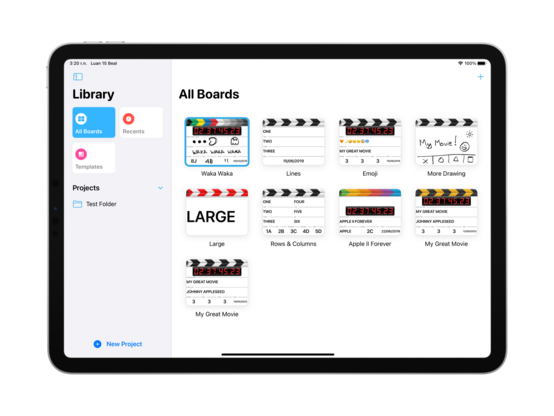
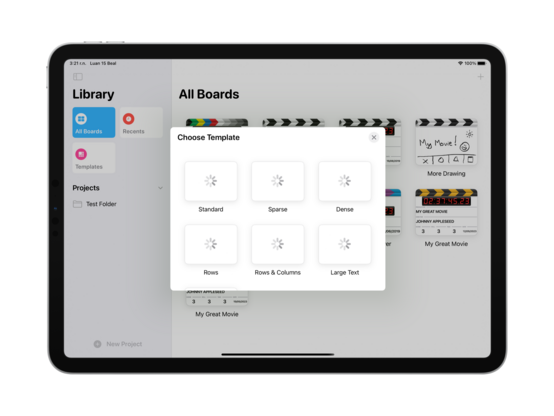
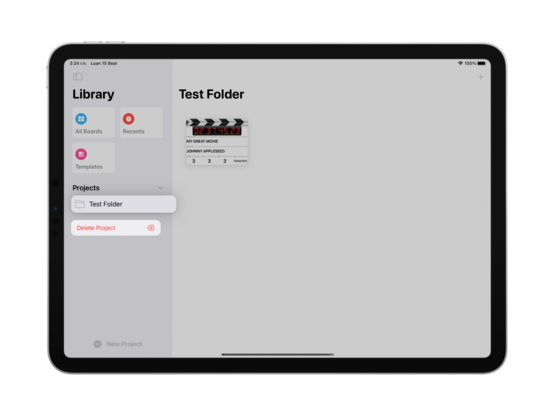
Also pretty confident in the post-launch roadmap, too, since I know I'll need to ship iPhone+Mac, iPad splitscreen, and sync, and most of that work has already been done
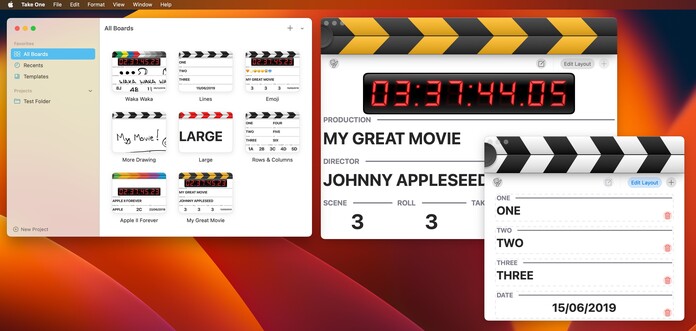
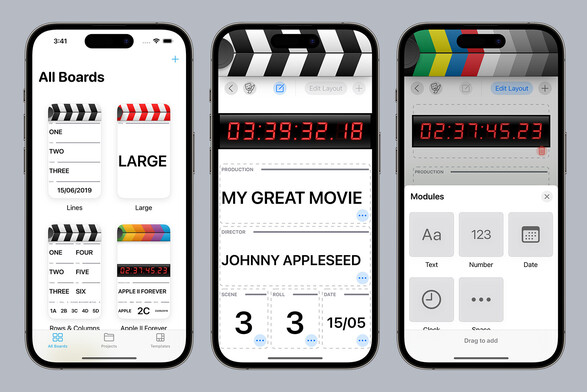
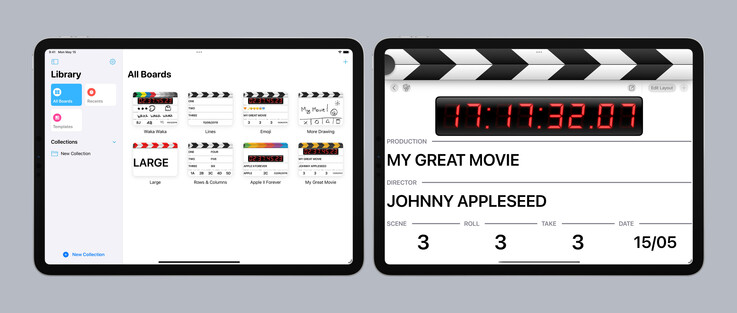
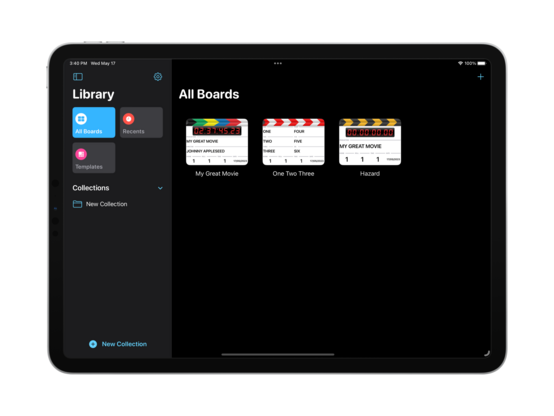
I'm pretty happy with the two basic screens of @takeoneapp; it looks modern and fresh, without entirely sacrificing the skeuomorphic elements that made the original so pleasant. The splash of color in the clappers and sidebar makes all the difference. I think I have the balance right?
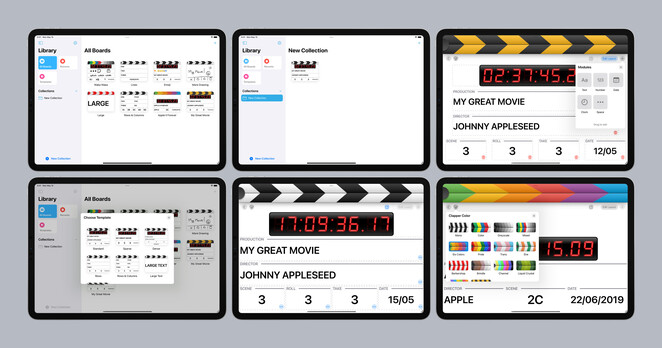
…and here's the current state of all the auxiliary screens and modes. I still have to design editors for the various module types (numbers, date, etc), so I'll work on that this week
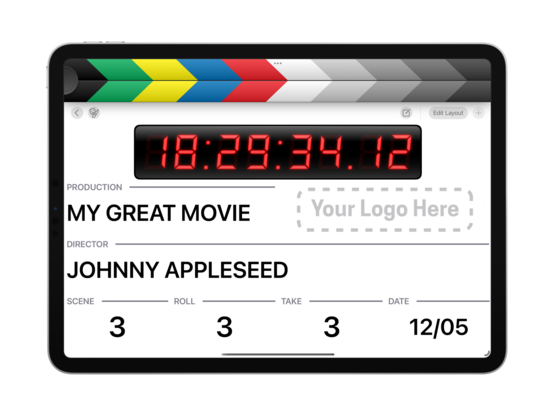
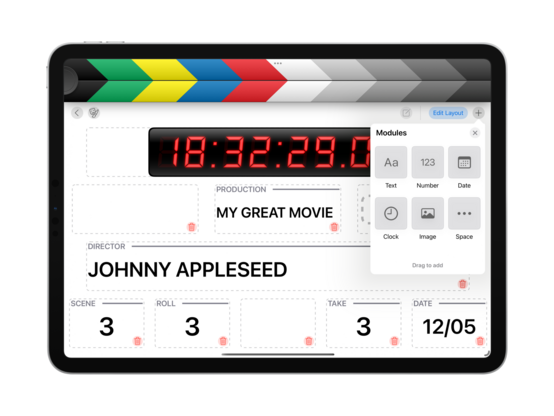
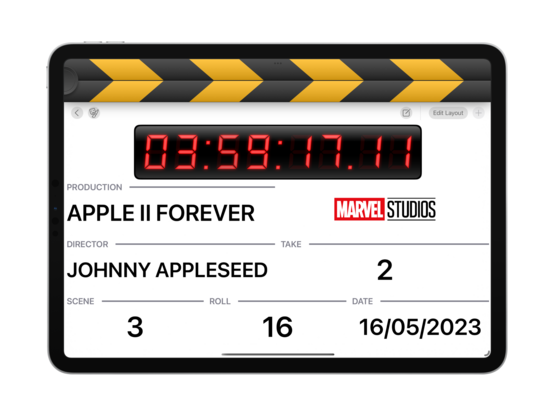
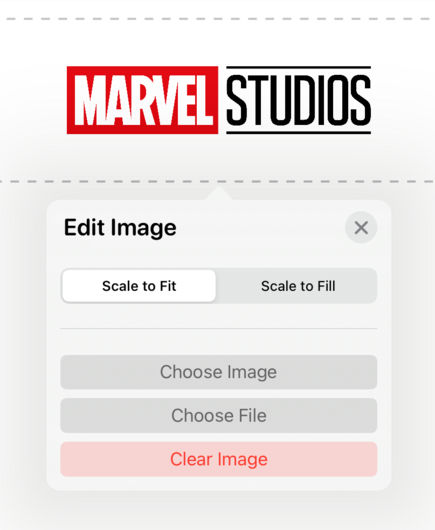
New module type — image! Somewhere you can put your production logo, perhaps? I have working spacers now too
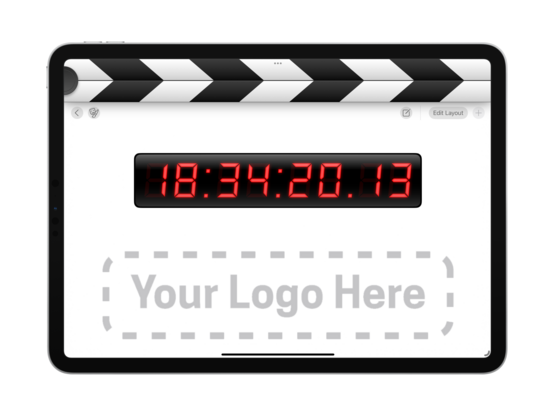
I added a little wiggle animation (thanks ChatGPT!) for when you're tapping one of the modules without edit mode being on. I might add color to make it less subtle, but the wiggle is great! Communicates what I intended
Spent some time today getting the field editors functional and styling them up a little. And I added double and triple tap gestures to increment/decrement the number counters. Powering through the todo list!
Some fun examples of how one might use the image module on a board 😎
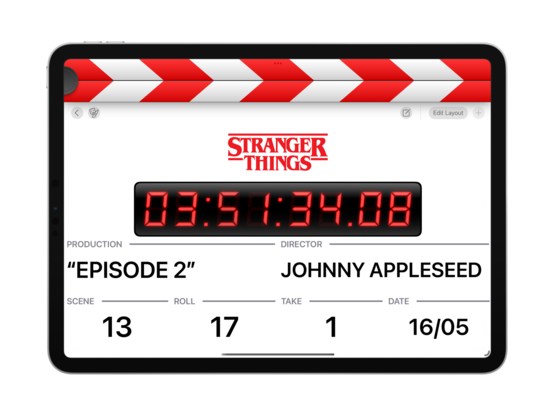
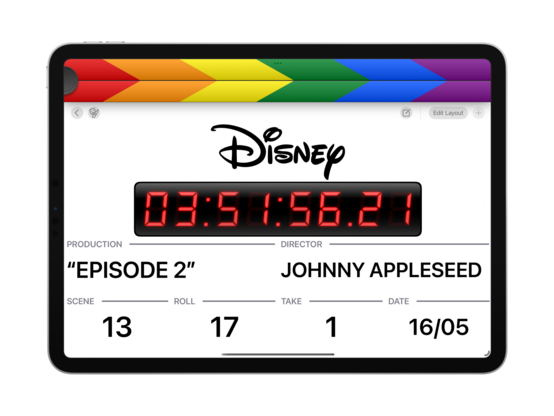
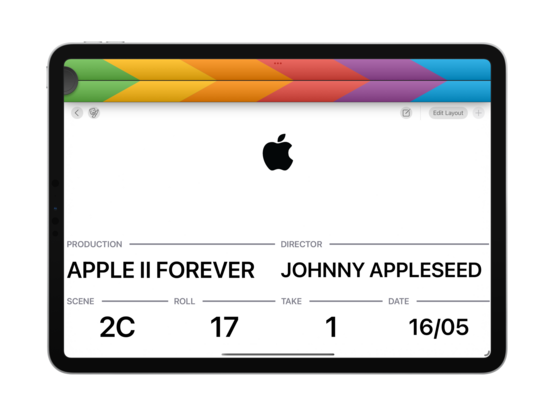
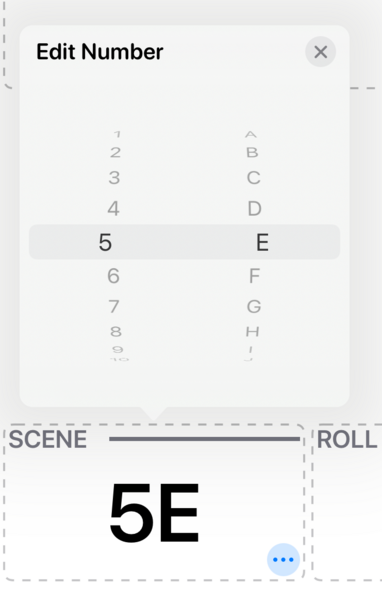
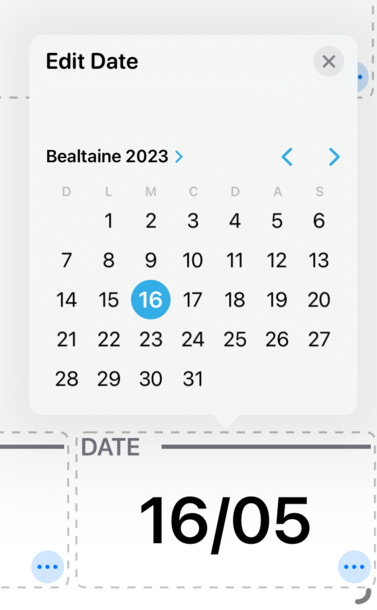
Very simple field editors for v1.0, but they do the trick. They're going to need a rework for the Mac version, as Mac-Idiom Catalyst does not allow for spinny picker controls, but that's a ‘later’ problem
Shocked to find that iOS just doesn't have an API to tell whether the mute switch is on or not 😅 You've gotta jump through hoops playing silent audio clips and checking how long they actually took to play — so I've done that, and now have a mute indicator in @takeoneapp
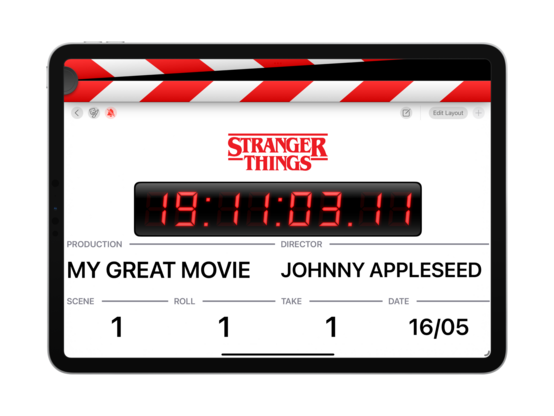
I did a quick test and, aside from an SF Symbol or two I can backport, there's nothing in @takeoneapp that would prevent it from running on iOS 15. I may then take that as the baseline, once I charge up my testing iPads and give it a full run through. Everything seems to work as intended on iPhone, though
I pulled the original version of @takeoneapp (2011) from GitHub to run it side by side with the new app. Amazingly, it came right up with only a single line of code changed. Fun to see an iOS 5 app beside an iOS 16 one
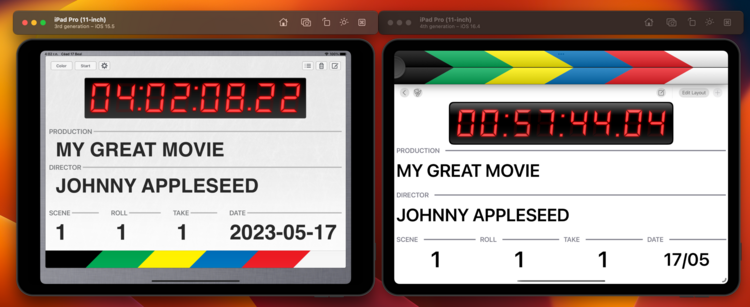
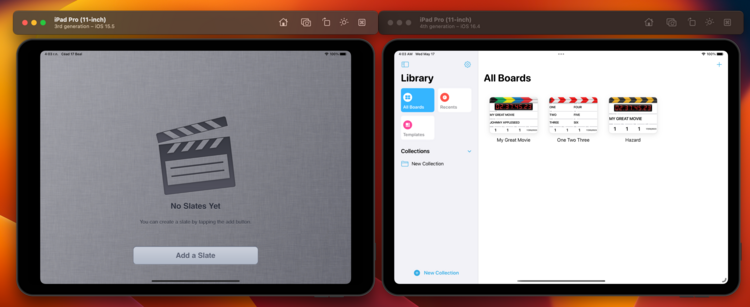
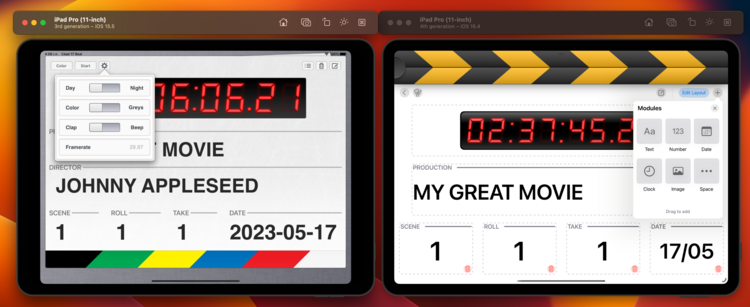
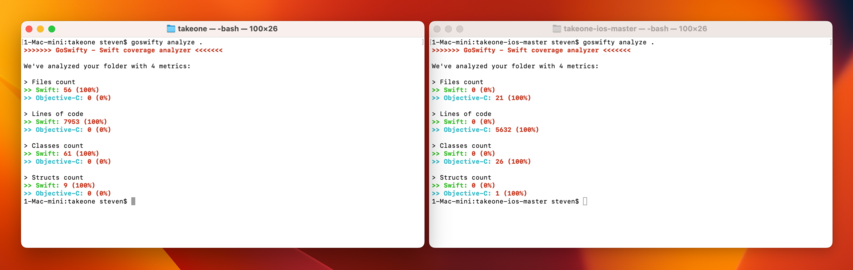
New @takeoneapp is nearly 8 kloc now, with double the classes of the original. Though not a line of it survives, as I started afresh
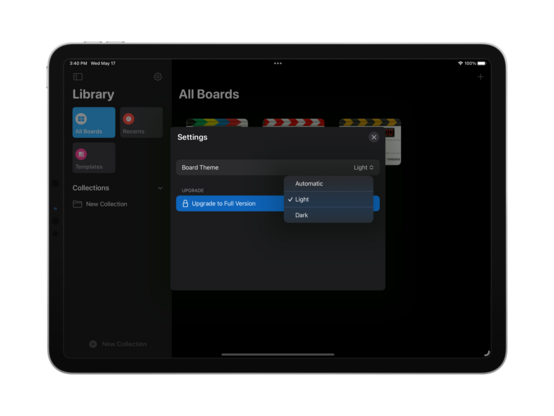
It was a feature I wanted for myself, so there's now a setting to always have white boards in dark mode (or vice versa). It is quite nice how easy UIKit makes this
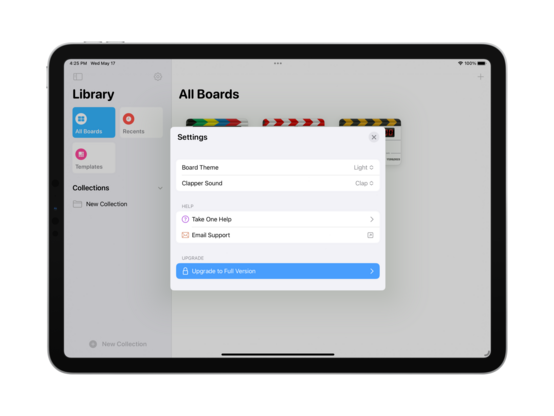
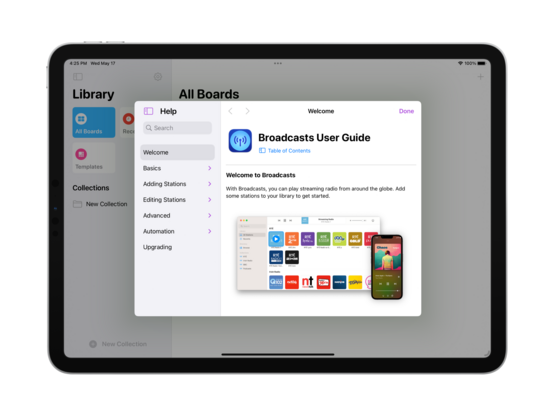
Since I did go ahead and build a whole library for this, I might as well integrate a Help bundle into @takeoneapp. I'll see how quickly I can put together worthwhile documentation if I get a chance before 1.0
 Paul-Vincent Roll (he/him)
@stroughtonsmith where would you like to get feedback? Here or email?
@stroughtonsmith got a bit longer I send you an email :)
@paul got it; great input! I will keep it in mind for future versions — the initial release has drawing as a catch-all for anything outside the preset templates, and with a few tweaks to how templates work (to preserve drawings, for example). I don't expect to go deep into high-end features as there are established $50+ apps and hardware integration I could never compete with, but I do want to make a compelling case for the casual user