 Andrew German
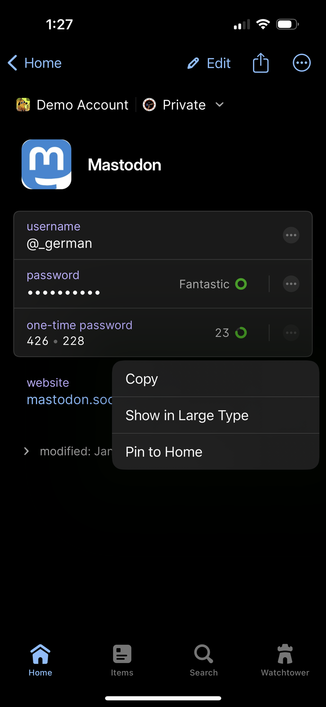
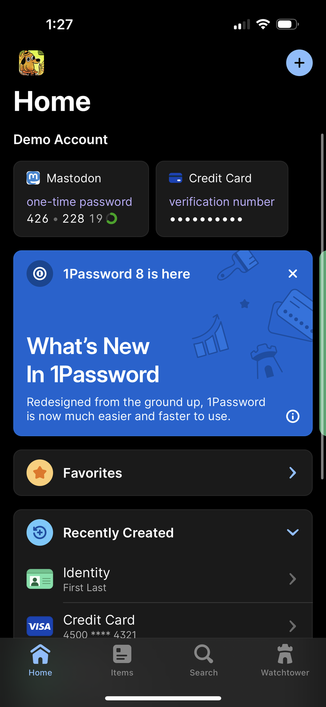
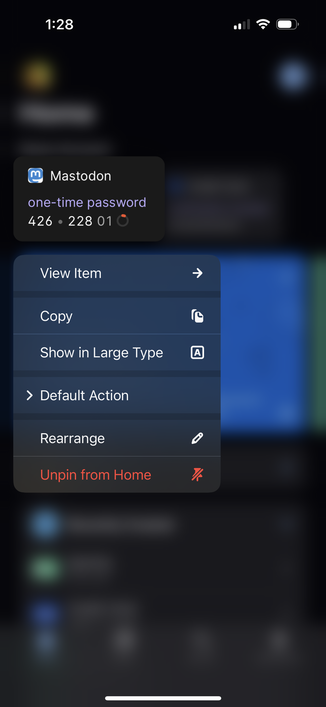
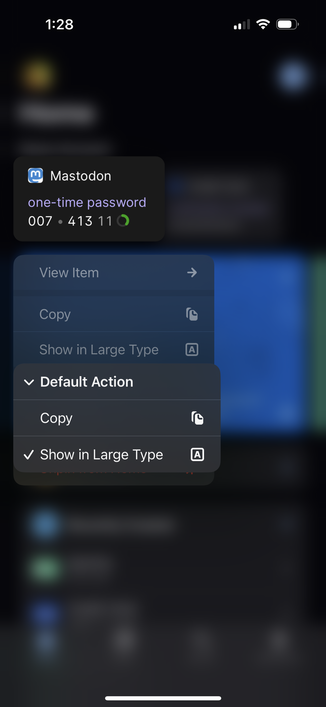
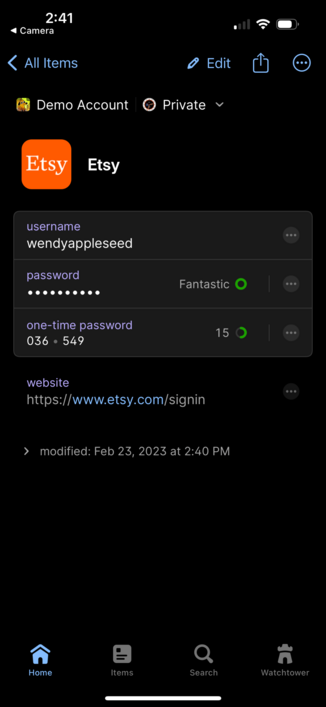
Did you know that in #1Password you can pin individual fields to the Home tab? It’s great if you need frequent access to a specific field like a one-time password.🧵
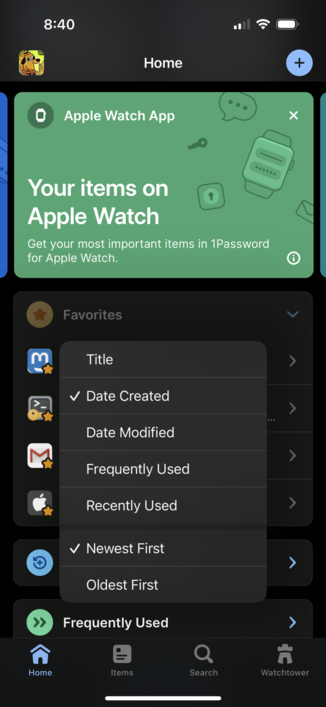
Did you know that in #1Password you can press and hold on the Favorites header to change the sort order? And of course 1Password will remember what you choose.
This was a highly requested feature from our community, so thank you to everyone for helping make 1Password even better! 💙
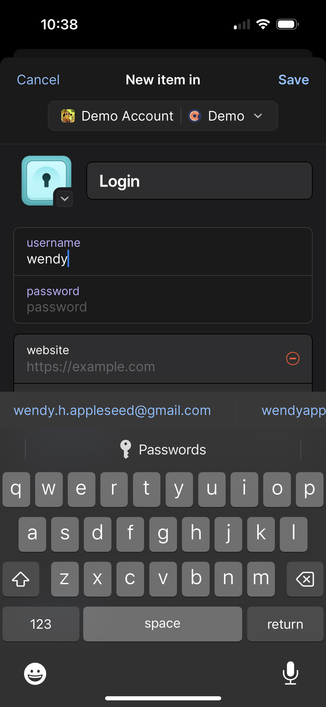
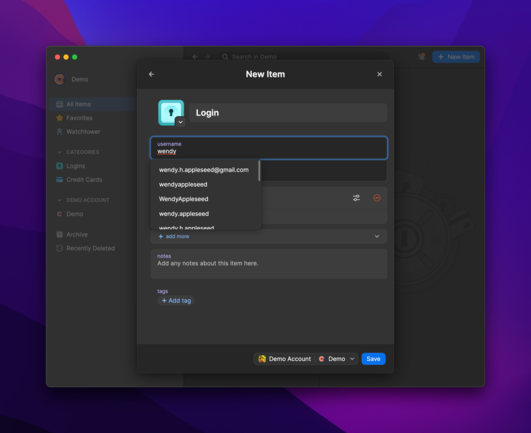
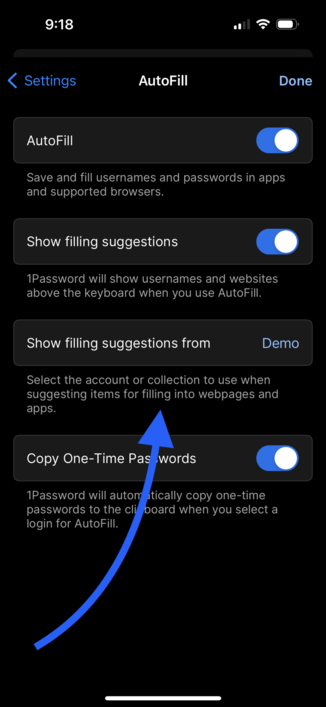
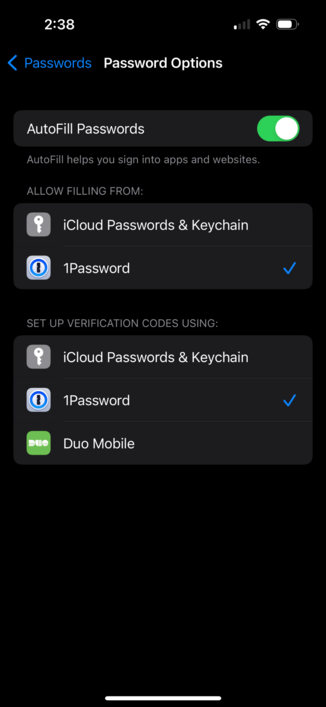
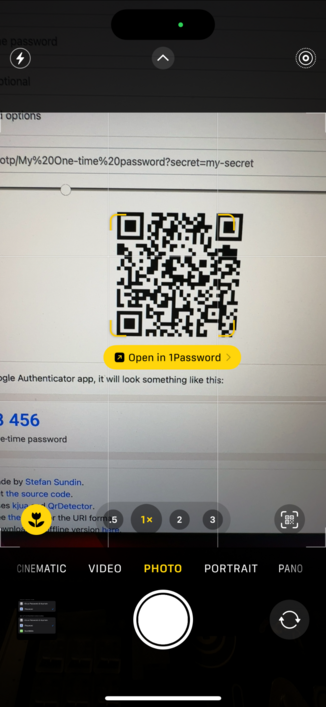
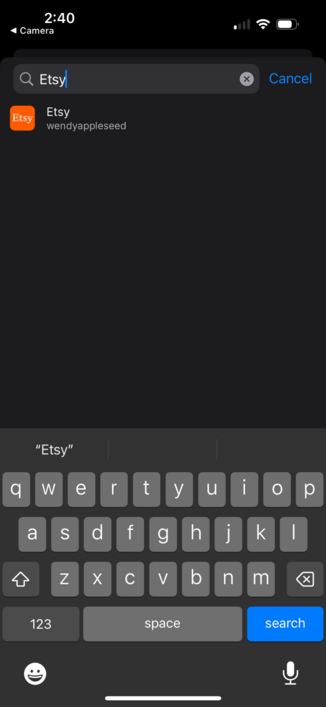
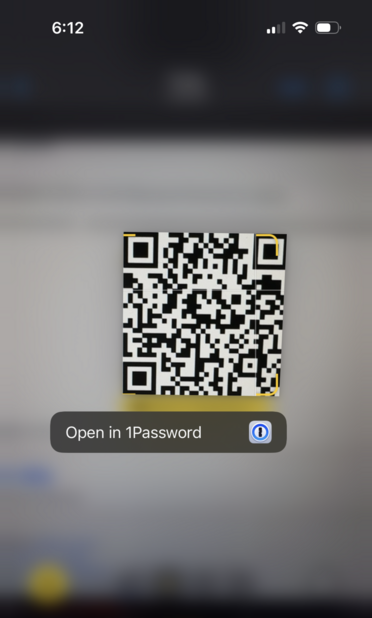
Did you know that #1Password 8 for iOS can now be set as the default app for opening two-factor URLs and QR codes?
Open with 1Password and select a login to have the one-time password attached automatically!
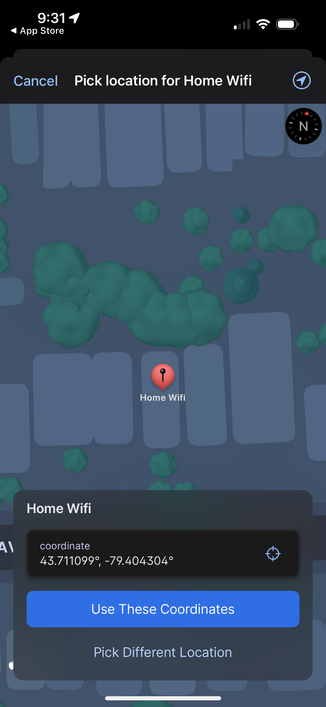
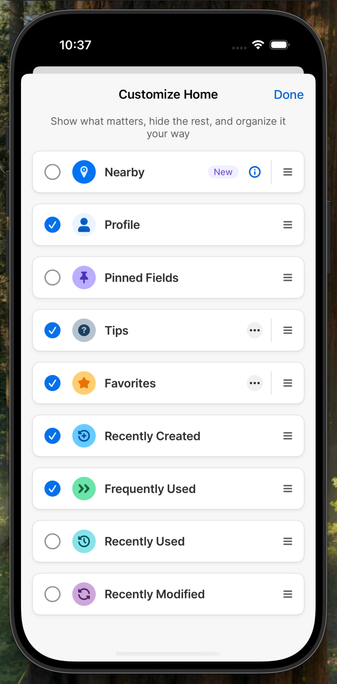
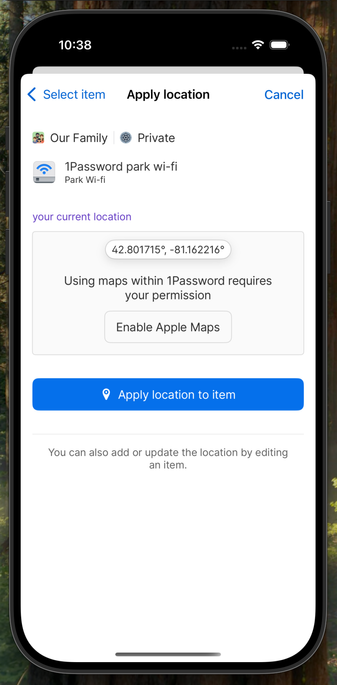
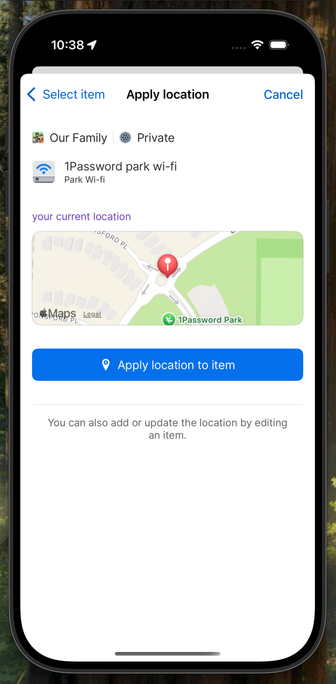
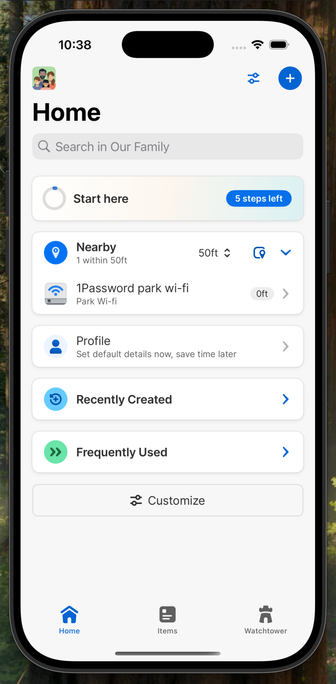
Did you know that in #1Password 8 you can now attach locations to items? Better yet, you can see a list of nearby items as soon as you open the app!
Don’t forget to enable this in Settings > Labs
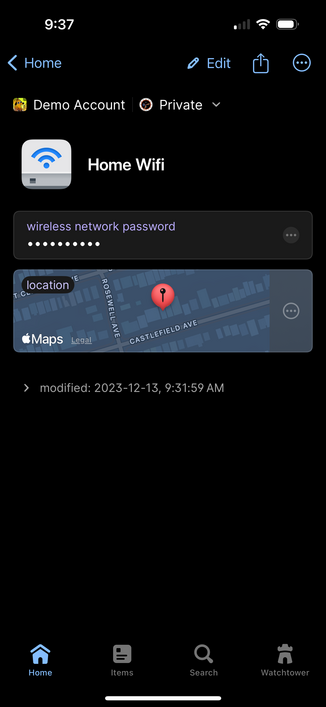
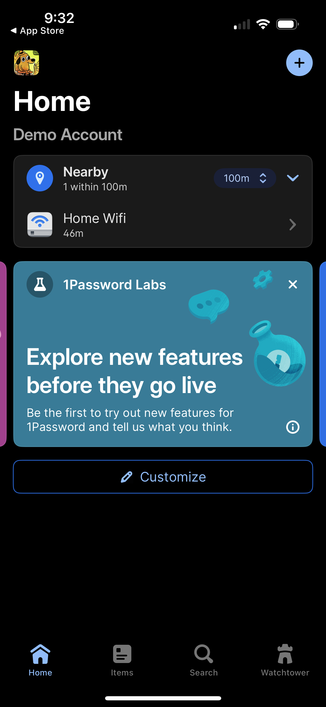
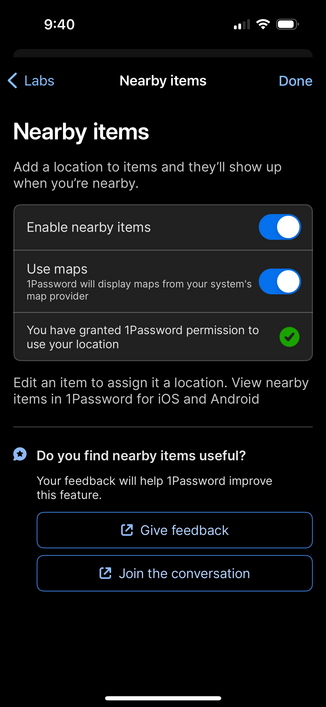
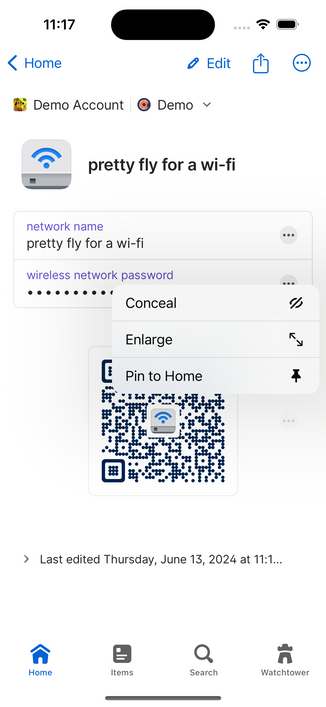
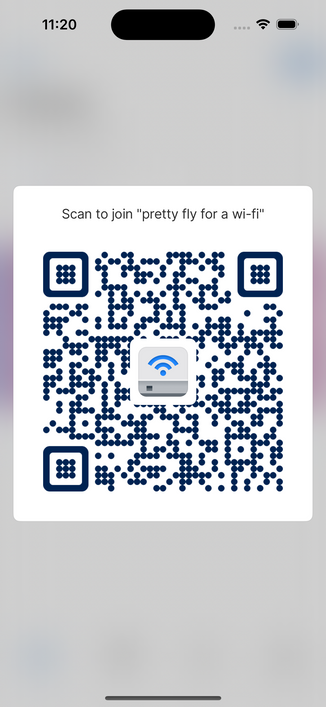
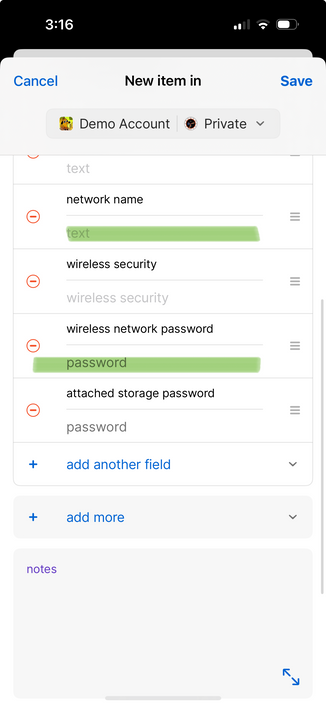
Did you know that now in beta, #1Password 8 can display a Wi-Fi QR code for your Wireless Router items?
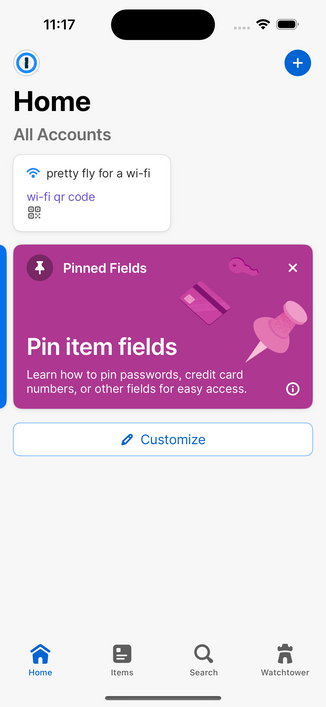
Pin it to Home for quick access when a friend comes by and needs Wi-Fi access.
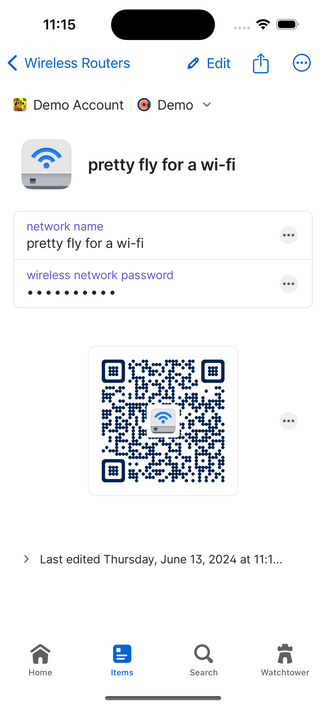
Did you know that #1Password 8 can now surface items based on your location?
We worked really hard to preserve your privacy: we never record locations outside of your encrypted items, "nearby" items are computed locally on your device, and even use of Maps is opt-in.
I use this to surface lock combinations I only use in certain physical locations, and for my Costco credit card whose PIN I keep forgetting. Now they pop up when I'm there.
@_german
That looks awesome Andrew, but I’m a little disappointed that you’re abusing the error-correction by adding an image in the middle ;-)
(Sorry lad - that’s one of my pet hates!)
@matthew ~abusing~ leveraging 😄
I cranked up the error correction to account for the hidden space; you weren’t using those bits anyway 😇
@_german Yo that’s great! Y’all should definitely pop that up in one of those “what’s new” banner things.
I don’t think I saw that option before 👀
@_german
(I don't think I'll ever go over the idea of putting both of two factors in the same location tbh....)
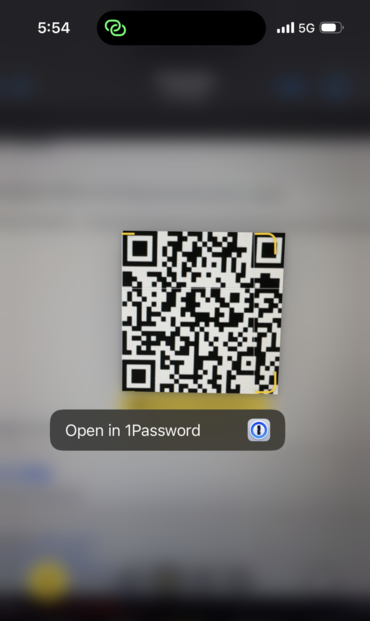
@_german It looks like it works for @bitwarden too! Does the Bitwarden auth work if you have premium?
Best part was I didn't know you could turn off keychain!
 standev
 Matthew Flint
 Nam
Nam 
 Dan V Peterson
 Nick McGuire
 David Leitko 🗿
 Aidan Maurin-Jones
 Mike Quinn
 Michael Fey
 Grant Gochnauer 🏳️🌈
 John Dunnington
 newkind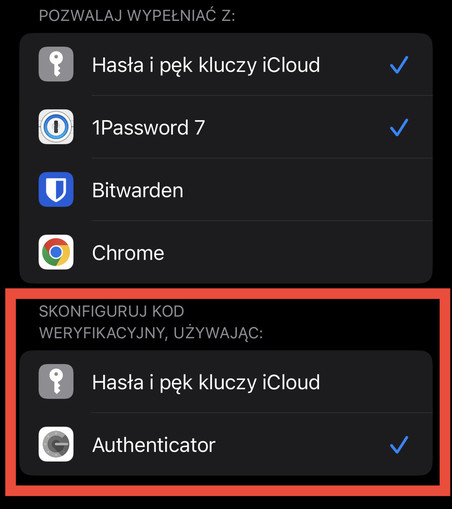
 Thibaultmol 🌈
 Renaud Chaput
 Jakob Haug
 Chris
Chris Jared Lipton
 Jeroen
 𝕍ιηⓄ𝐝 𝕍.
 Michael Knepprath
 Cris has moved servers
 Edmund Miller
 Ryan Clayton
 Matt Stocum
 Uģis Lazdiņš
 Christina Warren
 Juergen R.
 Greg Barbosa 📠