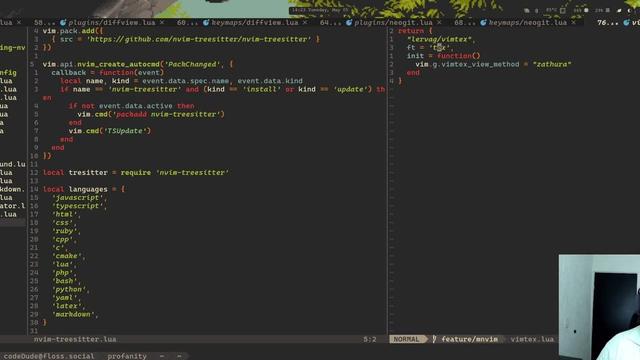
How have I never tried it before?? That's so cool!

I've been using #vscode for a long time now, both at work and in private. I remember switching to it felt weird and lightweight and it took me a bit to get used to. But ever since I've had the feeling on depending on #ms which I battled with "oh well it's #opensource so if ms ruins it, there will be forks".
Lately however they went all in #ai being the primary focus. That made me realise that sooner or later they are gonna gate keep with that "bonus AI features" that you can't get otherwise or you already pay for.
So I started looking for alternatives and initially landed on the #Zed text editor. That works great and is astonishingly fast!
But zed also started the same play as ms, put as many AI features as possible as a monetization strategy.
So when I found out that neovim also has mouse supprt, I finally got to setup #neovim via #lazyvim and I was pleasantly surprised how good it is. Even the supoort for #flutter is better the on zed. It's basically same as on the officially supported vscode! Looking forward to a new journey with #opensource
"LazyVim for Ambitious Developers" is a real treasure. Often times I am aware neovim with lazyvim can do some clever things but unsure how to 'discover' them. This guide has it all in one place.
Chapter 14, for example, details exactly how to make use of abbreviations, snippets and add your own. Not just for developers!
@lukalix98 Vim is great, and with your commitment, it gets even better.
I am by no means one of those huge vim experts, buy I’ve been using it seriously now for about 10 years.
What really blew my mind was when I applied Lazyvim. https://www.lazyvim.org
I exclusively use Neovim with LazyVim. 3 minute setup.
[edited to change ‘get’ to ‘gets’]
It took me a while of reading the #LazyVim config to realize it abuses the "opts" key of nvim-lspconfig plugin definition to store lsp configuration data unrelated to the plugin itself, and then its "config" function to act on the data.
It feels unholy, but the creator is also author of lazy.nvim, and thus does this to his own package manager. So I guess he knows better than me :)
pleeease, #help me with LSP in #neovim 
I have mason, lspconfig and mason-lspconfig installed, so LSP servers downloaded from Mason should be automatically enabled and somewhat sensibly configured.
But now I'm supposed to manually enable different LSP features and set up keybinds, which is quite complicated. So...
... does anyone here have a neovim config with modern LSP setup that I could take as a reference? I looked into #LazyVim 's internal config but it has too much complex abstraction for me to be useful.
By modern config I mean not using nvim-lspconfig to setup servers as that has been deprecated in favor of native LSP implementation. Thanks a lot