 Hireillo - Hire an Illustrator
Our digital brush taster pack is a go! It's PWYW ($6 suggestion). 😉
https://shop.hireillo.com/l/taster-brushes
#ClipStudioBrushes #CSPBrushes #DigitalBrushes #PhotoshopBrushes #ProcreateBrushes
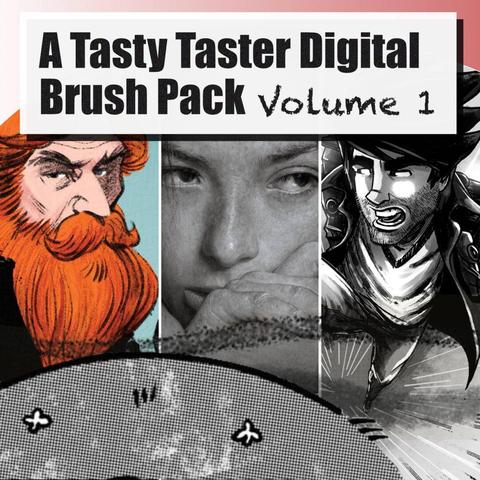
Our digital brush taster pack is a go! It's PWYW ($6 suggestion). 😉
https://shop.hireillo.com/l/taster-brushes
#ClipStudioBrushes #CSPBrushes #DigitalBrushes #PhotoshopBrushes #ProcreateBrushes
My #Procreate brush set collection is now available on #Gumroad, too. There's of course a FREE version to try!
https://zhillustrator.gumroad.com/l/exPro
Gumroad has given me a modest but consistent trickle of sales so far, and many people tried the free versions off there.
A reminder that this will be my only Procreate paid set and will get free lifetime updates, hence the price of $20. #MastoArt #DigitalBrushes #eXpressureForProcreate
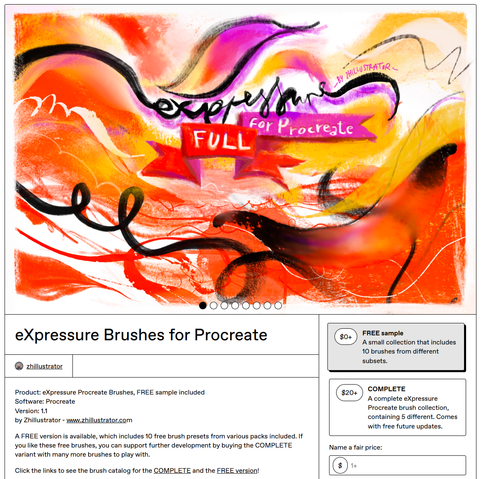

Product: eXpressure Procreate Brushes, FREE sample includedSoftware: ProcreateVersion: 1.1by Zhillustrator - www.zhillustrator.comA FREE version is available, which includes 10 free brush presets from various packs included. If you like these free brushes, you can support further development by buying the COMPLETE variant with many more brushes to play with. Click the links to see the brush catalog for the COMPLETE and the FREE version! eXpressure for Procreate COMPLETE is a complete collection of 50+ Procreate brushes in multiple sets, made by me, Živko Kondić Zhillustrator. It's a product of a lot of passionate work and testing since I decided to get myself an iPad and try Procreate, so I hope you will find at least several cool ones to adopt and adapt. The principles behind these brushes are based around a balance of a digital and traditional look and feel, so they are not either, but something between to be able to be adapted and used together.Included brush packs:eXp InkeXp Paint DryeXp Paint WeteXp PencilseXp WatercolorsThese packs are only there for easier browsing, they are not sold separately for now. I only want to have a single brush pack, until the sets grow significantly, and then it would be okay to put them up for sale separately. As a buyer of a complete set, you will have them for free.Thank you!----IMPORTANT!!!-----This brush set is its own product; however, it's inspired and led by the same creative ideas and principles behind my CSP brushes! It is not a version of my existing eXpressure brushes for Clip Studio Paint or any other software, except for a few similar brushes with the same name. The brush engines and controls are different enough to make it incompatible constructing identical brushes.READ BEFORE BUYING:Supported Pencils: Apple Pencil 1 / 2 / ProThis brush set REQUIRES PRESSURE/TILT functionality and most of the presets largely depend on this functionality of your Apple Pencil or other stylus. If you're not sure whether your stylus supports Tilt and Pressure, make sure to check online or in your device documentation and spec sheets. It is known that The Apple Pencil USB-C does not offer Pressure, as well as many alternatives to the Apple Pencil.Compatibility: This brush set is only compatible with Procreate. The most recent version is used to make them. This brush set is NOT COMPATIBLE with other iPad apps like Clip Studio Paint or ArtStudio Pro.Performance: The brushes were made and tested only on an iPad Mini 6, with an Apple Pencil 2, so you should have no issues using them on any iPad with an A1x or a Mx line processor, probably older iPad models, too.iPad Pencil Hover and Barrel Roll: My iPad Mini 6 doesn't support Barrel Roll, so there's no functionality tied to it. The profit from selling these brushes will go toward buying an iPad that supports both Pencil Hover and Barrel Roll, so I can improve the brushes further.Best practices:-These brushes were made with Tilt in mind, so instead of resizing your brush the normal way, try just tilting the brush and see how you like it. -Most brushes become smaller on vertical tilt. It takes a bit to get used to it, but I think it's a much more intuitive process for resizing a brush sometimes.-Make your own tool groups for favorite brushes and custom categories.Refunds: Refunds are not offered by default. In special cases, you can write to me, and I will see what I can do, but I can't offer any guarantees, as I have disclosed all the info needed for an informed purchase.If you like these free brushes, you can support further development by buying the FULL set.I hope you will enjoy this brush set!ŽivkoRelease NotesVersion 1.1 Post-release patch + new brushes Jan 2025. This is the first post-release update with some existing brushes fixed, and a number of new brushes. I suggest backing up the existing set, because some existing brushes have been changed and updated.Thank you for supporting me!
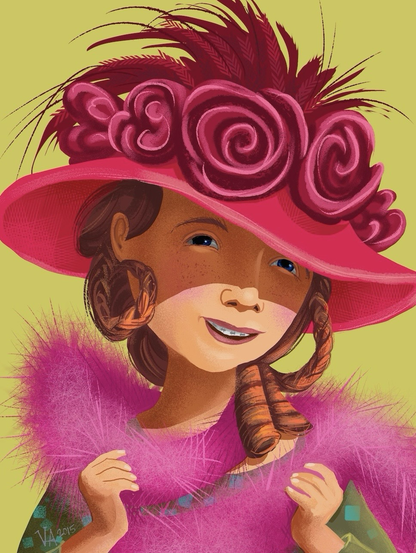


Ribbon brushes in #ClipStudioPaint are really cool, but sometimes they do weird things like this - so I made a tutorial about how to get them working right, and how to make your own!
https://www.youtube.com/watch?v=MPbO42oVs8w
#CSPTutorial #DigitalArtTutorial #Brushes #DigitalBrushes #Tutorial #ArtTutorial #ClipStudioTutorial #Ribbon #RibbonBrush #CSPBrushes #ClipStudioBrushes #ClipStudioPaintTutorial

Digital Art With FOSS - EP04 - Krita - Digital Brushes - Beginners series
https://makertube.net/videos/watch/f8ee15ca-0455-4a19-8fc6-ca80b9dc27d9

Digital artists: you've all found yourselves gravitating to specific brushes in whatever programs you use, haven't you.
#illustration #digitalArt #digitalbrushes #question #design #graphicdesign
FREE BRUSH PACK – 12 Hair brushes and blenders created for Krita users by Eligo Design.
Join the conversation or just download the brushes.
https://krita-artists.org/t/ed-free-hair-brushes-and-blenders/46808

Hello everyone 🙂 I would like to share my very first brush pack for Krita. This bundle contains 12 hairbrushes and blenders for digital hair painting. It is the very first time that I’m creating resources for Krita and I hope that the brushes can be of good use. Please feel free to give me feedback. A short demo video is now available on my YT channel Demo Video Download link Free Hair Brushes and Blenders
EXPERIMENTAL – Rotating light brushtips by @emilm. Download the bundle and join the conversation.
https://krita-artists.org/t/rotating-light-brushtips-wip/64930
#krita #DigitalBrushes #brushes #DigitalPainting #DigitalArt

Some experiments with animated RGBA brushtips, made using a rotating light in Blender. Rotation set to Drawing angle in Krita. gih export with the first dimensions Selection mode set to Angular. That way the light directions stays roughly the same, regardless of brush stroke direction. A limitation with this setup is that it doesn’t work correctly when the canvas is mirrored. Workaround by activating the mirror sensor in the Brush Editor. Here are some bundles with brushes to try: O...
 Zhillustrator
 CrickettGrrrl
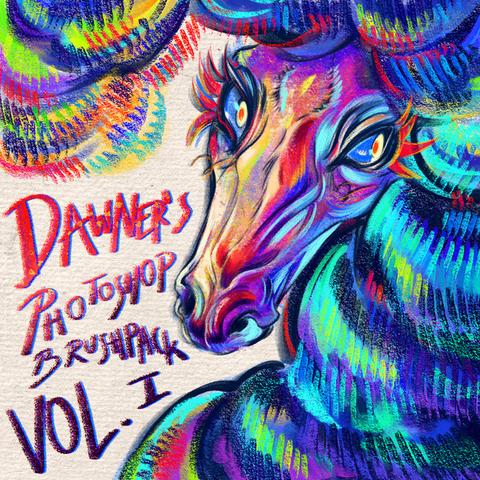
 ⛈️Dawner, comms open
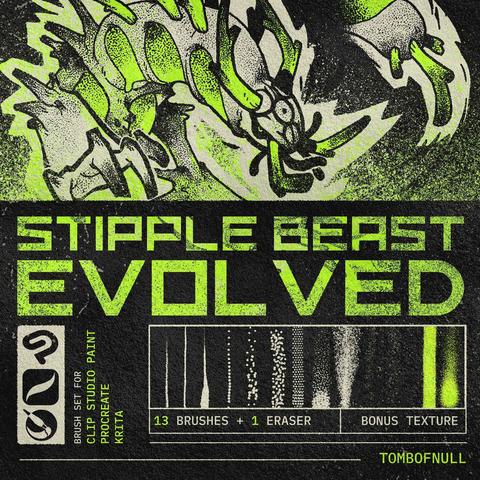
 TOMB of NULL
 MsRedNebula
 Raghavendra Kamath
 Dwight Williams (💉 x9)+😷🇨🇦
 Krita Artists