 The Optimist Daily: Making Solutions the News [Unofficial]
Podcast Transcript March 27, 2026—Touching the Veiled Christ, urban coyotes, and the truth about your allergies

Podcast Transcript March 27, 2026—Touching the Veiled Christ, urban coyotes, and the truth about your allergies

Imagine navigating a world not built for you. For blind and visually impaired people, that’s an everyday reality. Follow Vision Beyond Sight to read more about blind accessibility.
https://visionbeyondsightwpu.wordpress.com/2025/09/11/accessibility-without-barriers/
#311 #blindaccessibility #inclusionmatters #visionbeyondsight
InnoSearch AI and the National Federation of the Blind have joined forces to advance digital accessibility and inclusion. This partnership will establish community-driven features like “Round-up to Donate”, quarterly strategy sessions, and nationwide outreach to ensure digital spaces work for everyone.
🔗 Learn more about how we’re building a more accessible internet together:
https://nfb.org/about-us/press-room/innosearch-ai-and-national-federation-blind-announce-strategic-partnership
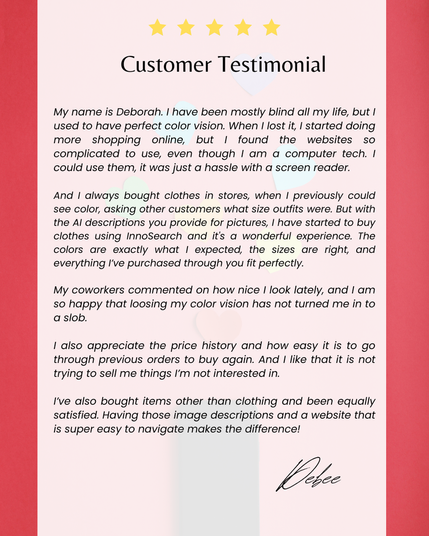
🛍️ “Shopping online used to be a hassle... until I found InnoSearch.”
Debee shares how AI-powered image descriptions and accessible design made online shopping easy and accurate. 💬✨
At InnoSearch, we believe accessibility isn’t optional—it’s essential.
🔗 Explore now: https://www.innosearch.ai
#InnoSearchAI #AccessibleShopping #InclusiveDesign #BlindAccessibility #blind #ShopWithConfidence

Innosearch AI analyzes reviews, articles & discussions to help you: Compare Products, Find Best Prices, Get Product & Brand Info, Discover Top-Rated Products. Shop smarter, save time & money with Innosearch AI, your one-stop shopping assistant!
A new way to make graphs more accessible to blind and low-vision readers
https://news.mit.edu/2025/making-graphs-more-accessible-blind-low-vision-readers-0325
#HackerNews #accessibleGraphs #lowVisionTech #blindAccessibility #dataVisualization #inclusiveDesign

Designed to help blind and low-vision readers understand graphics, the “Tactile Vega-Lite” system from MIT CSAIL converts data into a standard visual graph and a tactile chart. Accessibility standards are hardwired as default rules within the program, helping educators and designers follow those guidelines.
Honored. Inspired. Driven.
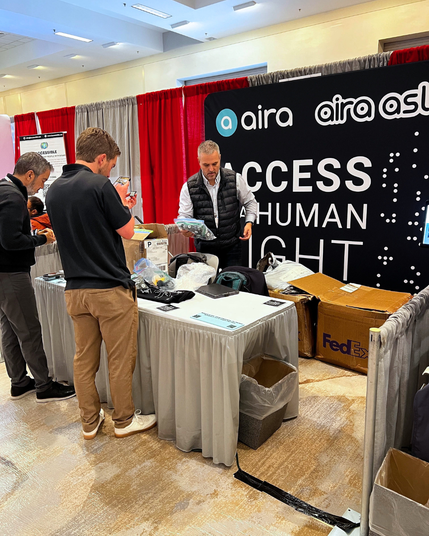
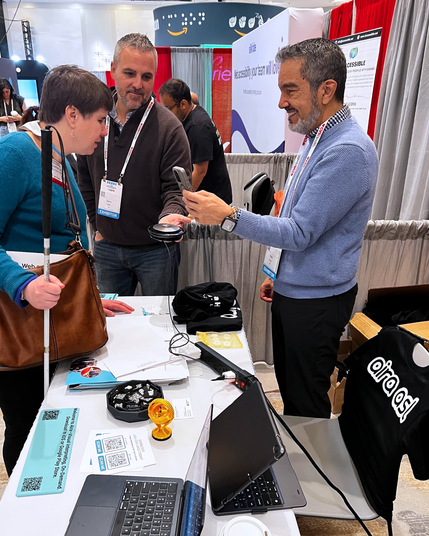
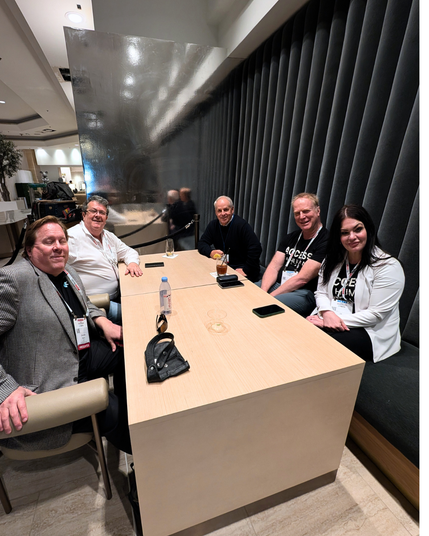
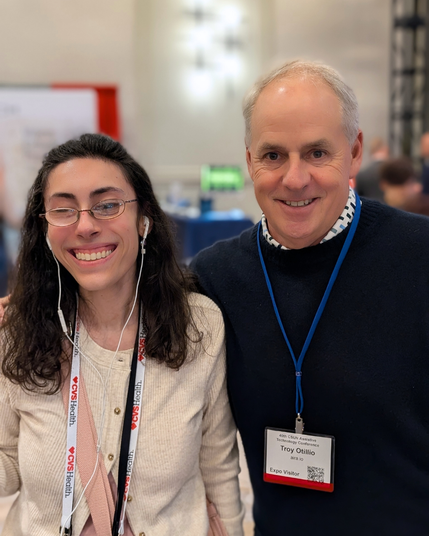
Last week at #CSUN2025, we had the incredible opportunity to connect, learn, and grow alongside some of the most innovative minds in accessibility and assistive technology. As a fully remote team, gathering in person is always meaningful, but being part of conversations that shape the future of our technology makes it even more special.
We’re grateful for the chance to hear from industry leaders, learn from fellow innovators, and connect with Explorers (both new and those who have been here from the start) who shape the work we do every day. Having a seat at this table is an honor, and we’re more committed than ever to making Aira the best it can be.
Thank you, Center on Disabilities at CSUN, for another unforgettable year!
#Accessibility #AssistiveTechnology #InclusiveDesign #DigitalAccessibility #AdaptiveTech #AccessibleInnovation #TechForGood #BlindAccessibility #LowVisionTech #DisabilityInclusion #UniversalDesign

While Windows 11 offers improvements for screen reader users, many are finding the transition challenging due to a new interface and changes in navigation, requiring adjustments to keyboard shortcuts and settings for optimal screen reader performance.The following are some links and tips we've been gathering when using File Explorer with NVDA or JAWS Screen ReadersSelecting Multiple Files with File Explorerhttps://sharons-shortcuts.ie/selecting-multiple-files-in-file-explorer/Showing Detail and
 Reel Tubes
 Innosearch AI
 Hacker News
 Aira
Aira AEBC
AEBC