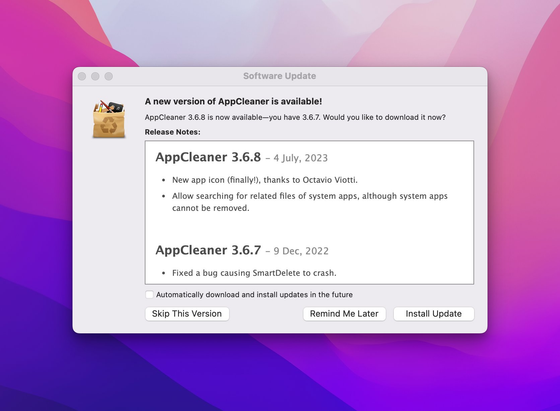
@slothrop Use #AppCleaner (https://freemacsoft.net/appcleaner/ ) or #PearCleaner (https://itsalin.com/appInfo/?id=pearcleaner).
Both are free, the second is also "source available " (licensed under Apache 2.0 with Commons Clause).

I've been trying to use more #OpenSource software in the new year, in the past two weeks I’ve made the switch for the following apps: (I’m on #macOS )
1. #1Password → #Bitwarden ( @bitwarden )
2. #Authy → #Ente Auth
3. #Ivory → Ice Cubes ( @IceCubesApp )
4. #AppCleaner → #Pearcleaner
5. The Unarchiver → #Keka
6. #Bartender → #Dozer
7. Caffeine → #KeepingYouAwake
There's a lot more to go, but I’m trying to go slow and enjoy the #FOSS journey.
I've used #AppCleaner for #macOS for years! However, lately for me it’s been unreliable. Found #PearCleaner at https://github.com/alienator88/Pearcleaner and am very happy!
Uninstalled the #Arc #browser with #AppCleaner (https://freemacsoft.net/appcleaner/) 3000+ files/folders in all. I additionally used EasyFind to find the final bit and pieces (https://www.devontechnologies.com/apps/freeware)
tl;dr Not a fan and now hoping that support will actually delete my data 😬 3/
Because I don't like GUI to uninstall completely my apps on macOS, and I also want it open source, I've created a command to remove apps or casks on your computer.
Feel free to give me some feedbacks.