โœจ #SwiftStudentChallenge - My Projects - #WWDC19 โœจ

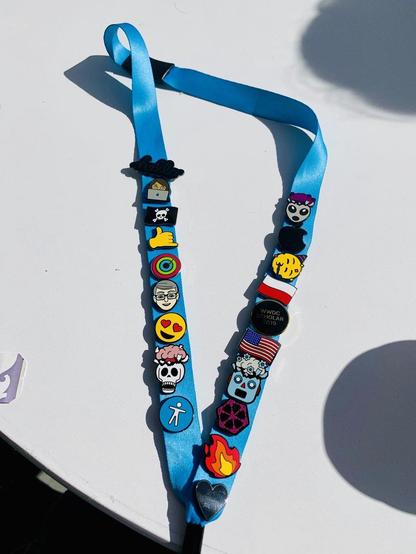
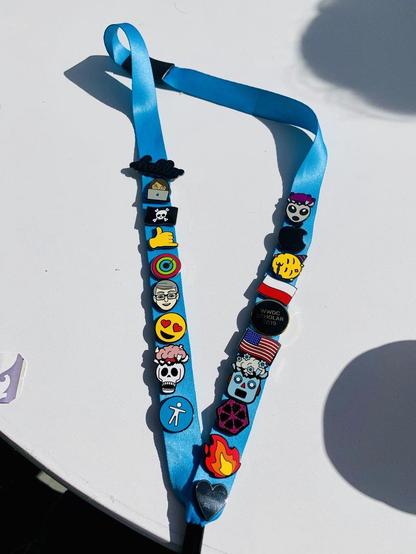
Success fuels ambition. After 2017, I returned in 2019 for the #AppleScholarship. Two more years of coding sharpened my skills and confidence in #Swift, so this time the goal was clear: build something truly unique.
#Apple

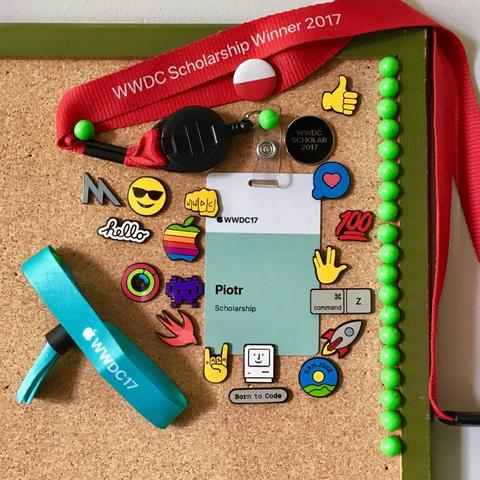
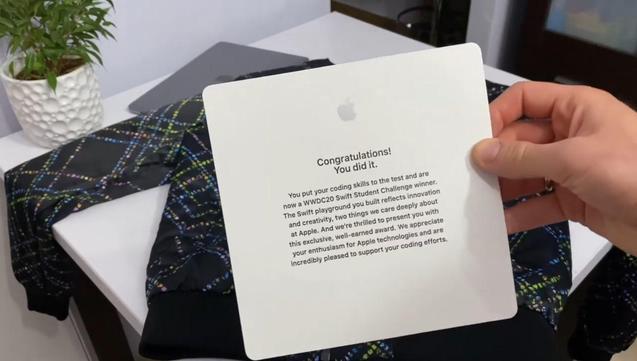
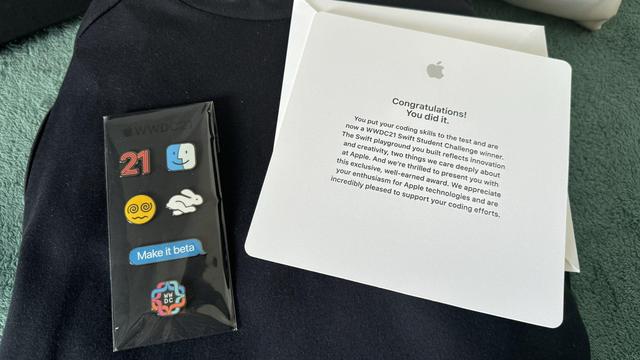
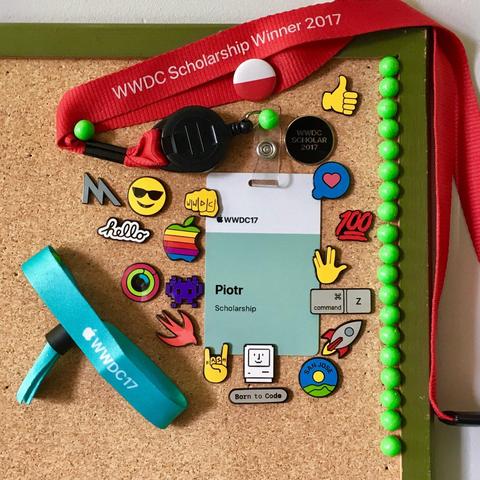
I was awarded the #WWDCScholarship twice in #WWDC17 and #WWDC19. My work was also featured in #SwiftStudentChallenge in #WWDC20 and #WWDC21.๐Ÿ†

It was a huge cheer for me to be a better and better developer! It also allowed me to participate in the #AppleEvent for the first time!

I was awarded the #WWDCScholarship twice, in #WWDC17 and #WWDC19. My work was also featured in the #swiftstudentchallenge during #WWDC20 and #WWDC21. ๐Ÿ†

These achievements boosted my motivation as a developer and gave me my first chance to participate in an #AppleEvent!

#WWDC26

All good things come to an end. ๐ŸŒŸ

#WWDC is a wonderful event that brings people together, building community and creating an aura of awesomeness. ๐ŸŽ‰

The #AppleEvent looked different in the previous decade. Without judging whether it was better, #WWDC19 definitely encapsulated this wonderful festival beautifully! ๐ŸŒˆ

10/10

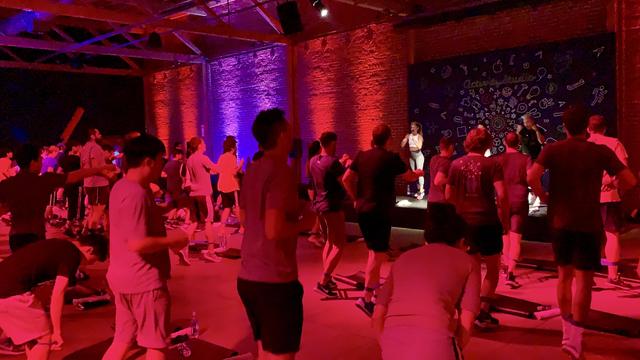
#WWDC19 raised the stakes, celebrating its 30th edition in style. Five days of #AppleEvent magic: yoga, a 5km run, AR bowling, and concerts at every corner! ๐ŸŽ‰

Such an unforgettable event, unfortunately, also marked the last in the style of the #WWDC festival. ๐Ÿ˜”

7/10

#WWDC23 might have ended, but you can still participate in the MacPaw/SetApp fundraiser in support of humanitarian efforts in Ukraine this weekend. Donate at https://macpaw.foundation and reply with a post about it with hashtag #PinToWin2023 either here or on Twitter https://twitter.com/macpaw/status/1666427805314297859. You might win a ๐Ÿ‡บ๐Ÿ‡ฆ pin from #WWDC19!
Help to save lives of Ukrainian protectors and provide relief to Ukrainian civilians.

Donate to help us speed up peace in Ukraine and protect universal values.

An exciting #wwdc23 and a MacPaw/SetApp fundraiser go hand in hand! The good news is, you don't have to shell out $3499 for Vision Pro until next year, so in the meantime...

Please donate to https://macpaw.foundation โ€” they are raising money this week for blood bank refrigerators in ๐Ÿ‡บ๐Ÿ‡ฆ and humanitarian aid for victims of Kakhovka dam explosion. Donate, and reply with a post about it with hashtag #PinToWin2023 either here or on Twitter https://twitter.com/macpaw/status/1666427805314297859. You might win a ๐Ÿ‡บ๐Ÿ‡ฆ pin from #WWDC19!

Help to save lives of Ukrainian protectors and provide relief to Ukrainian civilians.

Donate to help us speed up peace in Ukraine and protect universal values.

WWDC 2019 - one year later

YouTube

@rlpavel you could achieve this with a custom alignment. See https://developer.apple.com/documentation/swiftui/horizontalalignment and the talk "Building custom views with SwiftUI" from #WWDC19 for how to implement a custom alignment guide that aligns things across unrelated parts of the view hierarchy.

This would let each row be an HStack with an embedded VStack for the right hand side, then align the blue text elements on the left using the custom alignment.

Edit: ah, late to the party now I see other replies, but useful links above.

Apple Developer Documentation