 Freedom Scientific / Vispero
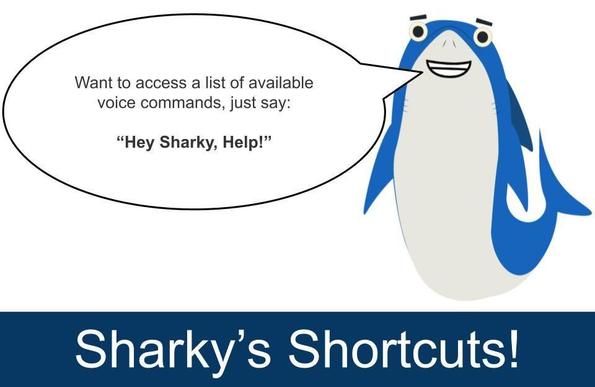
Are you using JAWS Voice Assistant? Voice Assistant lets you interact with JAWS using your voice. For example, to access a list of available voice commands, just say: "Hey Sharky, Help."
If you are just getting started with JAWS Voice Assistant, check out this informative training session by Elizabeth: https://www.freedomscientific.com/webinars/jaws-30th-anniversary-training-use-voice-assistant-to-interact-with-jaws/