Experience the Value Before You Commit.

Turn hands-on trials into confident decisions with @ShareGate and QBS Software.

Contact QBS Software to explore how ShareGate can support your regional IT and cybersecurity priorities.

Schedule a Call: https://zurl.co/2pWXJ

#QBSSoftware #ShareGate #ITOperations #DigitalTransformation #Infrastructure #MEA #ChannelPartners
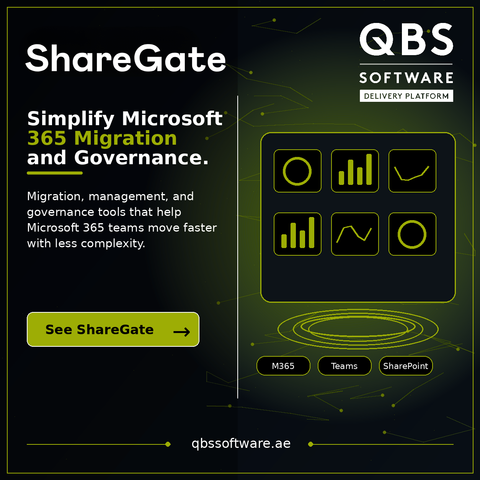

Check out the #ShareGate booth on the #ESPC24 expo hall floor - make sure to get the hands-on learning in their demo area! https://t.co/gXbfx1W2J6

— Daniel Glenn (@danielglenn)
Dec 4, 2024

Daniel Glenn (@DanielGlenn) on X

Check out the #ShareGate booth on the #ESPC24 expo hall floor - make sure to get the hands-on learning in their demo area!

X (formerly Twitter)
Have you ever copied pages with language variations using #ShareGate and ended up with a mess? Don’t worry, check out my blog post to learn how to reconnect your pages with #PowerShell in a snap. #M365
https://www.menzel.it/post/2023/07/reconnect_pages/
Reconnecting Pages with Language Variations After Copying Them with ShareGate

When copying pages with language variations using ShareGate, you may encounter an issue where the Pages for the different languages are not properly connected to each other. This results in the variations not being displayed correctly on the site. To fix this issue, you can use PowerShell to reconnect the pages with their language variations. In this blog post, we’ll walk through the PowerShell code for doing this. Step-by-Step Explanation of the Code Here’s a step-by-step explanation of the PowerShell code for reconnecting pages with language variations after copying them with ShareGate:

Menzel.IT