 Jesper Tidemann
Tips til hvordan Fediverset fungerer. #begyndertips #feditips #mastodontips #pixelfedTips

 Pixelfed Unofficial Help
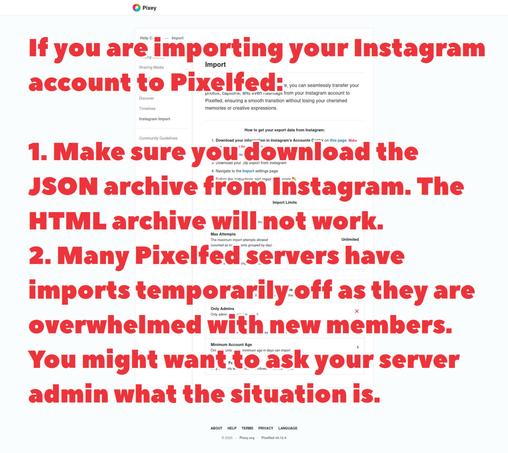
Many Pixelfed servers have an Instagram import feature that lets you import a certain amount of Instagram posts into Pixelfed. However, due to the unprecedented numbers of new people joining Pixelfed recently, a lot of Pixelfed servers have temporarily switched off the import feature as it uses a lot of server resources.
Keep in mind that almost all Pixelfed servers (like almost all Fediverse servers) are run by volunteers who personally pay the costs of the server, they don't run ads or sell people's data. They may simply not have enough money to enable the import feature when so many people are joining. You can help your server cope with the influx by donating to the person who runs it, you can ask your server admin how to donate.
If it's unclear when importing might be switched on, you can perhaps ask your server admin about it. This is especially easy to do on smaller servers.
Also note that if you do want to import your Instagram account, make sure you have downloaded the JSON archive from Instagram. Do NOT use the HTML archive, it won't work.
#Pixelfed #PixelfedTips #FediTips
Keep in mind that almost all Pixelfed servers (like almost all Fediverse servers) are run by volunteers who personally pay the costs of the server, they don't run ads or sell people's data. They may simply not have enough money to enable the import feature when so many people are joining. You can help your server cope with the influx by donating to the person who runs it, you can ask your server admin how to donate.
If it's unclear when importing might be switched on, you can perhaps ask your server admin about it. This is especially easy to do on smaller servers.
Also note that if you do want to import your Instagram account, make sure you have downloaded the JSON archive from Instagram. Do NOT use the HTML archive, it won't work.
#Pixelfed #PixelfedTips #FediTips
 pxlfd.ca
Running into empty profiles or hashtags? It's probably not mistake, but it is how federation works. These'll help explain further:
'Why does someone’s account page look completely blank? Is it really blank?'
https://fedi.tips/why-does-someones-account-page-look-completely-blank-is-it-really-blank/
'Why aren’t all Mastodon and Fediverse posts and accounts automatically visible from all servers?'
https://fedi.tips/why-arent-all-mastodon-and-fediverse-posts-and-accounts-automatically-visible-from-all-servers/
If you still have questions, please don't hesitate to ask 'em :)
#PixelfedTips #FediverseTips
'Why does someone’s account page look completely blank? Is it really blank?'
https://fedi.tips/why-does-someones-account-page-look-completely-blank-is-it-really-blank/
'Why aren’t all Mastodon and Fediverse posts and accounts automatically visible from all servers?'
https://fedi.tips/why-arent-all-mastodon-and-fediverse-posts-and-accounts-automatically-visible-from-all-servers/
If you still have questions, please don't hesitate to ask 'em :)
#PixelfedTips #FediverseTips

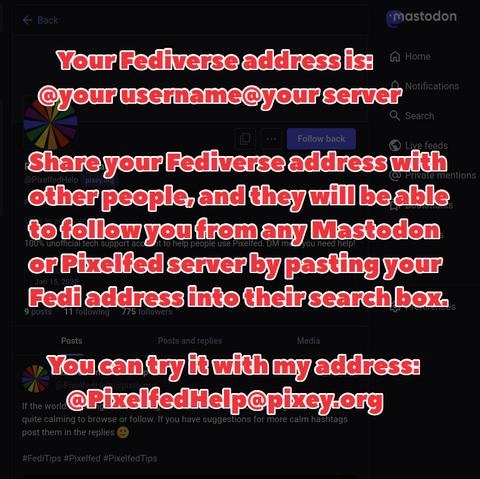
Every account on Pixelfed, Mastodon and the rest of the Fediverse has a unique address called a "Fediverse address" or "account address". It's always in this form:
@ (your username) @ (your server)
You can usually see people's Fedi addresses on their profile pages next to their usernames, and these are also often shown on posts too.
These addresses are really useful because anyone on any server can paste the address into the search box on their server (either in the website or the app) and the account will appear, even if their server hasn't noticed your account yet.
You can try it out right now by pasting my address into the search box on Mastodon, Pixelfed or most other Fediverse platforms:
@ PixelfedHelp @ pixey.org (but without the spaces)
#Pixelfed #PixelfedTips #FediTips
@ (your username) @ (your server)
You can usually see people's Fedi addresses on their profile pages next to their usernames, and these are also often shown on posts too.
These addresses are really useful because anyone on any server can paste the address into the search box on their server (either in the website or the app) and the account will appear, even if their server hasn't noticed your account yet.
You can try it out right now by pasting my address into the search box on Mastodon, Pixelfed or most other Fediverse platforms:
@ PixelfedHelp @ pixey.org (but without the spaces)
#Pixelfed #PixelfedTips #FediTips
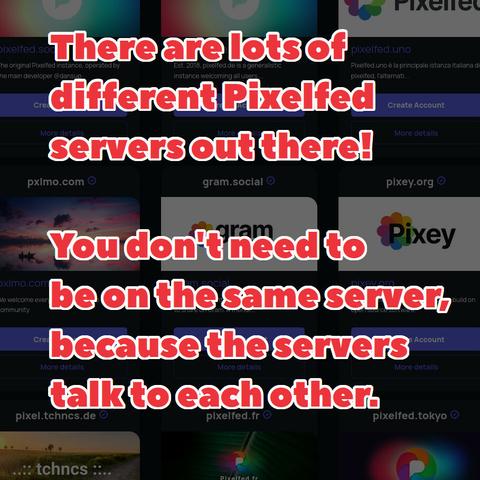
You don't need to sign up on pixelfed.social. There are lots of Pixelfed servers out there, and people on the Fediverse can follow you whichever one you choose.
The server pixelfed.social is getting really overcrowded right now, it's not healthy for the network or the server itself to have so many people on one server. I've had some reports on FediTips of federation not working properly from pixelfed.social, possibly due to the sheer number of people using it at once.
You can find other Pixelfed servers to sign up on at https://fedi.garden/tag/pixelfed and https://pixelfed.org/servers
#Pixelfed #PixelfedTips #FediTips
The server pixelfed.social is getting really overcrowded right now, it's not healthy for the network or the server itself to have so many people on one server. I've had some reports on FediTips of federation not working properly from pixelfed.social, possibly due to the sheer number of people using it at once.
You can find other Pixelfed servers to sign up on at https://fedi.garden/tag/pixelfed and https://pixelfed.org/servers
#Pixelfed #PixelfedTips #FediTips

Pixelfed is part of a wider social network called the Fediverse. You can follow Fediverse accounts in Pixelfed by pasting their Fediverse account addresses into the search box on Pixelfed.
There's a website at https://fedi.directory which lists lots of interesting accounts to follow on the Fediverse. Click on an account to see its profile, paste its address into the search box on Pixelfed if you want to follow it.
Note that you will only see posts from that account which have images or video clips attached, as Pixelfed doesn't support showing text-only posts.
#Pixelfed #PixelfedTips #FediTips
There's a website at https://fedi.directory which lists lots of interesting accounts to follow on the Fediverse. Click on an account to see its profile, paste its address into the search box on Pixelfed if you want to follow it.
Note that you will only see posts from that account which have images or video clips attached, as Pixelfed doesn't support showing text-only posts.
#Pixelfed #PixelfedTips #FediTips

On Pixelfed, you can follow hashtags just like you can follow other people. Click/tap on a hashtag to go to its dedicated page and then choose 'follow'. Some great ones to get started: #canada #pixelfed #pixelfedtips #cats #pixelfedcats #fedicats #catsofmastodon #amateurphotography #mosstodon
To see or manage hashtags you're currently following, go here: https://pxlfd.ca/settings/relationships/home?mode=hashtags&page=1
To go to a hashtag page directly, replace the word 'myhashtag' at the end of https://pxlfd.ca/i/web/hashtag/myhashtag with a word of your choosing
--
Sur Pixelfed, vous pouvez suivre des mots clics ("hashtags") comme vous pouvez suivre d'autres personnes. Cliquez/tapez sur un mot clic pour accéder à sa page dédiée, puis choisissez 'suivre'. Quelques grands mots clics pour commencer #canada #pixelfed #pixelfedtips #cats #pixelfedcats #fedicats #catsofmastodon #amateurphotography #mosstodon
Pour voir ou gérer les mots clics que vous suivez actuellement, cliquez ici : https://pxlfd.ca/settings/relationships/home?mode=hashtags&page=1
Pour accéder directement à la page d'un mot clic, remplacez le mot « mon mot clic » à la fin de https://pxlfd.ca/i/web/hashtag/monmotclic par un mot de votre choix
To see or manage hashtags you're currently following, go here: https://pxlfd.ca/settings/relationships/home?mode=hashtags&page=1
To go to a hashtag page directly, replace the word 'myhashtag' at the end of https://pxlfd.ca/i/web/hashtag/myhashtag with a word of your choosing
--
Sur Pixelfed, vous pouvez suivre des mots clics ("hashtags") comme vous pouvez suivre d'autres personnes. Cliquez/tapez sur un mot clic pour accéder à sa page dédiée, puis choisissez 'suivre'. Quelques grands mots clics pour commencer #canada #pixelfed #pixelfedtips #cats #pixelfedcats #fedicats #catsofmastodon #amateurphotography #mosstodon
Pour voir ou gérer les mots clics que vous suivez actuellement, cliquez ici : https://pxlfd.ca/settings/relationships/home?mode=hashtags&page=1
Pour accéder directement à la page d'un mot clic, remplacez le mot « mon mot clic » à la fin de https://pxlfd.ca/i/web/hashtag/monmotclic par un mot de votre choix

You don't have to use the official Pixelfed app, you can use your Pixelfed account with third party apps too. You can download Impressia for iPhone & iPad at https://apps.apple.com/app/impressia-for-pixelfed/id1663543216
#Pixelfed #PixelfedTips #FediTips
#Pixelfed #PixelfedTips #FediTips

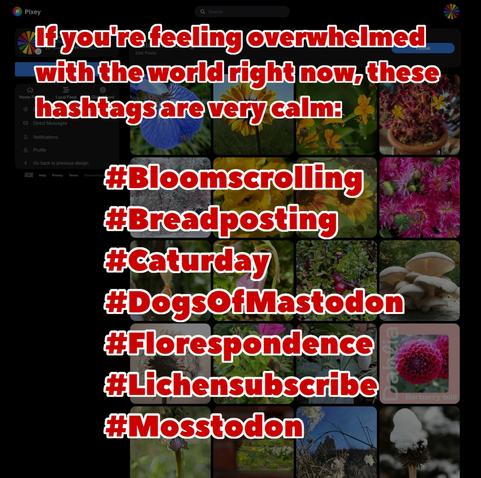
If the world is feeling a bit much right now, there are lots of hashtags which can be quite calming to browse or follow. If you have suggestions for more calm hashtags post them in the replies 🙂
#FediTips #Pixelfed #PixelfedTips
#FediTips #Pixelfed #PixelfedTips
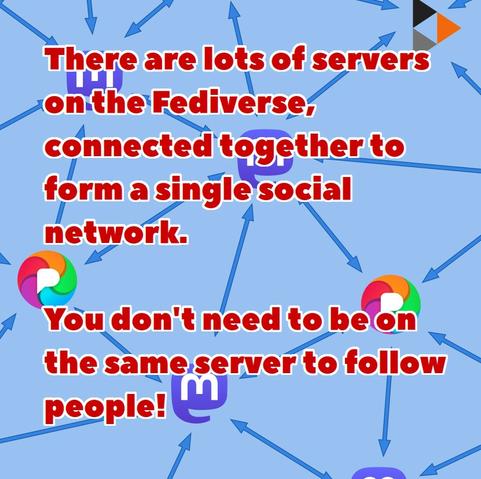
The Fediverse is a network of thousands of independent servers, running lots of different kinds of software. Some of them are Mastodon servers, some of them are Pixelfed servers, some of them are PeerTube servers... there are dozens of different kinds!
But all of them are connected together into a single social network called the Fediverse. You don't need to be on the same server to follow and interact with someone, in fact you don't even need to be on the same type of server. People on a Mastodon server can interact with people on a Pixelfed server etc.
There is a non-technical guide to the Fediverse at https://fedi.tips/what-is-mastodon-what-is-the-fediverse and a list of reasons why it's on so many servers at https://fedi.tips/why-is-the-fediverse-on-so-many-separate-servers
You might also want to check out this animation that explains why the Fediverse exists: https://framatube.org/w/4294a720-f263-4ea4-9392-cf9cea4d5277
#Fediverse #Pixelfed #Mastodon #PixelfedTips #FediTips
But all of them are connected together into a single social network called the Fediverse. You don't need to be on the same server to follow and interact with someone, in fact you don't even need to be on the same type of server. People on a Mastodon server can interact with people on a Pixelfed server etc.
There is a non-technical guide to the Fediverse at https://fedi.tips/what-is-mastodon-what-is-the-fediverse and a list of reasons why it's on so many servers at https://fedi.tips/why-is-the-fediverse-on-so-many-separate-servers
You might also want to check out this animation that explains why the Fediverse exists: https://framatube.org/w/4294a720-f263-4ea4-9392-cf9cea4d5277
#Fediverse #Pixelfed #Mastodon #PixelfedTips #FediTips