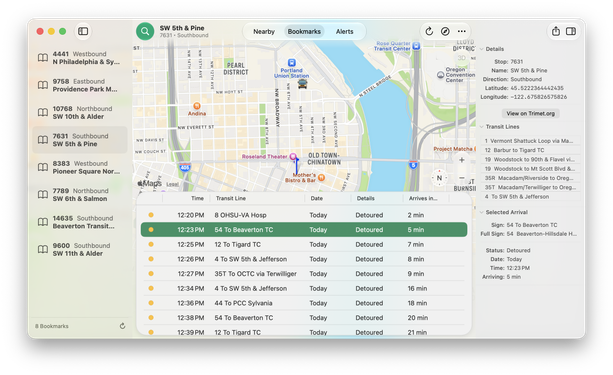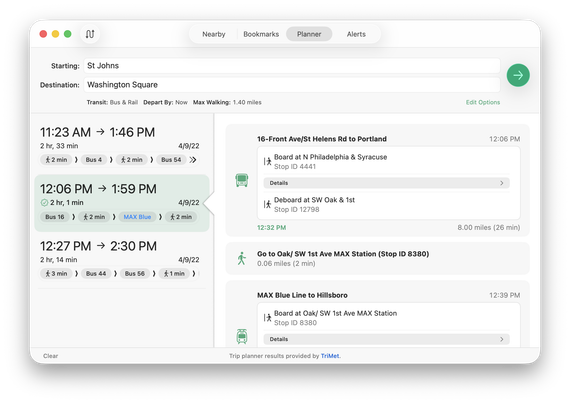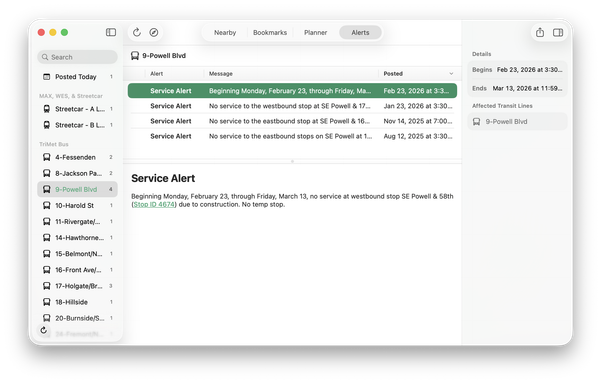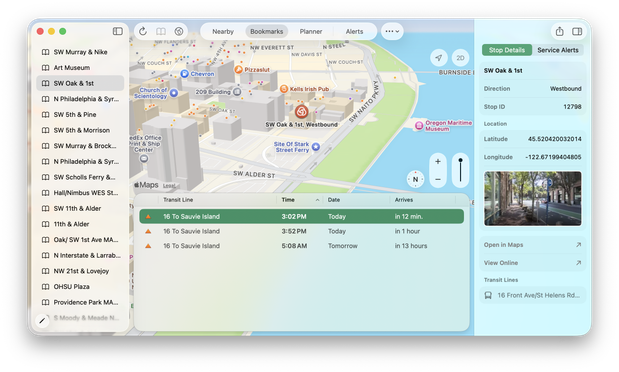
Some early screenshots of my all-new #PDXTransit for #macOS using mostly #SwiftUI and some #AppKit. 🤓🚌🚏

Oh, and I am really liking the way my little slide-out options bar is turning out! :) Far less intrusive than a modal view!

#SwiftUI #AppKit #PDXTransit

Anyway, been using NSTableView for my #SwiftUI version of #PDXTransit since it is far more customizable and powerful than `Table`.

#AppKit #macOSTahoe

Must have been macOS 26.2 that updated or fixed this but now the view state is preserved as you click between sidebar items. Previously, every time you'd click on a sidebar item, click on another, and come back to the first, it would recreate everything again. It even worked as expected on iPad, but not Mac.

I know I had open bugs on this exact thing for at least 26.0 and 26.1.

Anyway, I can now work on the SwiftUI version of #PDXTransit for #macOS! :) Working like a charm now!

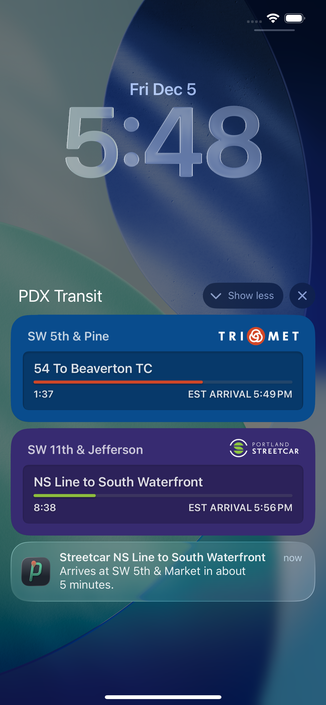
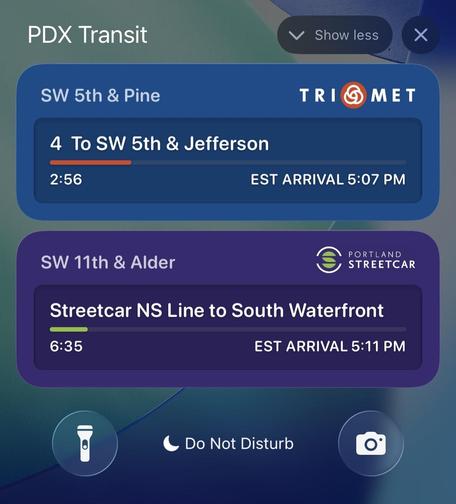
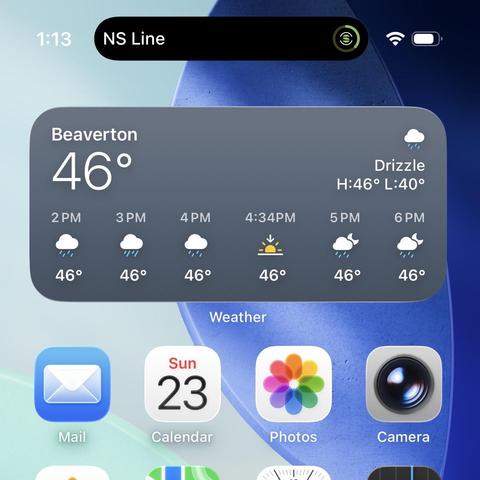
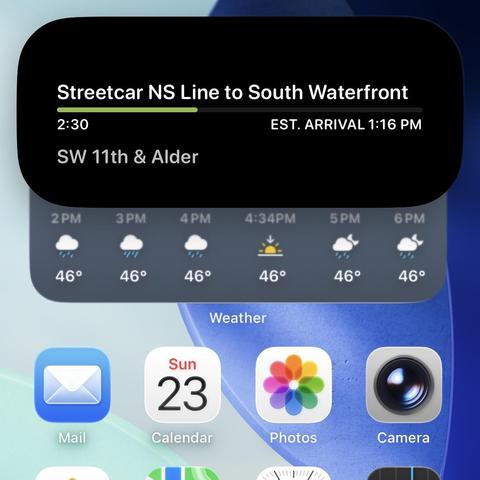
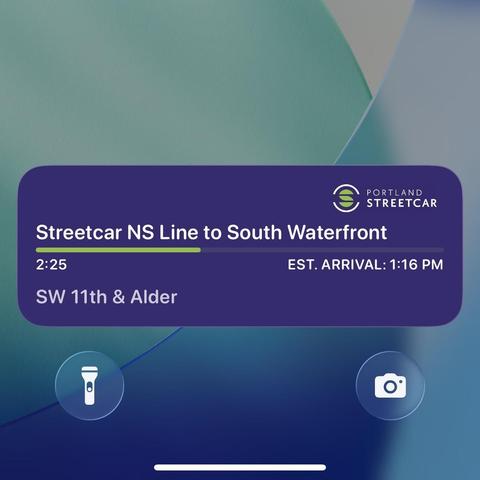
Just submitted #PDXTransit with Live Activities support to App Store Review! :)

Before this, I relied on a similar feature that does 3 or 5-minute local push notifications for your arrival.

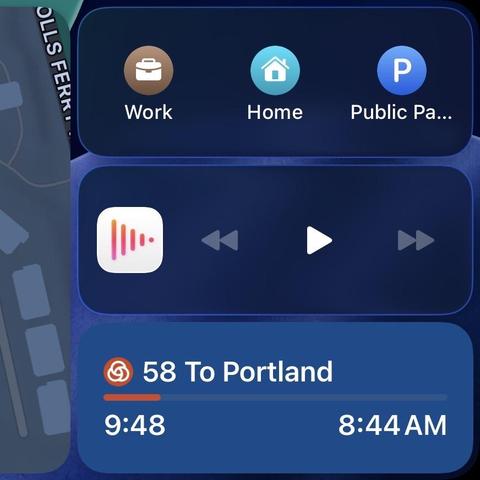
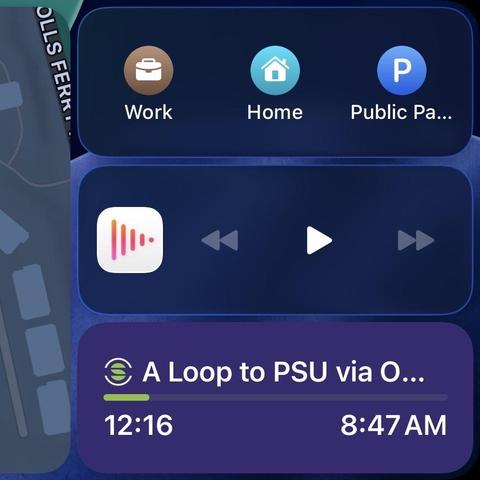
My #PDXTransit Live Activities for watchOS show up in CarPlay. :)

Made a short recording of how Live Activities for #PDXTransit work. 😊

For any transit stop, long press on an arrival and choose the Live Activity option.

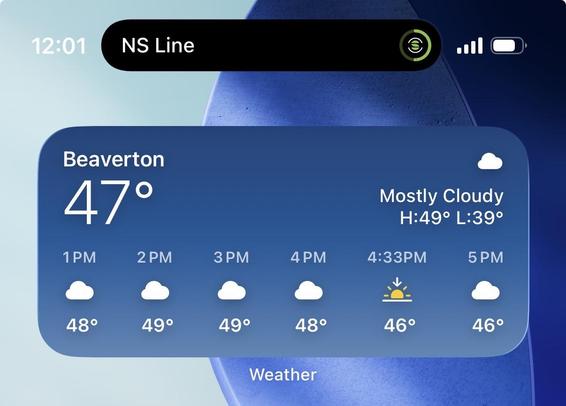
You can open back up to this view by tapping the Live Activity from the lock screen or Dynamic Island.

It’ll also highlight the arrival you’re interested in as well. 🚍

#portland #pdx #publictransit #trimet #swiftui

I’m excited about how these Live Activities are turning out!

#pdxtransit #portland #pdx #publictransit #swiftui

And of course I’ve updated the various views on iPhone as well today. 😊

#PDXTransit #pdx #portland #PublicTransit #SwiftUI

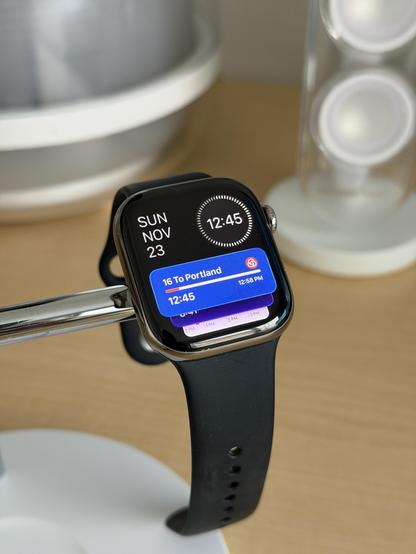
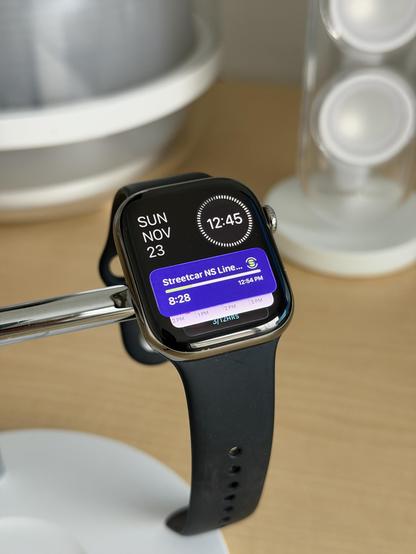
Today I got the Smart Stack Live Activity done for #PDXTransit. 😄

#pdx #portland #PublicTransit #SwiftUI