The Peter Pan of Nerdery™ 🧑🎤🧚
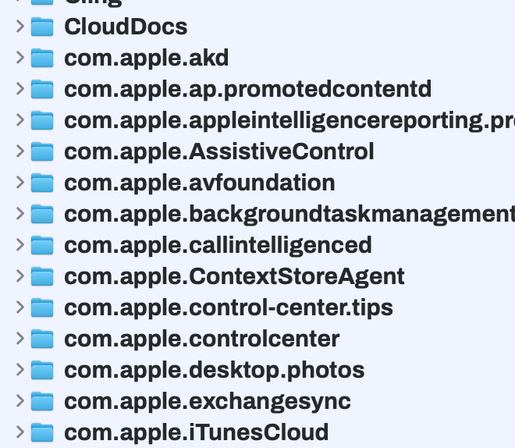
Does Finder, or Bloom or whatever, have a hotkey which can expand/untwist all folders in one go without having to manually click to expand each one? #machelp
Hey, Mac peeps, help me help someone out! (I’m thinking of @glennf or @joekissell as likely candidates for answering this, or might know someone who can.)
Please boost!
I have an ex-editor of mine (when I wrote for Australian Macworld, great guy) who has asked me a Mac question, and while I don’t know the answer, you might! Here goes…
Hey, I have a curly Mac question that I can’t find an answer to. Hoping you can help.
I have thousands of photos in my Photos library. Way too many to keep locally, so I use iCloud. The way that’s supposed to work is that there are low-res thumbnails on the local disk and full-res originals are kept in the cloud and downloaded only when you need them.
All good.
I’m doing a project (posters for my child’s 21st) that involves uploading thousands of photos from my library to Canva. For many of them, I’m doing a bit of editing first for red-eye, etc. So I’ve downloaded hundreds (so far) of originals from iCloud.
At first this went pretty smoothly.
Now, however, my Mac is screaming that it’s running out of space, Photos is returning unknown errors and the project has ground to a halt.
My hypothesis is that even though I’ve finished the editing and uploaded to Canva — and therefore don’t need them anymore — the full-res originals are still sitting on my local drive.
Do you know how long Photos hangs on to those originals before syncing them back and leaving me with drive space? Do you know if there’s a way to make it happen sooner?
The obvious solution is to move the library to an external drive with tonnes of space. And I will do that. But it’s a band-aid.
#MacHelp #ApplePhotos #AppleiCloud #MacSupport #MacQuestion #MacQuestions
How do I clear all notifications on Mac in one go, rather than clicking close on each one? Is there a shortcut?
I read that you can "kill the Notification Center process". There a slightly more system friendly, recommended or at least easy way to do this? Would I have to restart it manually?
I'll ask here first since Mastodon is more techie. :)
I've had this weird thing going on for months now in MacOS. (All recent versions, currently Sequoia 15.3.1.) I've always kept a few favorites in the sidebar to get to active projects stored on iCloud Drive easily, but two of them—folders “iCloud Work" and “Image Collection”—disappear from the sidebar every couple days. I re-add them, but they disappear again.
It's a difficult problem to search the web for. I've tried deleting ~/Library/Preferences/com.apple.finder.plist but that didn't help. Anyone else have any ideas? Thanks!
#macos #finder #help #machelp
Make your Mac apps super Mac-y.
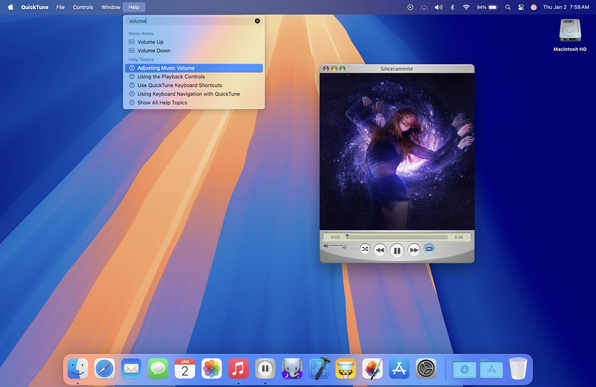
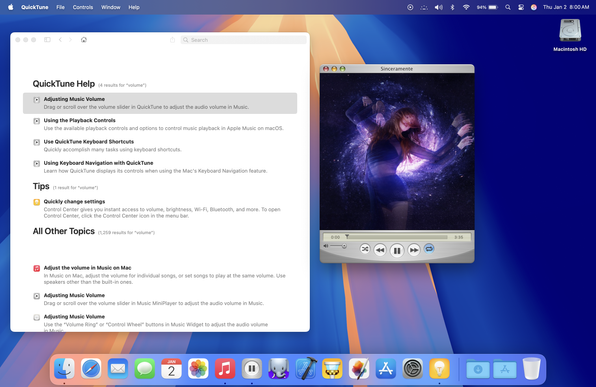
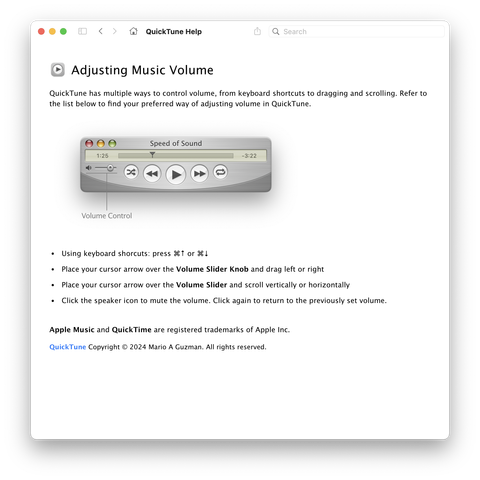
If you index your Help Books, the Search Bar in the Help Menu will bring up relevant content from your app's Help Book in the menu itself.
It would also work with the Search Bar in macOS Sequoia's Tips app.
Learn more about Help Books here:
https://marioaguzman.wordpress.com/2020/09/12/auth/
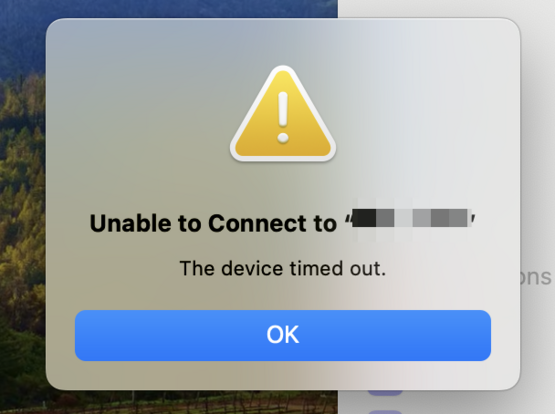
🔌📱 Is your iPhone not syncing with your older Mac via USB-C? Don't let compatibility issues hold you back! Discover simple fixes to ensure seamless connections and keep your devices in sync! 💻✨ Click for the full guide! 🔗👉 #iPhoneTips #MacHelp #TechTroubleshooting
https://pupuweb.com/how-to-fix-iphone-not-syncing-with-older-mac-via-usb-c/

 europlus
 Walden Wilde
 Mario Guzmán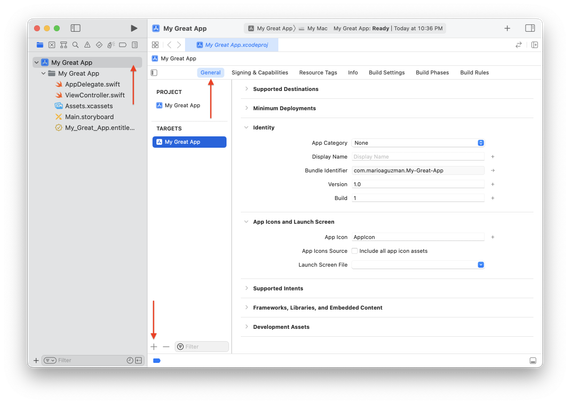
 PUPUWEB Blog
 Crook 🍕 ☕ 🐕
 Brian Gerfort🇺🇦