The hero area at the top of the Letterboxx app page shifts through different parts of the experience as you swipe — Dashboard, reading, highlights, clean view, diagnostics, backups, and more — with the entire scene and gradient adapting along the way.

I wanted the site itself to feel a bit like exploring the app.

https://letterboxx.app

#macOS #IndieMac #WebDesign #UX #design

I didn’t want the Letterboxx site to feel like a static feature checklist, so I started building these little interactive preview environments where the entire scene changes depending on what you explore.

Still polishing all of it, but this kind of tactile, playful interaction feels very true to the spirit of the app.

https://letterboxx.app

#macOS #IndieMac #UX #WebDesign #design #IndieDev #macapps #ui

One of my favorite details on the Letterboxx site is that the feature cards aren’t static — they subtly react when you hover over them, and you can pull them up out of their little pockets to expand the full view.

I wanted the whole thing to feel a little tactile and playful instead of just being another flat marketing page.

https://letterboxx.app

#macOS #IndieMac #MacApps #Newsletter #IndieDev #UX #MacApps #Design

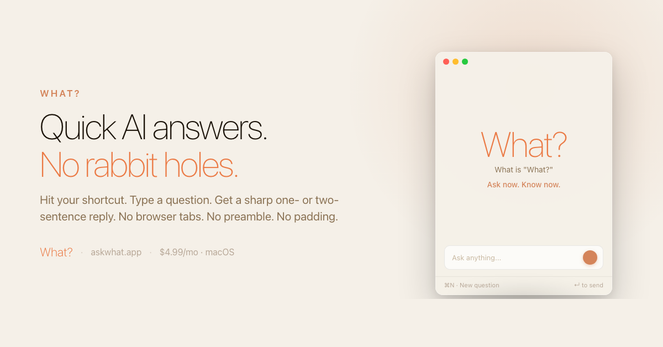
Leave it open all the time. Park it on the side of your desktop and tap it the moment a question hits.

One question → one answer → back to work.

No tabs, no rabbit holes.

https://askwhat.app

#macOS #IndieMac #Productivity #AI #SmallWeb #MoneySaver