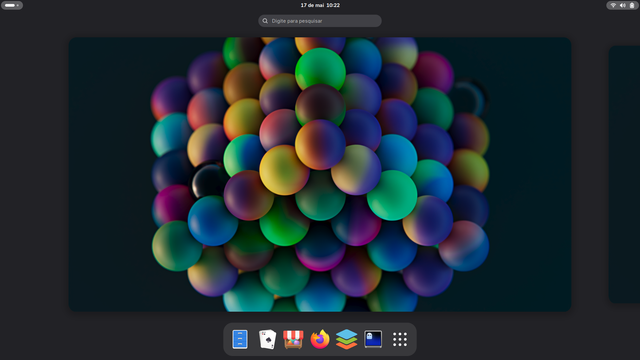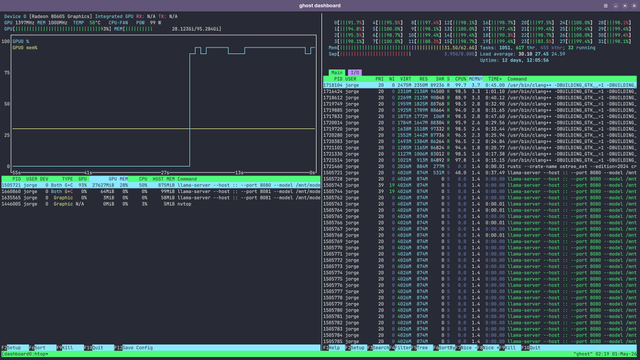
After updating to systemd 260 on #gnomeos, we had a few hiccups with GNOME Software and sysupdate. The main issue being the system getting stuck to a version and never telling the user there is a newer version available. If you are using GNOME OS, you should check if the version is at least "nightly.1034493" (Settings -> System -> About -> Operating System Build). If it is older and Software does not find a newer version, open a console and run `updatectl update`.

RE: https://hachyderm.io/@jorge/116400660942383418

To me this is the coolest thing! Can't wait to daily this.

#Bluefin #GNOMEOS #GNOME

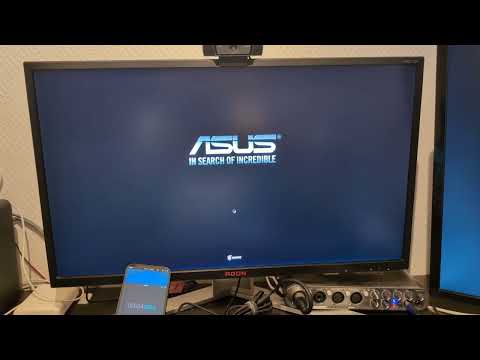
GNOME OS's systemd-repart built DVD booting under 10 minutes on real hardware. Soon available in systemd 261! https://youtu.be/AWBVCl0RatU #dvd #asmr #gnomeos #systemd #retrocomputing #uefi #speedrun
GNOME OS booting on from a DVD under 10 minutes

YouTube

It's pretty cool how useable GNOMEOS is nowadays. Apart from the issue I had earlier when combining multiple NVMe drives, everything's been smooth sailing so far.

Will stick to Fedora at work, but the idea right now is to keep using this on my daily driver on my personal machine. (Last summer I tried it for a month)

#GNOMEOS #GNOME

I just decided to give GNOMEOS another goal as daily driver on my main machine.

So far after a relatively fresh install, `updatectl` seems to be broken. Might be related to the fact that I added a second device to my btrfs lvm? (Not sure why, but that's the only major thing I changed after a fresh install)

Anybody familiar with this issue? Otherwise I'll just file a bug.

#GNOMEOS #GNOME #updatectl

At the recent boiling the ocean I've been bullied into installing #GNOMEOS on my laptop.

Let's see how it goes :)

GNOME 50 looks dope.

Man, something like a GNOME ID for sync stuff like preferences, extensions, installed flatpaks etc. would be so cool.

#GNOME #GNOMEOS #Bluefin

Running #Bluefin as my daily OS is so good! I really want to go #Dakota (Bluefin fully based on #GNOMEOS) when its ready. To me that's the best idea of an OS for people that love #GNOME, like me.

It's been a lot of fun using Gnome OS as my main and only OS for the last 9 months!

But I'm starting to miss being able to use my dedicated GPU – especially now that I've started working a bit with video. And unfortunately Gnome OS does not support the proprietary driver needed to use my Nvidia GeForce GTX 1050.

So I'm on the lookout for my next OS. Recommendations appreciated, if it runs Gnome and you know for sure it supports the GTX 1050!

#gome #GnomeOS

Issues I'm having with Gnome 50 that I think should be fixed before the beta is over and stable is released:

- System Monitor crashes a lot: https://gitlab.gnome.org/GNOME/gnome-build-meta/-/issues/1227
- If I ever suspend the PC all options to log out disappears: https://gitlab.gnome.org/GNOME/gnome-build-meta/-/issues/1212
- When logging in after booting my laptop, with the lid closed and an external monitor connected, the whole system is unusable and I have to hold the physical power button to restart. https://gitlab.gnome.org/GNOME/gnome-build-meta/-/issues/1246

#Gnome #GnomeOS

System monitor crashes on losing focus (#1227) · Issues · GNOME / gnome-build-meta · GitLab

I don't know if this is a GNOME OS issue or a System Monitor issue, but since I couldn't find an issue about it on the System Monitor...

GitLab