So I finally got around to experimenting with Qubes and in the process, uncovered yet one more reason to despise #systemd
There is a unit / service, rc-local, that has the sole job of executing /etc/rc.d/rc.local should it exist and be marked executable.
I like to use the console, and I like to be able to read the font. I like to remap my caps lock key to be control.
So I dumped the loadkeys and setfont commands in /etc/rc.d/rc.local and rebooted.
Only to find out that rc-local had aborted, because... In graphical mode, it has been decided, by someone, that there should be no need to 'setfont'.
Someone decided, in their infinite wisdom, that in graphical mode, nobody would /ever/ use CTRL-ALT-F2 to switch to a virtual terminal.
I threw my hands up with #Qubes, and ran into some other issue that I since resolved -- dom0 has no network, therefore I can't clone my configs to it, but realized I could create a vdisk that would be accessible by one of my users in a separate VM.
The issue with #Fedora 40 and systemd being a part of dom0 was ultimately the deal-breaker, which has lead me down the path of figuring out how to more or less re-implement the Qubes approach on Slackware.
To my great joy, someone has compiled an excellent guide for how to install and configure #Slackware to be a #dom0 for #Xen.
My plan for #Slubes is coming together better than I'd hoped.
https://pub.nethence.com/xen/slackware
 Andreas Moor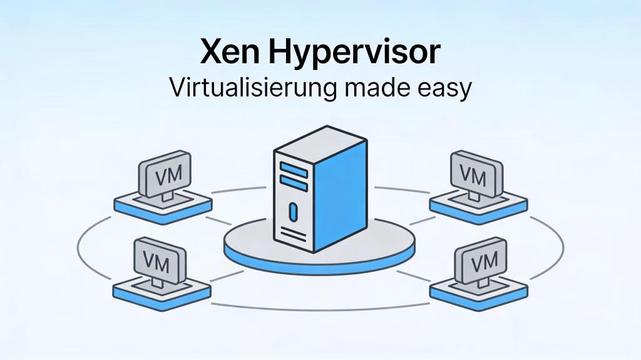
 Aho
Aho Alex
Alex Pope Bob the Unsane
 Axel 🚴😷🐧🐪⌨ | #WeAreNatenom
 aaron ~#