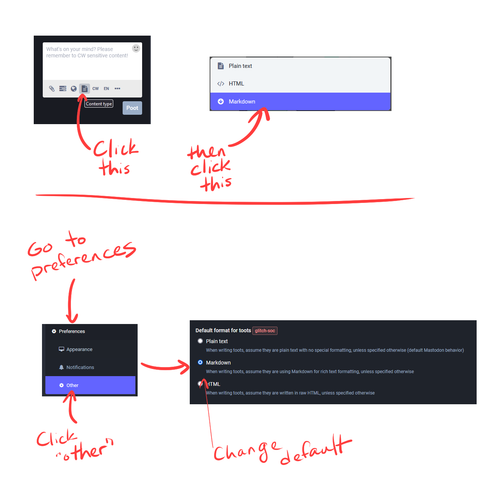
A reminder to all the new babs here on Cubhub: you can create posts with Markdown here. That means you can do bold text, italic text, linked text, and a few other things.
To enable markdown in your posts, you can do it (in the default web browser) by clicking on the "content type" button in the post editor and changing it to "Markdown." An important note: Markdown is not supported by most Mastodon mobile apps, and not every instance supports it. It works on Cubhub, but not everywhere. The reasons for that are technical and best left to others to explain; I'm just setting the expectation.
THAT SAID, a lot of mobile apps will still render your markdown if you go into your account settings (in browser) and set markdown as your default post type. Go to Preferences > Other > Default format for toots, then set "Markdown" as the default option.
If you're unfamiliar with markdown syntax, here's an easy cheat sheet.
#FediTips #NewUsers #CubHub
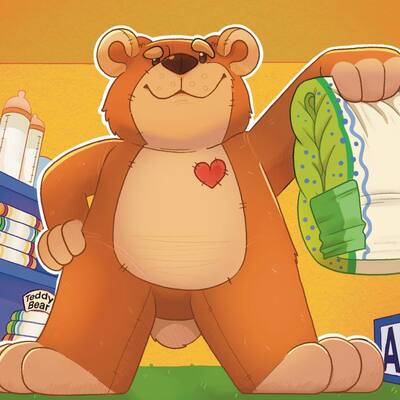 Little Troubles TCG
 Mewish Artist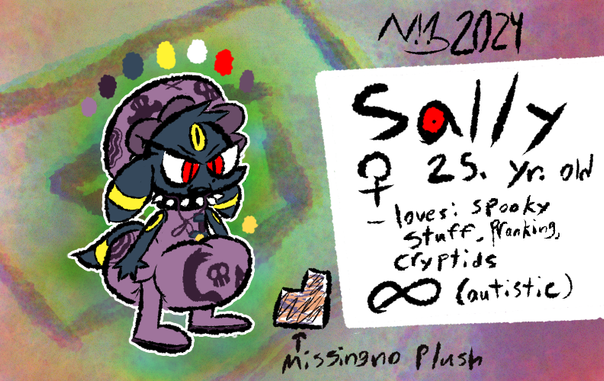
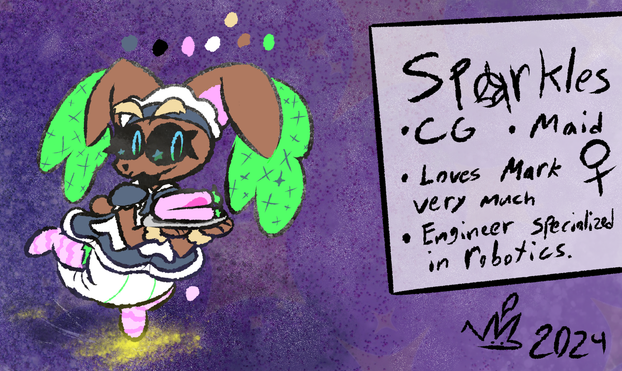


 Rusty Corgi
 I also personally follow the
  If you're posting art or stories, you should definitely include a hashtag for what content is featured in it.

 If so, what do you use?
 Miles
Miles
 Tony
Tony Alioth Fox (but you can call me Daddy~)