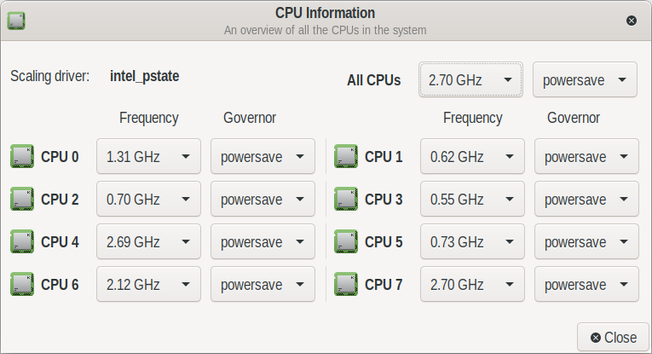
Finished a complete re-write of the xfce4-cpufreq plugin to make it active.
Battery life extended behind my wildest dreams.
Hopefully the code will be merged to mainstream for all to enjoy.
before & after:


| WWW | https://4zg.co |
| Github | https://github.com/z4ziggy |
Finished a complete re-write of the xfce4-cpufreq plugin to make it active.
Battery life extended behind my wildest dreams.
Hopefully the code will be merged to mainstream for all to enjoy.
before & after:
In a blog post, Google’s #ProjectZero head #TimWillis said the in-house security researchers found and reported 18 #ZeroDay vulnerabilities in #Exynos modems produced by #Samsung over the past few months, including four top-severity flaws that could compromise affected devices “silently and remotely” over the cellular network."
#Google warns users to take action to protect against remotely exploitable flaws in popular #Android | #Mobile | TechCrunch
https://techcrunch.com/2023/03/16/google-warning-samsung-chips-flaws-android/
Yesterday's Linux DFIR command line trivia asked for a command to copy all files owned by user "hal" from one directory to a new directory while preserving the original directory structure.
@barubary checked in with the "all find" solution:
cd srcdir
find . -type f -user hal -exec cp --parents -t /path/to/target {} +
Props for leveraging the "-t" (target directory) and "--parents" options (recreates the original directories in the target).
@regnil went with the "tar copy" version:
cd srcdir
find . -user hal | tar cf - --files-from - | (cd /path/to/target && tar xf -)
"--files-from -" has "tar" reading the file names from the standard input and spewing out a tar file with the named files. Then in a subshell we "cd" to the target directory and unpack the archived files being shoved at us on the standard input.
Of course old school me always returns to the classics:
cd srcdir
find . -user hal | cpio -pd /path/to/target
This is pretty much the only remaining use case for "cpio", but it's a good one. Now you kids get off my lawn!
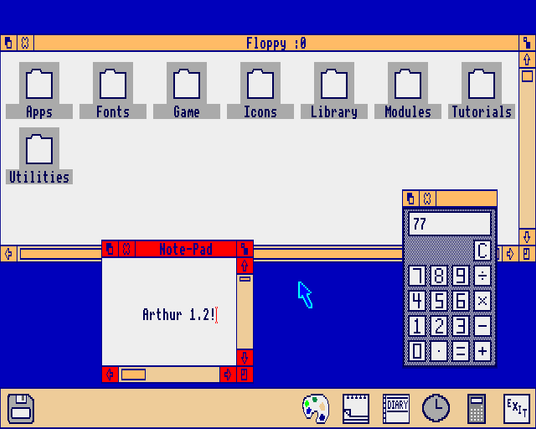
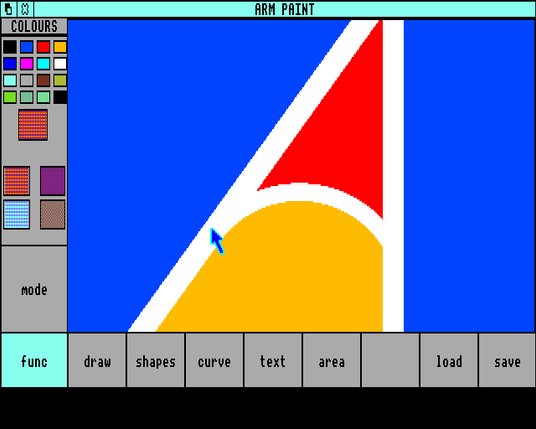
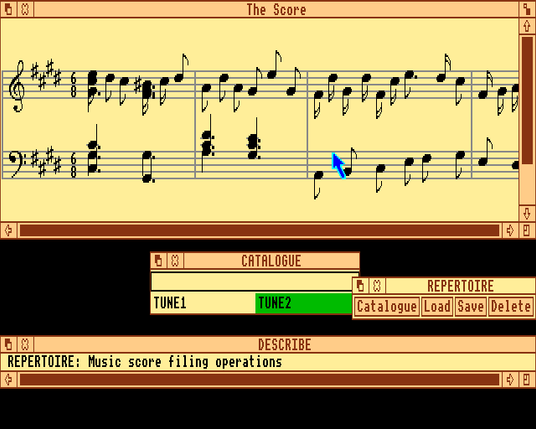
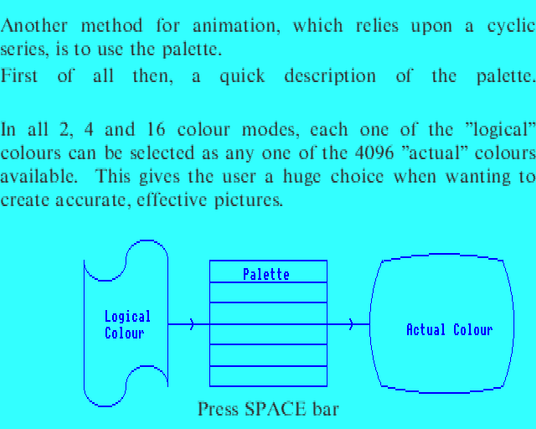
Try out the original ARM OS, Arthur, on an emulated Acorn Archimedes A310, running in your browser!
https://archi.medes.live/#preset=a310-arthur&disc=arthur-welcome
Arthur was a precursor to the better-known RISC OS. Its desktop GUI is written in BASIC and was originally intended as a demo to show how a WIMP-style interface might work, but Acorn decided to ship it as part of the Arthur ROM - gaudy colours, bugs and all.
Click the floppy icon to browse the Welcome Disc that came with the Archimedes and try out some of the apps designed to show off the blazing-fast 8Mhz ARM2 RISC CPU.
#REUnziP: Re-Exploiting #Huawei Recovery With #FaultyUSB

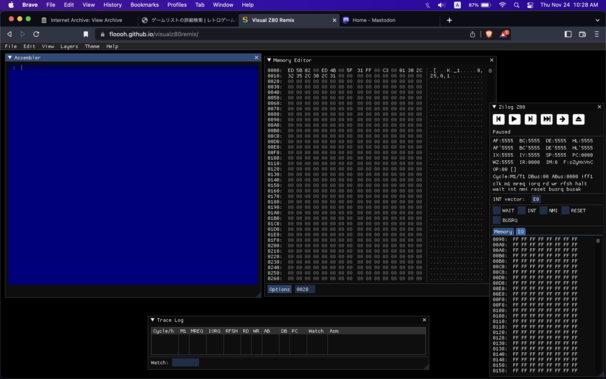
Need a #Z80 simulator IDE with a decent GUI? Try Visual Z80 Remix:
https://floooh.github.io/visualz80remix/
Consider disabling the background layers for a more efficient environment!

 Norobiik @
 Hal Pomeranz
 Daniel Cuthbert
 Archimedes Live!
 K.C. Budd
 RetroDevDaemon
 Amit Serper