e̸̢͛n̵t̷r̸o̵p̸y̴ ̶͔̈pl̵a̴͊i̷ d

@x_0
51 Followers
62 Following
142 Posts

#b3d / #unrealengine / the forest / the mountains / verts / shaders / nodes / pixels / waveforms / grub / analog / digital

buffering...

Supporthttps://ko-fi.com/x___0
3Dhttps://785f30.gumroad.com/
Masto@x_0
@RickiTarr lmfao xD!
@hq same. also making sure it's not set to local only.
@mcnees xD!!!!!!!!

Shatter Cut is a free blender addon for randomly slicing faces. 🙂 #b3d #blender3d

https://kushiro.gumroad.com/l/jprjug

Shatter Cut (blender addon)

Shatter Cut is a simple tool for slicing your selected faces randomly. It slice random face on random edge, 90 degree perpendicular to the opposite edge. It is a very simple random pattern, but it can be extended by other modeling methods such as extruded or inset.This tool is useful for creating Sci-Fi style surface and greebles. It can be used for making spaceship or Sci-fi style background decorations.This tool works for curved surface or sculpted mesh. It just randomly pick faces and slice cut.The tool has setting for "Minimum distance", it can limit how far the faces to be cut. It can be used to create different styles.UsageBlender Edit mode > select facesRight click in the 3D view port, select Shatter Cut at the bottom of the Context Menu.You can open the Setting menu at the Left-bottom of the screen.There are number of cuts, random seed, and the minimum distance settings.This is a very simple random face-slicing tool. It does not have options for controlling the pattern. For more advanced greebles tools, you may consider @blenderguppy 's Random Flow which offer more functionalities.This is a free addon. Hope that you enjoy it and found it useful : )https://twitter.com/kushirosea

Gumroad
Easy Particle Effect in Eevee | Blender Tutorial

Gleb Alexandrov writes…

BlenderNation
@cjrando yeah Musgrave. this is the way. I've been working on a planet myself. there's a lot going on but several Musgraves are really doing all of the lifting.
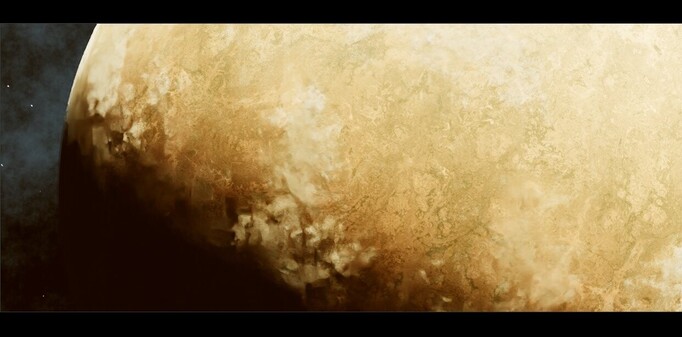
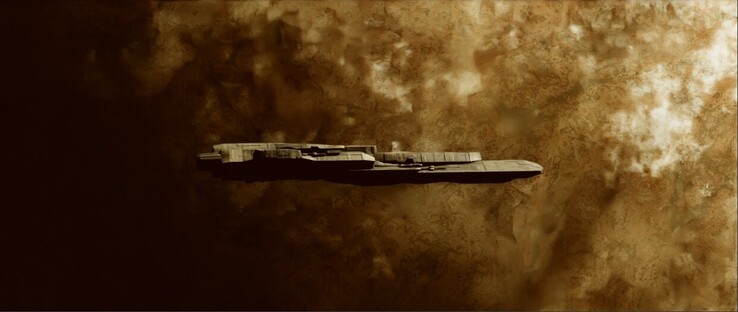
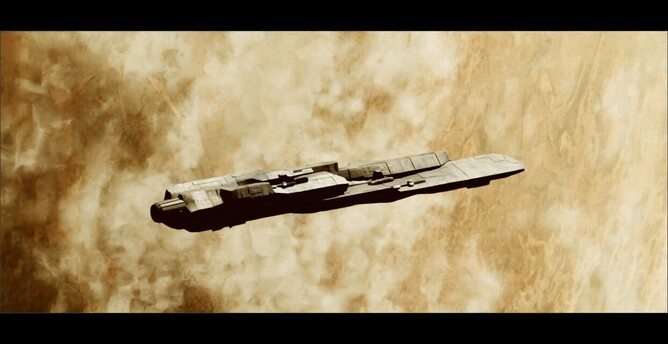
started work on the procedural planet and made some ship hull shader tweaks. onward. #b3d #blender3d #IndieGameDev
@cjc thanks. yeah me too haha. things are...happening? there's a lot to work through. one step at a time. i'm just pretty impatient to see evidence of efforts/change/etc. thanks again👍
HUD element concept detail from a while back tracking an organic form zooming around #b3d #blender3d #indieGameDev