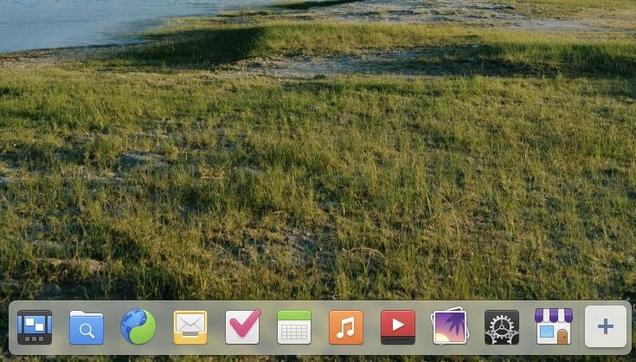
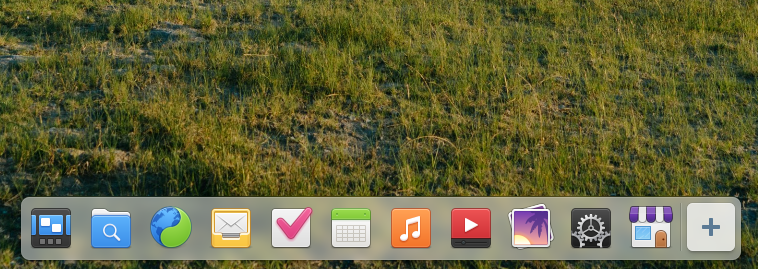
When we did our desktop survey, 98% of you said you change at least a few of the items on the dock. So, what’s pinned to your dock? Feel free to share screenshots :)

| Website | https://elementary.io |
| GitHub | https://github.com/elementary |
| Report an Issue | https://docs.elementary.io/contributor-guide/feedback/reporting-issues |
| Get Help | https://elementary.io/support |

Special thanks to Laptop with Linux for sponsoring our blog post. They had this to say:
"Laptop with Linux offers laptops and desktops that are perfectly tuned and optimized for use with various Linux-based operating systems and ships worldwide! They aim to make switching to Linux accessible for every computer user by increasing freedom of choice. Buy a laptop pre-installed with elementary OS 8.1 now!"
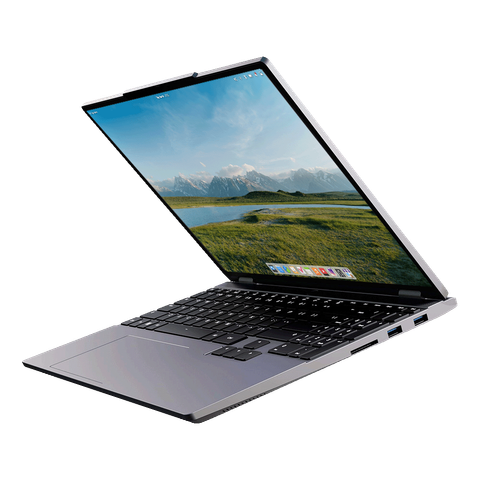
elementary OS 8.1 is available as a pay-what-you-can purchase at https://elementary.io now! Localized direct downloads and a torrent magnet link are provided.
OS 8.1 will receive additional feature and bug fix updates on a monthly schedule that will be reported on here and on our blog, so stay tuned for even more updates in the future!

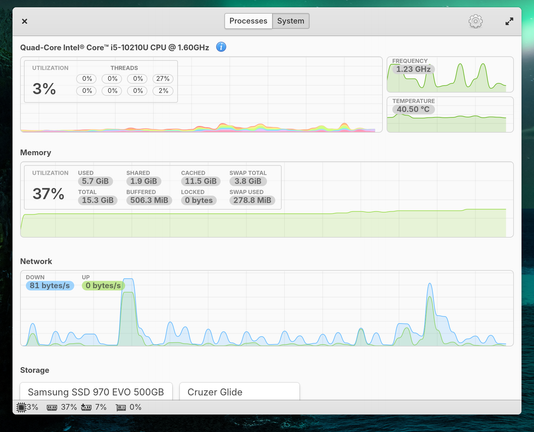
A system monitor app has been one of the top requested default app additions for quite some time, and we now ship with one!
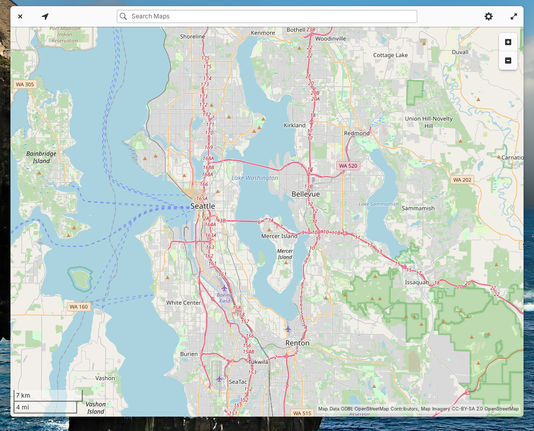
We’re also now shipping Maps, which currently covers the basics like Explore and Transit maps, showing your current location, searching for locations, and handling `geo://` uri links. Plus Application settings now has a setting to select your default Maps app.
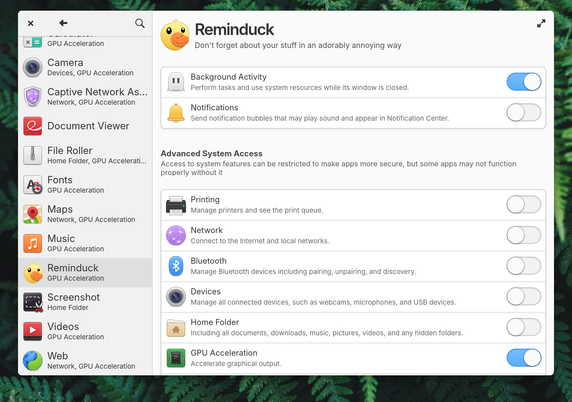
In OS 8.1, you can now directly deny access for apps to send notification bubbles in System Settings → Applications alongside other app permissions
In AppCenter we now show a simple percentage-based app rating when ratings are available from ODRS—the same ratings server used by apps like GNOME Software. When developers provide screenshots for multiple platforms, we now show you the ones intended for elementary OS. We’ve added support for app addons, and we now show when a game supports playing with controllers
