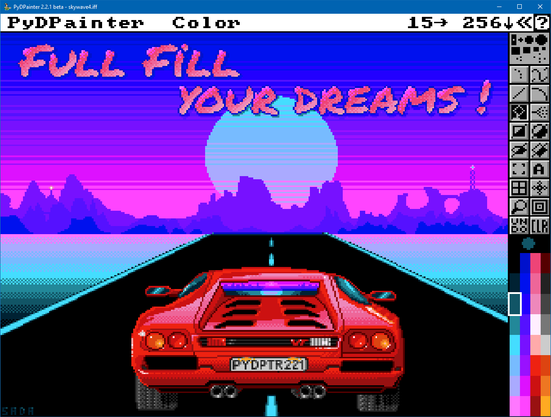
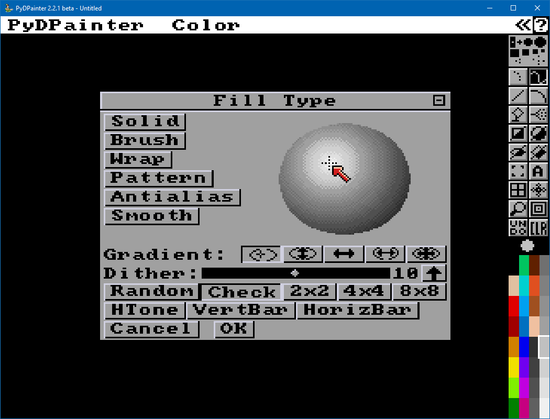
RE: https://mastodon.social/@amigagraphics/116439082790588281
Again a lot of amazing .iff files to learn and study color cycling into PydPainter !
Hit tab !

| Home Page | http://pydpainter.org |
| Github | https://github.com/mriale/PyDPainter |
| Latest Release | https://github.com/mriale/PyDPainter/releases/latest |
| Pygame Page | https://www.pygame.org/project/5157 |
RE: https://mastodon.social/@amigagraphics/116439082790588281
Again a lot of amazing .iff files to learn and study color cycling into PydPainter !
Hit tab !
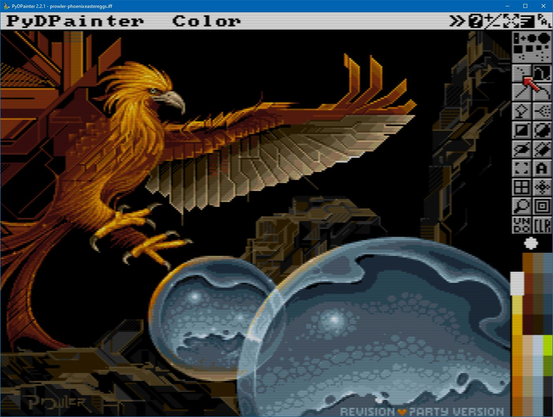
RE: https://mastodon.gamedev.place/@Deivore/116448529895947216
Not made in PyDPainter, but can be. For gorgeous animated #PixelArt on 16 colors EGA style, follow @Deivore !
TIPS: I use a Order: 5 Cyclic Symmetry to draw a star in 2 clicks with Line tool.
I use Tile Symmetry with a Width and Height a little larger to my Star brush to repeat the star as tiles.
I use an N Total of the number of frames (#22), with my star as Brush, Tiles on, with Animpainting on (ALT), to draw the animation from it's up right future position. It draw all the stars on all the frames moving up and right. Then I just have to delete the last frame (22) to turn the animation to a loop.