@PyDPainter

133 Followers
12 Following
150 Posts
A usable pixel art program written in Python inspired by Deluxe Paint on the Amiga. Free and open source. Run on Linux, Windows and macOS.
#pixelart #DeluxePaint #Dpaint #Pygame
Home Pagehttp://pydpainter.org
Githubhttps://github.com/mriale/PyDPainter
Latest Releasehttps://github.com/mriale/PyDPainter/releases/latest
Pygame Pagehttps://www.pygame.org/project/5157
**Revision 2026 Oldskool Graphics** is over with downloadable files ! Learn from the best pixel artists !
Click on the picture name, then Download (scene.org)
https://demozoo.org/competitions/20763/ the .iff file and load it into PyDPainter.
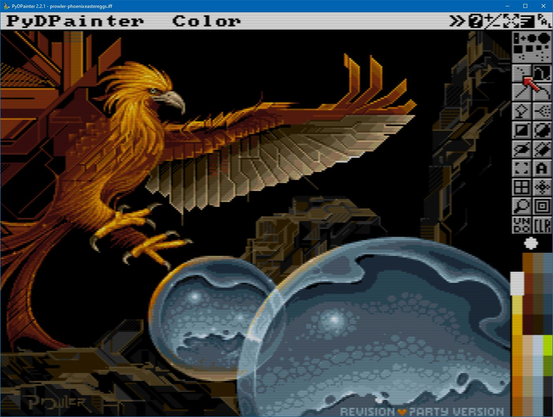
Happy Easter to you all !
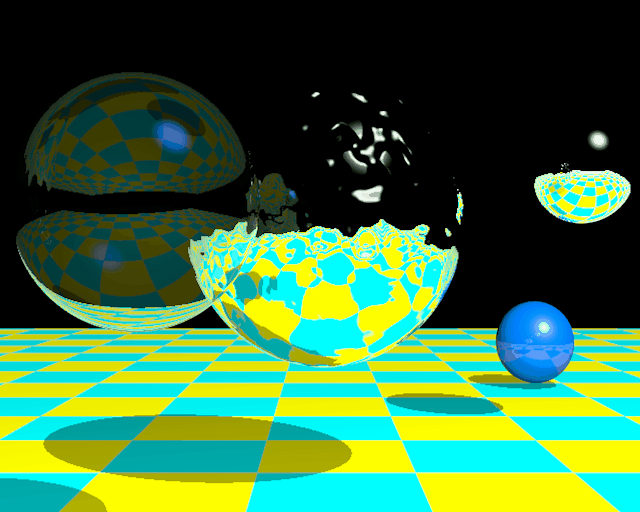
(obviously not created in PydPainter but still an vintage 3D render).
New tutorial about all new gradients and dithering modes ! PyDPainter 2.2.1 tutorial in French by Stephane
https://youtu.be/khwbKfR3N0o?si=fQUuW7qCPEsGp_fi
Happy Painting ! 22 looping frames done with PyDPainter, the Dpaint legacy pixel editor and animator.
PyDPainter 2.2.1 𝗒𝗨𝗧 𝗑𝗒π—ͺ
Many new gradient and dithering options.
Please share the word for this #DPaint3 remake.
𝙁𝙍𝙀𝙀 π˜Ώπ™Šπ™’π™‡π™Šπ˜Όπ˜Ώ for PC/Mac/Linux
https://pydpainter.org/blog/2026/01/2026-01-26_Announcing_PyDPainter_2.2.1_with_new_gradients.md
#PixelArt #2Danimation #ANIM5 #PixelEditor
While waiting for 2.2.1 to release, learn theses new shortcuts for GRADIENT FILL:
SHIFT-F1 - Pattern
SHIFT-F2 - Solid
SHIFT-F3 - Circular
SHIFT-F4 - Vertical Fit
SHIFT-F5 - Linear
SHIFT-F6 - Horizontal Fit
SHIFT-F7 - Fit Both
SHIFT-F8 - Smooth
Now that we have plenty of *Fill Type* with options, we need a short key to quickly go back to a Solid fill.

Happy New Year PyDPainter fans !

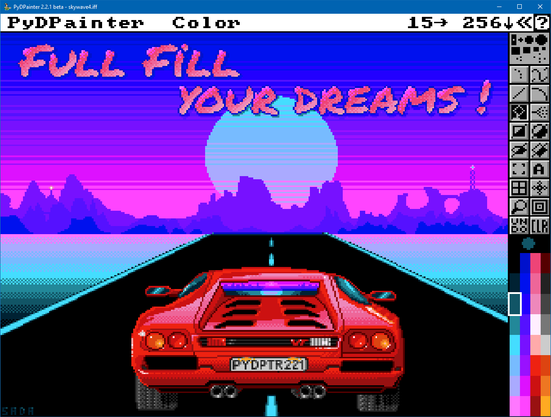
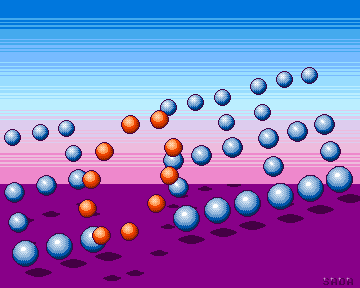
360x288 px, 24 colors. Made in 2.2.1 beta.

PydPainter 2.2.1 update is coming soon !!!
The crazy one in charge of PyDPainter documentation did it again. He want to cut the name !
Featuring some of the new gradient mode and dithering.
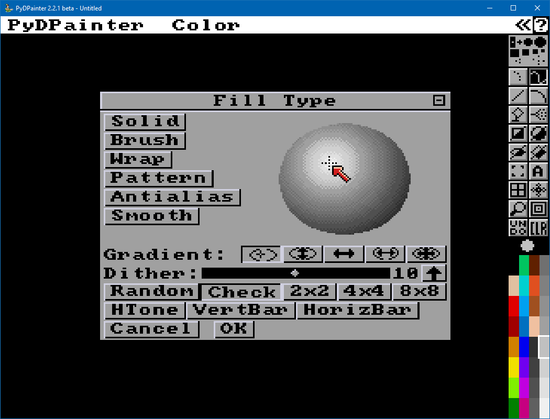
Mark finally got some time this weekend to add circular gradient fill to #PyDPainter so you can draw spheres now. The crosshairs can be dragged around to where you want the center to be. This is currently only in the develop branch.
https://github.com/mriale/PyDPainter/tree/develop. click the Green <code> bouton, Download ZIP.